Wix Design Mini Cart Building Websites With Wix Codecademy Wix Website Development Company In Indore Responsive Designs 20 Best Wix Blog Templates Examples Create A Blog On Wix Digital How To Customize Mini Cart Page On Wix Website YouTube WIX easyPRO4 Mini Easy Vertical Electrophoresis Cell Click the Add to Cart button in your Editor Click Settings Click Design Select a button style Select a button color and drag the slider to adjust the opacity Select a border color and drag the slider to adjust the border width Drag the slider to make the corners rounder or more square Select a text color or font
To customize your cart icon Click the Cart icon in your Editor Click Settings Click the Cart Icon tab Choose how to customize your cart icon Select a new look for your icon Customize the icon s colors font or text Tip Available options vary based on the icon you select Note This affect all the body text in the Cart page Customize the font and color of the link when cart has products Edit the link font Click the Design tab Under Body select a new font Edit the link color Click the Design tab Click the Links color box and select a new color Note This affects the color links in the Cart page
WIX easyPRO4 Mini Easy Vertical Electrophoresis Cell Wix Logos Download Wix Website Template Boho Coach Wix Web Design Neutral Etsy Australia Blog Website Templates Riset EL INFORMATORIO Debbie Wix Replica Las Tendencias De La Moda De Verano Wix Stores About Your Storefront Help Center Wix Wix Web Design Brisbane Sydney Melbourne Australia Wide WIX easyPRO4 Easy Mini Vertical Electrophoresis Cell Syaf Unica Indonesia Wix Website Template Aesthetic Design Creative Market
Wix Design Mini Cart
 Wix Design Mini Cart
https://content.codecademy.com/courses/wix/introduction/wix_templates.png
Looking for the basics on how to edit the look and feel of your store cart in WIX This short and sweet WIX tutorial has you covered I m opening up my tutor
Templates are pre-designed documents or files that can be used for numerous purposes. They can save effort and time by providing a ready-made format and layout for developing various sort of content. Templates can be utilized for individual or expert tasks, such as resumes, invites, leaflets, newsletters, reports, discussions, and more.
Wix Design Mini Cart

Website Design Inspiration On The Wix Platform Wix Website Design

Wix Logos Download

Wix Website Template Boho Coach Wix Web Design Neutral Etsy Australia
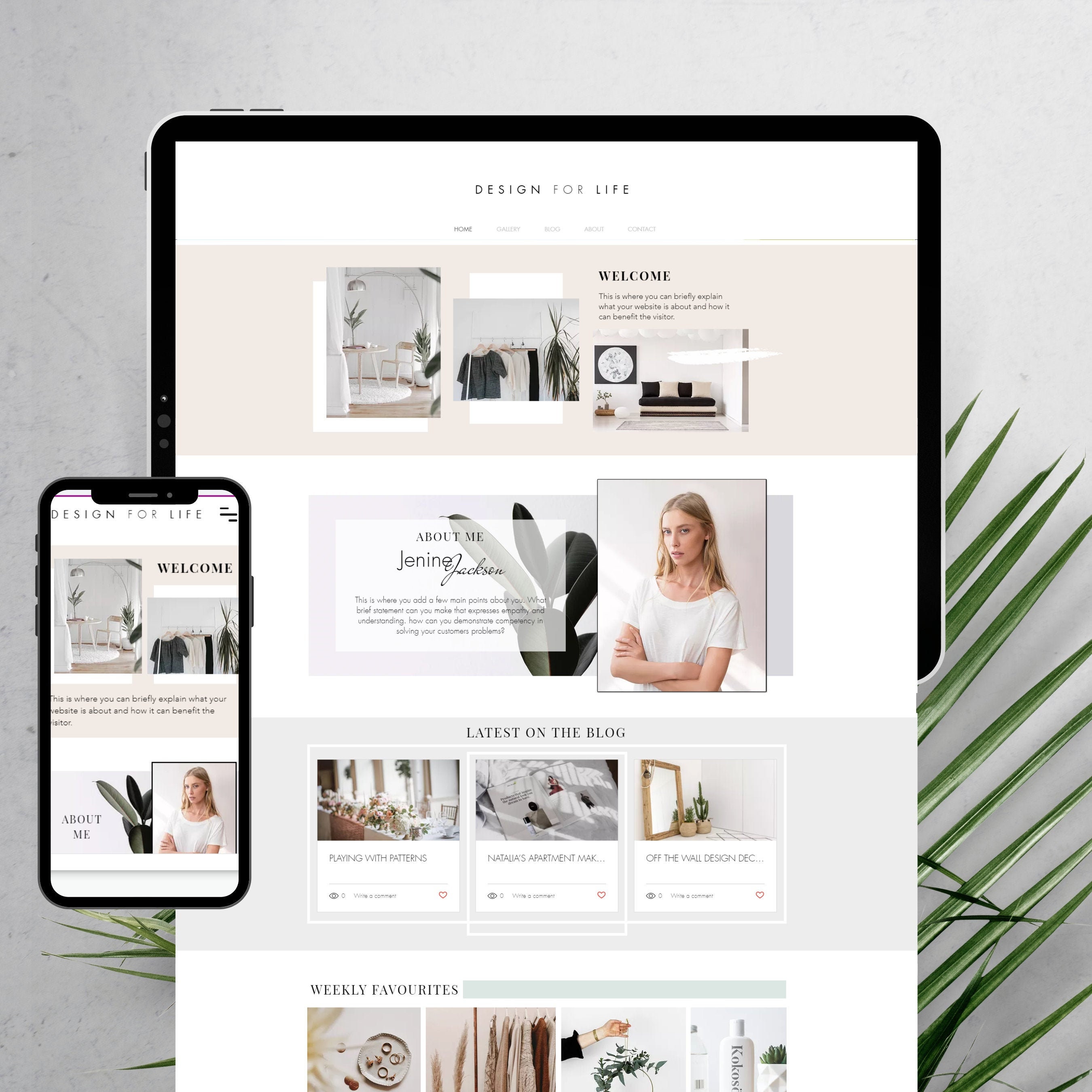
Blog Website Templates Riset
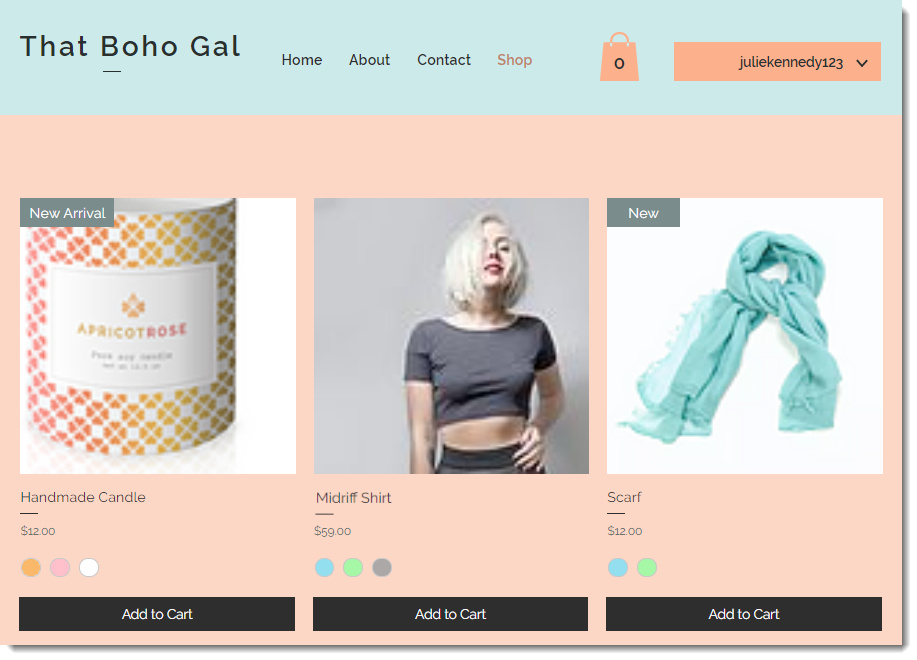
Wix Stores About Your Storefront Help Center Wix

Wix Web Design Brisbane Sydney Melbourne Australia Wide

Go to a shop page Select an item add it to your Cart and click to view the cart Click Back to Editor in the top right corner to return to editor mode 3 Click the Cart in the Editor 4 Click Settings 5 Click the Settings tab

About Press Copyright Contact us Creators Advertise Developers Terms Privacy Policy Safety How YouTube works Test new features NFL Sunday Ticket Press Copyright

Open Mini Cart Mini cart opens on the side of the screen Go to Cart Page Customers are taken directly to the cart page Stay in Product Page Customers stay on the Product Page The button displays a checkmark to indicate that the product was successfully added Customize the Buy Now button Click the Buy Now toggle to enable it

To edit your mini cart simply go to the Shopping section of your Wix editor and click on the Mini Cart tab From here you can change the color size and style of your mini cart as well as add or remove items GREAT NEWS Exciting update We ve collaborated with Wix to offer WBI users with a free plan for all website creation

I would like to add an additional button to the mini cart but I can t find any way to edit it is this possible Wix Studio Community forum How to modify mini cart layout Discussion Ask a question design marcin kotz November 18 2021 12 05pm 1 I would like to add an additional button to the mini cart but I can t find any way to
To customize your cart page go to the My Account section and click on the Shopping Cart tab From here you can change the color scheme font and layout of your cart page You can also add or remove fields from your cart page such as the Comments field GREAT NEWS Exciting update We ve collaborated with Wix to offer WBI To do this go to the Settings tab and click Cart Page Here you can edit the text colors and layout of your cart page You can also add a custom message to your cart page To do this click the Add Message button and enter your message GREAT NEWS Exciting update We ve collaborated with Wix to offer WBI users with a free
Clasy Website Builders By admin January 11 2022 Customizing the Mini Cart Click the Cart Icon in the Editor Click Settings Click the Mini Cart Click Text to customize the Mini Cart text