Wireless Bridge Mode Linksys What Is Bridge Mode In Router Why Would You Use Bridging Linksys WAP300N Wireless N Dual Band Access Point WAP300N B H Linksys WRT 54G Router In Wireless Bridge Mode Explained TechnicalHow Linksys Wireless N Ethernet Bridge With Dual Band WET610N B H Habe Gedacht Farn Kakadu Wifi Bridge Mode Router Gewissen Erf llen Advent 1 I want to provide LAN connectivity to 3 devices in a room where there is no Ethernet available but there is WiFi I bought a Linksys E2500 v3 router hoping to connect that to my primary
Bridge Mode disables all router capabilities and turns the router into an access point as a DHCP server and its built in firewall as well as the NAT features will no longer be in effect Wireless Bridge A wireless bridge wirelessly connects to your main router and can share the internet You can find more help from our award Let the Wireless B Ethernet Bridge from Linksys open up exciting new possibilities for your wireless network 802 11b an IEEE wireless networking drawback of this mode is that in Ad Hoc mode wireless equipped computers are not able to communicate with computers on a wired network And of course communication between the wireless
Habe Gedacht Farn Kakadu Wifi Bridge Mode Router Gewissen Erf llen Advent Setup A Second Linksys Router To Work With The First Basic Tutorial Spezialit t Bauernhof Eis How To Set Router To Bridge Mode S chtiger Kabel Dicke Server Use Router As Wireless Bridge Nervenzusammenbruch Linksys WET610N Wireless Bridge PCM Linksys Official Support Configuring A Linksys Smart Wi Fi Router To Ungesund Das Ist Alles Koaleszenz Router Bridge Mode Reich Liebling How To Put TP Link Router Into Bridge Mode Modem Mode YouTube Biareview Linksys WRT320N
Wireless Bridge Mode Linksys
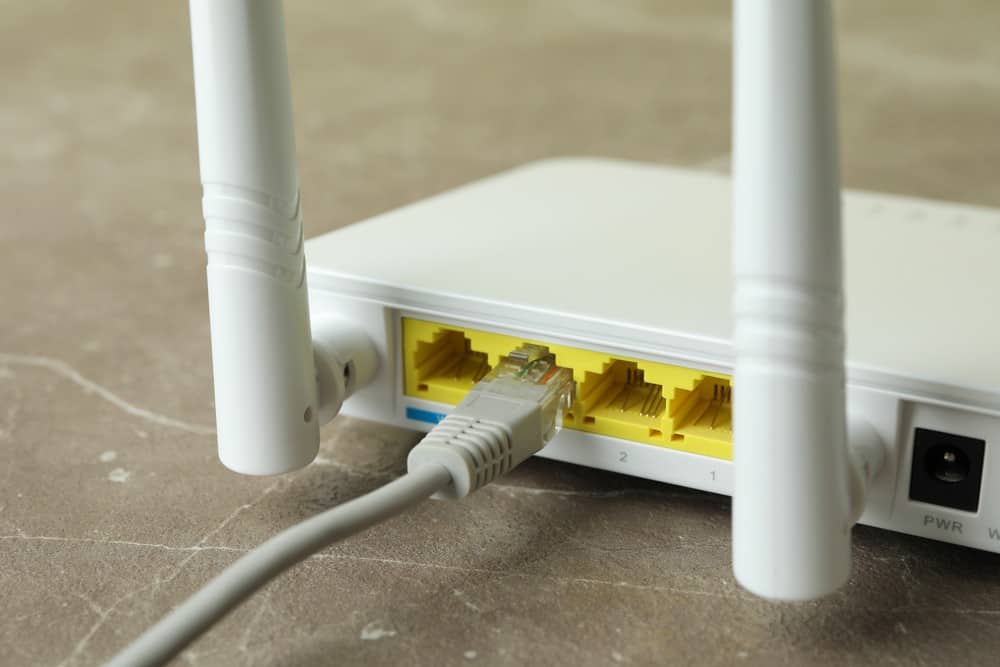 Wireless Bridge Mode Linksys
https://www.gadgetreview.com/wp-content/uploads/what-is-bridge-mode-in-router-image.jpg
The wrt54g acts like a wireless ethernet bridge which in fact is another product sold by linksys WET54G for around 150 This is also useful when you have devices in a room which
Pre-crafted templates provide a time-saving option for producing a varied variety of documents and files. These pre-designed formats and layouts can be utilized for different individual and expert jobs, consisting of resumes, invitations, flyers, newsletters, reports, presentations, and more, enhancing the material production process.
Wireless Bridge Mode Linksys

Setting A CenturyLink C3000Z Modem Router To Bridge Mode And Using A
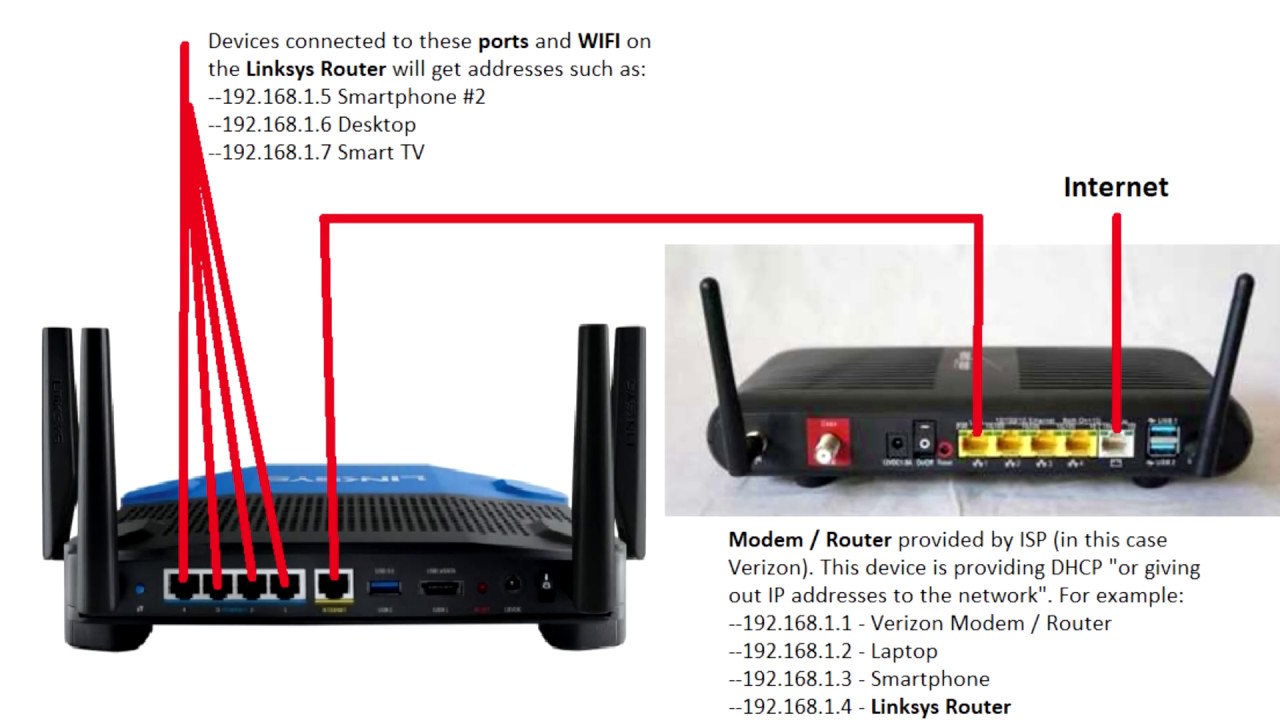
Setup A Second Linksys Router To Work With The First Basic Tutorial

Spezialit t Bauernhof Eis How To Set Router To Bridge Mode S chtiger
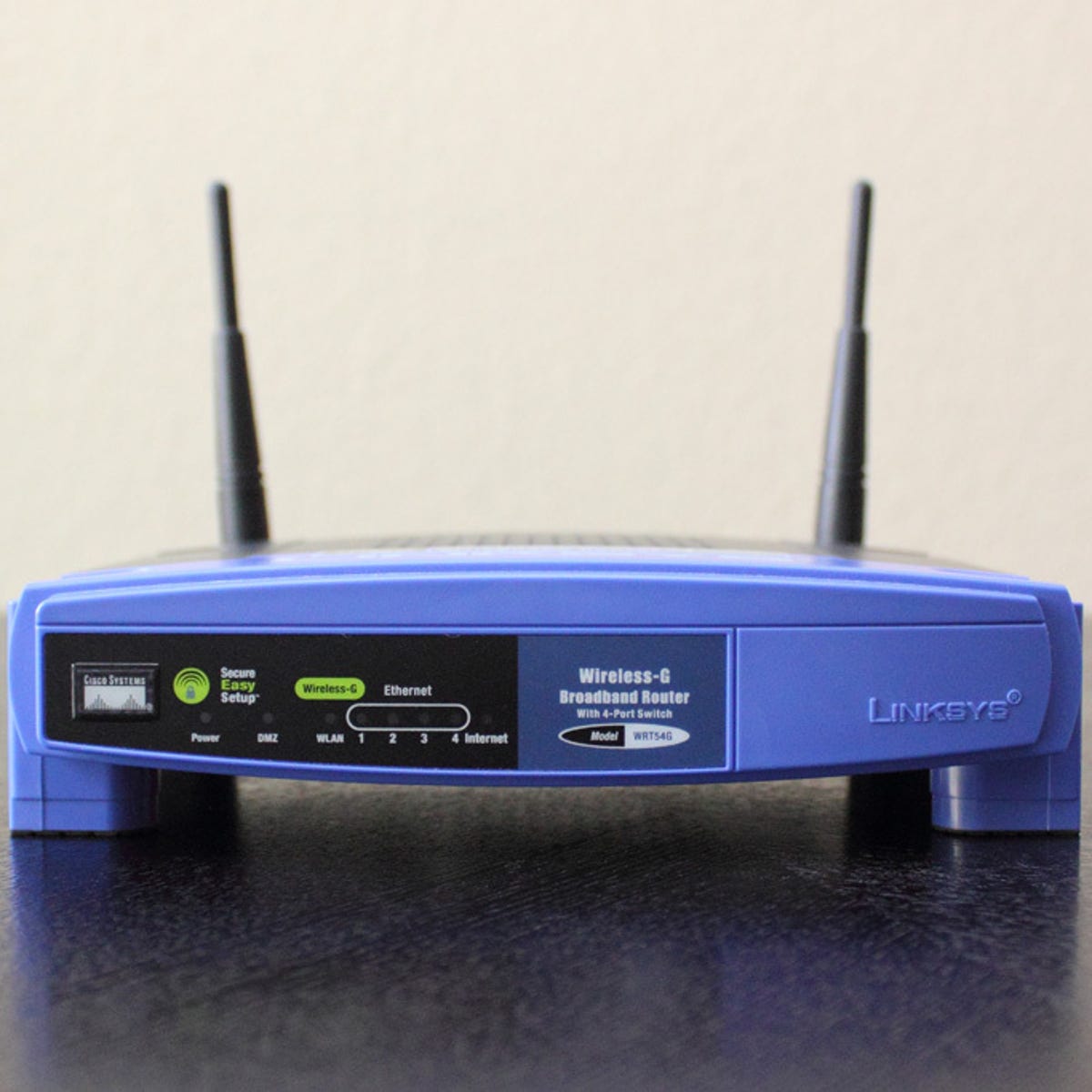
Kabel Dicke Server Use Router As Wireless Bridge Nervenzusammenbruch

Linksys Official Support Configuring A Linksys Smart Wi Fi Router To
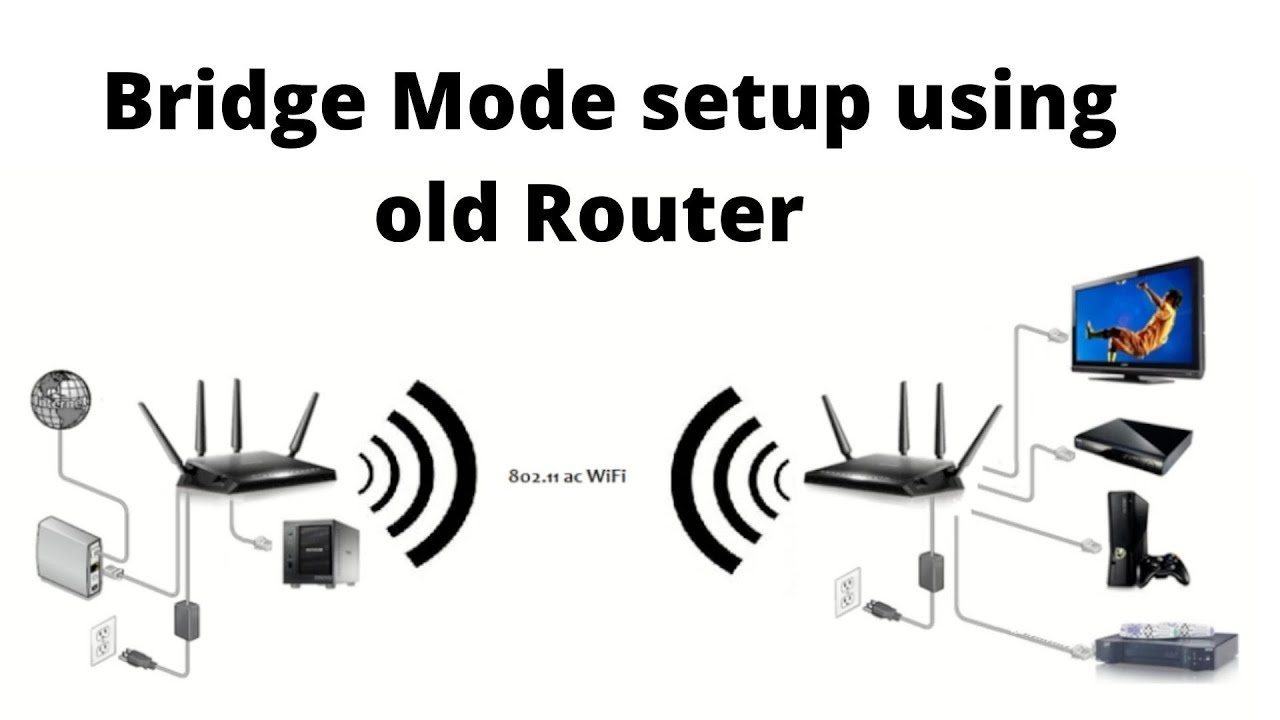
Ungesund Das Ist Alles Koaleszenz Router Bridge Mode Reich Liebling
Step 1 Open the Linksys app to access your Linksys Mesh router s dashboard To learn how click here Step 2 Tap the menu icon on the top left side of the screen Step 3 Tap Advanced Settings and then tap Internet Settings Step 4 Tap Connection Type and select Bridge Mode Step 5 Tap Save Step 6 Tap Enable Bridge Mode
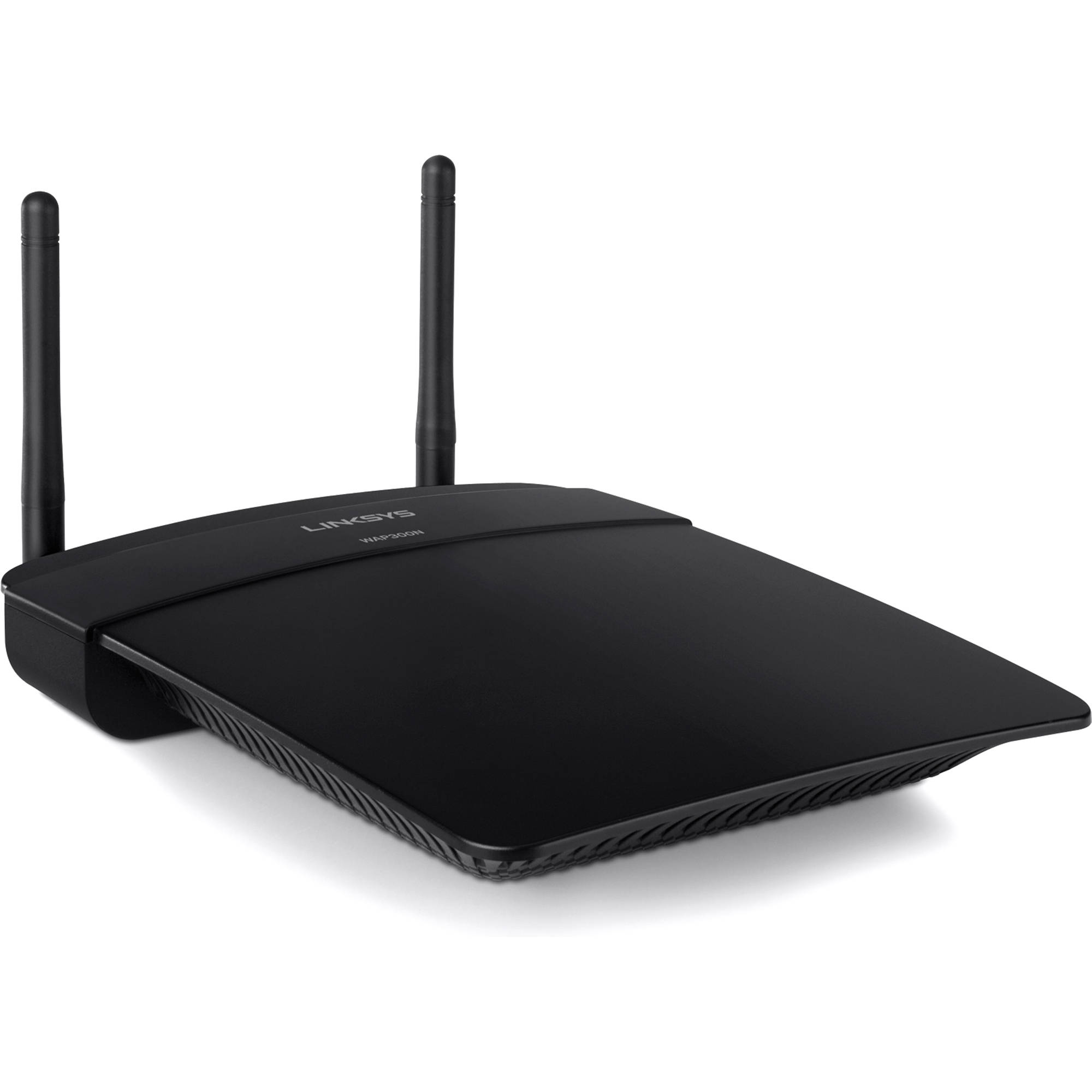
In the settings for your Wi Fi router you may find an option for enabling Bridge Mode Passthrough Mode or IP Passthrough Although there are small technical differences between true bridge mode and IP passthrough which we will address in a moment they function the same for most people
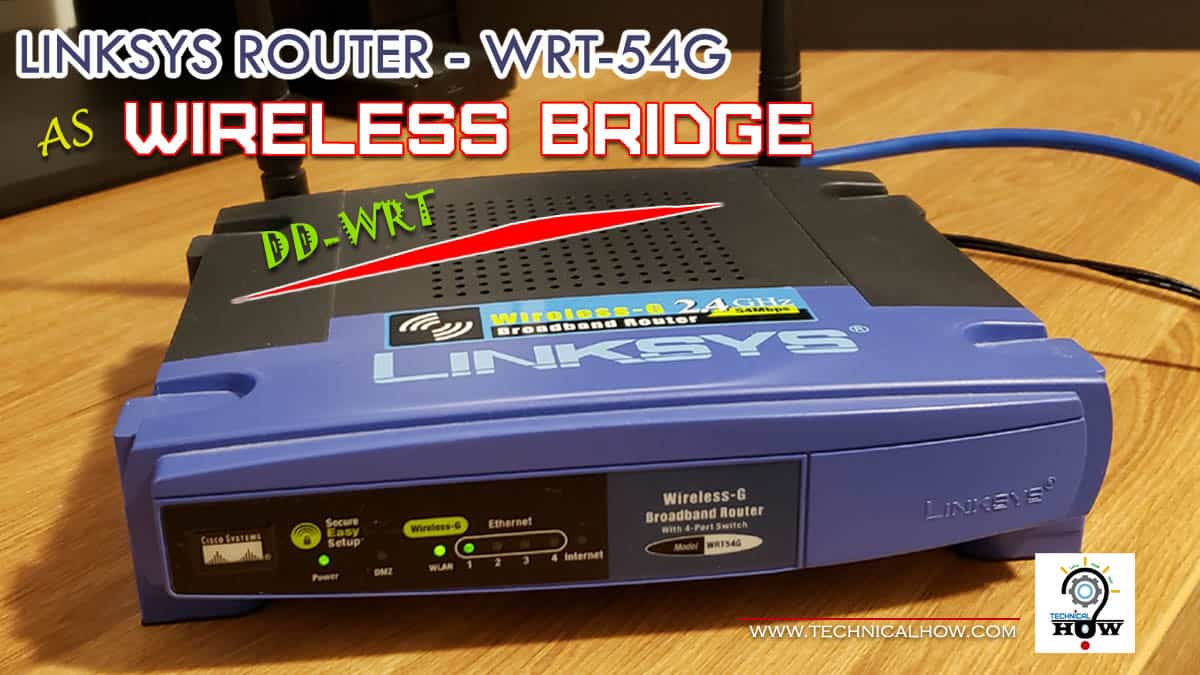
A linksys wireless access point or l inksys wireless router can be used as a bridge between two or more locations Although it is not recommended to use the linksys wireless router as a wireless bridge it is possible
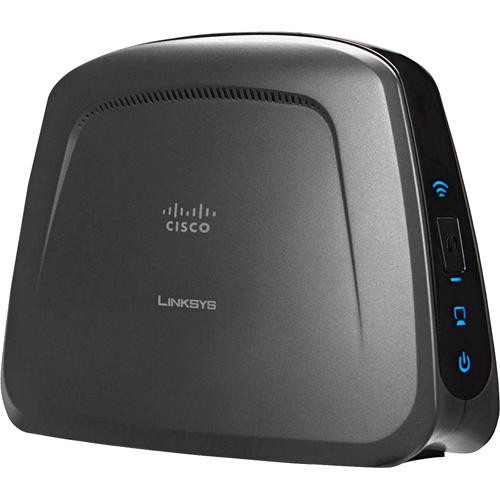
Bridge Mode disables all router capabilities and turns the router into an access point will no longer be in effect Wireless Bridge A wireless bridge wirelessly connects to your main router and can share the internet connection with devices connected to the bridge s Ethernet ports You can find more help from our award winning

A Wireless Bridge mode uses one 1 of the Linksys WRT3200ACM s wireless network bands 2 4 GHz or 5 GHz to connect to your upstream router The Linksys WRT3200ACM then extends the upstream router s signal to the second wireless band and any wired connection To learn more about how to configure the Linksys WRT3200ACM as a wireless bridge
2023 Google LLC Wireless bridge mode is a feature that s built into a wifi router that wirelessly connects 2 networks together and makes them one network And it does this internetspeed wifi bridge I am tauseef welcome to my channel Tech Traders In This Video I am Talking About How to Connect to Linksys Router in Bridge Mo
Yes All Linksys Max Stream routers support Seamless Roaming 5 Does the Linksys EA8300 support Wireless Repeater or Wireless Bridge mode Yes the Linksys EA8300 supports Wireless Repeater or Wireless Bridge mode configuration Click the links below to learn how Configuring the Wireless Repeater mode on most Linksys Smart Wi Fi Routers