Windows Tftp Client Command Line Linux TFTPboot Using Uboot TFTP Server On Windows Unix Linux Tftp Server For Windows Paasgi How To Install A Tftp Client In Windows Simple Help Updating Onboard Administrator Firmware From The Command Line Interface Tftp Server For Windows Snotom WEB It is very easy to enable the TFTP client and the Telnet client in Windows 10 All it takes is a few changes in the Control Panel and you would be able to access sites services or your
WEB In this step by step tutorial you ll learn how to set up and configure TFTP on Windows 10 how TFTP works and how to set it up on the client and server Let s get started WEB Tftpd64 is a free lightweight opensource IPv6 ready application which includes DHCP TFTP DNS SNTP and Syslog servers as well as a TFTP client The TFTP client and server are fully compatible with TFTP option
Tftp Server For Windows Snotom Tftp Windows 10 Command Line MySQL Client TestingDocs How To Enable TFTP Client On Windows 10 YouTube Best Ftp Client For File Management Blitzmokasin Btepapercax web fc2 Ftp Client Command Line Resume Windows Command Prompt TFTP Server For MacOS Mac egg Free Easy TFTP Server Client Windows YouTube
Windows Tftp Client Command Line
 Windows Tftp Client Command Line
https://i.stack.imgur.com/HFJK6.png
WEB Learn how to install the TFTP client on a computer running Windows in 5 minutes or less
Pre-crafted templates use a time-saving option for developing a varied range of files and files. These pre-designed formats and designs can be utilized for different individual and expert projects, consisting of resumes, invitations, flyers, newsletters, reports, presentations, and more, simplifying the content production procedure.
Windows Tftp Client Command Line

Windows Command Prompt
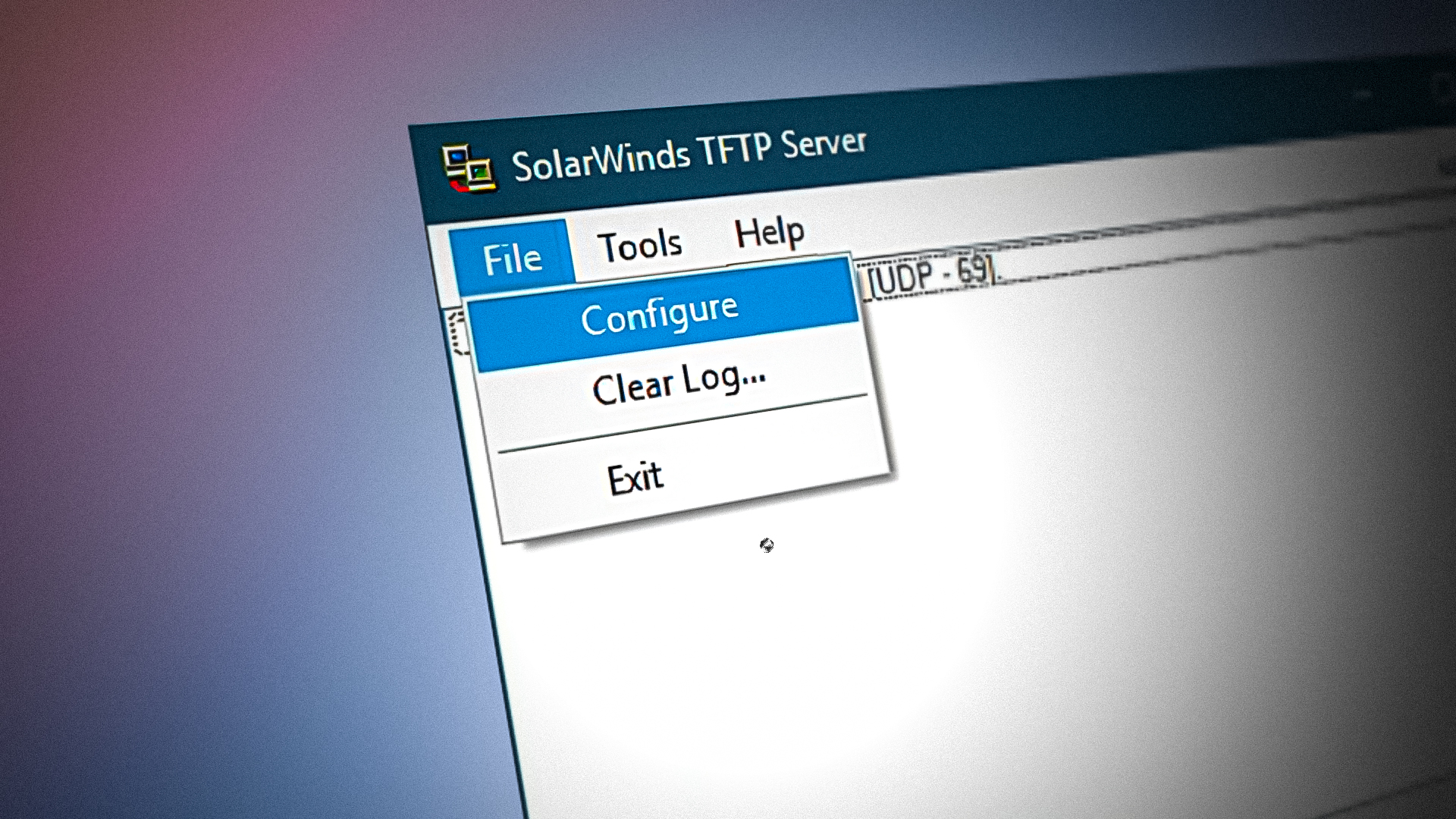
Tftp Windows 10
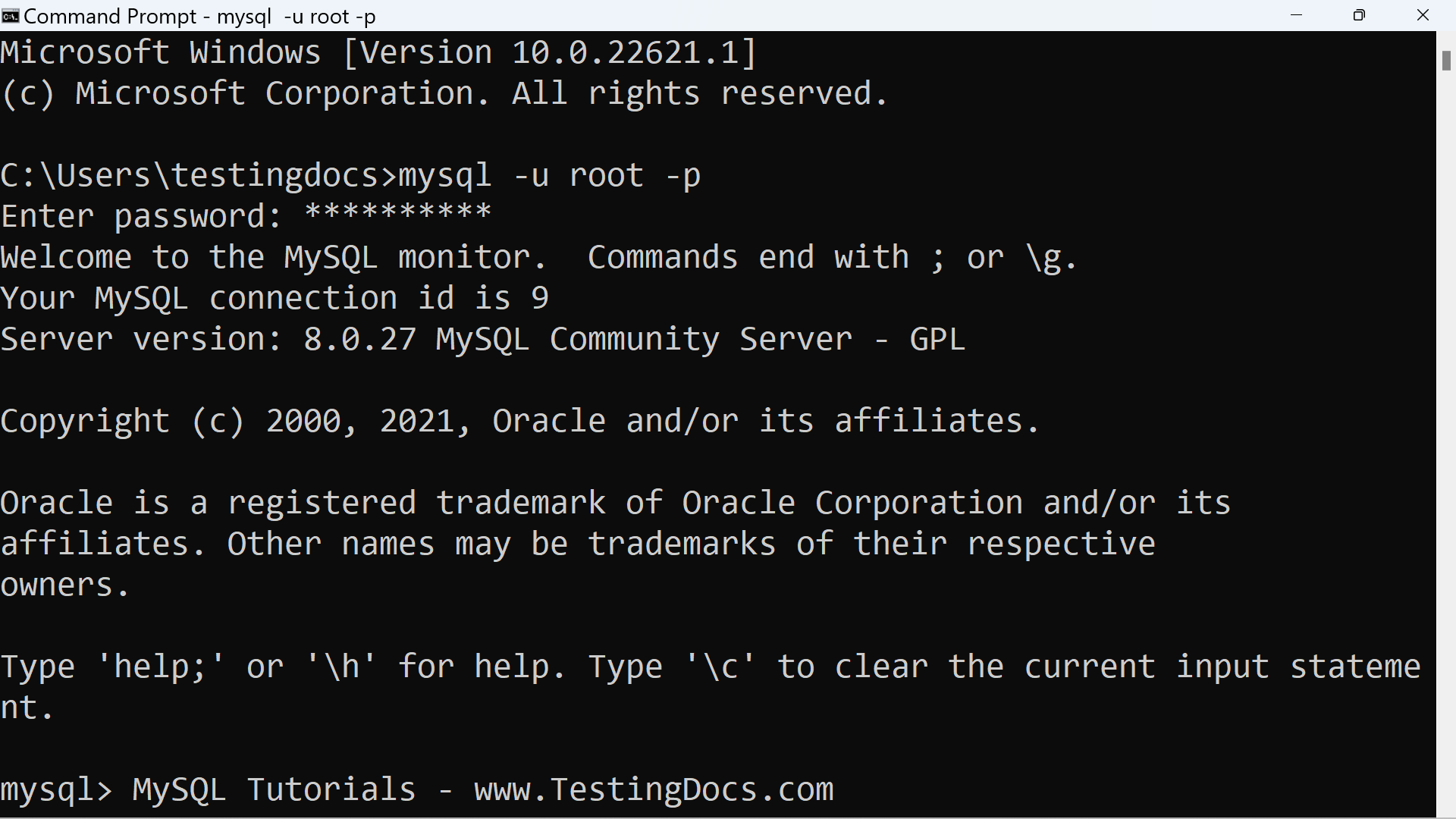
Command Line MySQL Client TestingDocs

How To Enable TFTP Client On Windows 10 YouTube

Btepapercax web fc2 Ftp Client Command Line Resume

Windows Command Prompt

WEB To enable TFTP client in Windows 11 10 using Command Prompt follow these steps Search for cmd in the Taskbar search box Click on Run as

WEB In this guide we will install enable the built in Windows TFTP client and test whether it can send and receive data through this protocol

WEB Once the TFTP client is enabled you can transfer files via TFTP using the tftp command on the command prompt tftp command format can be found in the help Below is the

WEB You can install it on a Windows 10 or 11 machine with the command Enable WindowsOptionalFeature FeatureName TFTP Online A different command is used to install the TFTP client on Windows Server Install

WEB This article explains the role of TFTP in network environments from backups to deployments It compares TFTP against FTP in more detail and suggests some TFTP
WEB How to enable TFTP in Windows TFTP is a protocol used to transfer file s from a computer to a remote host Since this protocol is not often enabled in many Windows WEB This guide delves into the steps necessary to activate the TFTP Client feature in Windows 11 equipping users with the means to streamline their network tasks and ensure smooth
WEB To upload firmware to your NETGEAR router using TFTP from the Microsoft Windows command line Download the ZIP file containing your router s firmware update file from