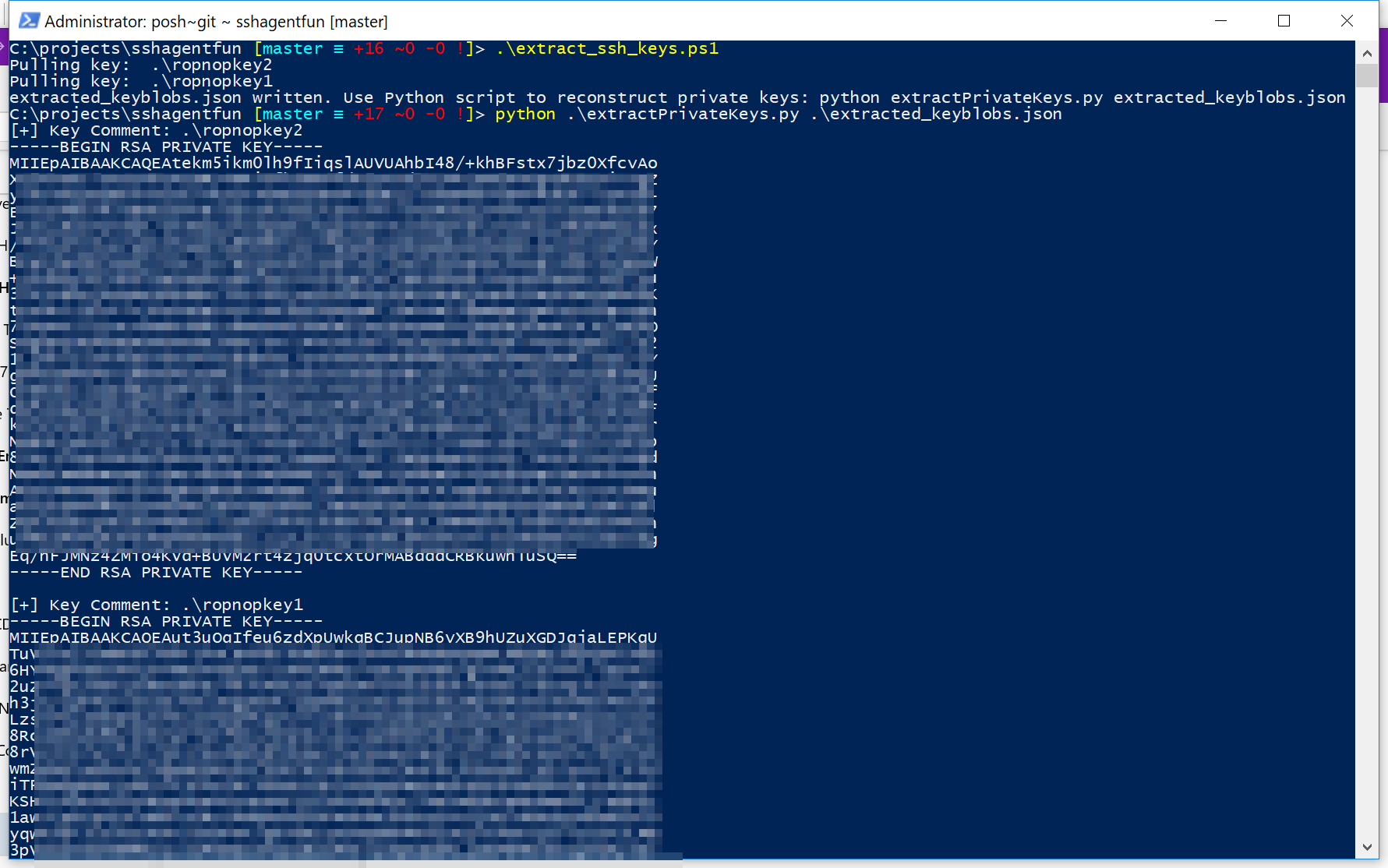
Windows Ssh Where To Put Private Key How To Login To SSH Without A Password Using Private Key GeeksforGeeks How To Enable SSH Commands In Windows InterWorks Generating SSH Keys With OpenSHH College Of Science Purdue University Extracting SSH Private Keys From Windows 10 Ssh agent Ropnop Blog Git Generate Ssh Private Key The upgrade to Windows 11 is free from Microsoft However the Windows 11 upgrade download is large in size Internet providers might charge fees for large downloads that occur over
Windows 11 Windows 11 Microsoft Windows 11 Learn how to get ready for the Windows 11 upgrade from making sure your device can run Windows 11 to backing up your files and installing Windows 11
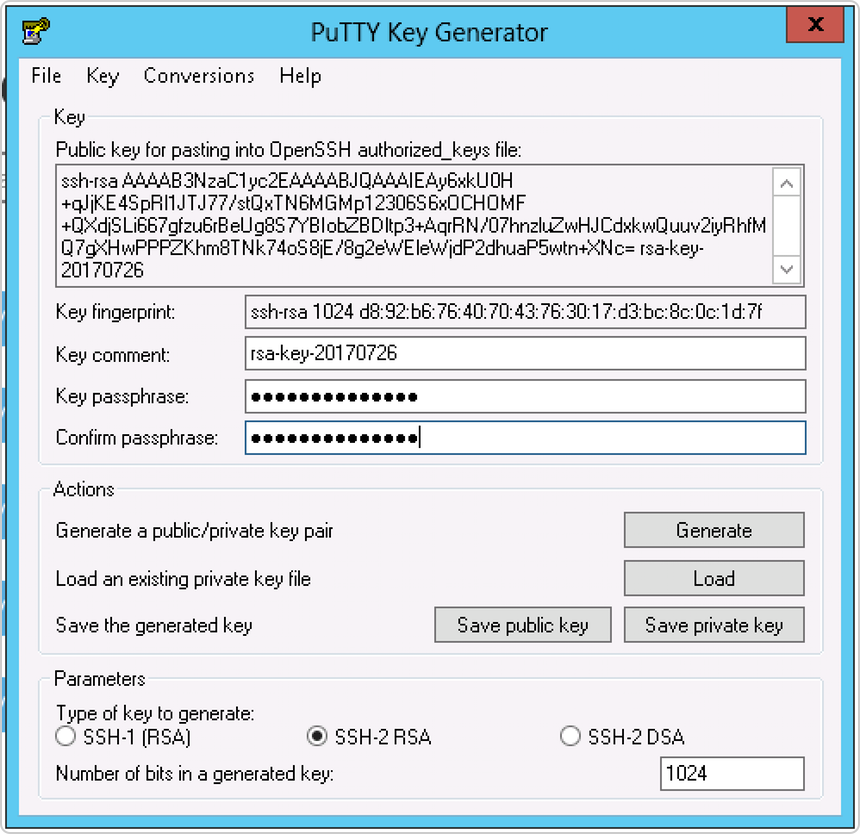
Git Generate Ssh Private Key Still Don t Know Where To Put The Second Monitor My Desk Is Small How To Generate SSH Public Private Keys On Windows Make Tech Easier Connect To Your Forge Server Using SSH Or SFTP Geek Blog H ng D n T o SSH Keygen V X c Th c K t N i SSH B ng Public Private Running Ssh Commands On Windows 30 Best SSH Clients For Windows 2022 Free And Paid SHB Ssh Windows How To Enable And Use SSH Commands On Windows 10
Windows Ssh Where To Put Private Key
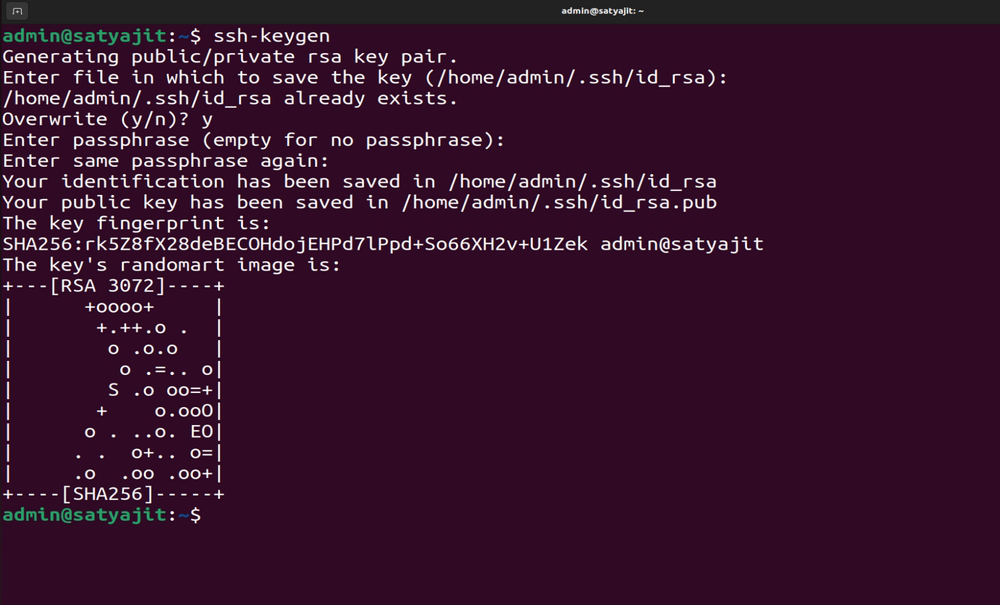 Windows Ssh Where To Put Private Key
https://media.geeksforgeeks.org/wp-content/uploads/20220702214145/5.jpg
Windows 11 is the latest version of Microsoft s operating system designed to offer a modern and user friendly experience With a sleek interface improved performance and new features
Templates are pre-designed files or files that can be used for various purposes. They can conserve time and effort by offering a ready-made format and layout for creating various kinds of material. Templates can be utilized for individual or professional jobs, such as resumes, invitations, flyers, newsletters, reports, presentations, and more.
Windows Ssh Where To Put Private Key
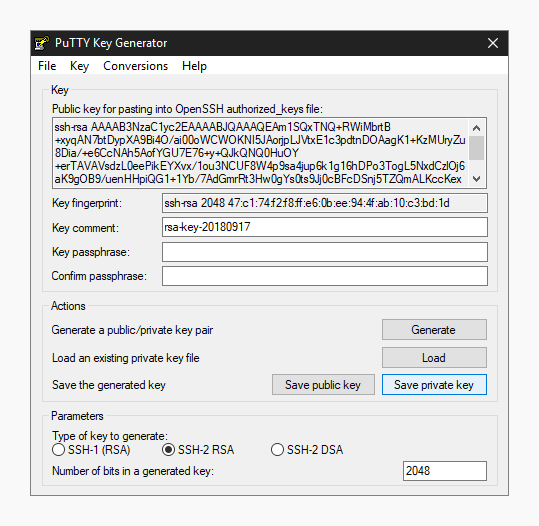
How To Use SSH Keys For Authentication UpCloud

Still Don t Know Where To Put The Second Monitor My Desk Is Small

How To Generate SSH Public Private Keys On Windows Make Tech Easier

Connect To Your Forge Server Using SSH Or SFTP Geek Blog
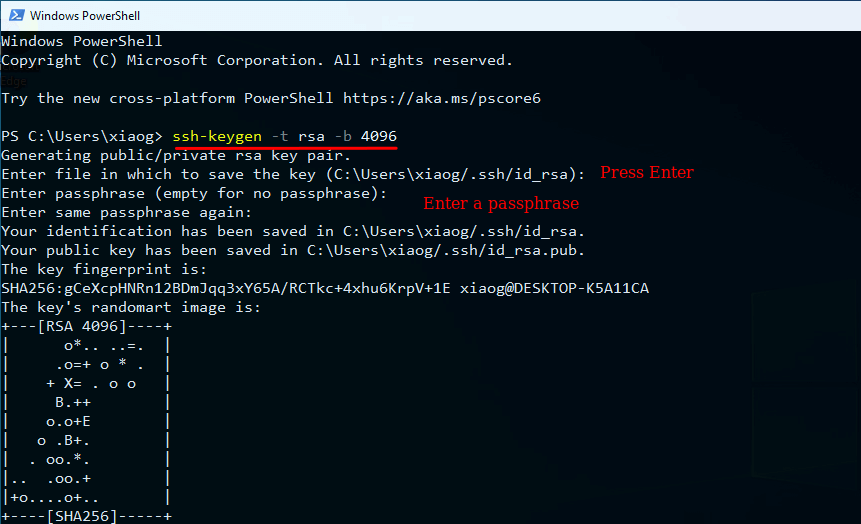
Running Ssh Commands On Windows
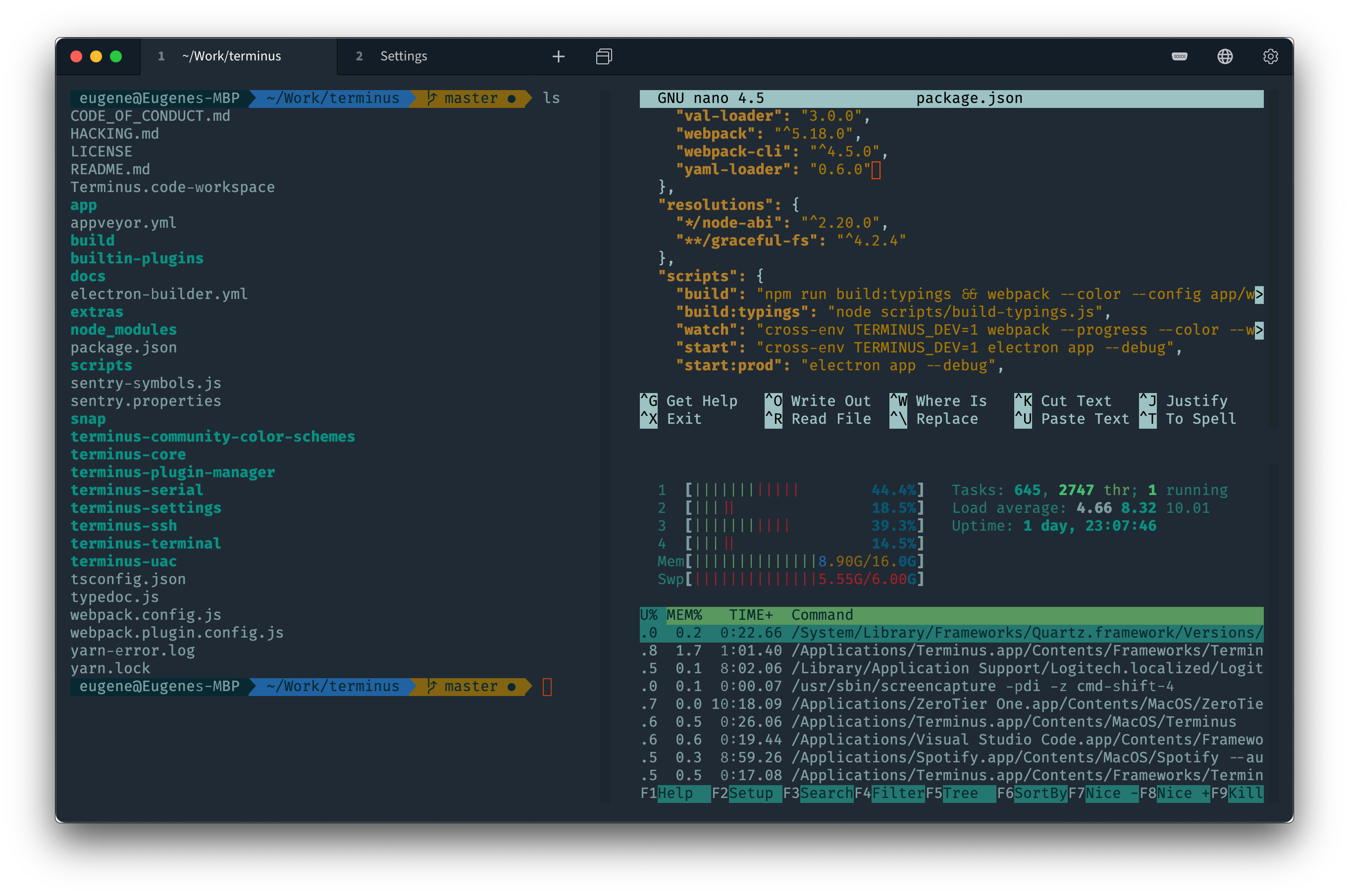
30 Best SSH Clients For Windows 2022 Free And Paid SHB

Windows Windows 11 Windows 10 Windows 11 Windows Windows 11 Windows 11 Windows 11
Welcome to Windows 11 Learn about new features upgrade FAQs device lifecycles and support options

Find help and how to articles for Windows operating systems Get support for Windows and learn about installation updates privacy security and more
Feb 4 2025 nbsp 0183 32 Learn how to install Windows 11 including the recommended option of using the Windows Update page in Settings
Create installation media for Windows Applies To Installation media such as a USB flash drive can be used to install a new copy of Windows perform a clean installation of Windows or
[desc-11] [desc-12]
[desc-13]