Windows Shutdown Sleep Computer Computer Icons Shutdown Reboot Trademark Computer Png PNGEgg Sleep Vs Shutdown What s Best For Your Laptop Sleep Mode Or Shut Down Shortcut Key For Windows Laptop Or Desktop Shutdown Vs Restart Crossville Inc Helpdesk Sleep Restart And Shutdown Icons Set 7302840 Vector Art At Vecteezy Windows 11 Start Settings Windows Update gt
Windows 10 Windows 10 Windows 14 2025 Windows
Sleep Restart And Shutdown Icons Set 7302840 Vector Art At Vecteezy 5 Ways To Remotely Shutdown A Computer WikiHow How To Enable The Sleep Option In Windows 7 Shutdown Menu Dos Commands Windows 10 Hausgarry Shut Down Clipart 20 Free Cliparts Download Images On Clipground 2024 Shut Down Computer In Windows 10 Tutorials How To Create A Windows 11 Shutdown Shortcut WinBuzzer Cara Membuat Shortcut Shutdown Sleep Lock Dan Hibernate Pada Laptop How To Shutdown Someones Computer Laptop Using CMD Command Prompt
Windows Shutdown Sleep Computer
 Windows Shutdown Sleep Computer
https://e7.pngegg.com/pngimages/388/176/png-clipart-computer-icons-shutdown-reboot-others-trademark-computer.png
Installationsmedien z B ein USB Speicherstick k 246 nnen verwendet werden um eine neue Kopie von Windows zu installieren eine sauber Installation von Windows durchzuf 252 hren oder
Pre-crafted templates provide a time-saving solution for creating a varied variety of documents and files. These pre-designed formats and layouts can be used for numerous personal and professional tasks, consisting of resumes, invitations, leaflets, newsletters, reports, presentations, and more, simplifying the content creation procedure.
Windows Shutdown Sleep Computer

Windows Command Prompt 6 Sleep Shutdown Restart YouTube

5 Ways To Remotely Shutdown A Computer WikiHow
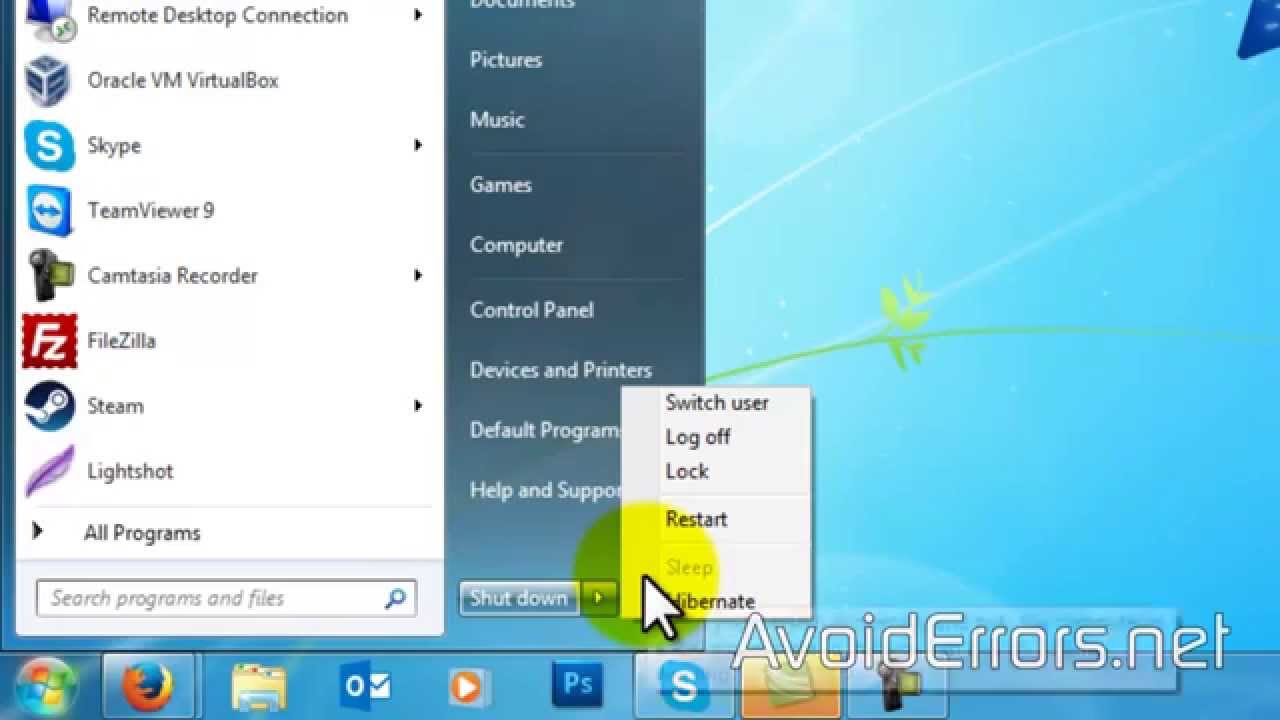
How To Enable The Sleep Option In Windows 7 Shutdown Menu
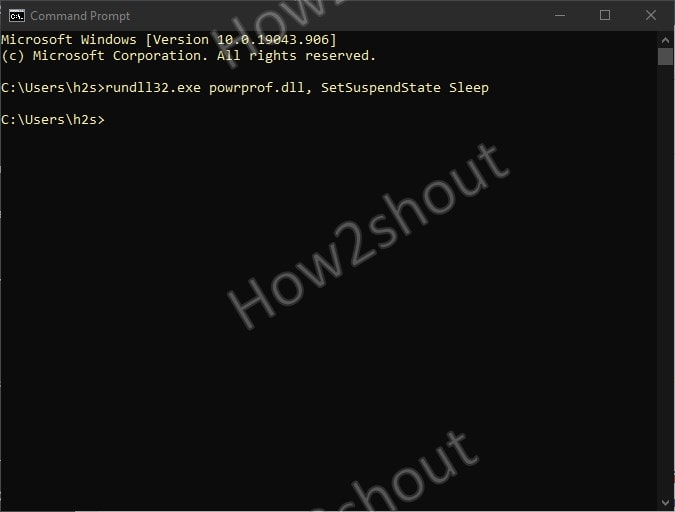
Dos Commands Windows 10 Hausgarry
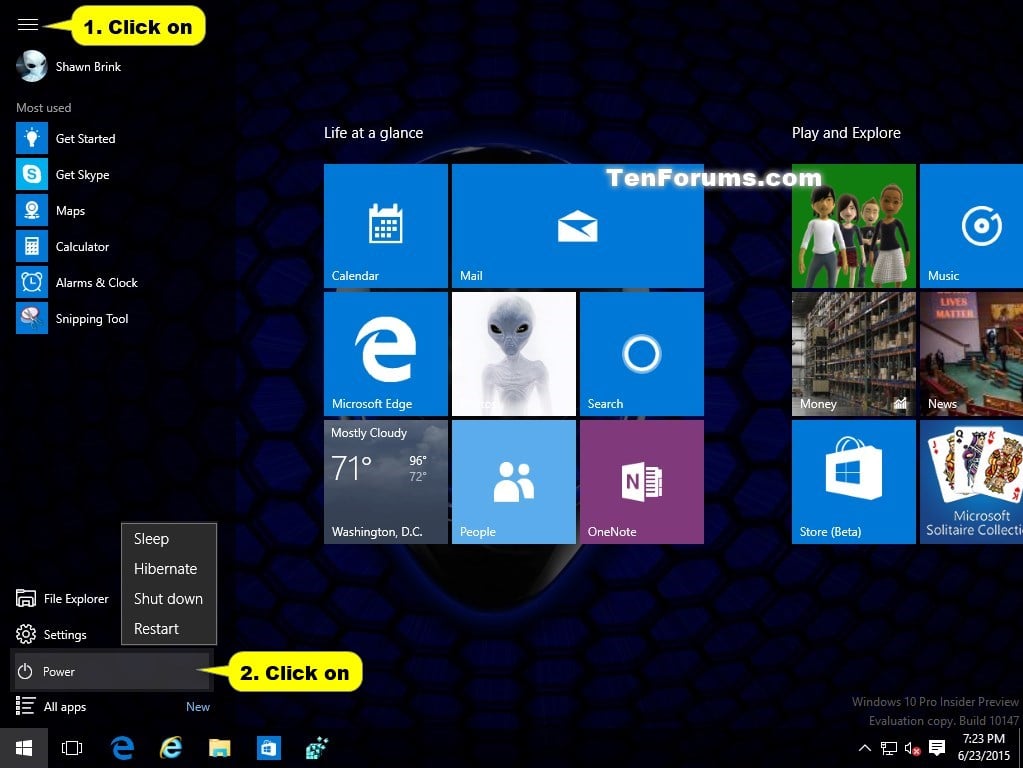
Shut Down Computer In Windows 10 Tutorials

How To Create A Windows 11 Shutdown Shortcut WinBuzzer

Windows 11 FAQ

161 Bienvenido a Windows 11 Obt 233 n informaci 243 n sobre las nuevas funciones las preguntas frecuentes sobre la actualizaci 243 n los ciclos de vida de los dispositivos y las opciones de

Windows 11 Windows 11 Microsoft Windows 11

If you re warned by Windows Update that you don t have enough space on your device to install updates see Free up space for Windows updates If you experience internet connection issues

Feb 4 2025 nbsp 0183 32 Learn how to install Windows 11 including the recommended option of using the Windows Update page in Settings
[desc-11] [desc-12]
[desc-13]