Windows Show Network Connections Command Line How to check Active Network Connections in Windows? - GeeksforGeeks How to check Active Network Connections in Windows? - GeeksforGeeks How to check Active Network Connections in Windows? - GeeksforGeeks Best Windows 10 commands to diagnose your Internet connection How to check Active Network Connections in Windows? - GeeksforGeeks The telnet command is a utility that allows bidirectional communication between your computer and a remote device Initially designed for remote
6 Answers 6 Go to the start menu or press Win r and skip to step 3 If on XP click Run If on vista or later search for cmd in the search box and skip For a quick overview of active network connections a simple command in PowerShell Get NetTCPConnection or the netstat command prompt is sufficient For a
How to check Active Network Connections in Windows? - GeeksforGeeks Windows 10 networking command tools every user needs to know | Windows Central Understanding the Networking Commands: A Walkthrough to Top 8 Commands | Simplilearn How to check Active Network Connections in Windows? - GeeksforGeeks How to Connect to Network Drives on the Command Line with Net Use How to check Active Network Connections in Windows? - GeeksforGeeks How to Check Open TCP/IP Ports in Windows How to quickly find Wi-Fi password on Windows 10 - Pureinfotech Understanding the Networking Commands: A Walkthrough to Top 8 Commands | Simplilearn
Windows Show Network Connections Command Line
 Windows Show Network Connections Command Line
https://media.geeksforgeeks.org/wp-content/uploads/20200427133759/netstat-a1.png
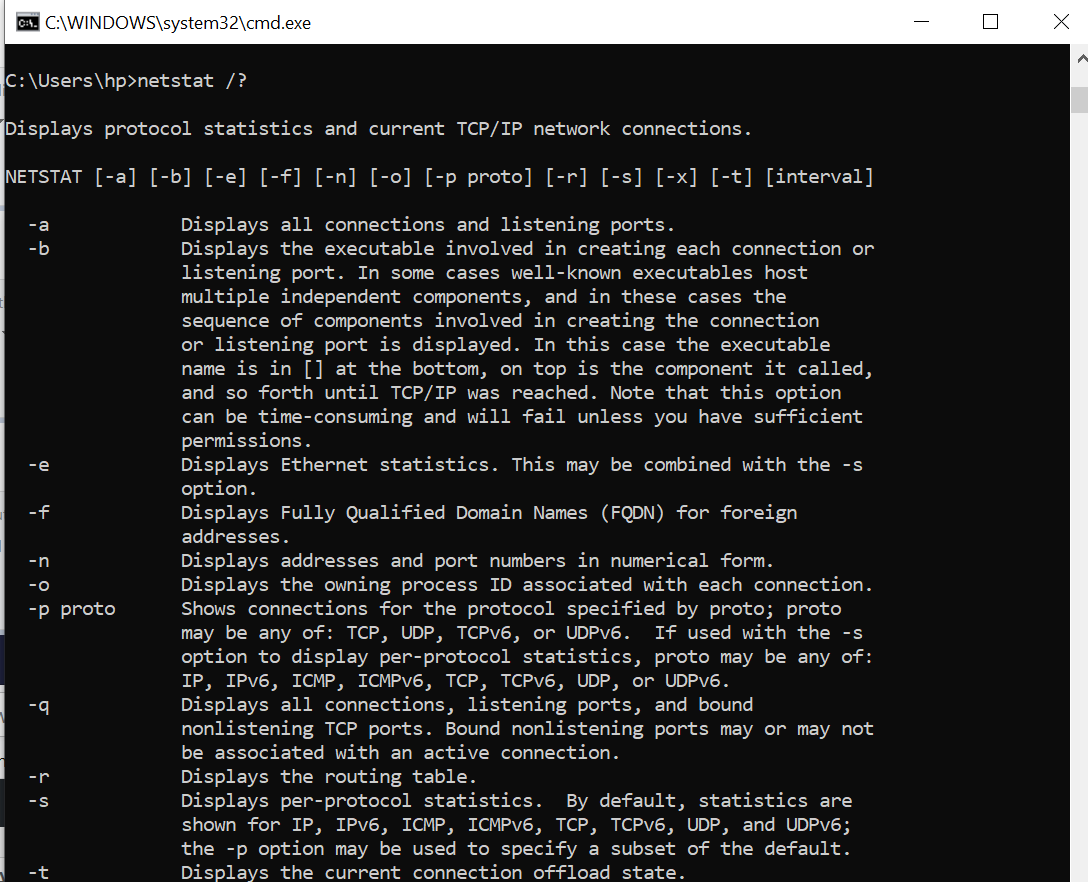
Reference article for the netstat command which displays active TCP connections ports on which the computer is listening
Templates are pre-designed documents or files that can be utilized for different functions. They can save effort and time by supplying a ready-made format and layout for producing different type of content. Templates can be used for personal or expert jobs, such as resumes, invites, leaflets, newsletters, reports, discussions, and more.
Windows Show Network Connections Command Line
How to check Active Network Connections in Windows? - GeeksforGeeks
Windows 10 networking command tools every user needs to know | Windows Central
Understanding the Networking Commands: A Walkthrough to Top 8 Commands | Simplilearn
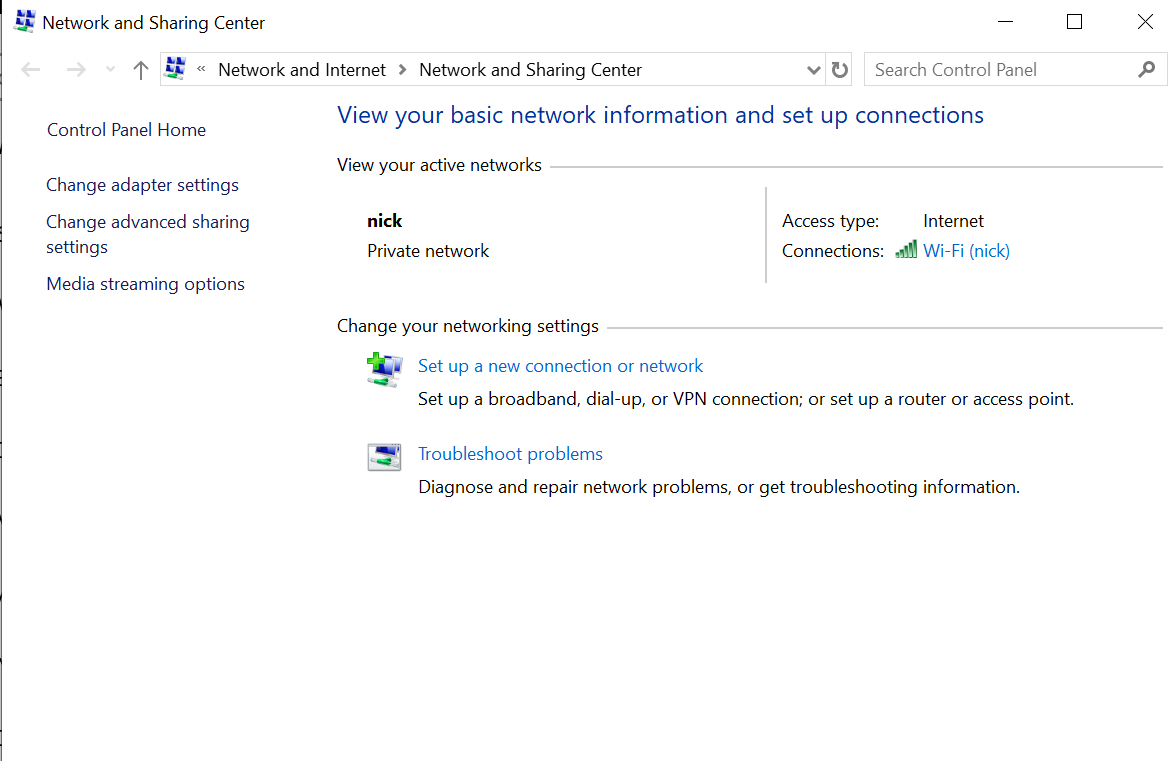
How to check Active Network Connections in Windows? - GeeksforGeeks
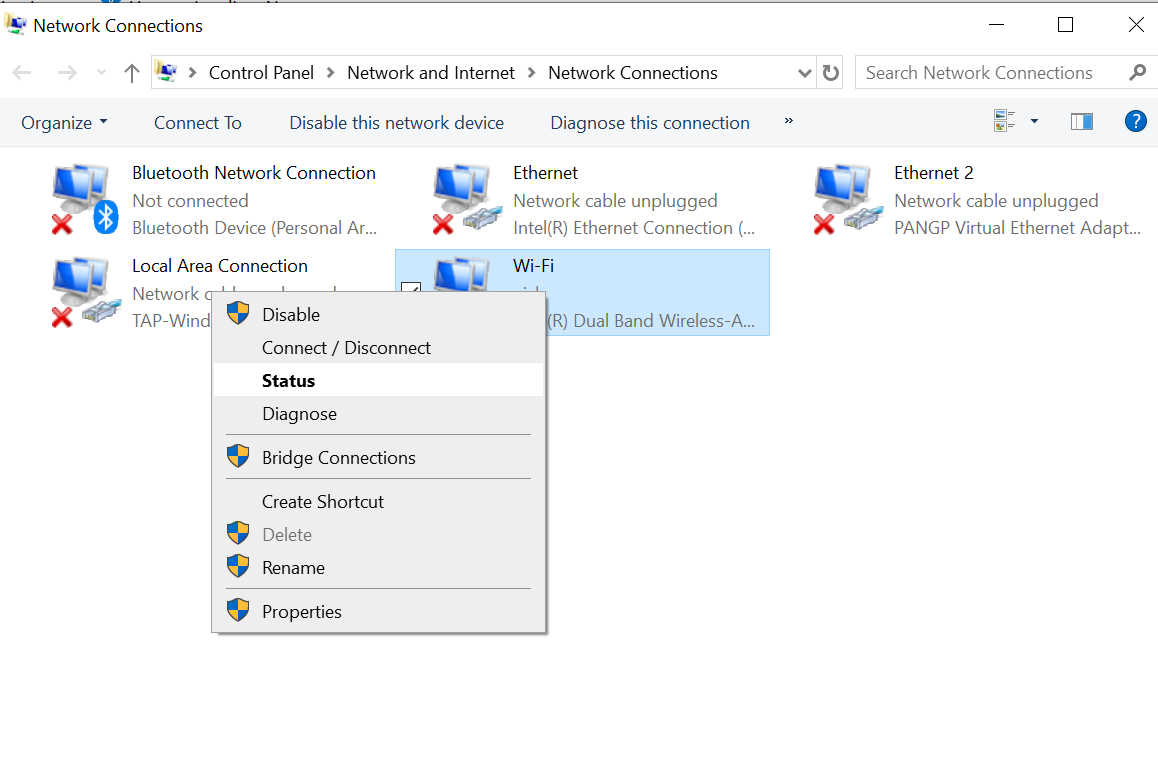
How to check Active Network Connections in Windows? - GeeksforGeeks

How to Check Open TCP/IP Ports in Windows
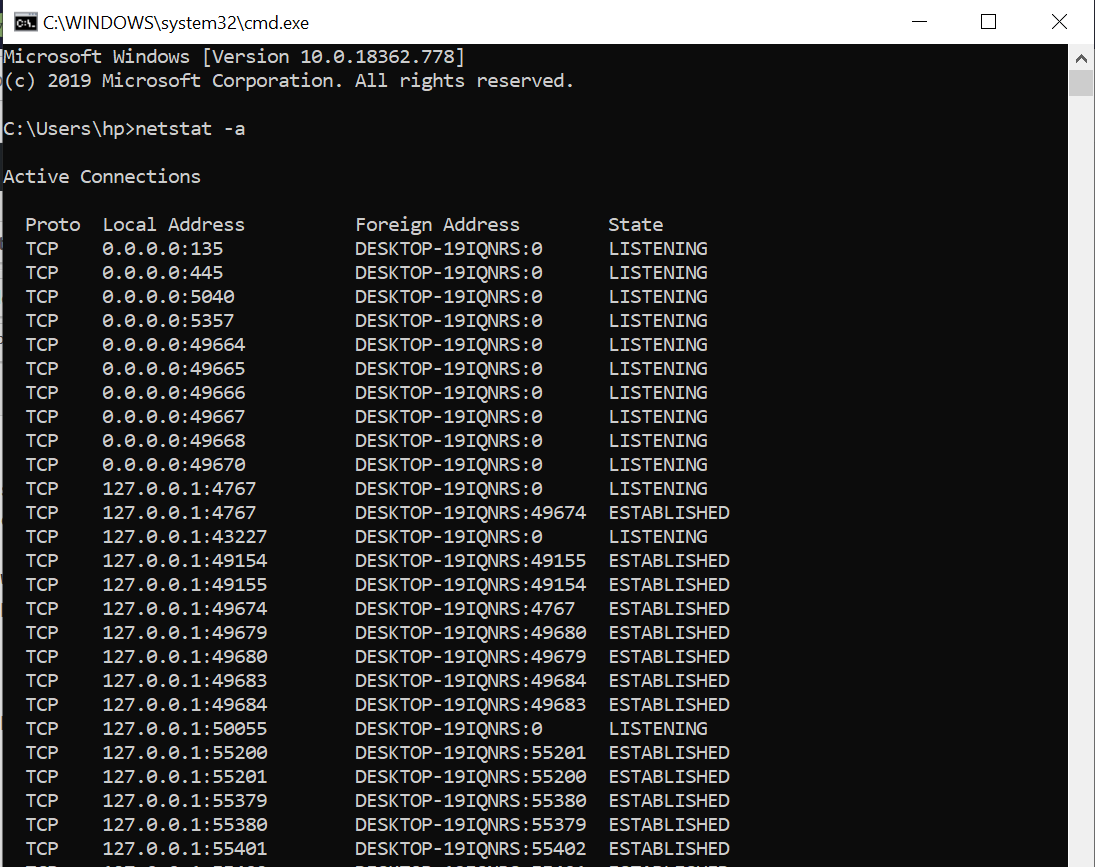
Enter netstat a to show current connections This command will show you a list of your current TCP or Transmission Control Protocol connections and ports
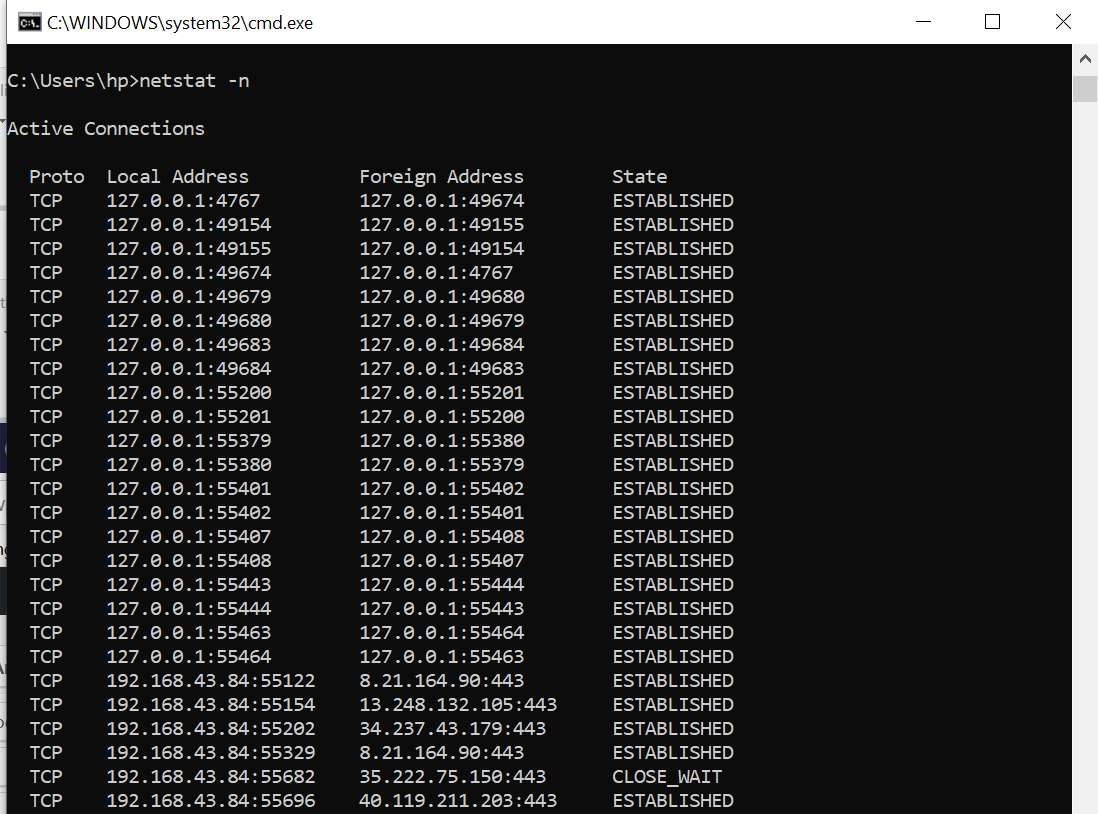
10 How to check the network traffic in Windows command line The typeperf command will then start to show the number of bytes sent and
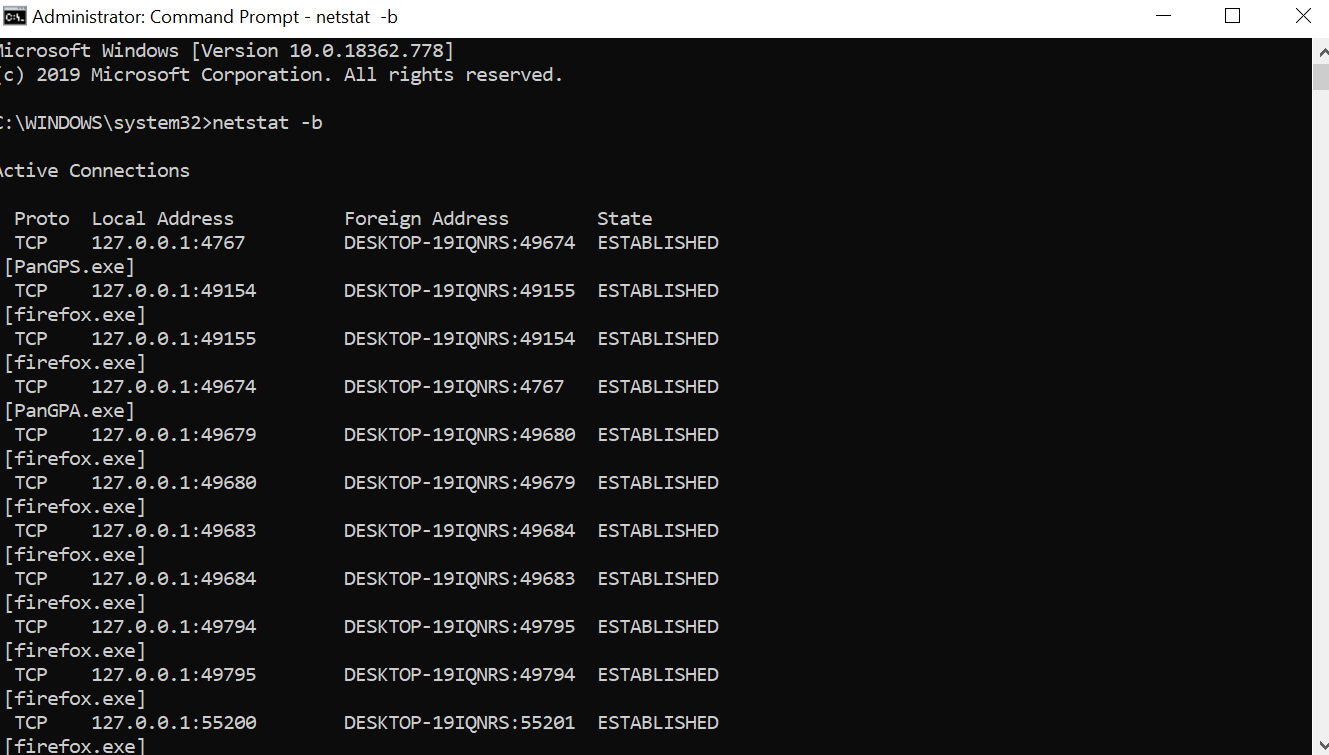
Click the Details button for more information How to use the netstat command to view network connections 1 Click the Start button 2
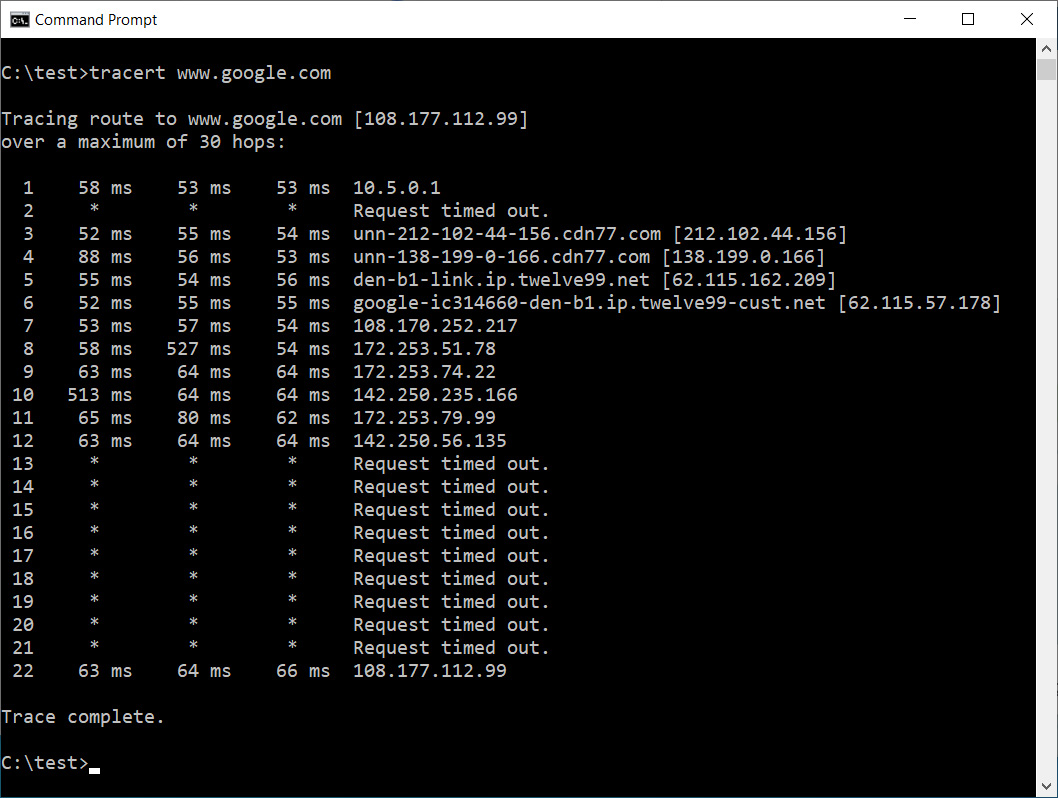
NetStat In the command prompt or DOS prompt Type in netstat to list all current network connections not just inbound but outbound as well You should see a
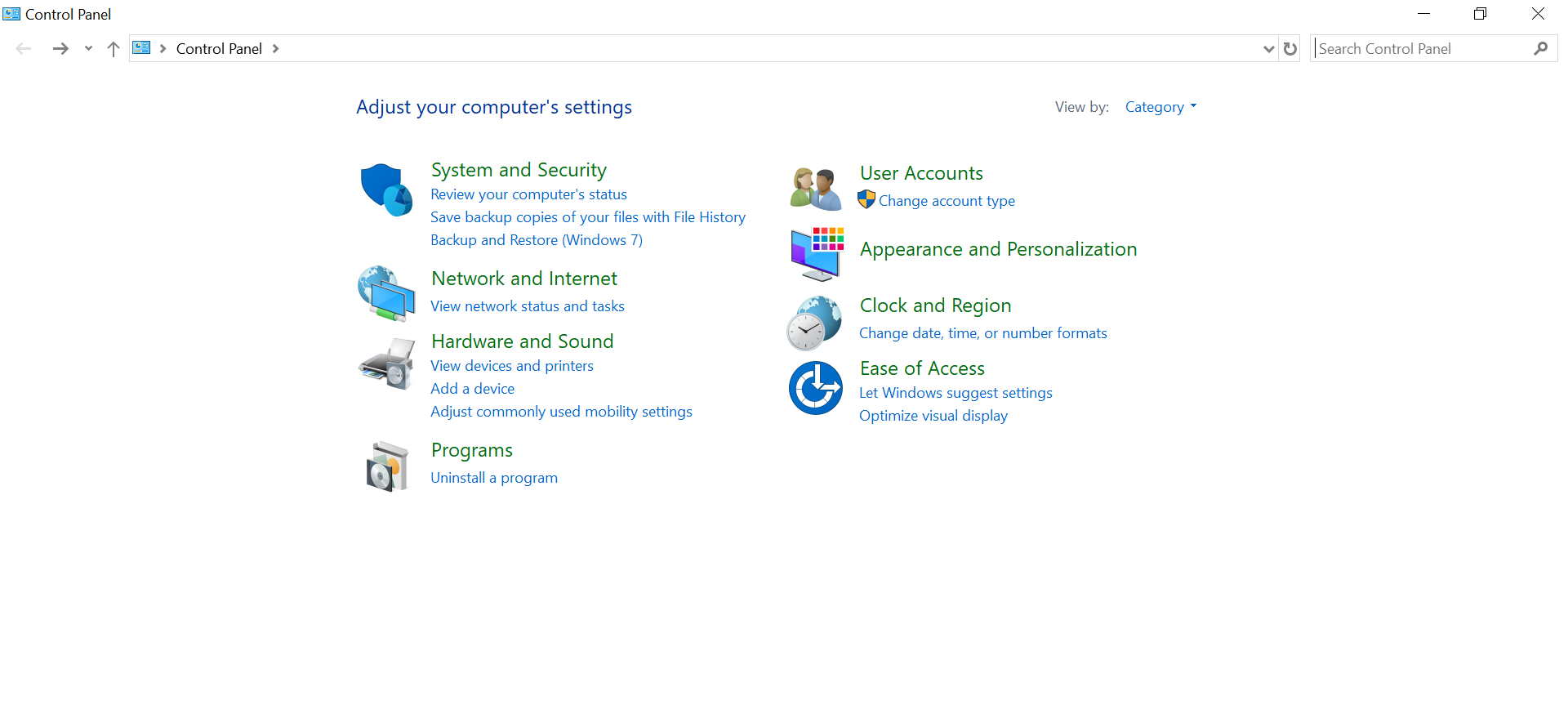
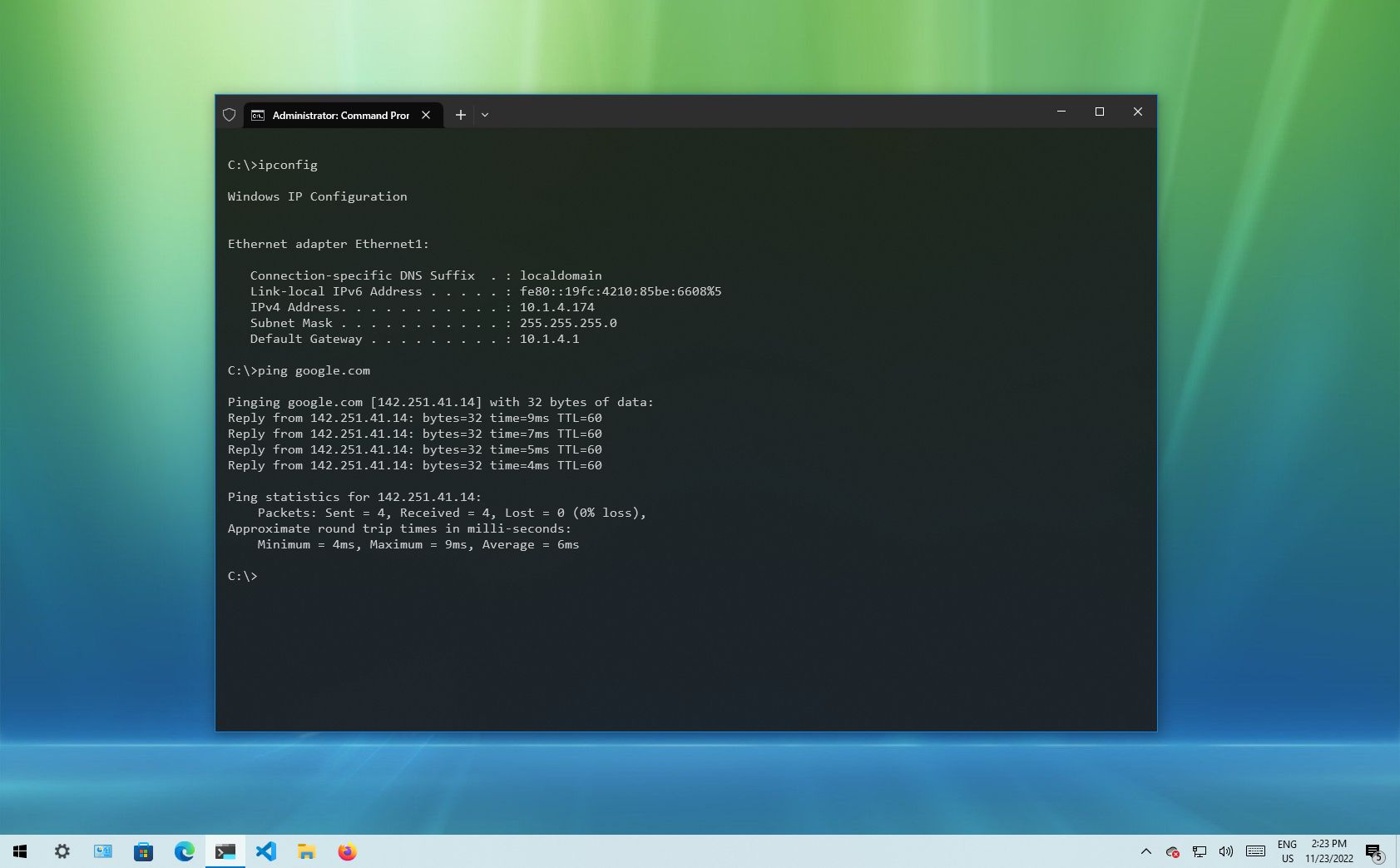
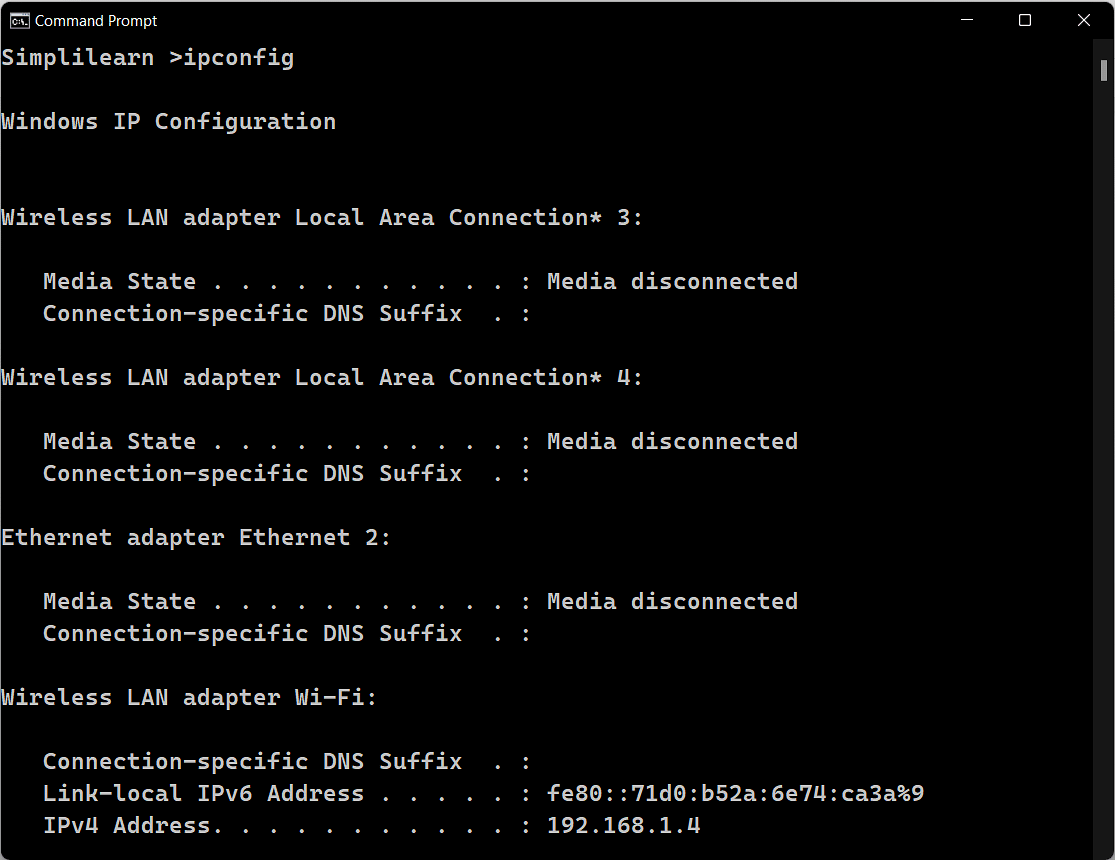
To use the command just type ipconfig at the Command Prompt You ll see a list of all the network connections your computer is using
Activity 1 Display All Active ConnectionsEdit Open a command prompt Type netstat a Press Enter Observe active TCP and UDP connections The Netstat command displays active TCP connections ports on which the computer is listening Ethernet statistics the IP routing table IPv4
The Netstat command as the name suggests displays an overview of all the network connections in the device The table shows detail about the