Windows Server Check Winrm Status Windows Remote Management WinRM Guide Architecture Use Dell Microsoft Windows Server 2022 Essentials 10 Core ROK Dustin fi Linux Windows Python pywinrm SYS BLOG Windows Server Version 20H2 BetaWiki How To Install Pronestor Planner On Your Own On premise Server Helpdesk Microsoft Microsoft Windows PowerShell Windows Windows PowerShell Windows Server Windows Server 2008 Windows Server 2012 Windows Server 2016 WinRM Show all tags Windows Remote Management WinRM allows you to manage a server from a remote location using PowerShell and WMI based tools
Firstly to determine the PowerShell version Run the following command below to determine the version of PowerShell that you are running PSVersionTable To determine if WinRM is running on a server use the following command below winrm quickconfig Note WinRM is currently configured by default on all servers starting from Windows Server 2012 To test a server s WinRM configuration complete the following steps Log in to a managed Hyper V host as an administrator Open an elevated Command Prompt window Enter winrm id Verify the command doesn t produce an error message The WinRM ID command should display output similar to this
How To Install Pronestor Planner On Your Own On premise Server Helpdesk Pin On Buy Windows Server 2016 December Patch Tuesday Breaks Network Adapters For Windows Server WinRM Listeners ITPro Today IT News How Tos Trends Case Studies Windows Server 2016 Administration Hurbad Windows Server 2016 Datacenter Fastest Key Dod Windows Server 2012 R2 Iso Download Careerlasopa P2V Of Windows Server 2003 Using OEM License Windows Server 2016 User CAL 50 SKEYS
Windows Server Check Winrm Status
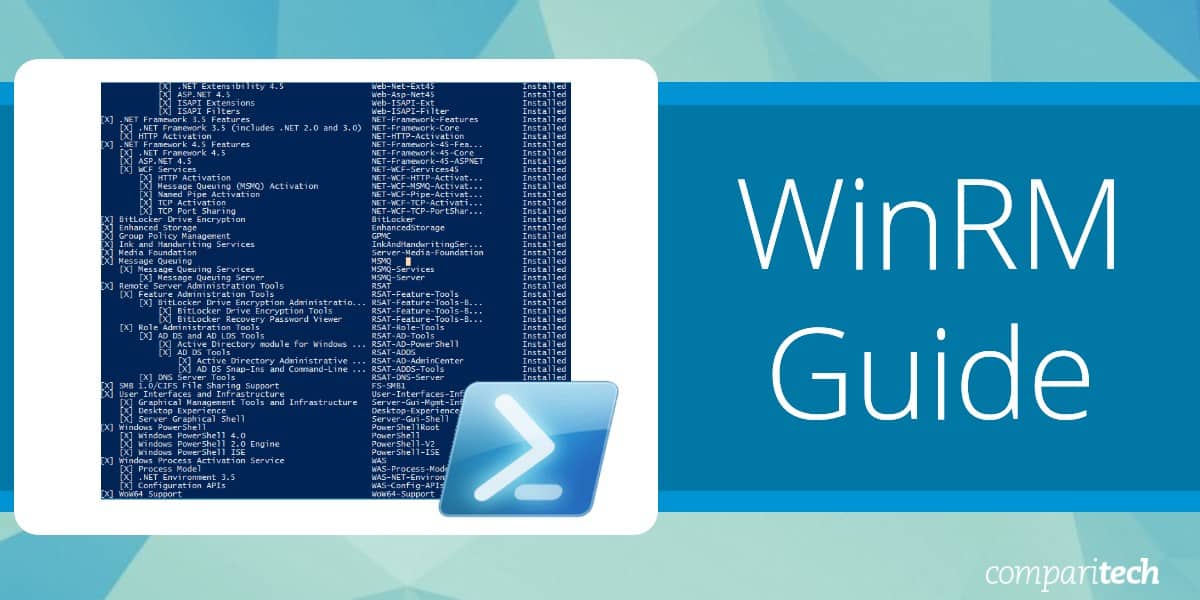 Windows Server Check Winrm Status
https://cdn.comparitech.com/wp-content/uploads/2021/03/WinRM-Guide.jpg
Enter the service name WinRM and select the Restart the Service action on the Recovery tab Go to Computer Configuration Policies Administrative Templates Windows Components Windows Remote Management WinRM WinRM Service Enable Allow remote server management through WinRM In the Ipv4 IPv6 filter box you can specify IP
Templates are pre-designed documents or files that can be used for numerous purposes. They can save time and effort by supplying a ready-made format and layout for creating various kinds of material. Templates can be used for individual or expert projects, such as resumes, invitations, flyers, newsletters, reports, presentations, and more.
Windows Server Check Winrm Status

Comprar Licencia Windows Server 2019 Essentials Express Keys

Pin On Buy Windows Server 2016

December Patch Tuesday Breaks Network Adapters For Windows Server

WinRM Listeners ITPro Today IT News How Tos Trends Case Studies
Windows Server 2016 Datacenter Fastest Key

Dod Windows Server 2012 R2 Iso Download Careerlasopa

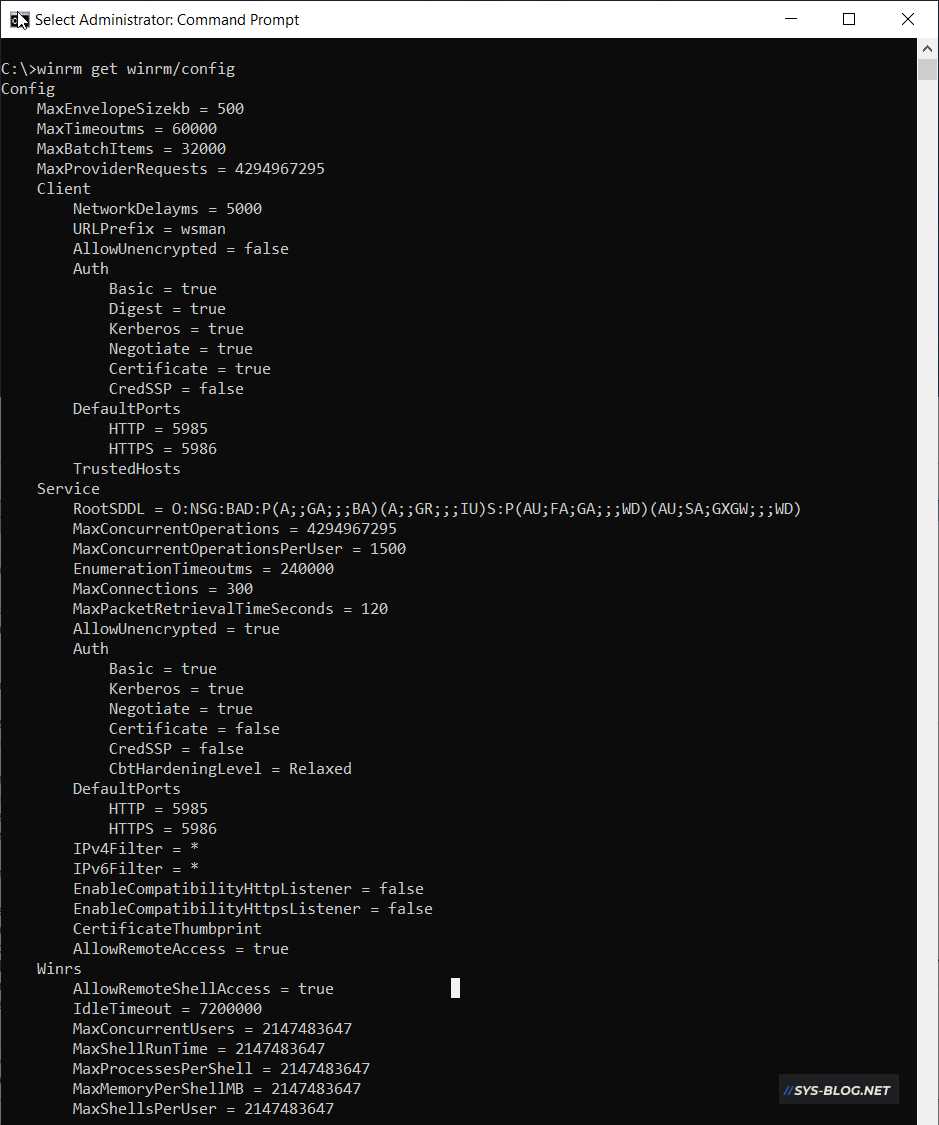
Use the winrm command to locate listeners and the addresses by typing the following command at a command prompt Console winrm enumerate winrm config listener To check the state of configuration settings type the following command Console winrm get winrm config Quick default configuration
WinRM already is set up for remote management on this machine PS C Users desmonitor Then I try again but I get same error PS C Users myUser Enter PSSession Computername iis01 Credential iis01 instalador Enter PSSession Connecting to remote server failed with the following error message The WinRM client cannot processthe request
Summary Learn how to easily use Windows PowerShell to check if WinRM is running on a remote computer How can I use Windows PowerShell to ensure that WinRM is running and configured on my three remote computers Create an array of computer names and pipe them to the Test WsMan cmdlet for example s1 s2 dc1 Test WSMan

Tr n Ng c Nam 20 I try enable WinRM with tool psexec https learn microsoft en us sysinternals downloads psexec psexec exe Computer name s powershell Enable PSRemoting Force And status of service WinRM is running But I can stop it with psexec exe Computer name s powershell Disable PSRemoting Force Pls give me some advice to stop it

These steps are Does WinRM respond Is the WinRM service running Is the WinRM service listening on the appropriate TCP ports The easy way to see if WinRM is responding is to use the WinRM command and specify id Winrm id If you receive back error messages the WinRM service is not responding
Technical articles content and resources for IT Professionals working in Microsoft technologies If the WINRM is not allowed you can ask your windows administrator to enable a firewall exception for WINRM WINRM is the thing that PowerShell uses it for remoting purposes So before connecting to remote server it is necessary to test remote WINRM connectivity with PowerShell We need to use Test WS command for it
Be forewarned though the process is painful Setting up a Linux host to connect to Windows over WinRM using Python with basic authentication requires six steps Enabling PowerShell Remoting on the Windows host Allowing unencrypted HTTP communication on the Windows host Allowing basic authentication on the Windows host