Windows Screenshot Key Not Working How To Take A Screenshot On Your Android Device Infetech Tech How To Fix Windows Key Not Working On Windows 10 LaptrinhX How To Take A Screenshot On Windows 10 Print Screen Key Not Working Print Screen Problem In Laptop FIXED Windows Key Not Working On Windows 10 11 EaseUS Launch Settings by pressing Windows I keys Select System on the Settings window Choose Clipboard from the sidebar on the left Enable the Clipboard history switch in the pane on the right Capture a screenshot by pressing Windows Shift S simultaneously Open Microsoft Paint and create a new blank image
Solution 1 Stop Background Programs Solution 2 Make Sure the Print Screen Shortcut Is Enabled Solution 3 Use Hotkey Combination Solution 4 Check If There Is an F Mode or F Lock Key on the Keyboard Solution 5 Update Keyboard Driver Solution 6 Use Third Party Tool Print Screen Button Not Working Type snipping tool in the app search field at the top Click the three dot button next to Snipping Tool and select Advanced options Scroll down to the Reset section and click the Repair button
FIXED Windows Key Not Working On Windows 10 11 EaseUS How To Take Screenshots On Windows 10 Blue Collar Baking How To Take Screenshots In Windows 10 Why Does My Windows Key Not Work Windows 10 JAN Know Onlyweb Backspace Key Not Working In Windows 10 Windows Key Not Working In Windows 10 Microsoft Community How To Make A Screenshot On Mac Spynelo Keyboard Shortcut To Lock And Turn Off IPad Screen How To Take Screenshots In Windows 10 Knar
Windows Screenshot Key Not Working
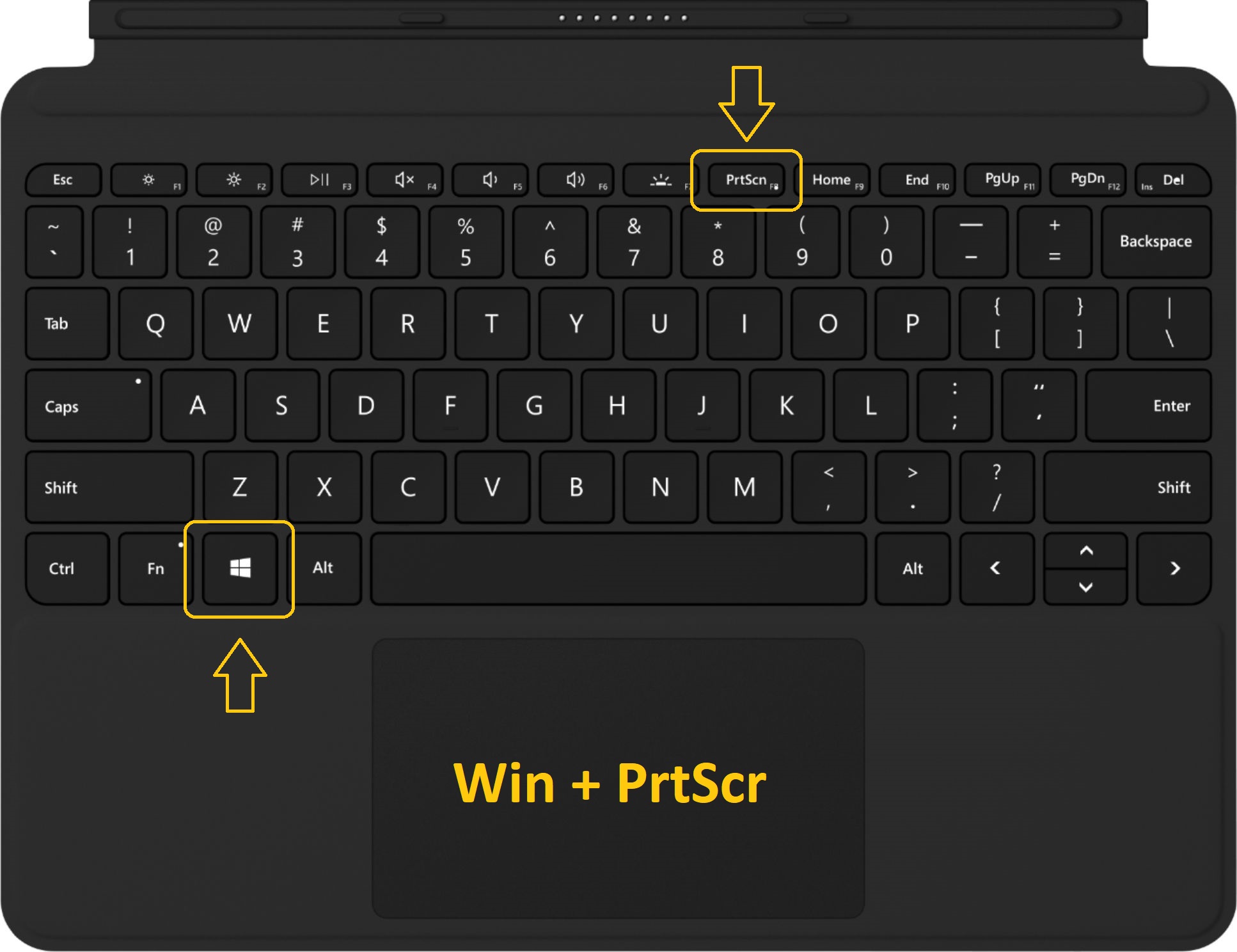 Windows Screenshot Key Not Working
https://krispitech.com/wp-content/uploads/2020/03/ScreenShot-Win-PrtScr.jpg
1 Use Keyboard Shortcuts There are other ways to take screenshots using a combination of PrtScr buttons Try using Alt PrtScr shortcut instead That will take a screenshot of the currently
Pre-crafted templates provide a time-saving service for creating a diverse series of files and files. These pre-designed formats and designs can be used for numerous individual and professional jobs, including resumes, invitations, leaflets, newsletters, reports, discussions, and more, enhancing the content production process.
Windows Screenshot Key Not Working

Windows Key Not Working In Windows 11 Resolved
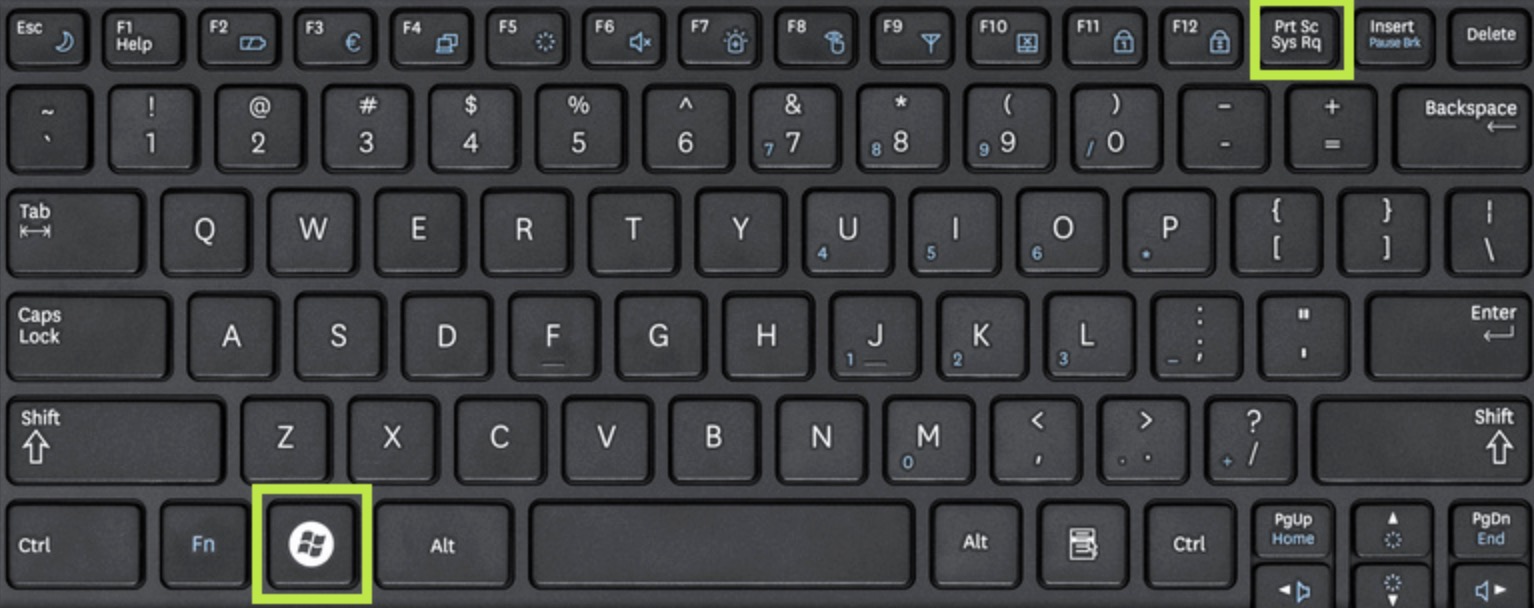
How To Take Screenshots On Windows 10 Blue Collar Baking

How To Take Screenshots In Windows 10

Why Does My Windows Key Not Work Windows 10 JAN Know Onlyweb
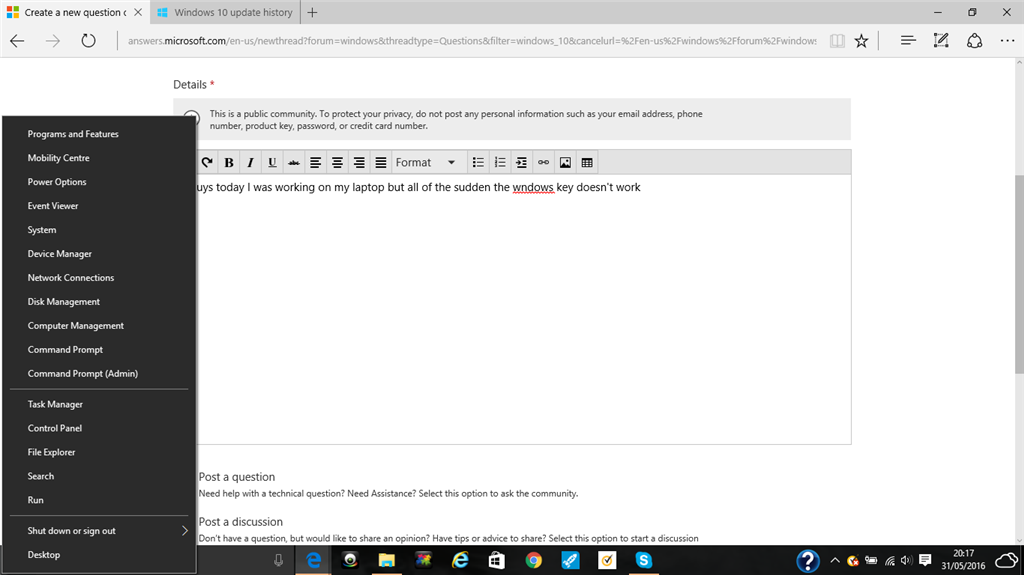
Windows Key Not Working In Windows 10 Microsoft Community
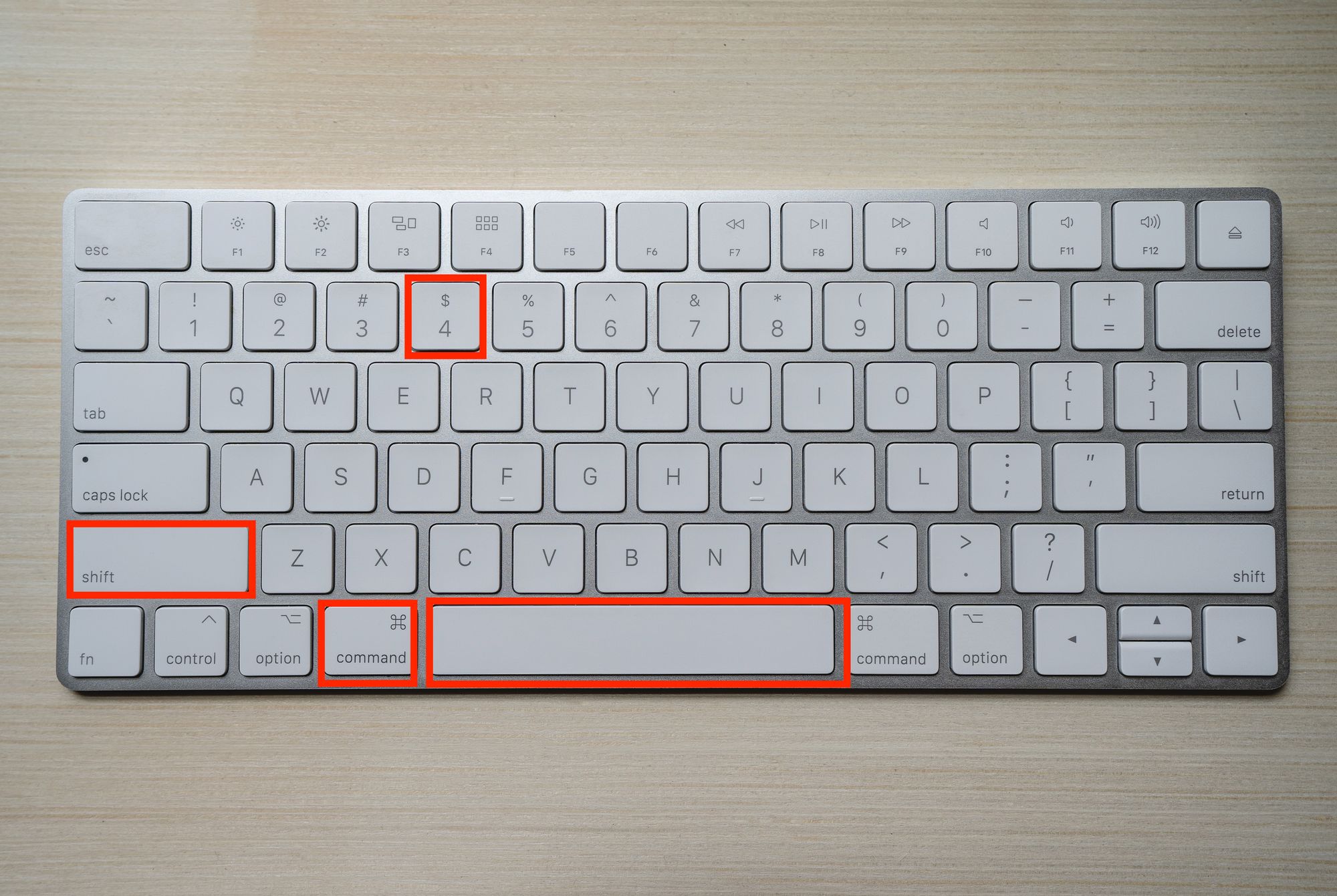
How To Make A Screenshot On Mac Spynelo
Want to take a screenshot but nothing happens after pressing the Windows logo key Shift S shortcut This can be very annoying But don t worry In this post we ll show you how to fix the Windows Shift S not working issue on Windows 11 or Windows 10 easily and quickly

Select Start AllPrograms Accessories Ease of Access On Screen Keyboard Hold down the F Lock or F Mode keys to disable them to see if that gets the Print Screen key working again Disable any third party screenshot programs like Snagit on your system

1 Make sure you re using the right key s Other than simply pressing the Prt Scr button there are a few hotkey combinations that you can use to capture screenshots Here they are Prt Scr captures the entire screen Ctrl Prt Scr also captures the entire screen Alt Prt Scr captures a section of the screen
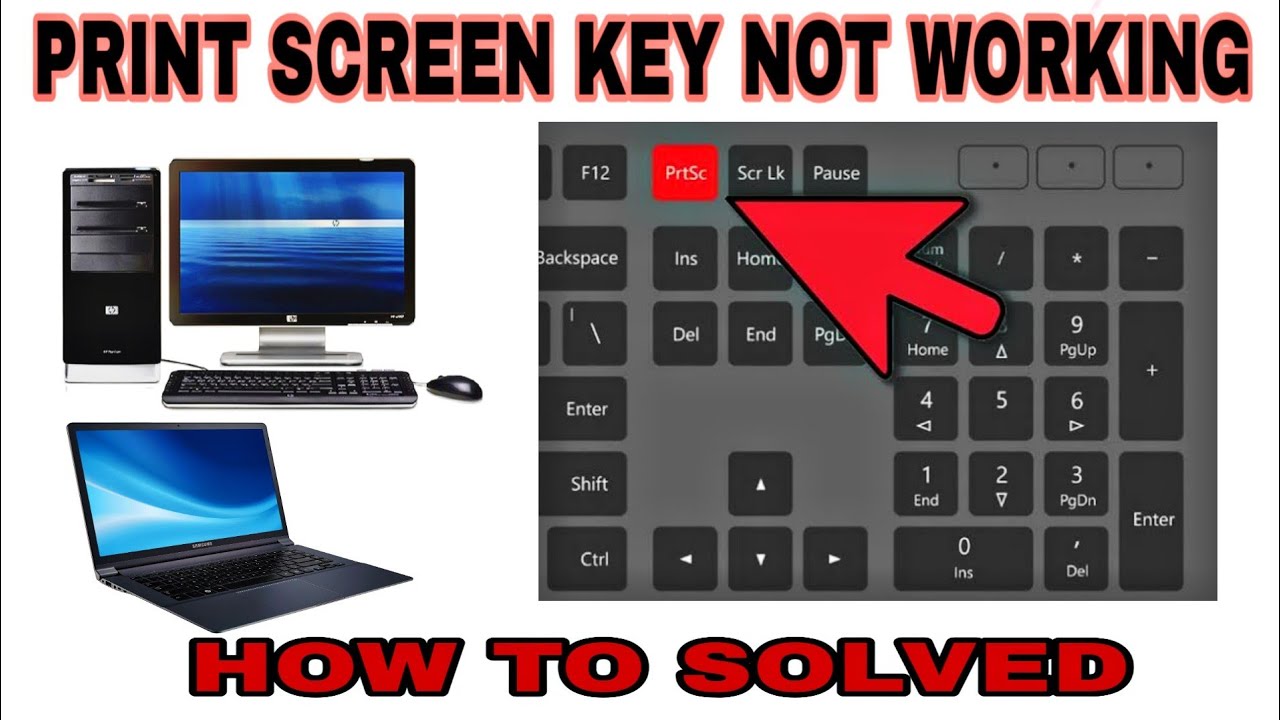
If the print screen key isn t working a troubleshooting step that s as simple as troubleshooting a whole keyboard is an excellent place to start Reseat the connection by unplugging the

Programs running in the background could be a reason for your Print Screen key not working Open your Task Manager and look if applications such as OneDrive Snippet Tool or Dropbox are running in the background These are common culprits but other apps could cause the issue as well
1 Check the Snip Sketch hotkey setting The Snip Sketch hotkey combination can be changed in Settings It could be possible that the Print Screen button is chosen as the Snip Sketch hotkey If you want to use Win Shift S for snipping disable Use the PrtScn button to open screen snipping Press Windows logo key Shift S to open the Snipping Tool directly After entering the keyboard shortcut you ll see a box at the top of your computer Choose between the following screenshot options from left to right rectangular selection freehand selection window or full screen capture Pick the rectangular selection or use freehand
If Windows 11 screenshot is not working with either the print screen key or Snipping Tool it might be because of broken system files You can fix this by using dedicated software or the built in Windows repair tool Another known cause of the error is an outdated keyboard driver