Windows Openssh Sshd Config Location Openssh Config Examples Apple Os Unix Example How To Install OpenSSH Client On Windows 10 Pureinfotech How To Install Microsoft Windows Openssh In Windows 10 Version 1709 Windows OpenSSH SSH Enable PowerShell SSH Remoting In PowerShell 7 Thomas Maurer To get an SSH client onto Windows 10 or Windows Server 2019 without using 3rd party software or installing Windows Subsystem for Linux use the PowerShell command Add WindowsCapability Online Name OpenSSH Client 0 1 To add an SSH client and SSH server to Windows Server 2019 use the following PowerShell commands
1 Following PowerShell Win32 OpenSSH issue 1297 you should simply modify C Windows System32 OpenSSH sshd config default and then restart the SSH service No need to copy it rename it elsewhere except may be to keep the original version The USERPROFILE ssh config file is used only on the client side not by the SSH server service OpenSSH is the open source version of the Secure Shell SSH tools used by administrators of Linux and other non Windows for cross platform management of remote systems OpenSSH has been added to Windows as of autumn 2018 and is included in Windows Server and Windows client SSH is based on a client server architecture where the system the
Enable PowerShell SSH Remoting In PowerShell 7 Thomas Maurer Changing The SSH Port In Linux Server Git Server On Windows With OpenSSH Remote And Local Repository My Geeks Install Openssh Linux Catholicfas Beginners Guide To Use Ssh Config File With Examples GoLinuxCloud Windows Server 2019 OpenSSH How To Setup An SFTP Server In Windows Using OpenSSH GHacks Tech News How To Enable New Built In Windows 10 OpenSSH Client Install And Configure OpenSSH Server On Windows 10 And Windows Server
Windows Openssh Sshd Config Location
 Windows Openssh Sshd Config Location
https://i.pinimg.com/originals/e1/50/46/e150468a32c451fcf202b748b652613a.jpg
The OpenSSH server reads a configuration file when it is started Usually this file is etc ssh sshd config but the location can be changed using the f command line option when starting sshd Some organizations run multiple SSH servers at different port numbers specifying a different configuration file for each server using this option
Pre-crafted templates offer a time-saving service for developing a varied series of documents and files. These pre-designed formats and designs can be made use of for different individual and professional projects, including resumes, invites, flyers, newsletters, reports, presentations, and more, improving the material production process.
Windows Openssh Sshd Config Location
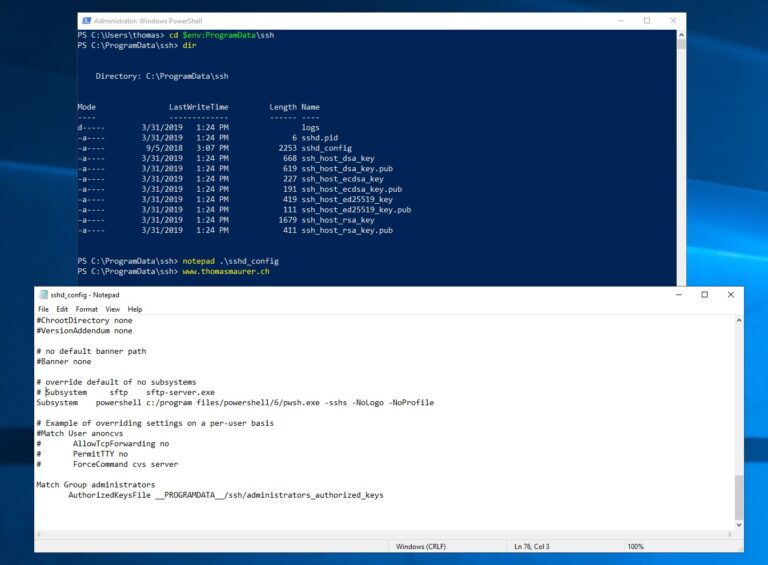
Setup PowerShell SSH Remoting In PowerShell 6 Thomas Maurer
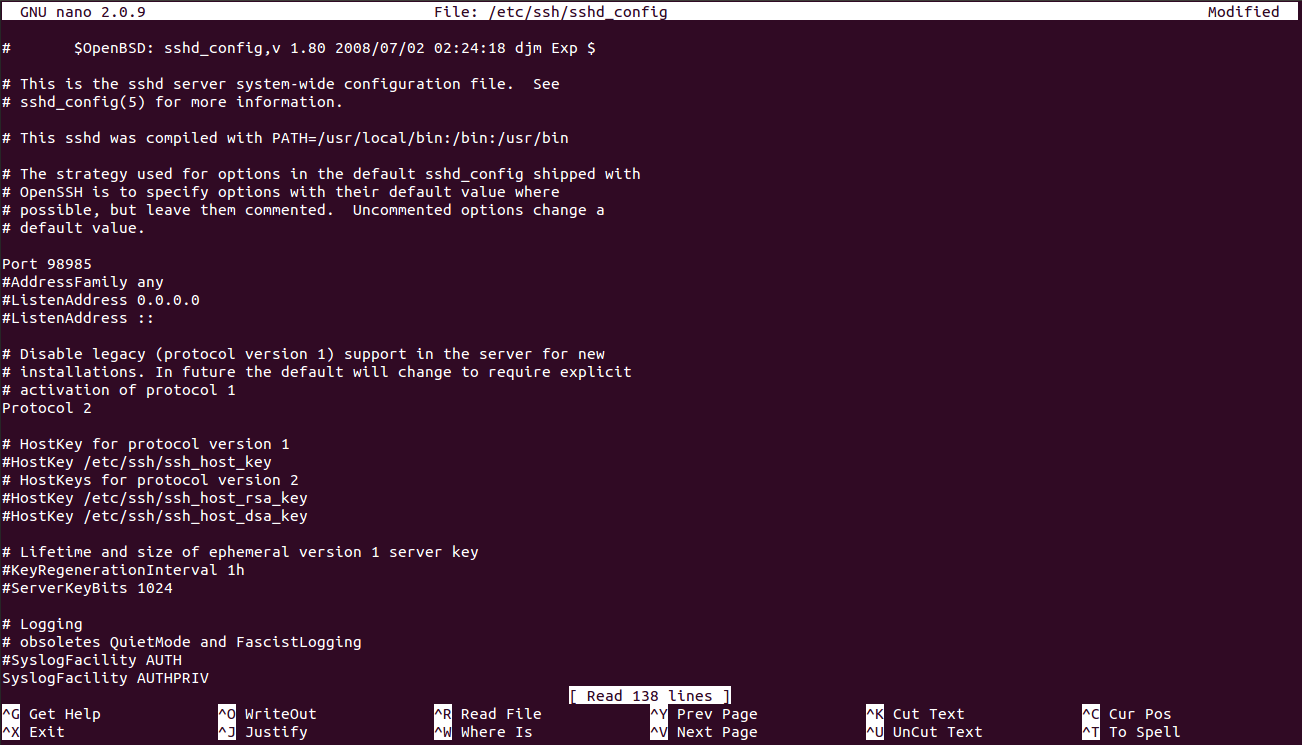
Changing The SSH Port In Linux Server
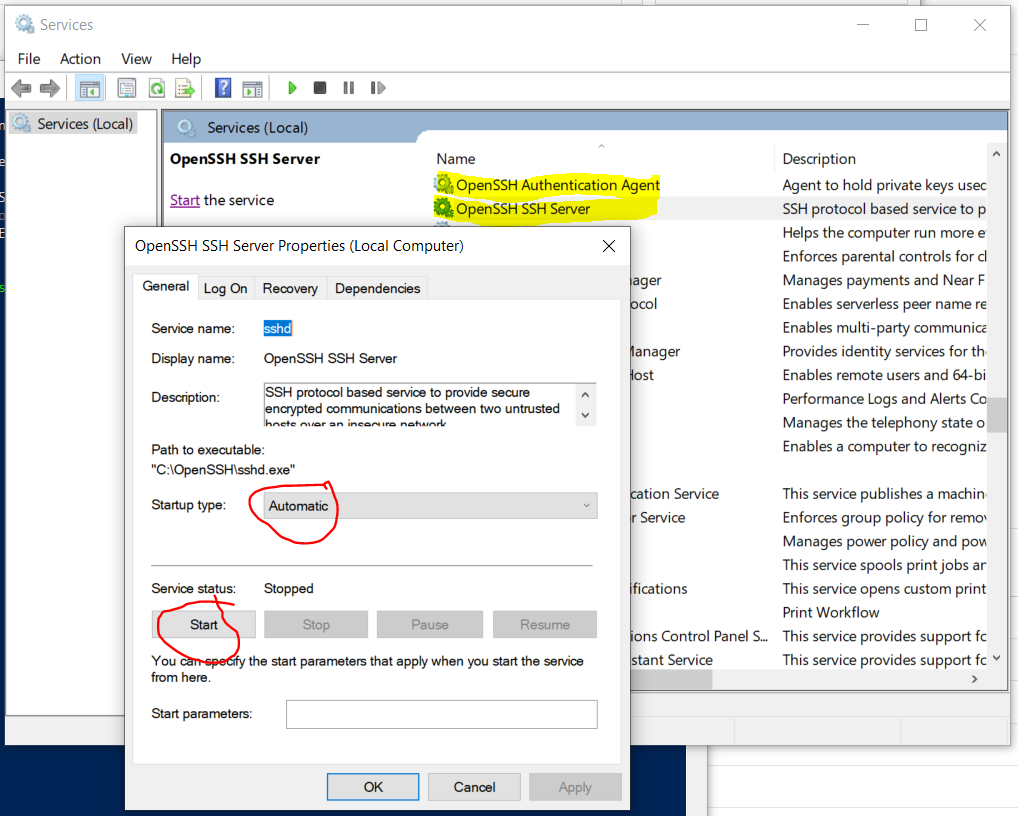
Git Server On Windows With OpenSSH Remote And Local Repository My Geeks
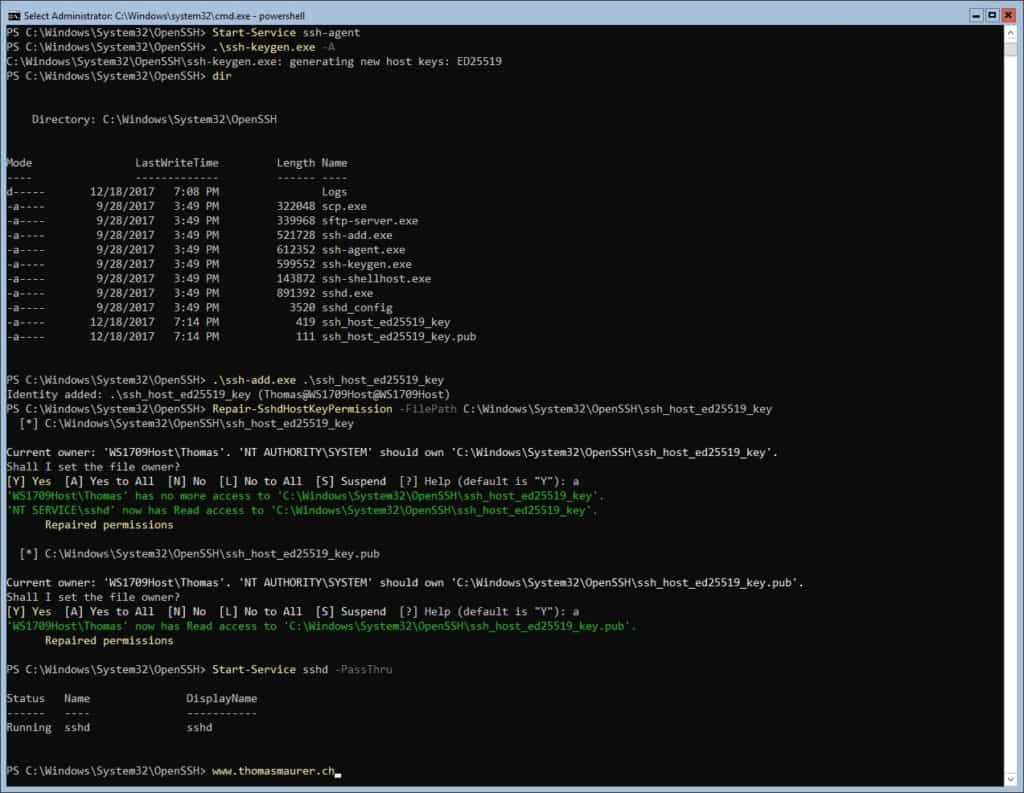
Install Openssh Linux Catholicfas

Windows Server 2019 OpenSSH
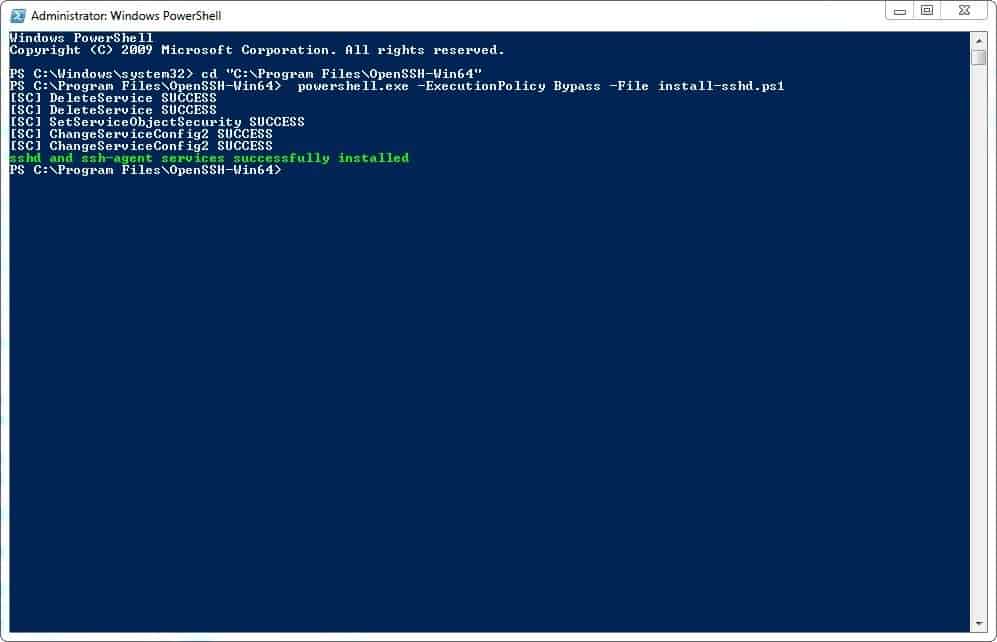
How To Setup An SFTP Server In Windows Using OpenSSH GHacks Tech News

Open SSH Server sshd reads configuration data from programdata ssh sshd config by default or a different configuration file may be specified by launching sshd exe with the f parameter If the file is absent sshd generates one with the default configuration when the service is started
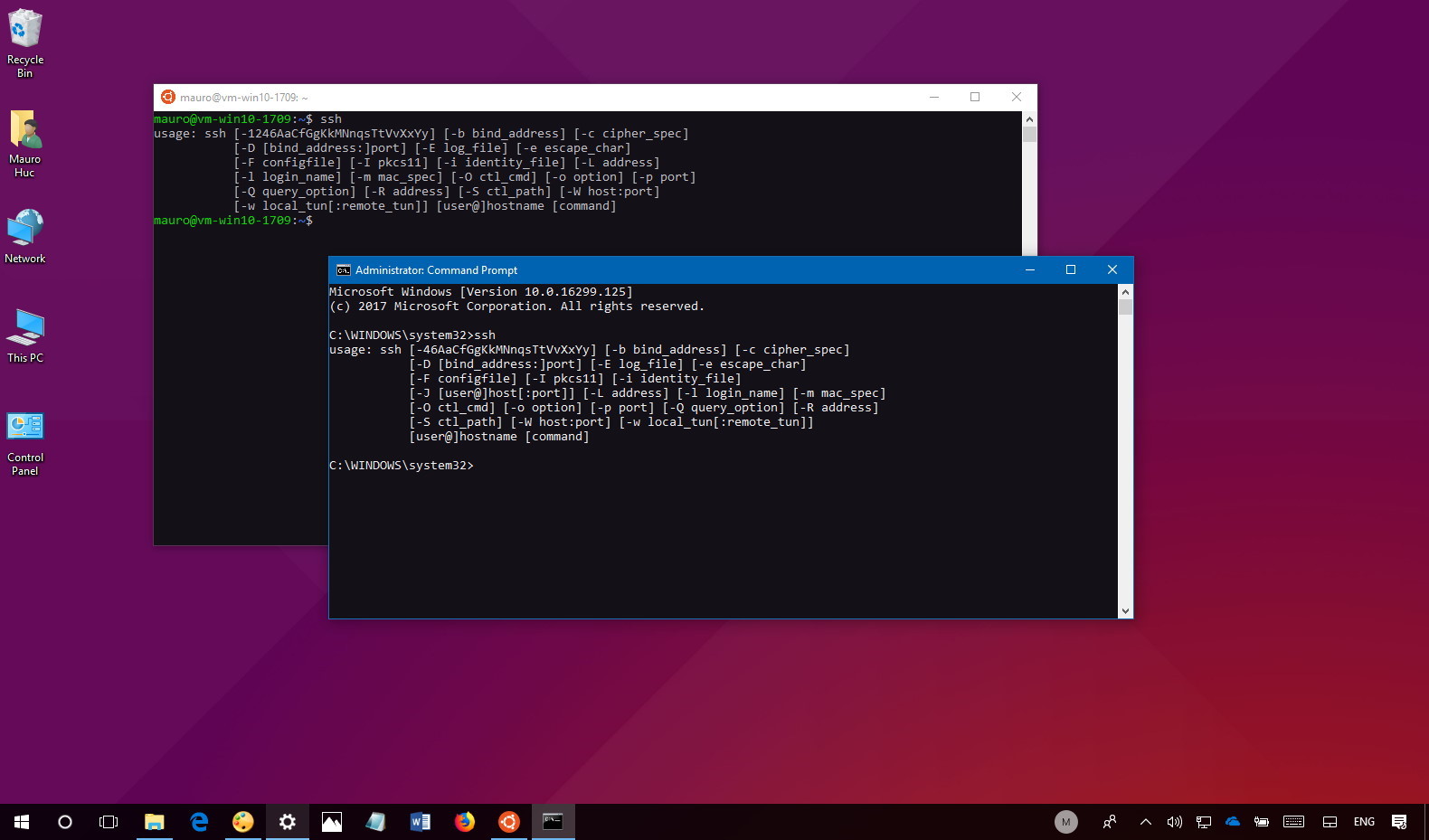
At the end of the Windows sshd config you ll see Match Group administrators AuthorizedKeysFile PROGRAMDATA ssh administrators authorized keys If you re in a multi user corporate environment I would strongly recommend changing this to AuthorizedKeysFile PROGRAMDATA ssh u authorized keys

If nthe file is absent sshd generates one with the default configuration when the service is started p n p dir auto In Windows the OpenSSH Client ssh reads configuration data from a configuration file in the nfollowing order p n ol dir auto n li By launching ssh exe with the F parameter specifying a path to a configuration f

On your Windows Server desktop open an elevated Windows PowerShell console 3 Next copy the code below paste it in the PowerShell window and press Enter This script will download the latest OpenSSH release which as of this writing is v8 1 0p1 Beta to the current working directory

Prerequisites Install OpenSSH for Windows Connect to OpenSSH Server Uninstall OpenSSH for Windows Next steps Applies to Windows Server 2022 Windows Server 2019 Windows 10 build 1809 and later OpenSSH is a connectivity tool for remote sign in that uses the SSH protocol
5 I am running OpenSSH64 on a Windows 2012 environment OpenSSH64 is running and I can access the server I have modified the sshd config file with no success I have made the following changes OpenSSH includes tools to help support key based authentication specifically ssh keygen for generating secure keys ssh agent and ssh add for securely storing private keys scp and sftp to securely copy public key files during initial use of a server
To install the OpenSSH server open the elevated PowerShell prompt and run the command Get WindowsCapability Online Where Object Name like OpenSSH Server Add WindowsCapability Online Or using DISM dism Online Add Capability CapabilityName OpenSSH Server 0 1