Windows List Bluetooth Devices Command Line Windows Command Line Cheat Sheet How To Connect A Bluetooth Device With A Hotkey On Windows 10 Windows 7 How To Command Prompt List Directory Contents And List Based How To Pair Apple Wireless Keyboard With Windows 11 10 Device Drivers How To Use The Lsblk Command To List Block Devices On Linux Flipboard Web Jan 10 2024 nbsp 0183 32 The Windows Bluetooth stack reads the vendor specific command code from a registry key VsMsftOpCode The VsMsftOpCode registry key has a type of REG DWORD and the key data is the vendor specific opcode To specify the vendor specific opcode use the AddReg directive under DDInstall HW section in the driver s INF
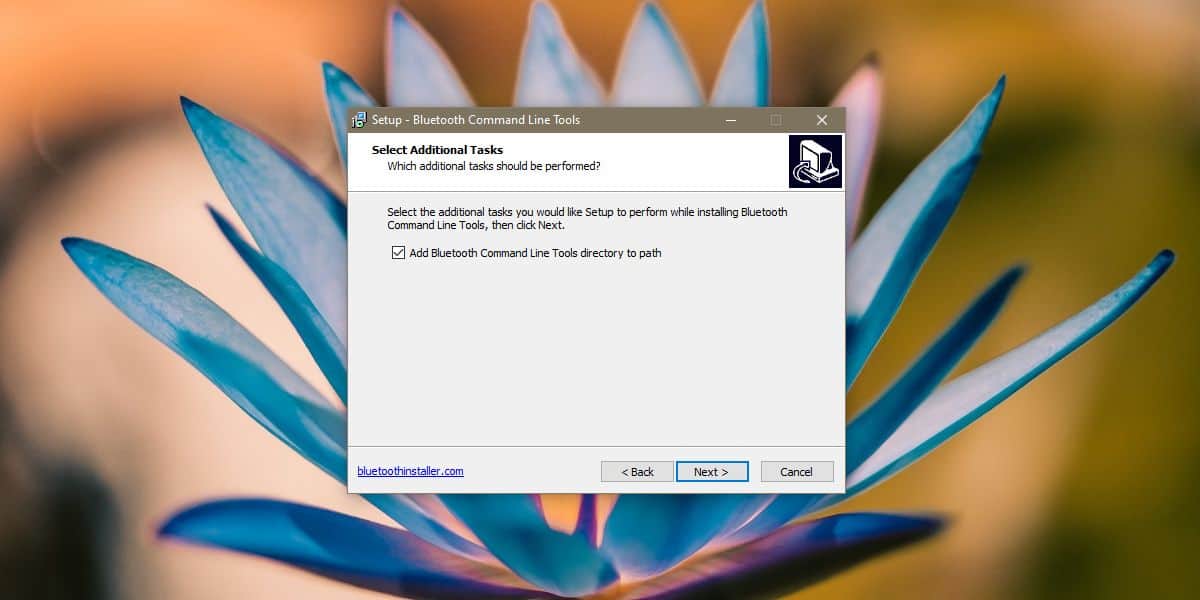
Web Aug 3 2009 nbsp 0183 32 Bluetooth CL has been designed to provide a quick and effective way of detecting Bluetooth devices on computer systems running Windows that support Bluetooth It is a command line software that detects Bluetooth devices and displays the device s MAC address name major and minor device type and optionally the company Web Jan 14 2010 nbsp 0183 32 There is no Microsoft software to access Bluetooth from command prompt To access Bluetooth from command prompt there may be a third party software You may use your favorite search engine to find a software to access Bluetooth from command prompt
How To Use The Lsblk Command To List Block Devices On Linux Flipboard IN Command Pro Bluetooth Pairing With Android Devices YouTube Update Fixed Bluetooth Devices Are Breaking Android Notifications Windows Command Line Cheat Sheet Iphone Unpairing A Bluetooth Device When There Is No i Ask Different How To Pair Apple Wireless Keyboard With Windows 11 10 Device Drivers Windows Command Line Ftp Standaloneinstaller EroFound Unknown Bluetooth Connection On My Phone Apple Community Adsresponsive Txt Windows Command Prompt Cheat Sheet Excellent Results
Windows List Bluetooth Devices Command Line
 Windows List Bluetooth Devices Command Line
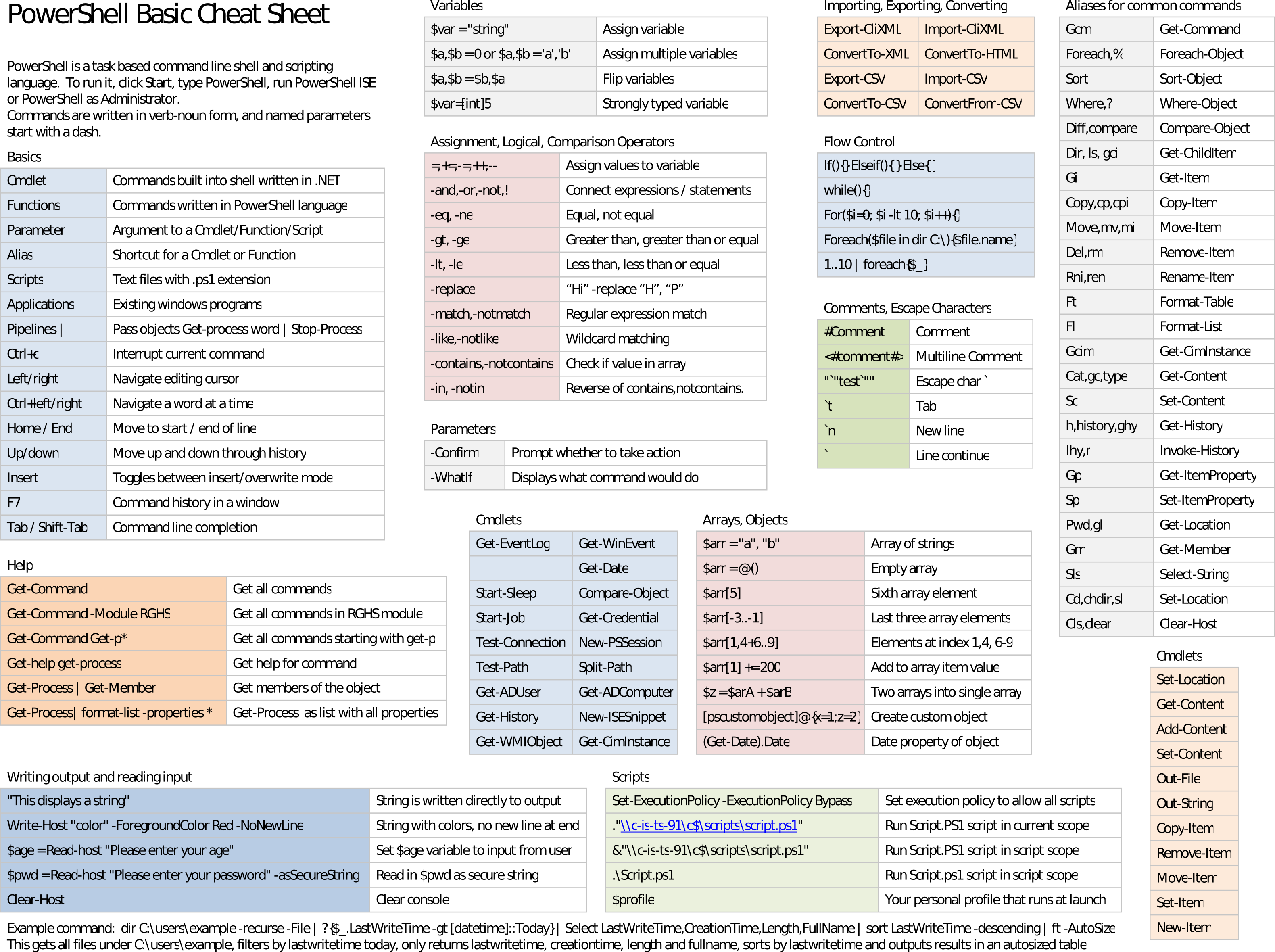
https://ugoproto.github.io/ugodoc/img/os_cli/powershell-basic-cheat-sheet2.png
Web Oct 29 2019 nbsp 0183 32 Where can I find the list of connected Bluetooth devices I am unable to find my connected bluetooth devices in Windows 10 I am currently connected to 2 devices but I see nothing under bluetooth settings I was trying to troubleshoot windows failing to connect to my headphones again after connecting it to my phone however
Templates are pre-designed files or files that can be utilized for different purposes. They can save effort and time by providing a ready-made format and layout for producing different type of content. Templates can be utilized for personal or professional jobs, such as resumes, invitations, flyers, newsletters, reports, discussions, and more.
Windows List Bluetooth Devices Command Line

Linux List Bluetooth Devices Command Line Linux World

IN Command Pro Bluetooth Pairing With Android Devices YouTube

Update Fixed Bluetooth Devices Are Breaking Android Notifications
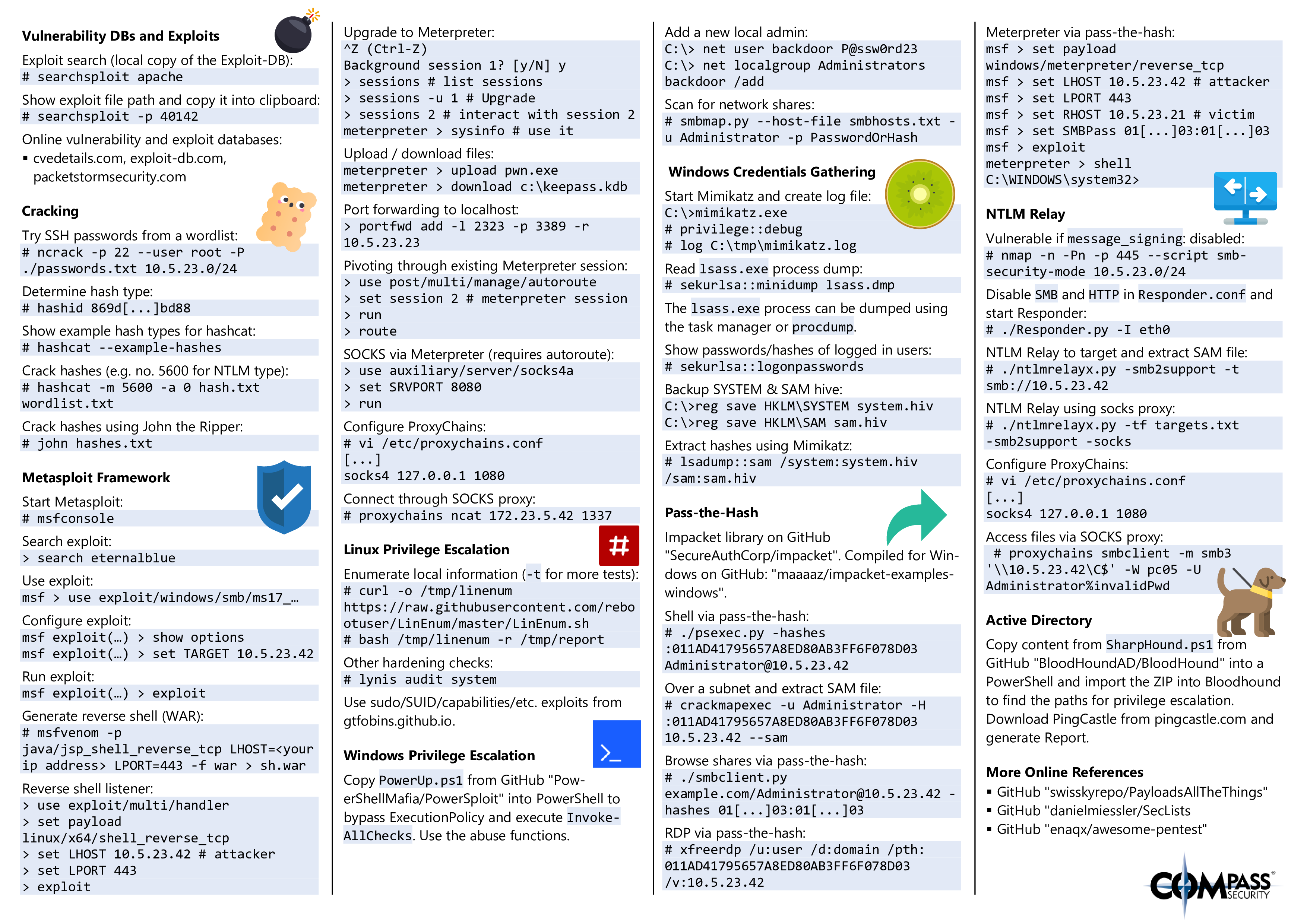
Windows Command Line Cheat Sheet
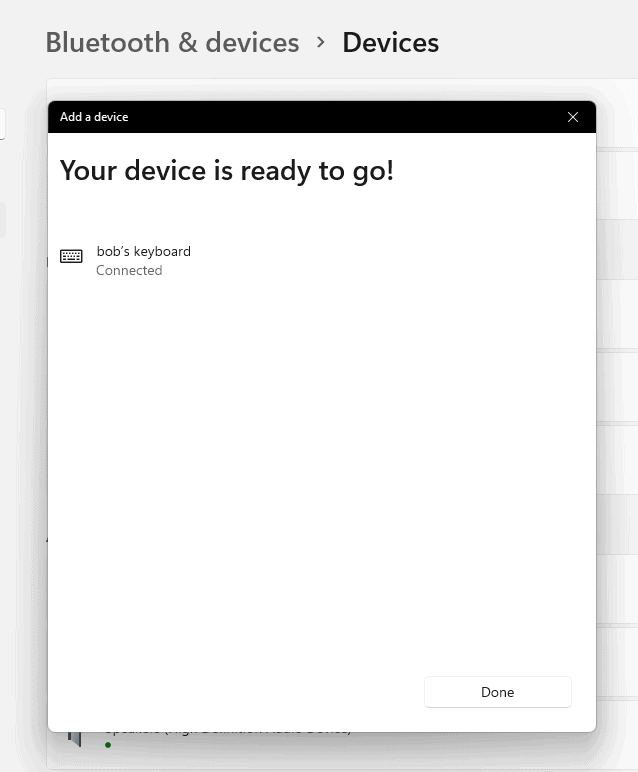
How To Pair Apple Wireless Keyboard With Windows 11 10 Device Drivers
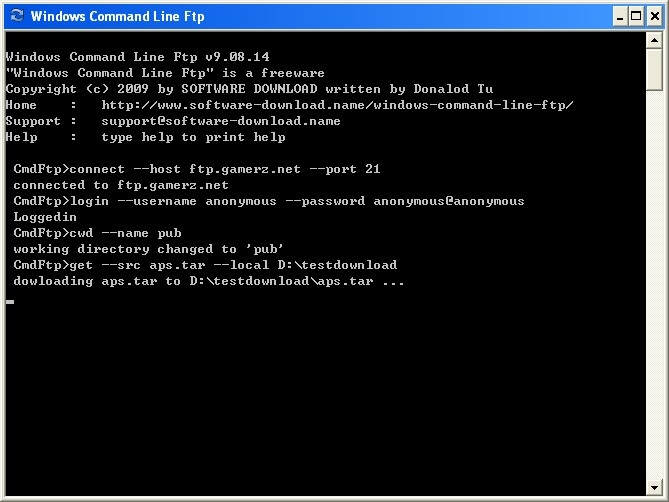
Windows Command Line Ftp Standaloneinstaller EroFound
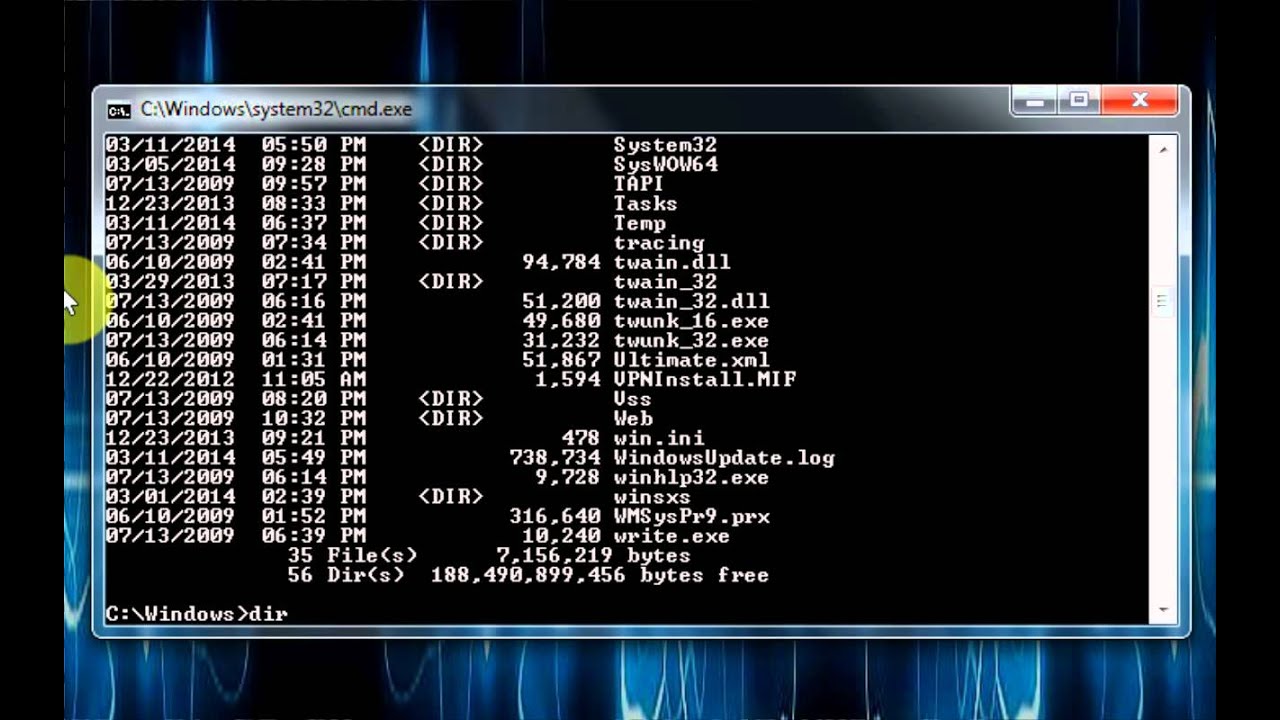
Web Jul 31 2014 nbsp 0183 32 In 2023 Microsoft suggests using PnPUtil instead of devcon PnPUtil is included in every version of Windows starting with Windows Vista To view a list of devices from command line use pnputil enum devices connected More usage examples can be found here
Web Nov 23 2020 nbsp 0183 32 A found a command that will output OK if my bluetooth headphones are connected and Unknown if they are not Get PnPDevice Where Object FilterScript Class eq AudioEndpoint and FriendlyName like WH
Web Apr 16 2009 nbsp 0183 32 It contains several command line tools as hcitool configure Bluetooth connections e g hcitool dev will list the devices hciconfig configure Bluetooth devices Once you found a device you can configure it They may exist commands for sending receive etc from to Bluetooth devices
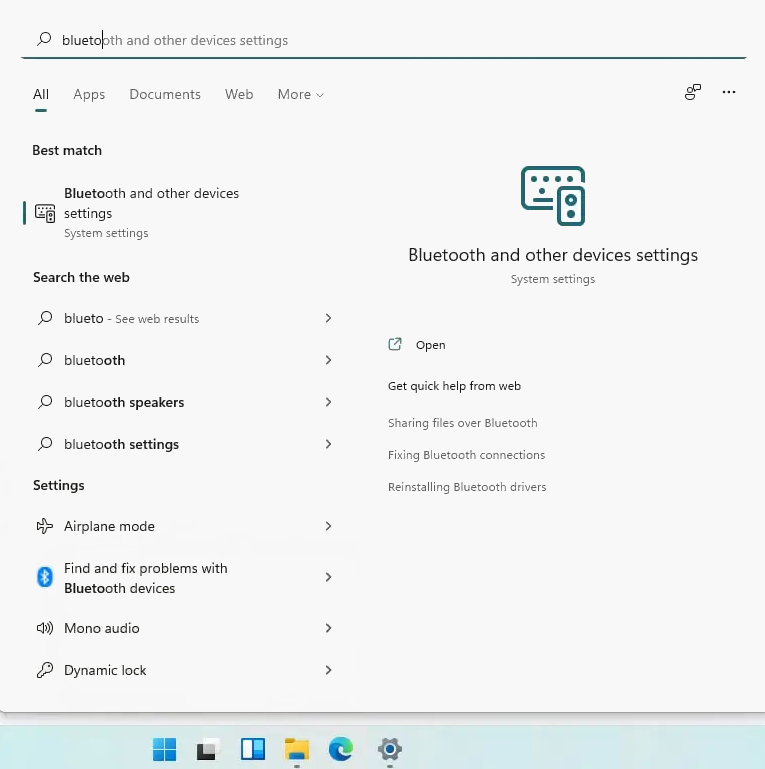
Web Feb 18 2023 nbsp 0183 32 Run command ms settings bluetooth This command opens the full Bluetooth settings menu instead of the quick connect menu Run command ms settings connecteddevices Same as above Run command bthprops cpl Same as above keyboard shortcuts bluetooth windows 11 Share Improve this question Follow asked

Web Nov 17 2021 nbsp 0183 32 I m trying to experiment with Bluetooth discovery from the command line I have tried btdiscovery from https bluetoothinstaller bluetooth command line tools via https superuser questions 1604313 command line check if a certain bluetooth device is discoverable
Web Mar 24 2021 nbsp 0183 32 How to enable disable Bluetooth using a command through command prompt I have tried multiple ways to enable Bluetooth but nothing worked perfectly The code below works for Wi Fi Is there a similar code to do the same with Bluetooth Powershell Start cmd exe ArgumentList c netsh interface set interface Wi Web Dec 6 2022 nbsp 0183 32 To open Settings pages with ms settings commands on Windows 11 use these steps Open the Run command Windows key R Type the ms settings followed by a semicolon and the page s unique name For example Bluetooth and then click the OK button In this case the command will look like this ms settings bluetooth
Web Sep 12 2012 nbsp 0183 32 3 Answers On Windows a simple command line ipconfig display the bluetooth adapter if the module is activated Ethernet adapter Bluetooth Network Connection 2 Media State Media disconnected Connection specific DNS Suffix There are a couple of scripts at https devblogs microsoft