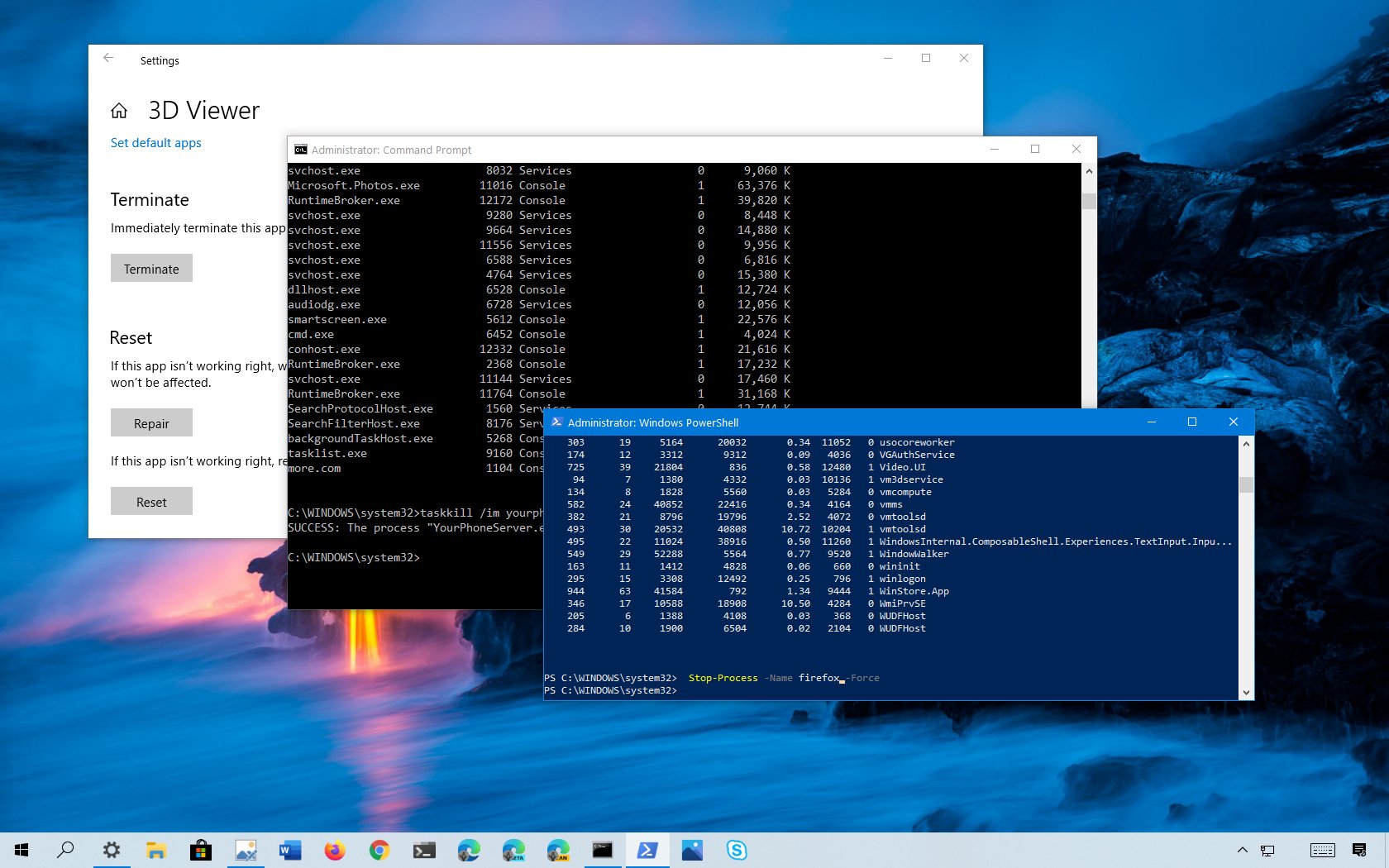
Windows Kill Process Via Command Line How To End Process On Windows 10 Pureinfotech How To Use The Kill Process In Ubuntu Materialismo Ovo Fat dico Force Kill Process Windows Magn tico Inocente How To Kill Process From Windows Command Line Techno Digits How To Use Command Prompt To A Kill Process ATech Academy WEB May 5 2008 nbsp 0183 32 How to kill a process from cmd To kill a process from the command line we will use the taskkill command This command is available in Windows XP and later
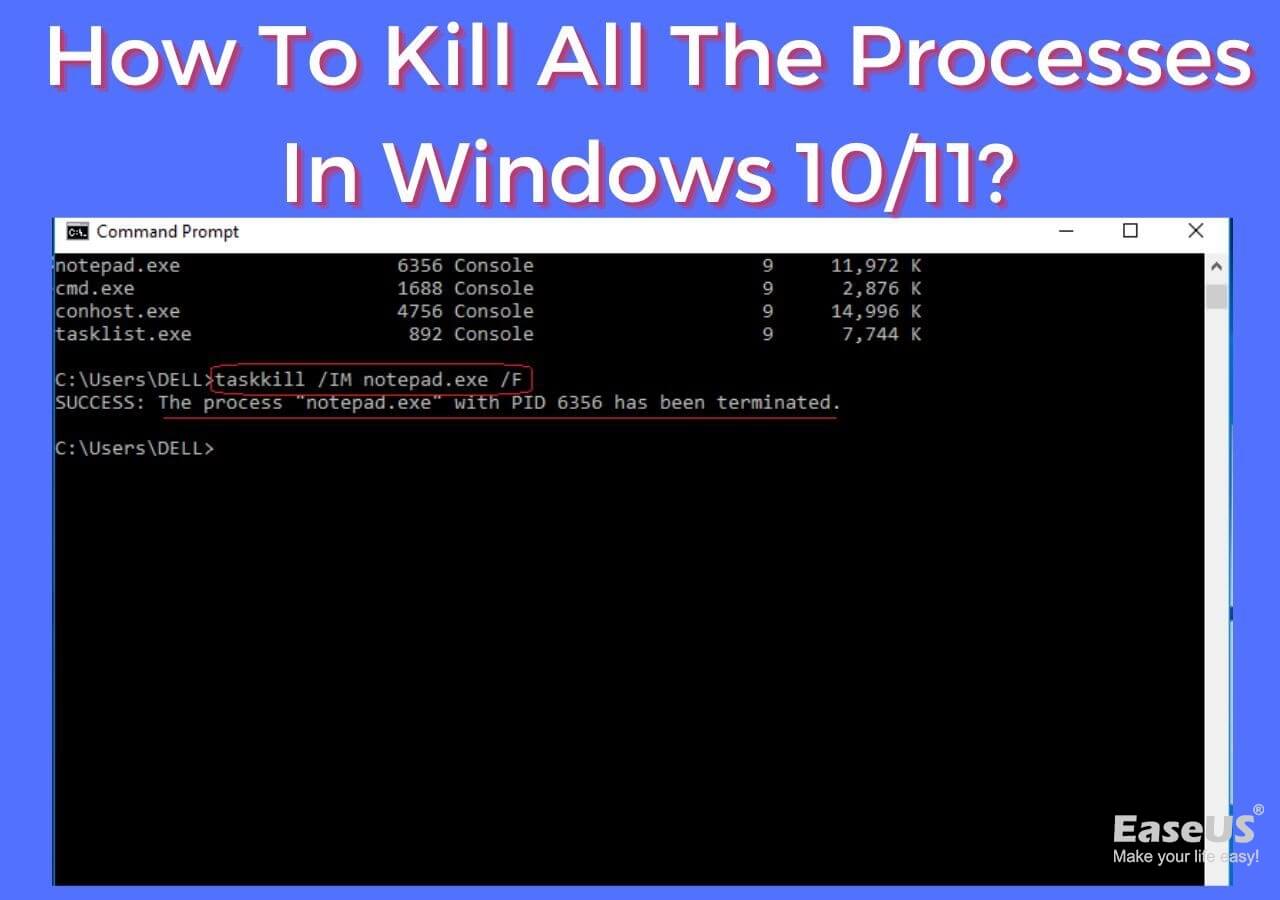
WEB We use the taskkill command to terminate applications and processes in the Windows command prompt Running taskkill is the same as using the End task button in the WEB Nov 3 2023 nbsp 0183 32 How to let CMD kill process in Windows 10 11 Here you need to use the taskkill command that allows a user to kill a task from a Windows command line by PID
How To Use Command Prompt To A Kill Process ATech Academy How To Modify TCC On MacOS Via Command Line Entonos Windows Memory Allocated When Launching Jar Via Command Line But Not How To Use Command Prompt To A Kill Process ATech Academy Taskkill CMD Command Kill Processes In Windows 15 Command line Aliases To Save You Time Opensource How To Kill A Process In Windows How To Change Network Level Authentication On A Windows Server Via Command Line Interface CLI The Powerful Computer User Interface
Windows Kill Process Via Command Line
 Windows Kill Process Via Command Line
https://pureinfotech.com/wp-content/uploads/2020/05/windows-10-kill-process_.jpg
WEB Feb 16 2023 nbsp 0183 32 1 Open Windows Terminal and select either Windows PowerShell or Command Prompt 2 Type tasklist into Windows Terminal and press Enter to see a list of all currently running processes Make
Pre-crafted templates use a time-saving solution for creating a diverse range of documents and files. These pre-designed formats and designs can be utilized for different individual and professional jobs, including resumes, invitations, leaflets, newsletters, reports, discussions, and more, streamlining the material creation procedure.
Windows Kill Process Via Command Line
How To Kill All The Processes In Windows 10 11 EaseUS

How To Modify TCC On MacOS Via Command Line Entonos

Windows Memory Allocated When Launching Jar Via Command Line But Not

How To Use Command Prompt To A Kill Process ATech Academy
15 Command line Aliases To Save You Time Opensource
How To Kill A Process In Windows
WEB Dec 4 2022 nbsp 0183 32 We can kill a process from windows command line using taskkill command This article explains taskkill command syntax for various use cases

WEB Sep 12 2019 nbsp 0183 32 How to kill a process in Windows by Name PID or Port using taskkill command from the command line CMD

WEB Apr 12 2013 nbsp 0183 32 How to Kill a Process From the CLI in Windows If the command prompt is your flavor of tea you will need to know to know the name of the process you are trying to kill beforehand The easiest way to

WEB May 21 2024 nbsp 0183 32 How to Kill a Process from Command Prompt You can kill the process in cmd using the taskkill command However you must either know its Process Identifier

WEB Aug 17 2021 nbsp 0183 32 You can either try a third party tool like KillProcess or use command line tools to kill the protected process To permanently shut down unnecessary background processes prevent them from starting up
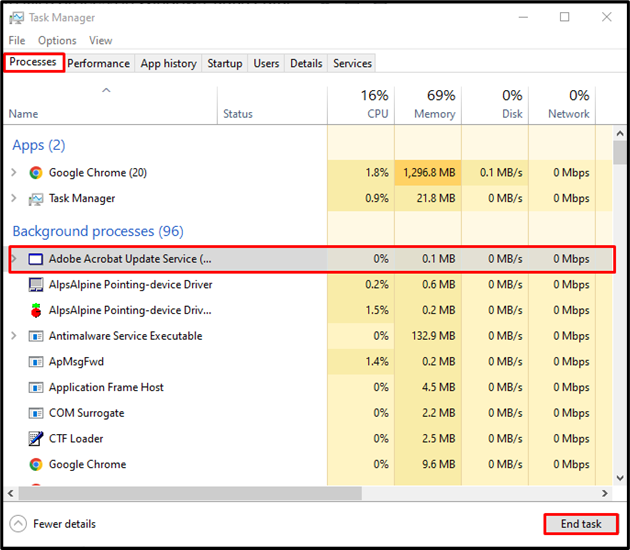
WEB Jan 16 2017 nbsp 0183 32 Is there a command line utility that kills all processes with a specific command line E g kill all processes named quot java exe quot with a command line that WEB Feb 20 2024 nbsp 0183 32 How to Identify and Kill Any Process in Windows 11 and Windows 10 We show you how to kill a process in Windows 10 with Task Manager Command
WEB Feb 16 2023 nbsp 0183 32 1 Open a command prompt or an elevated command prompt 2 Type tasklist into the command prompt and press Enter to see a list of all currently running