Windows Icon Size Windows Icon Sizes Simple Guide To Windows Icons ICO How To Change Icon Size Windows 10 Tutorial YouTube Windows 8 Icon Size Guide Great Tips For Windows 8 Icons Windows Icon Sizes Simple Guide To Windows Icons ICO How To Change Icon Of Desktop Icons In Windows 10 YouTube Web Aug 3 2022 nbsp 0183 32 Select View From the icon size options select the size that you want them to appear Medium Icons is the default so if you want them to be bigger select Large Icons How to Change the Size of Desktop Icons In Windows 11 Using Keyboard Shortcuts
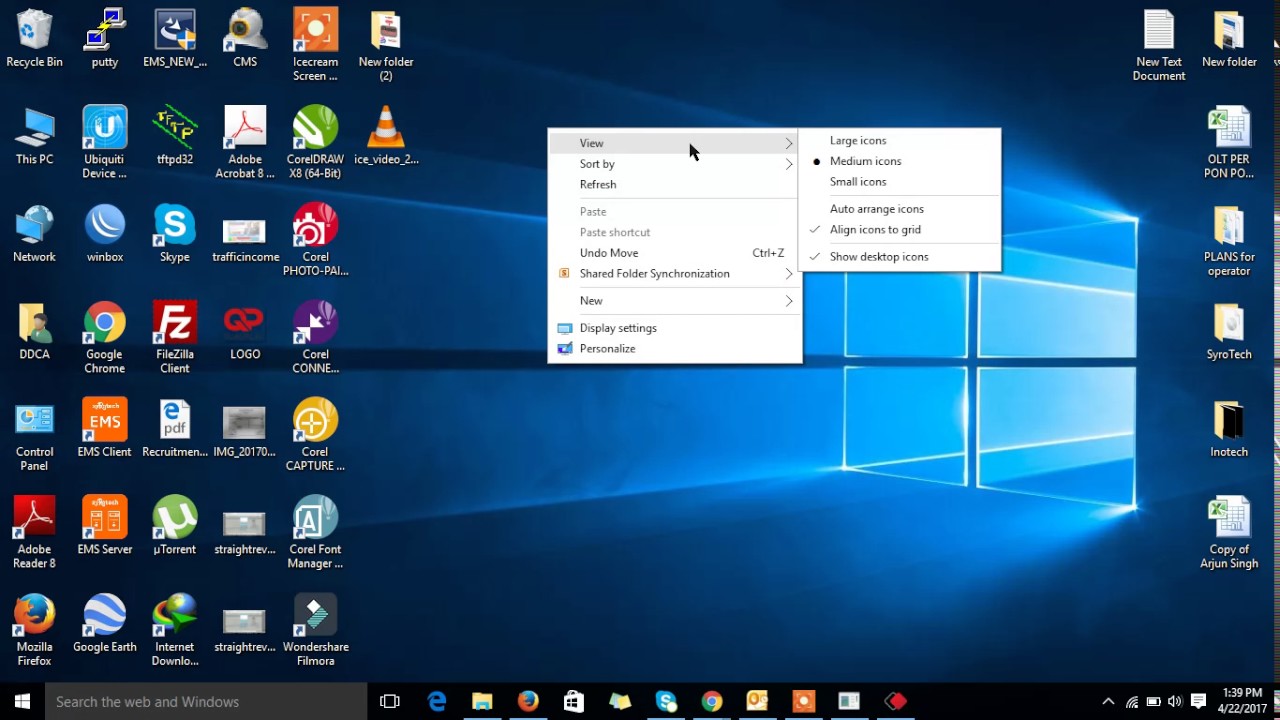
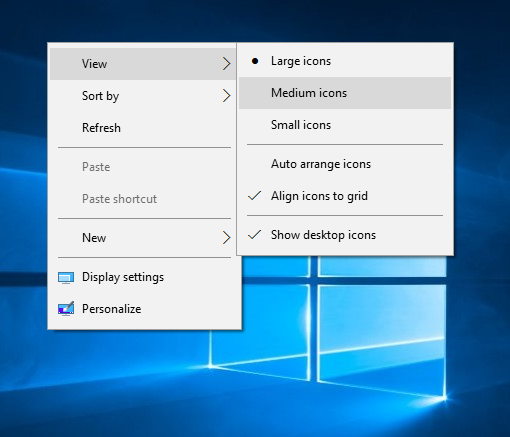
Web Feb 9 2021 nbsp 0183 32 Dialog and wizard icons 32x32 and 48x48 Overlays Core shell code for example a shortcut Web Apr 25 2022 nbsp 0183 32 How to change the icon size in Windows 10 1 Right click on an empty space on the desktop 2 Select View from the contextual menu 3 Select either Large icons Medium icons or Small icons The default is medium icons
How To Change Icon Of Desktop Icons In Windows 10 YouTube How To Increase Label Size For Icons On Mac Desktop Asltn Make Icons Smaller On Desktop Windows 1 0 My XXX Hot Girl Tip Resize Icons Quickly On The Desktop Or In A Folder In Windows 10 Change Desktop Icon Size Windows 10 How To Change Icon Sizes On How To Change The Size Of Desktop Icons In Windows YouTube How To Change Desktop Icons On Windows 11 Mobile Legends How To Change Icon Size On Windows 10 How To Make Desktop Icons Smaller In Windows 10 YouTube
Windows Icon Size
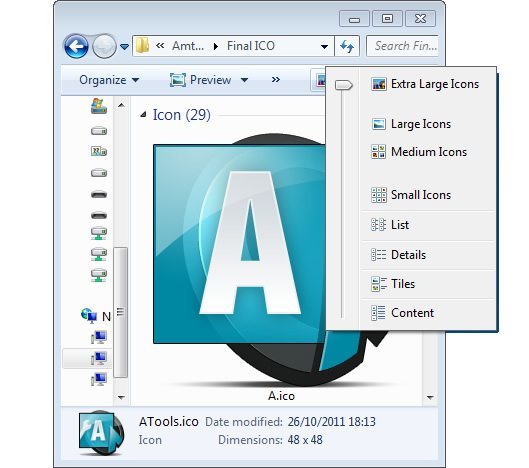 Windows Icon Size
https://www.creativefreedom.co.uk/wp-content/uploads/2011/10/windows-7-icon-sizes_02.jpg
Web Mar 28 2022 nbsp 0183 32 Just want to adjust the size of Windows 10 icons on your desktop That s an easy fix On the desktop you can right click any empty space and choose View to select Small icons Medium icons or Large icons If you don t like one of those presets hold the Ctrl key and scroll your mouse wheel This gives you more granular control over icon size
Pre-crafted templates offer a time-saving option for developing a diverse variety of documents and files. These pre-designed formats and layouts can be used for various individual and professional projects, including resumes, invites, flyers, newsletters, reports, discussions, and more, improving the material production process.
Windows Icon Size

How To Change The Icon Size Of Files On A Windows 11 PC YouTube

How To Increase Label Size For Icons On Mac Desktop Asltn
Make Icons Smaller On Desktop Windows 1 0 My XXX Hot Girl
Tip Resize Icons Quickly On The Desktop Or In A Folder In Windows 10
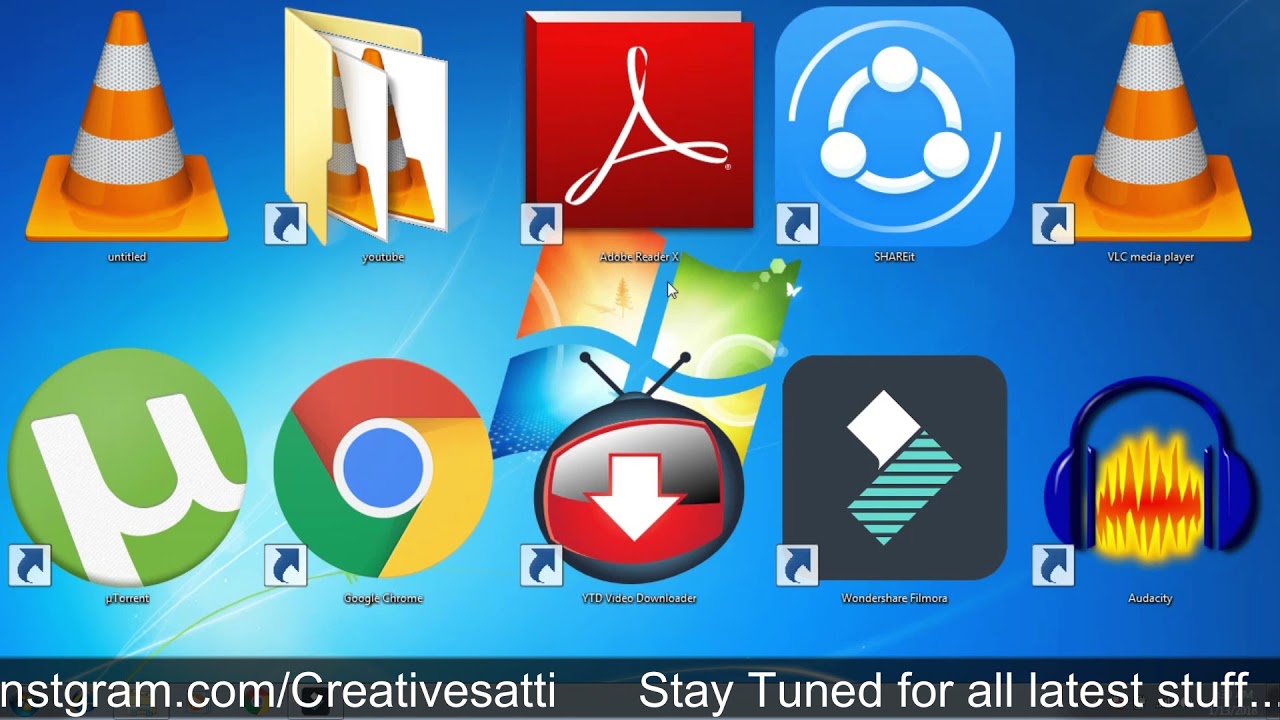
How To Change The Size Of Desktop Icons In Windows YouTube
How To Change Desktop Icons On Windows 11 Mobile Legends
Web Aug 13 2021 nbsp 0183 32 First right click anywhere on your desktop In the context menu that appears hover your mouse over quot View quot In the sub menu you ll see three sizes to choose from large medium and small You ll see a dot next to the current size Click the size that you want
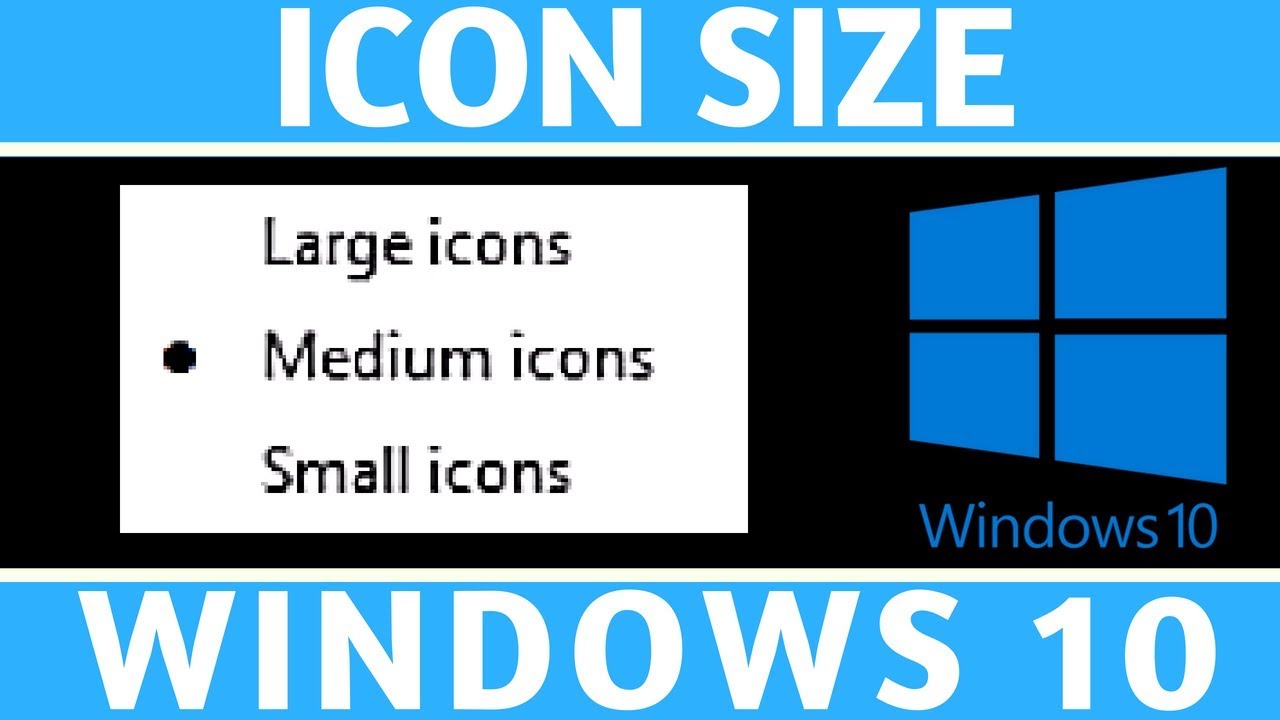
Web Right click or press and hold the desktop point to View and then select Large icons Medium icons or Small icons Tip You can also use the scroll wheel on your mouse to resize desktop icons On the desktop press and hold Ctrl while you scroll the wheel to make icons larger or smaller

Web To resize desktop icons right click or press and hold the desktop point to View then select Large icons Medium icons or Small icons

Web Jun 2 2022 nbsp 0183 32 Apps should have at the bare minimum 16x16 24x24 32x32 48x48 and 256x256 This covers the most common icon sizes and by providing a 256px icon ensures Windows should only ever scale your icon down never up

Web Apr 21 2022 nbsp 0183 32 Nevertheless you can change icon sizes via the desktop context menu as follows Click anywhere on the desktop with your right mouse button to bring up a context menu Select the View submenu on the context menu Then select the Large icons or Small icons option to change from the medium size
[desc-11] [desc-12]
[desc-13]