Windows Force Delete File Access Denied Getting The Access Denied Windows 11 Error Try These Fixes YouTube How To Force Delete Files In Windows 10 Vrogue File Access Denied png Interstellar Rift Wiki Force Delete A File That Cannot Be Deleted Windows 11 YouTube How To Force Delete Files Or Folders In Windows 11 You may be trying to delete a system file The Recycle Bin is either full or corrupted The file or folder is infected with malware or a virus The disk is write protected or full You get the Access Denied warning when you try deleting files or folders from a mounted external drive
Method 1 Close Running Programs to Force Delete Files and Folders If your file or folder is being used by a running program you will have to close that program before you delete the file In other cases if your file or the file in the folder is open in another window or by software then you will need to close them as well Can t delete the file because it is in use The file may be used by other programs or system processes Access Denied when you try to delete a file or folder from a mounted external drive Can t delete the file or folder because the disk is full or write protected Disk failure or corruption The file or folder is read only
How To Force Delete Files Or Folders In Windows 11 How To Force Delete A File Windows Command Prompt Cmd Delete HOW TO DELETE FOLDER OR FILES ACCESS DENIED YouTube How To Fix Error 5 Access Is Denied In Windows 10 How To Force Delete File In Windows 10 TechCult Force Delete File In Windows 11 Easy And Fast HowPChub How To Force Delete A File Windows Command Prompt Cmd Delete Access Is Denied In Windows 11 See Pinned Comment Local Drive 29 How To Delete A Disc Image File 01 2023 Interconex
Windows Force Delete File Access Denied
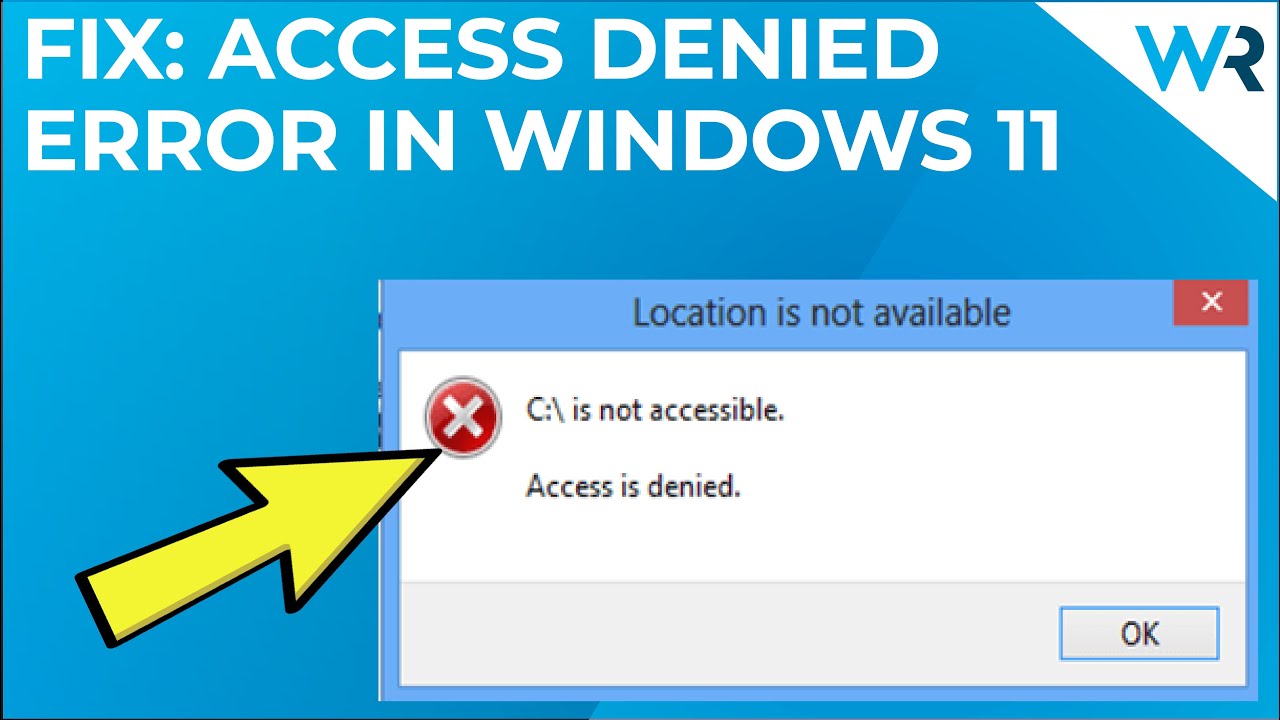 Windows Force Delete File Access Denied
https://i.ytimg.com/vi/Lk1Tm_GNAK8/maxresdefault.jpg
1 Force delete using Shift Delete Perhaps the simplest way to force delete a file in Windows is to use the keyboard shortcut Select the file or folder you wish to delete then press Shift
Pre-crafted templates provide a time-saving option for developing a diverse series of files and files. These pre-designed formats and layouts can be used for numerous individual and professional tasks, consisting of resumes, invites, flyers, newsletters, reports, presentations, and more, simplifying the content creation procedure.
Windows Force Delete File Access Denied

How To Force Delete File Or Folder In Windows 10 Using CMD YouTube
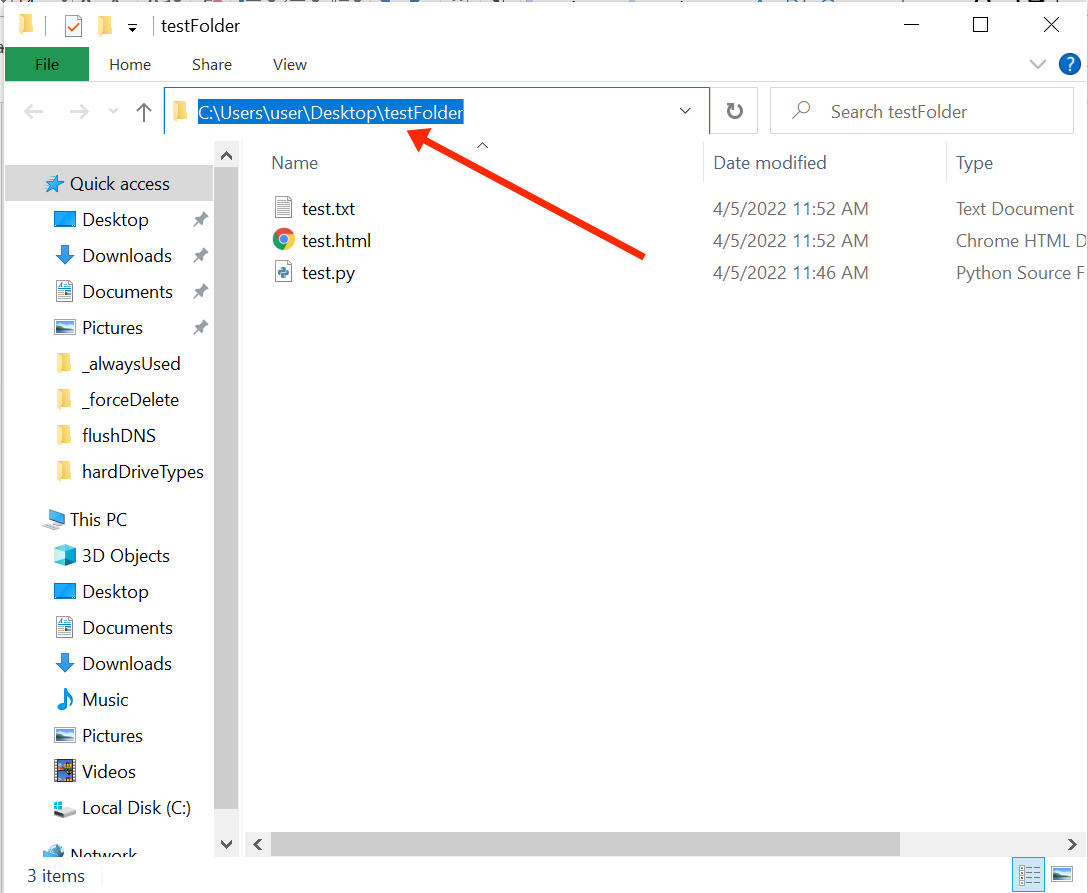
How To Force Delete A File Windows Command Prompt Cmd Delete
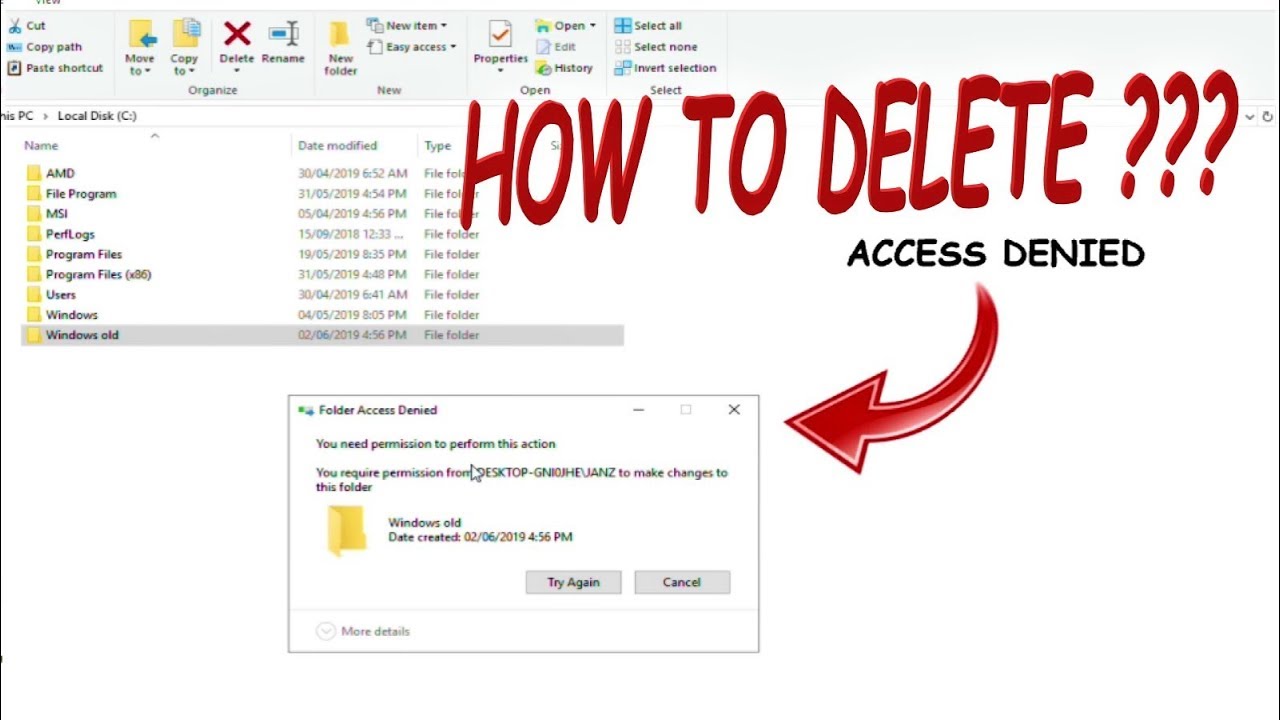
HOW TO DELETE FOLDER OR FILES ACCESS DENIED YouTube
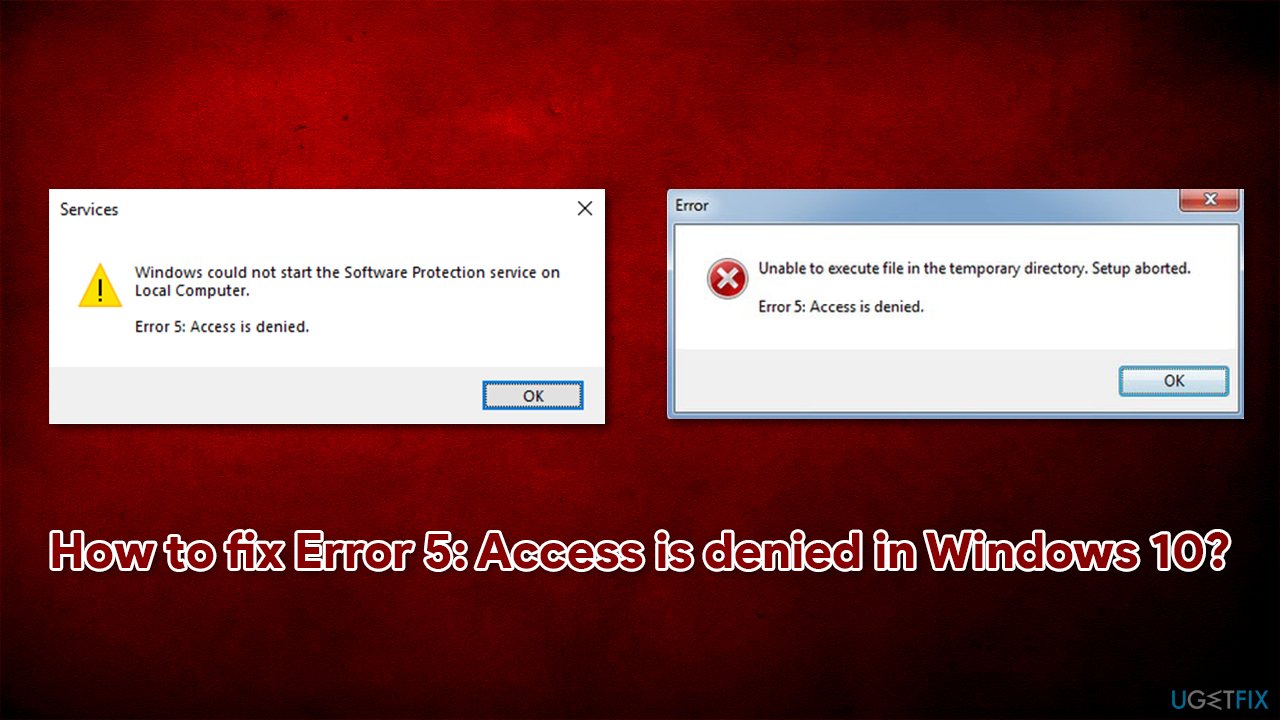
How To Fix Error 5 Access Is Denied In Windows 10
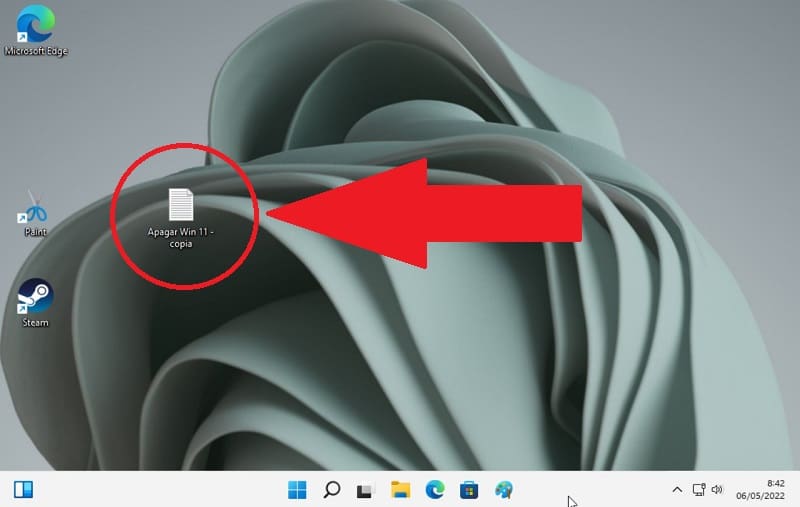
Force Delete File In Windows 11 Easy And Fast HowPChub
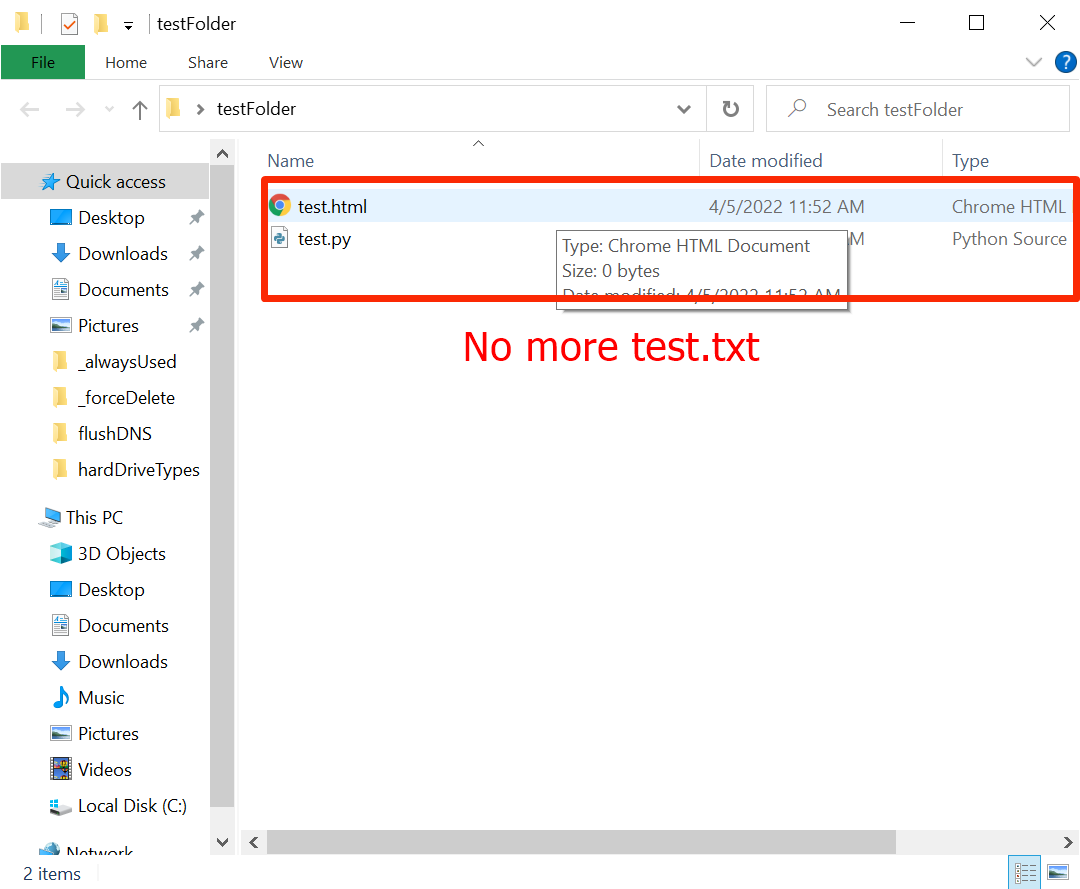
How To Force Delete A File Windows Command Prompt Cmd Delete
We see here that you re unable to delete a file using the Administrator account on your Windows 10 device To answer your query we recommend that you boot your computer in safe mode then check if you can delete the file

7 Solutions to Delete a File or Folder Showing Error Access Is Denied Eleanor Reed Aug 16 2023 Filed to Recover Files Proven solutions Master the CMD Force Delete Folder Access Denied helping you in your daily file folder management Managing files and folders is a critical part of fair computer resource usage
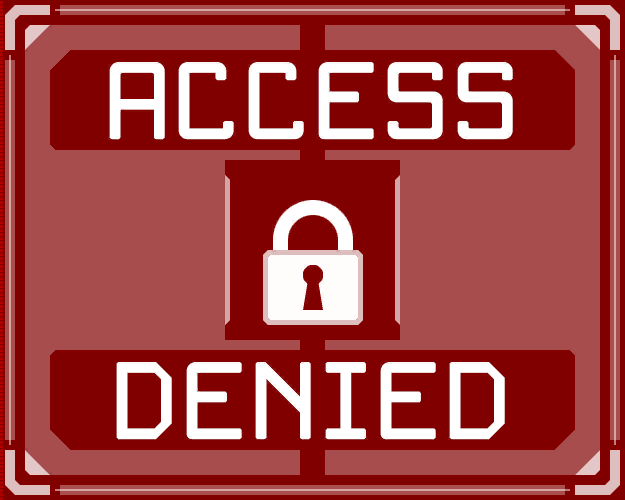
Problem is it throws Access is denied error because there is one file the latest one generated by the process being used by some process If I try to delete that particular file using Delete button on keyword then I get same error But if I use Shift Delete then I am able to delete file successfully
1 Files on NTFS partitions also have ACLs Access Control List which specify what permissions users and groups have on a file ACLs are completely separate from the permissions bits shown by the dir command To view the ACL permissions right click on the file in Explorer select Properties on the context menu then select the Security tab

1 Select the file or folder you want to delete It should be highlighted Keep in mind that this method will permanently delete the file Back up the files if you want to recover them later 1 2 Press Shfit Del This keyboard combination will bypass the Recycle Bin and delete the file permanently
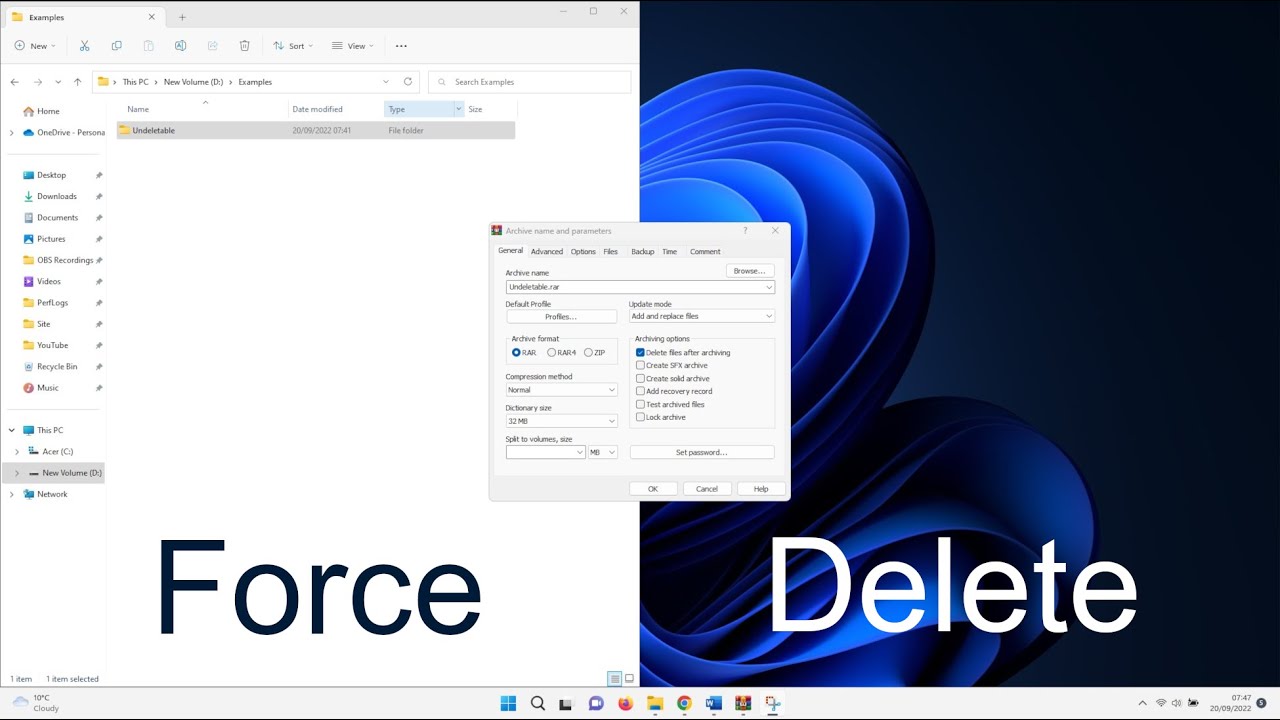
Cannot delete file Access is denied There has been a sharing violation and it was flakey when I used it Get killbox If it can t force delete the file it ll delete it on reboot Killbox also doesn t need to be installed as it s just a standalone app Windows itself uses a lot of files and interrupting a Windows process by Right click the undeletable file or folder hover the WinRAR option from the context menu and click Add to archive 3 Select the Delete files after archiving option and click OK 4 Now you may also delete the newly created archive 5 Force Delete a File or Folder Windows 11 Command Line
Navigate to the locked file or folder and a Press your mouse s Right click b From the floating menu choose Unlocker 2 Choose from the left drop down menu the Unlocker action to be performed e g Delete and then click Unlock to unlock the locked file or folder or press Kill Process button to end the