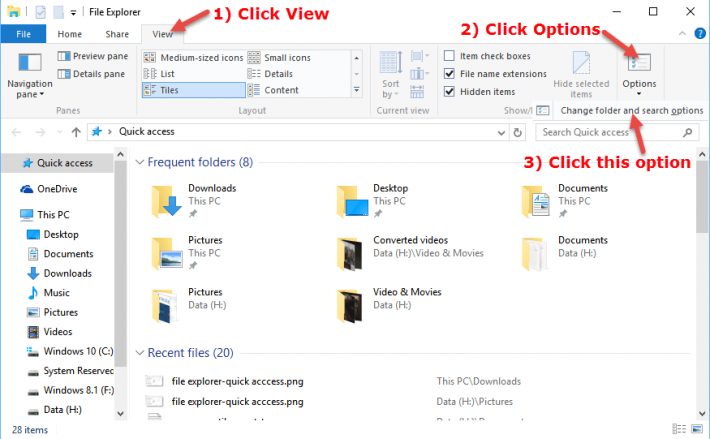
Windows Explorer Change Default View Gns3 Virtualbox Formslockq How To Open File Explorer Folder Options In Windows 10 Dztechno Gambaran How To Change The Default Download Location In Windows 11 Vrogue Access Mac Dvd Drive From Windows Stagekop Model Sphsarchitecture WEB In Windows File Explorer in the View menu ribbon in Layout click on Details On the far right of the ribbon click on Options then Change folder and search options In the resulting dialog click on the View tab Check Always show
WEB Aug 5 2020 nbsp 0183 32 By default Windows 10 detects the type of files in a folder and based on the folder s contents automatically sets a view template for it in File Explorer There are five folder view templates in Windows 10 General items Documents Pictures Music and WEB Dec 15 2016 nbsp 0183 32 Configure Additional Folder and Search Options While the Windows File Explorer seems somewhat simplified compared to older versions it still packs in a lot of options for controlling how you see the contents of your folders Related How to Customize Folder Views with Windows Five Templates
Model Sphsarchitecture How To Block Posts From Specific Users Pages Or Sources Radarr How To Change Default View In Excel Excel Tutorials Excel Workbook Internet Explorer Change Default Download Location Tutorials How To Change Default Downloads Location In Internet Explorer 9 IE9 Tips Tricks YouTube Make C H File For Macos Osx Library Heavenlygirls Windows 11 File Explorer Icon File Explorer Icons Display Changed In Windows 10 Scapple Edit Default Ladegnp Internet Explorer Change Default Download Location Tutorials
Windows Explorer Change Default View
 Windows Explorer Change Default View
https://formslockq.weebly.com/uploads/1/3/3/4/133499840/359619410_orig.jpg
WEB Nov 2 2020 nbsp 0183 32 The views or layouts change the way files and folders appear in your active File Explorer window This can be helpful if you want an overview of the items in a location or when you know a file is in a certain folder but have difficulties finding it
Pre-crafted templates offer a time-saving solution for producing a varied series of files and files. These pre-designed formats and designs can be utilized for various individual and professional tasks, consisting of resumes, invites, leaflets, newsletters, reports, presentations, and more, enhancing the material creation process.
Windows Explorer Change Default View
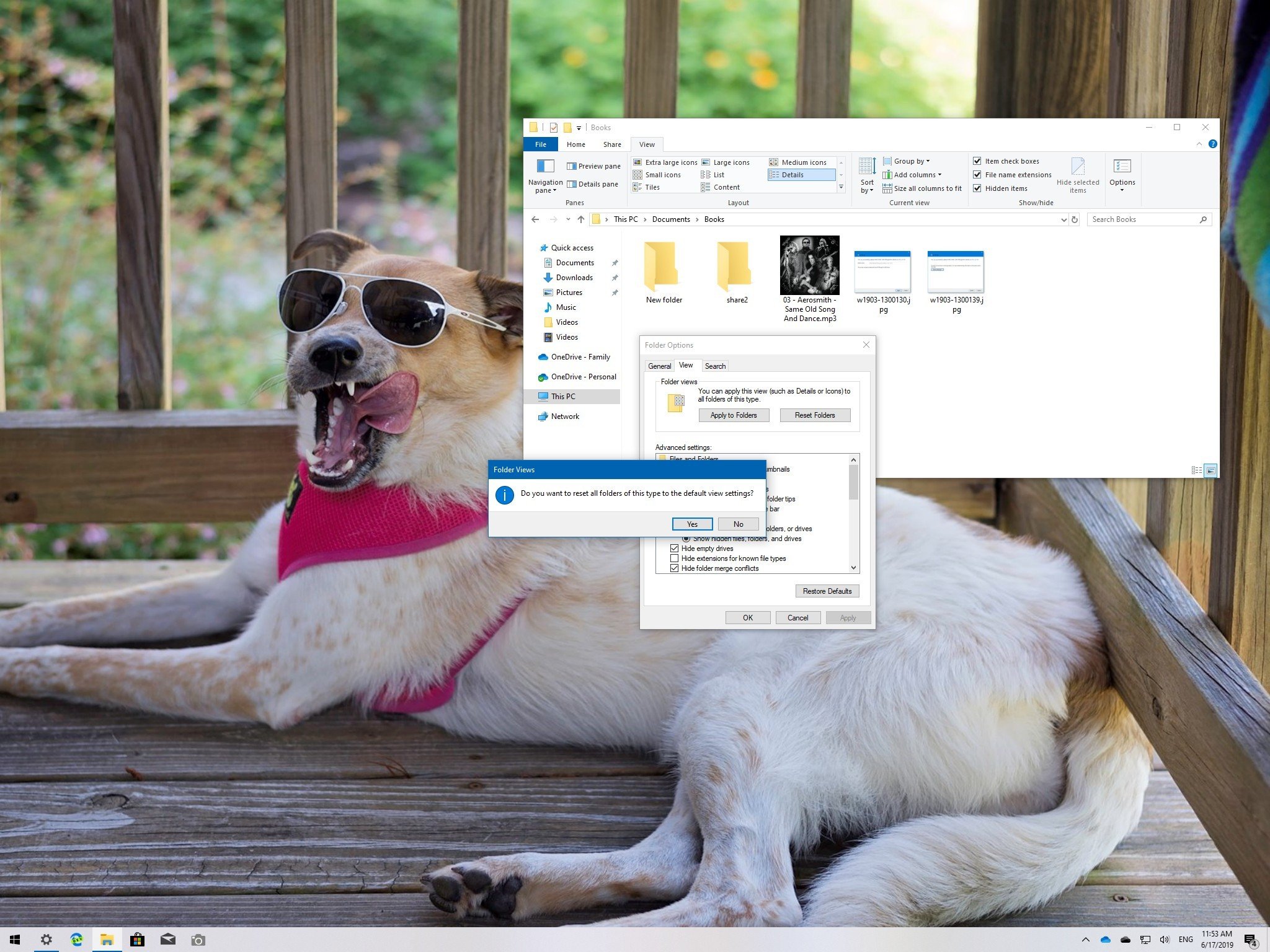
How To Reset Folder View Settings On Windows 10 File Explorer Windows Central
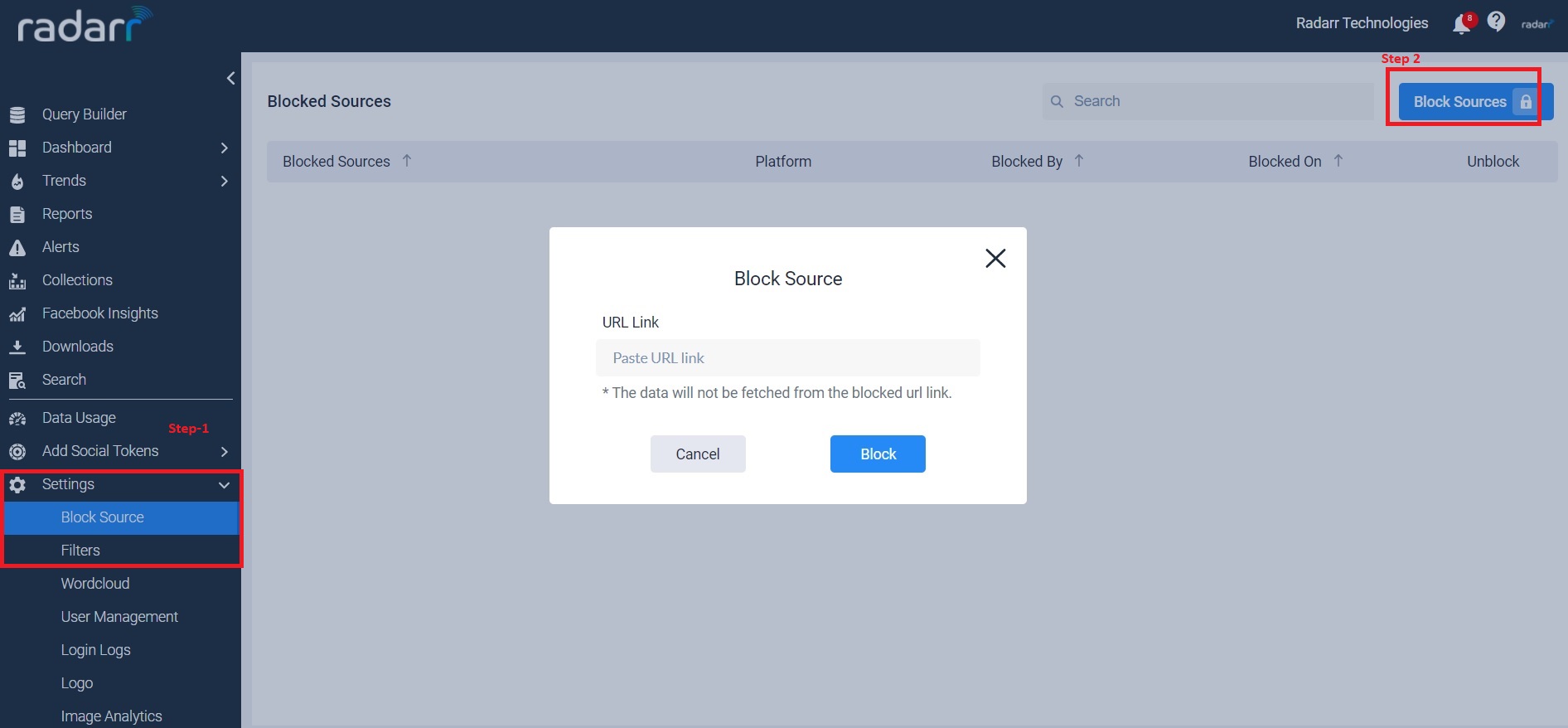
How To Block Posts From Specific Users Pages Or Sources Radarr

How To Change Default View In Excel Excel Tutorials Excel Workbook
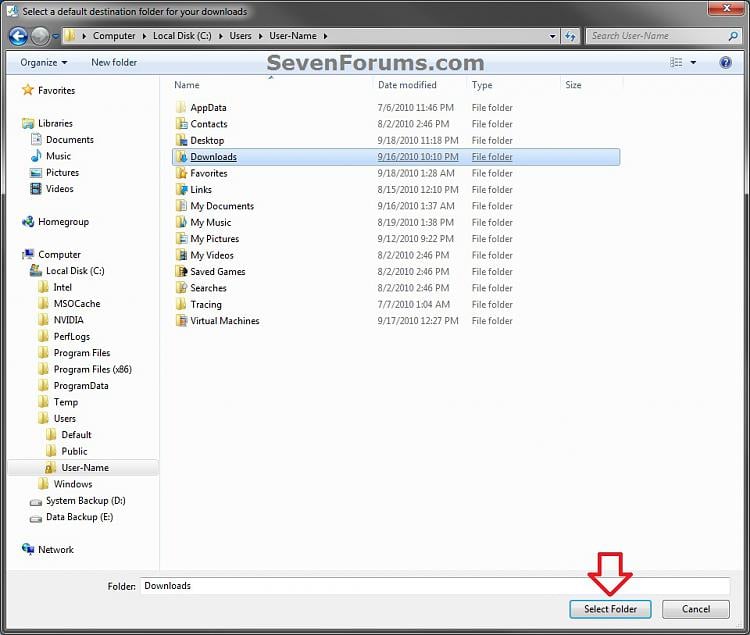
Internet Explorer Change Default Download Location Tutorials
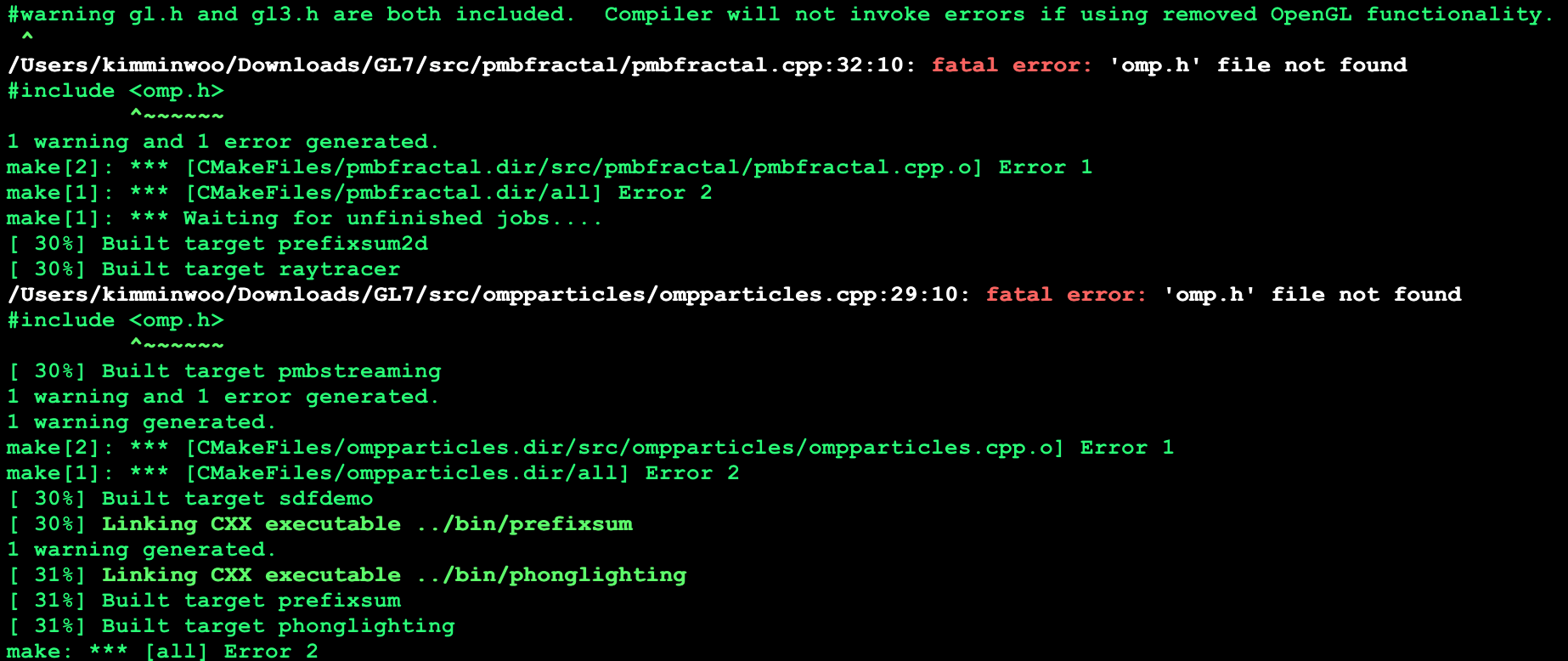
Make C H File For Macos Osx Library Heavenlygirls

Windows 11 File Explorer Icon File Explorer Icons Display Changed In Windows 10

WEB Jun 19 2020 nbsp 0183 32 1 Open any folder and set its view to quot Details quot which is the one you want right 2 ON that same folder click the tab quot View quot on the top then quot Options quot at the far right and select quot Change folder and search options quot 3 On the windows quot Folder options quot that will show up click the tab quot View quot 4 Click quot Apply to Folders quot 5 Click quot Yes quot
WEB May 10 2024 nbsp 0183 32 TLDR There is now a free open source script available for setting Explorer default views for any folder type in any combination This makes the whole process of getting Explorer views set up the way you want and staying that way very painless Search for WinSetView and download it from GitHub

WEB 10 Feb 2022 How to Set a Default Folder View for All Folders in Windows 10 While browsing folders in File Explorer you can apply the view settings of the current folder to all folders on your PC that are optimized for the same folder template type

WEB Apr 17 2024 nbsp 0183 32 Software Apps Windows 10 How to reset folder view settings on File Explorer for Windows 11 and 10 How to By Mauro Huculak last updated 17 April 2024 You can always reset the File

WEB May 9 2024 nbsp 0183 32 This tutorial will show you how to reset folder view settings details and preview pane width details and preview pane size navigation pane width and Open and Save as dialogs back to default for your account in Windows 10 Contents Option One To Reset Folder View Settings of All Folders using a BAT file
WEB Jan 26 2016 nbsp 0183 32 Replace windows explorer as default file viewer in windows 10 Ask Question Asked 8 years 3 months ago Modified 1 year 1 month ago Viewed 25k times 10 Is there a way to set another program as the default program that opens when opening a folder or quot My Computer quot WEB May 13 2022 nbsp 0183 32 a Open File Explorer gt at the top right corner click on view gt select Large icons b Then on the top right of File Explorer click the 3 dots and select Options c When the Folder Options opens click the View tab and click Apply to folders d Finally confirm the change by clicking Yes 2
WEB Jan 26 2024 nbsp 0183 32 How Can I Change File Explorer s Default View to quot Details quot and Group by Type Using CMD Batch or PowerShell Ask Question Asked3 months ago Modified 3 months ago Viewed 177 times 0 I m looking to customize the default settings of File Explorer on my Windows 10 system