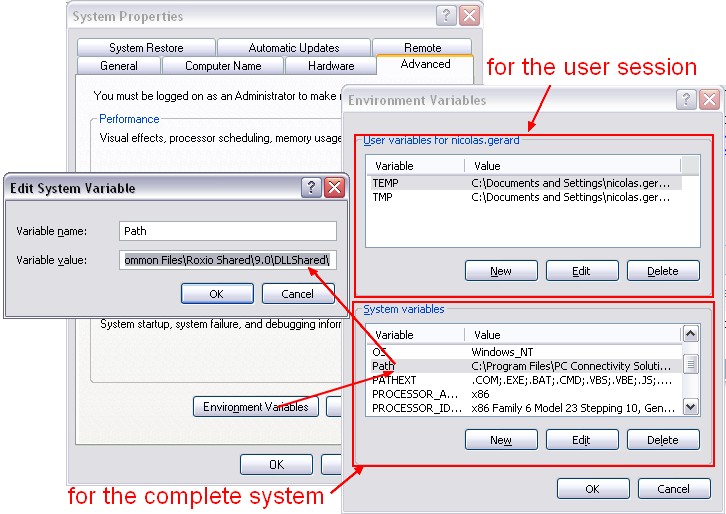
Windows Environment Variable Not Changing How To Set Environment Variables In Windows 11 YouTube Mac maven The JAVA HOME Environment Variable Is Not Defined Using Windows Environment Variables In Power Automate Desktop Hit N Trail Windows Environment Variable Solved How To Set Environment Variables Windows 10 MiniTool Web Jun 30 2021 nbsp 0183 32 In the System Properties box click on Environment Variables to open the Environment Variables panel The EVs panel lists two types of variables depending
Web Apr 8 2022 nbsp 0183 32 Use the exact same command to modify an existing environment variable substituting ExVar1 for the name of the variable you d like to change If you use setx to modify a variable and set to view the Web Feb 16 2024 nbsp 0183 32 Check that the environment variable changed Open the command line by pressing Win R entering cmd and pressing Enter Type echo PATH The
Solved How To Set Environment Variables Windows 10 MiniTool How To Set Environment Variables In Windows Youtube Www vrogue co Windows Environment Variable What Are ENVIRONMENT VARIABLES Set Environment Variable In Windows AEM Geeks All About AEM How To Set Environment Variables In Windows Youtube Www vrogue co Windows 10 Fall Update 1511 Kynosarges Weblog How To Edit PATH Variable On Windows 11 TestingDocs How To Set The Path And Environment Variables In Windows 10 Youtube
Windows Environment Variable Not Changing
 Windows Environment Variable Not Changing
https://i.ytimg.com/vi/ow2jROvxyH4/maxresdefault.jpg
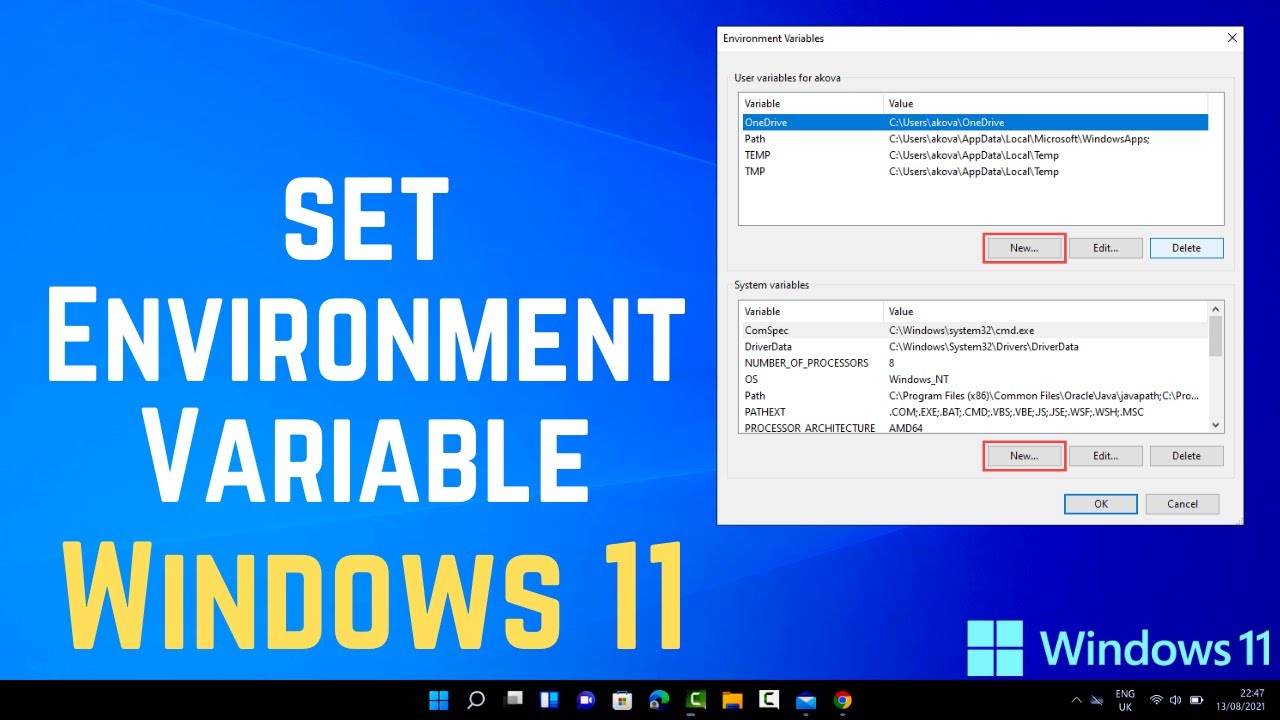
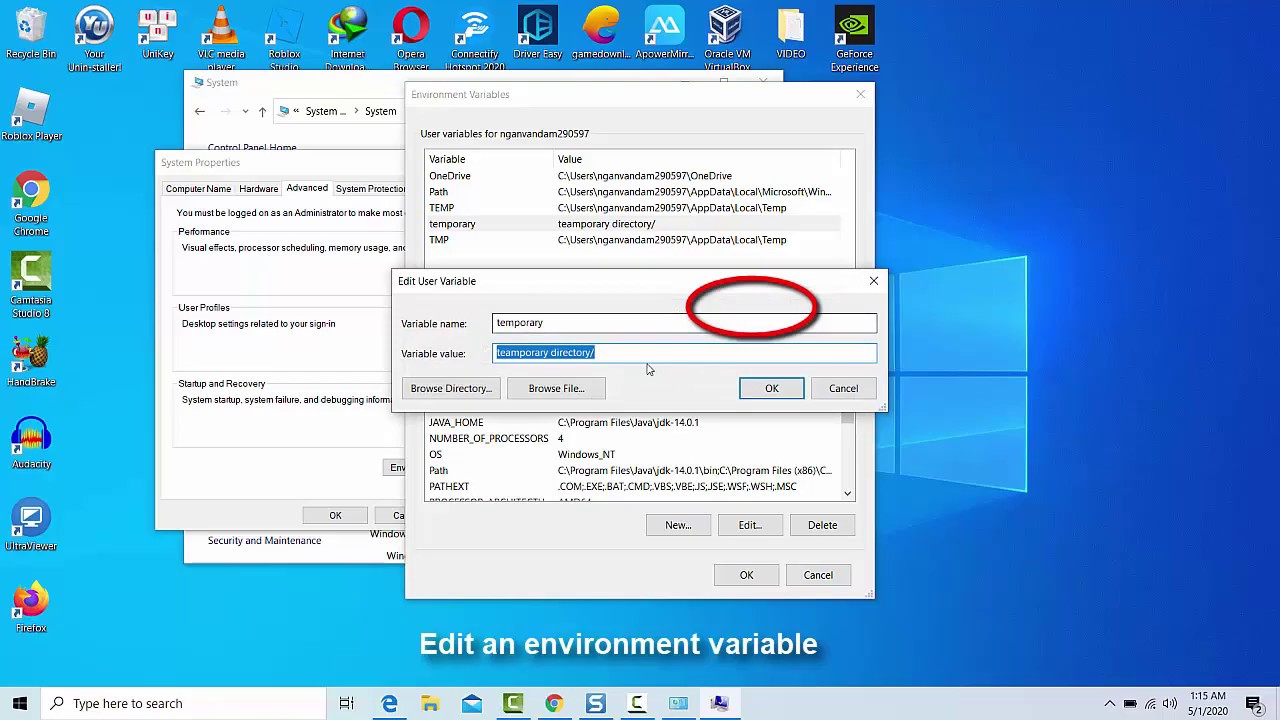
Web Oct 17 2023 nbsp 0183 32 Table of contents Open the Environment Variables window How to edit an environment variable in Windows How to edit an environment variable from
Templates are pre-designed files or files that can be utilized for numerous functions. They can conserve effort and time by providing a ready-made format and design for creating different kinds of material. Templates can be utilized for individual or expert projects, such as resumes, invitations, leaflets, newsletters, reports, presentations, and more.
Windows Environment Variable Not Changing

How Can I Make Ksp Run Better KSP1 Technical Support PC Modded

How To Set Environment Variables In Windows Youtube Www vrogue co
Windows Environment Variable

What Are ENVIRONMENT VARIABLES
How To Set Environment Variables In Windows Youtube Www vrogue co

Windows 10 Fall Update 1511 Kynosarges Weblog
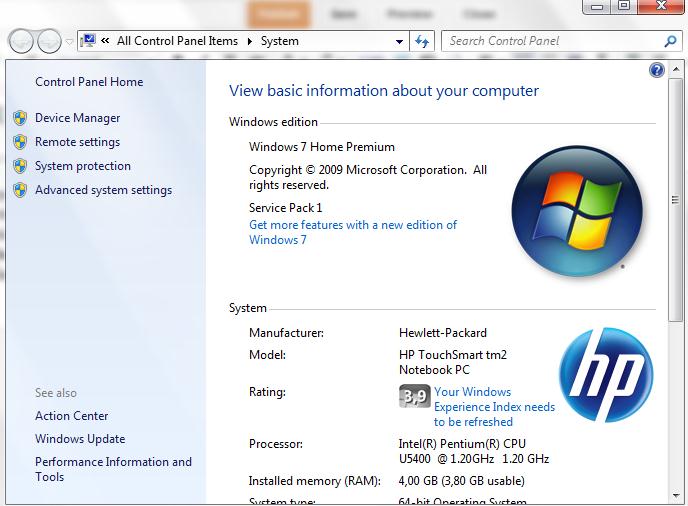
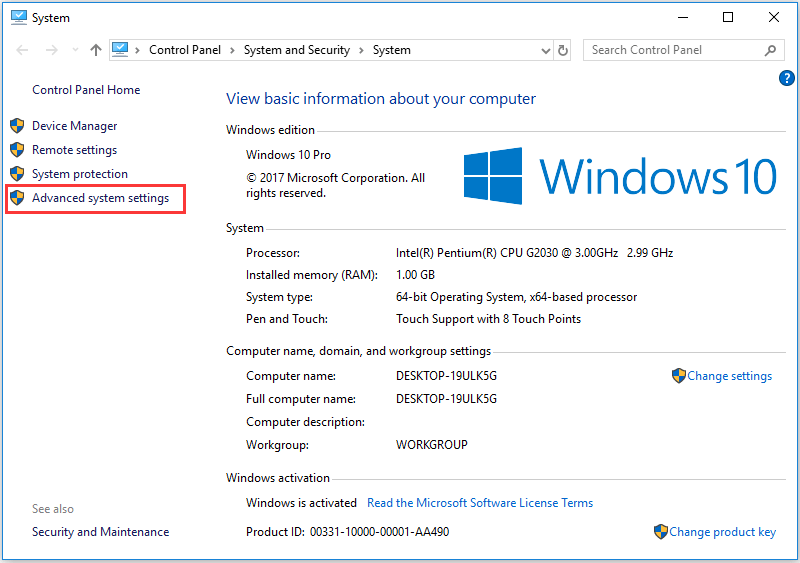
Web Aug 4 2021 nbsp 0183 32 Windows Pause Break will bring up the System Page Then click Advanced system settings This might get you to auth at this point
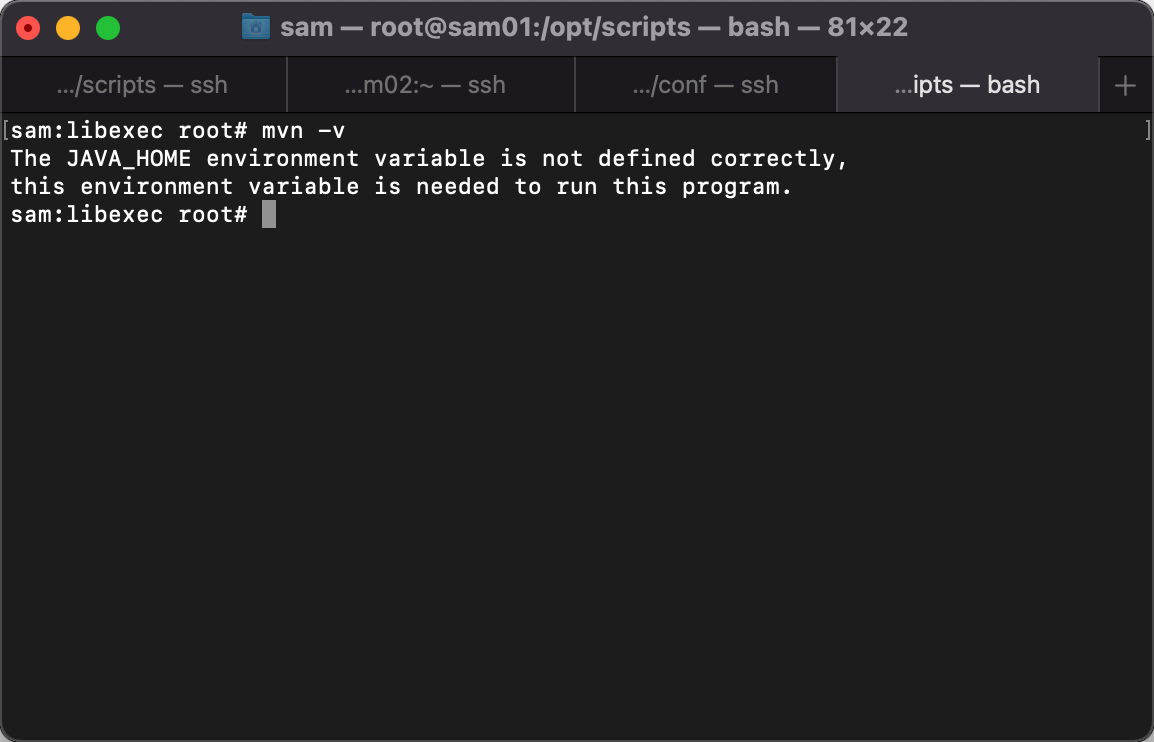
Web Oct 5 2008 nbsp 0183 32 1 WM SETTINGCHANGE the win32 api mentioned by CharlesGrunwald doesn t work for cmd exe windows according to this thread
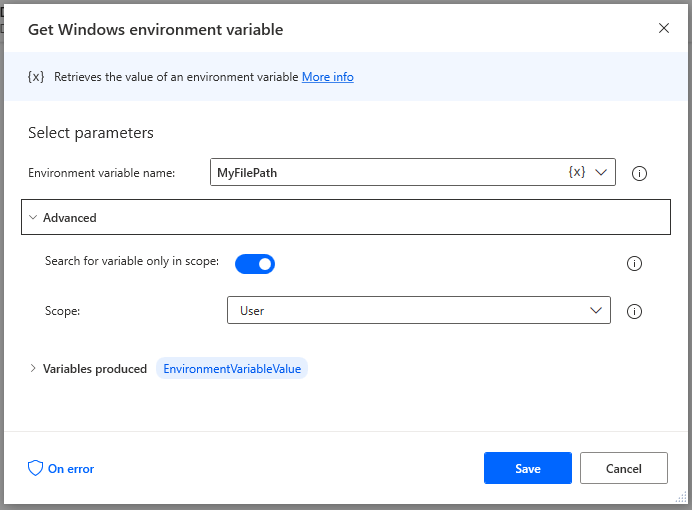
Web Nov 2 2017 nbsp 0183 32 Start type in gt System Find at top Advanced System Settings Advanced tab Environment Variables After Edit you can use Browse and add it there Windows
Web Mar 29 2023 nbsp 0183 32 1 Open the Start menu and type environment variables in the search box 2 Select Edit environment variables for your account from the search results 3 Under
Web Aug 6 2020 nbsp 0183 32 1 Open the Control Panel icons view and click tap on the User Accounts icon 2 Click tap on the Change my environment variables link on the left side and close the User Accounts control panel window if
Web Dec 5 2021 nbsp 0183 32 In the System Properties window click the Advanced tab then click the Environment Variables button near the bottom of that tab In the Environment Web 1 Opening a new cmd using the task manager or explorer window does not work at least with Win10 but using the start menu and typing cmd and then checking the variable
Web Use the setx command to add a new environment variable permanently or to modify an existing environment variable If you want to add or modify a environment variable