Windows Desktop Icon Size Tip Resize Icons Quickly On The Desktop Or In A Folder In Windows 10 How To Change The Size Of Desktop Icons In Windows YouTube How To Change Icon Size Windows 10 Tutorial YouTube How To Make Desktop Icons Smaller In Windows 10 Windows 10 Desktop Icon Size Change Size Of Desktop Icons In Windows Web Jun 6 2018 nbsp 0183 32 Most Users are using a great small free utility called Winaero Tweaker which will let you adjust font sizes anywhere in Windows 10 Click the link below to get WInaero Tweaker https www techspot downloads 6911 winaero
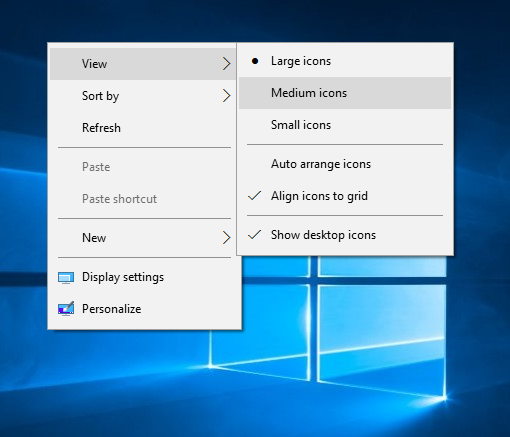
Web Aug 13 2021 nbsp 0183 32 First right click anywhere on your desktop In the context menu that appears hover your mouse over quot View quot In the sub menu you ll see three sizes to choose from large medium and small You ll see a dot next Web Sep 6 2022 nbsp 0183 32 Click your Start Button type regedit and hit Enter to open the Registry Editor Click View and make sure Address Bar is turned on Paste this into the Address Bar at the top and hit Enter HKEY CURRENT USER Control Panel Desktop WindowMetrics
Windows 10 Desktop Icon Size Change Size Of Desktop Icons In Windows How To Change The Icon Size In Windows 10 YouTube How To Change Desktop Icons Size And Spacing In Windows 10 Webnots How To Change Icon Of Desktop Icons In Windows 10 Windows 10 Vrogue How To Change Desktop Icon Size Windows YouTube How To Change Desktop Icons Size And Spacing In Windows 10 Webnots Change Desktop Icon Size Windows 7 Home Windows 10 Desktop Icon Size Change Size Of Desktop Icons In Windows Change Desktop Icon Size Windows 10 How Do I The Font Of Too Big Or
Windows Desktop Icon Size
 Windows Desktop Icon Size
http://winaero.com/blog/wp-content/uploads/2015/09/Windows-10-desktop-icon-size-menu.png
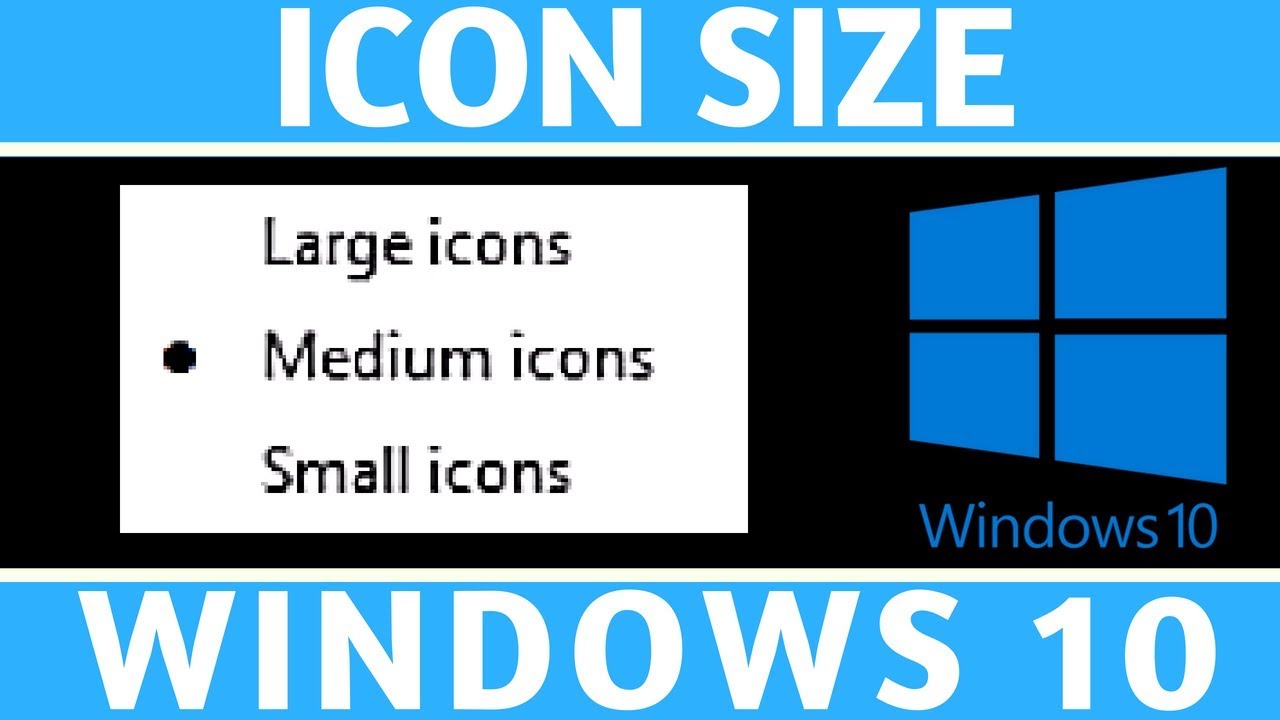
Web Change the size of your desktop icons in Windows To resize desktop icons right click or press and hold the desktop point to View then select Large icons Medium icons or Small icons
Pre-crafted templates use a time-saving service for producing a diverse variety of documents and files. These pre-designed formats and layouts can be made use of for numerous personal and professional tasks, including resumes, invitations, flyers, newsletters, reports, discussions, and more, enhancing the material production procedure.
Windows Desktop Icon Size
How To Change Your Icons Size On The Windows Desktop Homepage Windows
How To Change The Icon Size In Windows 10 YouTube
How To Change Desktop Icons Size And Spacing In Windows 10 Webnots
How To Change Icon Of Desktop Icons In Windows 10 Windows 10 Vrogue
How To Change Desktop Icons Size And Spacing In Windows 10 Webnots
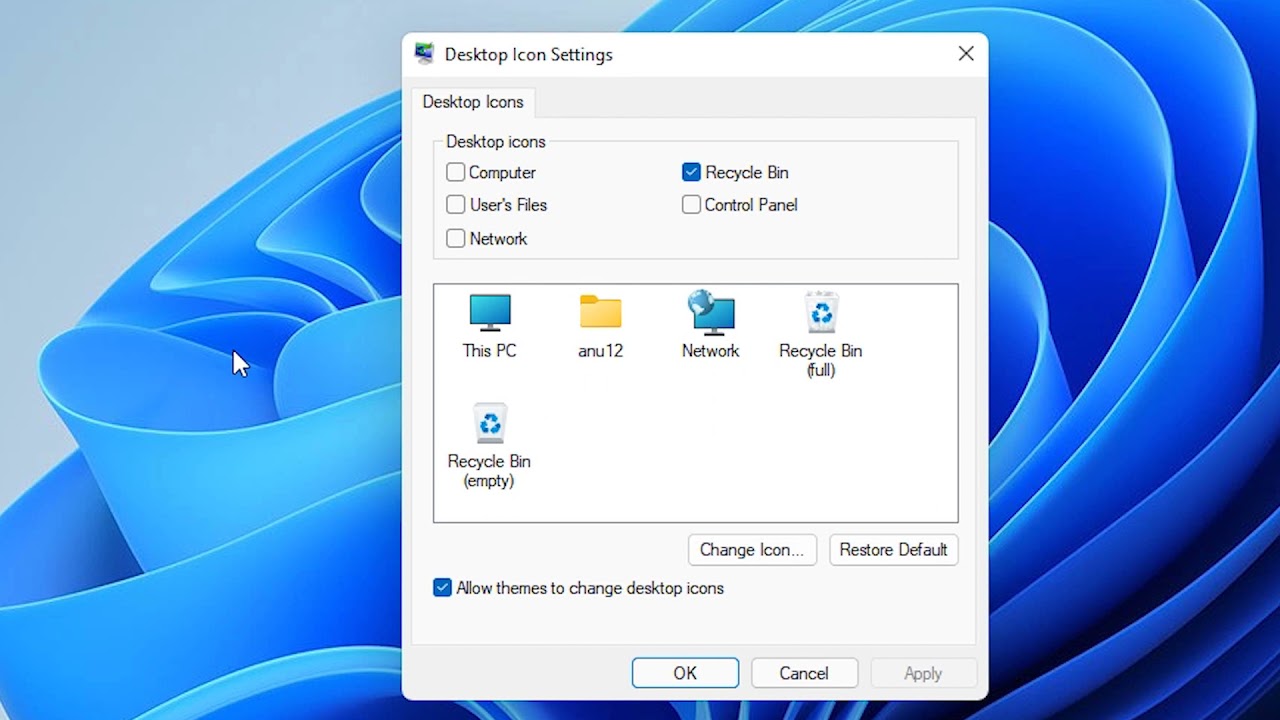
Change Desktop Icon Size Windows 7 Home
Web Apr 21 2022 nbsp 0183 32 Here are five ways you can resize the desktop icons in Windows 11 to suit your preference 1 How to Change the Icon Size via the Context Menu The desktop context menu includes three size options for resizing desktop icons Admittedly three options don t offer a huge amount of scope for resizing icons

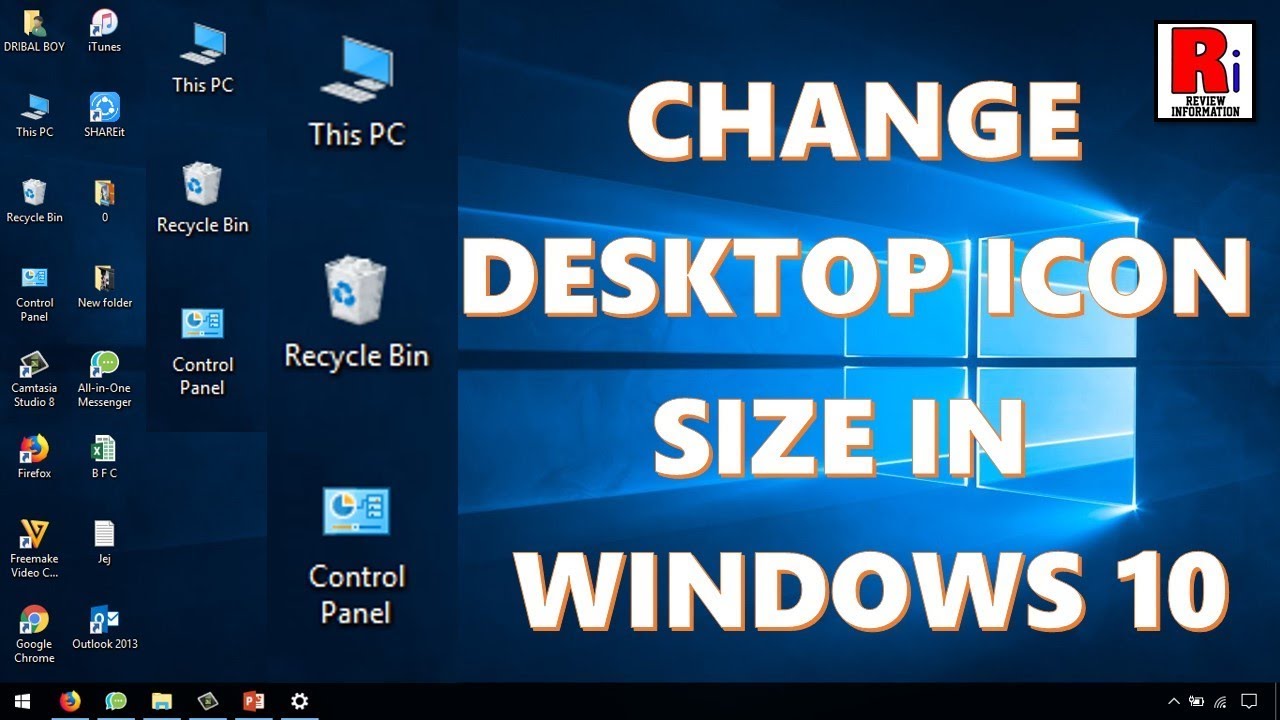
Web Right click or press and hold the desktop point to View and then select Large icons Medium icons or Small icons Tip You can also use the scroll wheel on your mouse to resize desktop icons On the desktop press and hold Ctrl while you scroll the wheel to make icons larger or smaller
Web Feb 9 2021 nbsp 0183 32 Dialog and wizard icons 32x32 and 48x48 Overlays Core shell code for example a shortcut

Web Apr 16 2012 nbsp 0183 32 Common sizes for icons on Windows are 16 215 16 e g in the notification area of the taskbar or in default settings for the system menu of an application This often shows a different icon than the other sizes due to the small area e g perspective is often left out which is in the recommendations for icons as well if I remember correctly

Web Jul 13 2010 nbsp 0183 32 I have a Windows application which will run in Windows XP and newer i e Vista 7 According to the Vista UI Guidelines the standard sizes are 16x16 32x32 48x48 256x256 XP standard sizes do not include the 256x256 icon In addition to those sizes I also have 96x96 and 128x128 and could create more
[desc-11] [desc-12]
[desc-13]