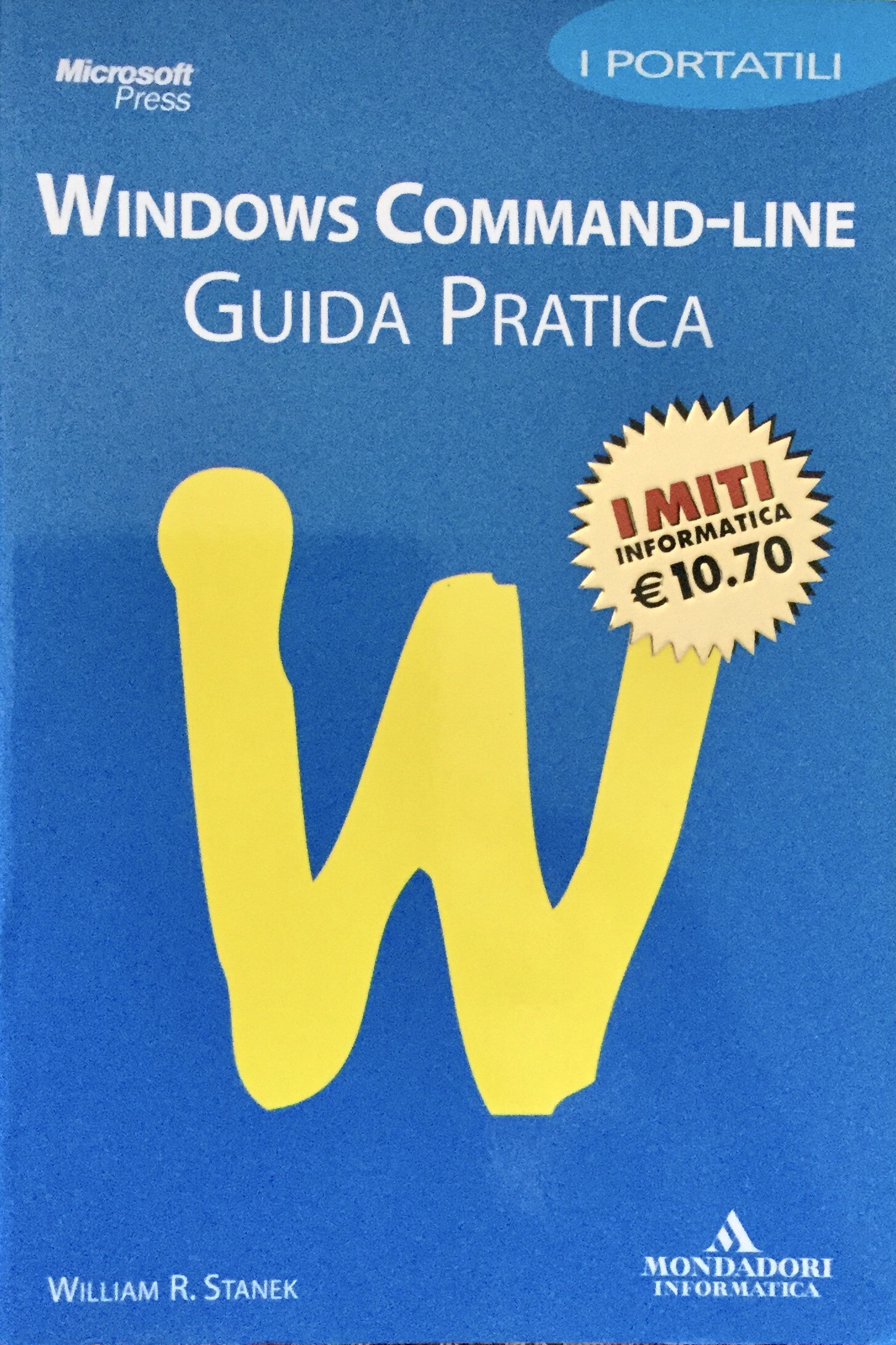
Windows Command Line Delete Folder If Exists CMD Delete Folder Delete Files And Folders Using Command Line Windows Command Line Guida Pratica By William R Stanek Goodreads Come Creare E Cancellare File E Directory Utilizzando Il Prompt Dei How To Delete File And Folder In Command Line Techulk Windows Windows Command line Tools Delete String Boolean Deletes the specified directory and if indicated any subdirectories and files in the directory
Use the dir a command to list all files including hidden and system files Then use the attrib command with h to remove hidden file By default rd will only remove folders that are not empty A folder can be considered non empty too if it has subfolders
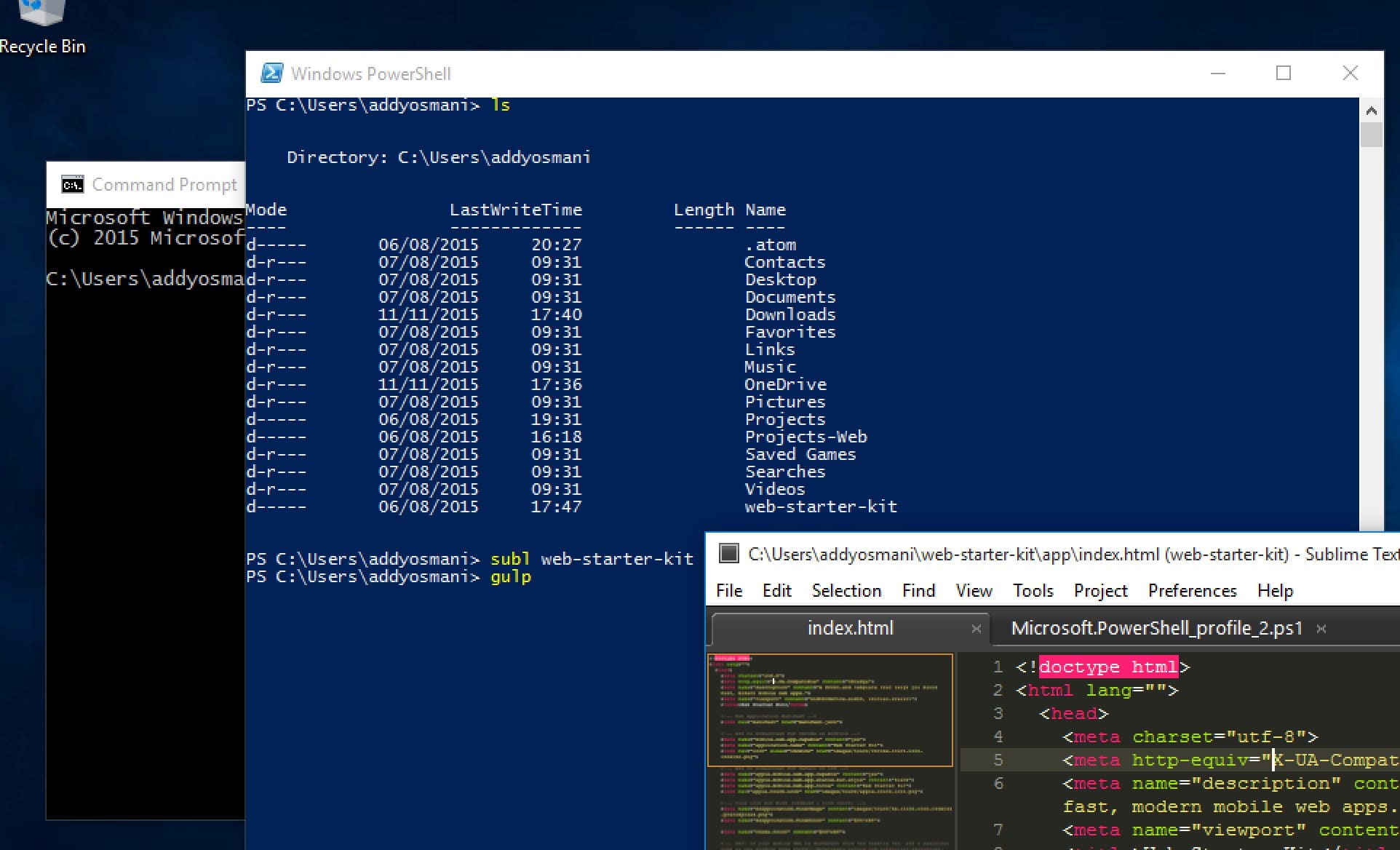
Windows Windows Command line Tools Useful Windows Command Line Tricks R sysadmin Unix Linux Basic Command Commands Y netilen Bilgisayarlar Vrogue How To Delete A Folder Or Directory Using Command Prompt For Windows 7 How To Delete Folder Using Cmd In Windows YouTube Windows Command Line Interface Windows Command Line Interface Command Cheat Sheets Windows Techlogist How To Reverse A Text File From Windows Command Line With Cmd Delete Folder How To Remove Files And Folders In Windows
Windows Command Line Delete Folder If Exists
 Windows Command Line Delete Folder If Exists
https://www.itechtics.com/wp-content/uploads/2021/02/Deleting-Files-and-Folders-using-Command-Line-in-Windows.jpg
To delete a folder that won t delete in Windows 10 you can type rmdir s q E test command in Command Prompt window Replace E test with
Templates are pre-designed files or files that can be used for different purposes. They can conserve time and effort by supplying a ready-made format and design for producing various sort of content. Templates can be utilized for individual or professional tasks, such as resumes, invites, flyers, newsletters, reports, presentations, and more.
Windows Command Line Delete Folder If Exists
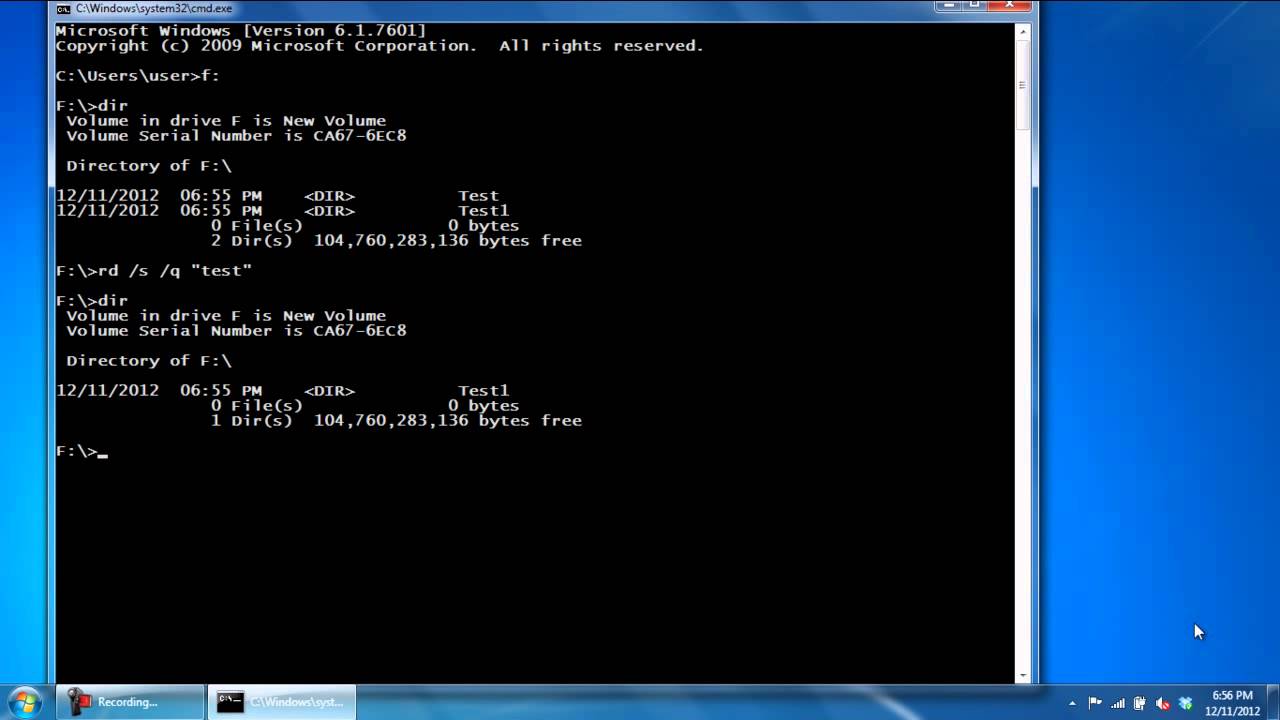
How To Delete A Folder And Subfolders In Command Prompt This Will Www

Useful Windows Command Line Tricks R sysadmin

Unix Linux Basic Command Commands Y netilen Bilgisayarlar Vrogue
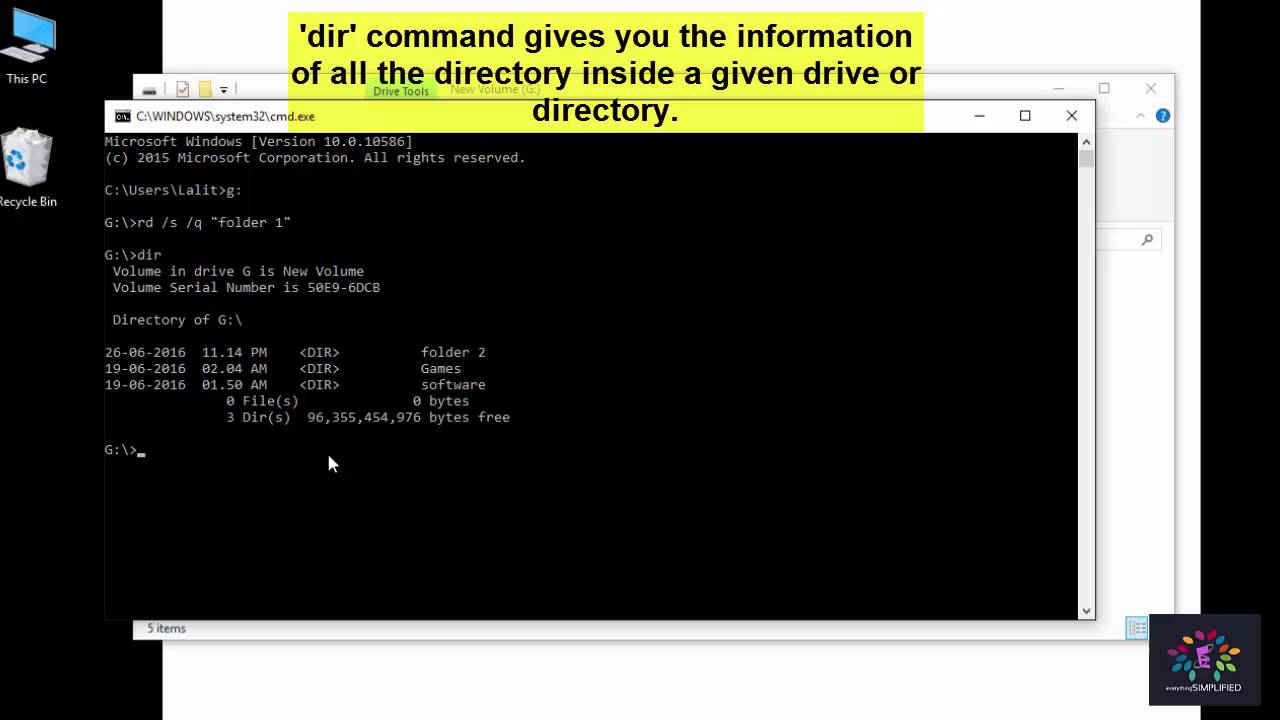
How To Delete A Folder Or Directory Using Command Prompt For Windows 7
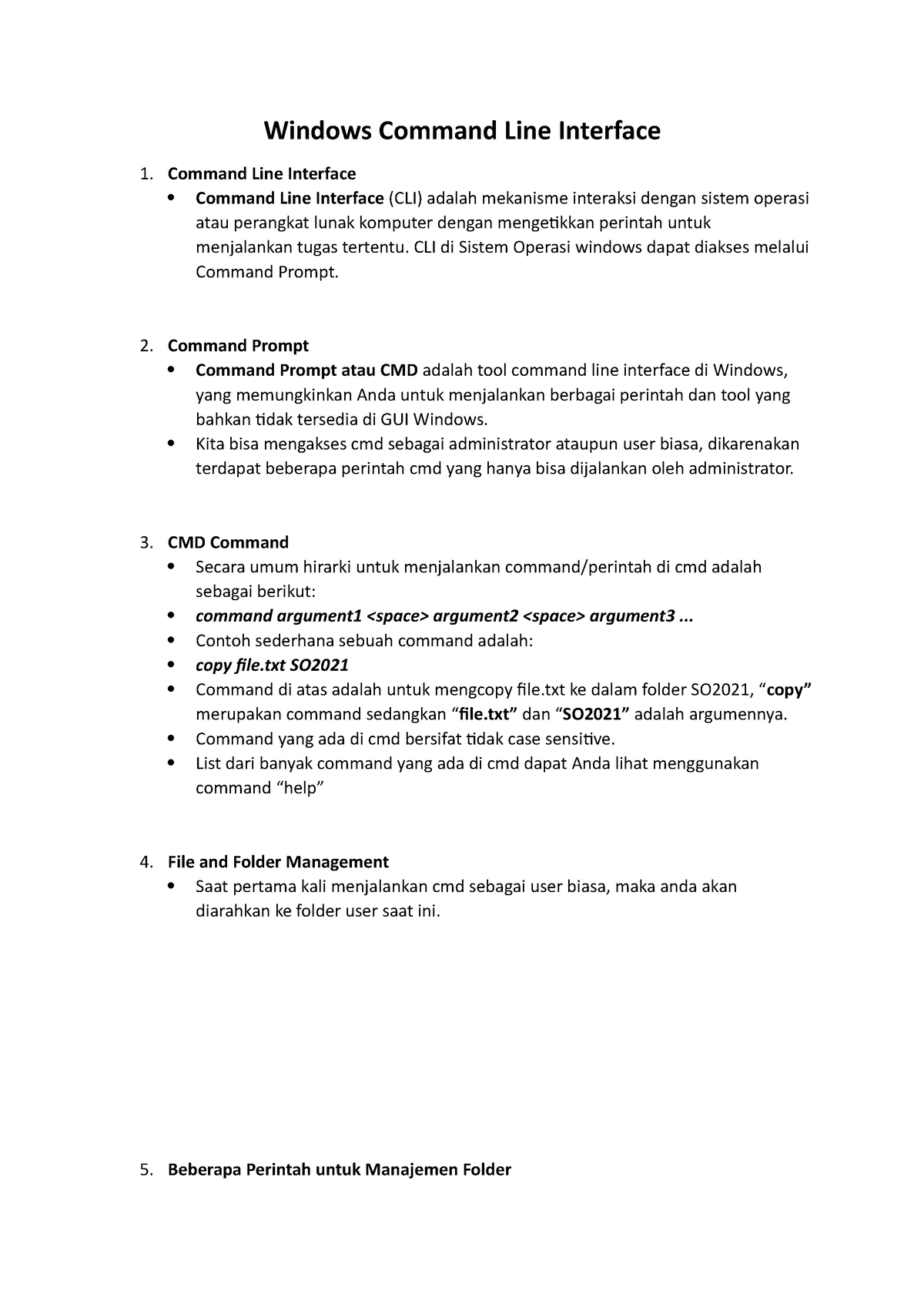
Windows Command Line Interface Windows Command Line Interface Command
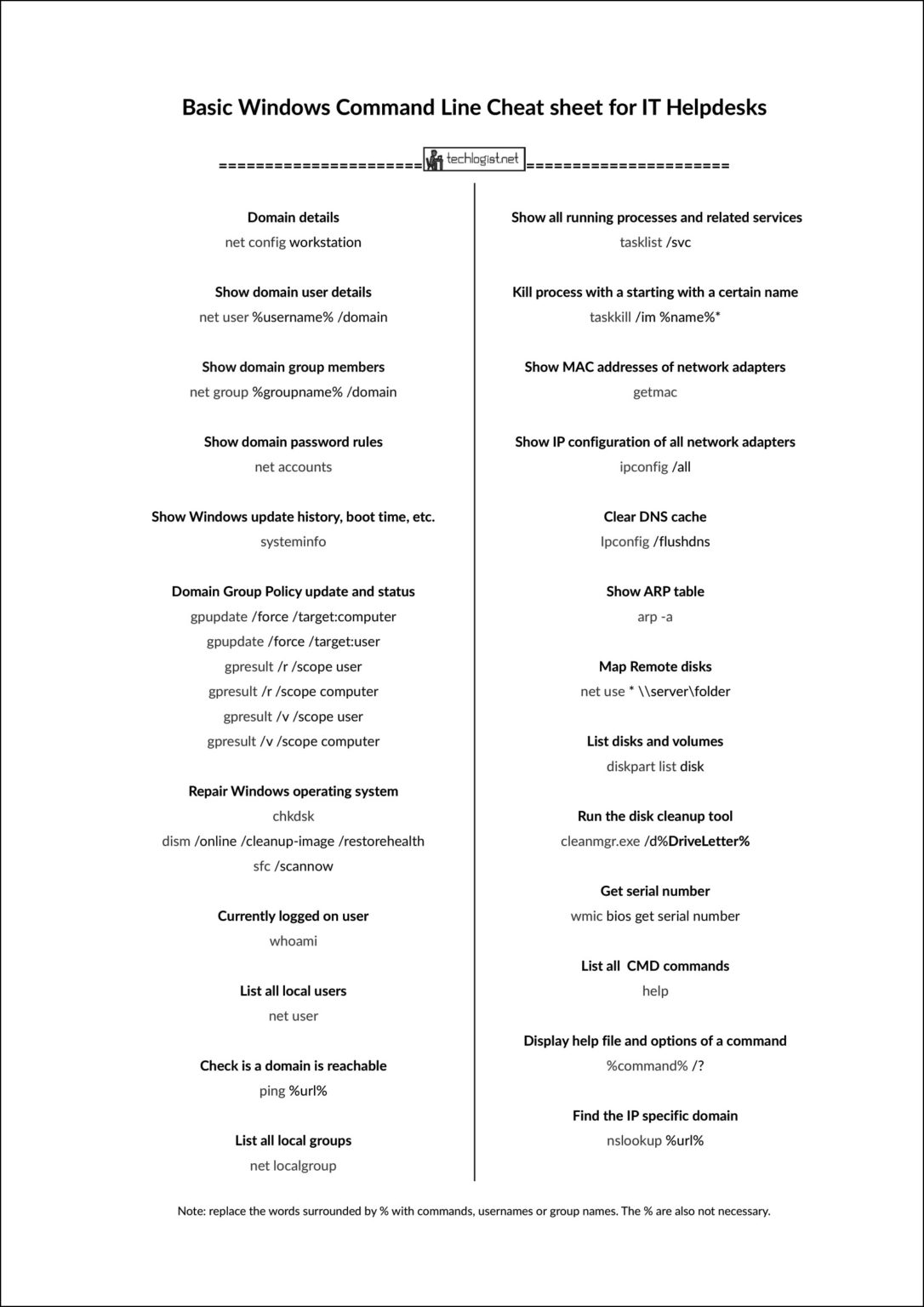
Cheat Sheets Windows Techlogist

The deletion can be done with RMDIR S Q folder name or also using RD or DEL alternatively In a batch script this can look like
To remove a directory just use the command rmdir directory name Note Any directories deleted with the rmdir command cannot be recovered

Command line batch to delete a folder if found 1 Remotely search profileA on serverA I have both the UNC path and the FQDM 1 1 If found

Del Erase command in cmd Rmdir rd command in cmd Delete multiple files and folders Delete files and folders in any directory Check the existence of file or
In the Command Prompt use rmdir or rd commands with the s option is used to remove folders recursively In PowerShell the Remove Item cmdlet rm
There is a command rmdir for remove directory that is designed to remove or delete directories This however will only work if the directory is empty PowerShell Delete Folder If Exists PowerShell has Remove Item cmdlet used to delete one or more items These items can be files folders variables
It also supports wildcard characters and character classes such as a z If a file or directory doesn t exit it won t fail Returns 0 for