Windows Cmd Check Service Running Windows Cmd Emulator Mac Scriptgost How To Check Which Programs Are Running In Windows 10 Using CMD YouTube How To Check Activation Status Using Cmd In Windows 11 Technoresult How To Check System Information Using CMD In Windows 10 YouTube Cmd Commands To Check Hard Drive JemisonnBuchenen Apr 17 2015 nbsp 0183 32 I know how to extract a list of all the services and how to filter on their state However what I am unsure how to do is to extract the user account the service is set to quot run as quot I don t have the option of using PowerShell unfortunately so I m looking for a native CMD way
May 19 2020 nbsp 0183 32 In this post we ll see some useful command line prompt CMD and Powershell commands that can be used from most Windows environments including Windows 10 and Windows Server to list the installed active inactive services as well as search for a specific service in Windows The Get Service PowerShell cmdlet is an easy and powerful way to check the status of Windows services on local or remote computers It can easily replace the old school ways of managing services using the Services MMC snap in services msc
Cmd Commands To Check Hard Drive JemisonnBuchenen Cmd Windows 10 Full List Of Windows CMD Commands You Need To Know LearnFully How To Check Hard Disk Serial Number And Model Number In Windows Using Os Version How To Check Original Windows Installation Date Using CMD YouTube How To Check Which Service Is Running On Which Port In Windows 10 YouTube How To Get Help In Windows Cmd Lates Windows 10 Update How To Find CMD cmd exe Path Location On Windows YouTube
Windows Cmd Check Service Running
 Windows Cmd Check Service Running
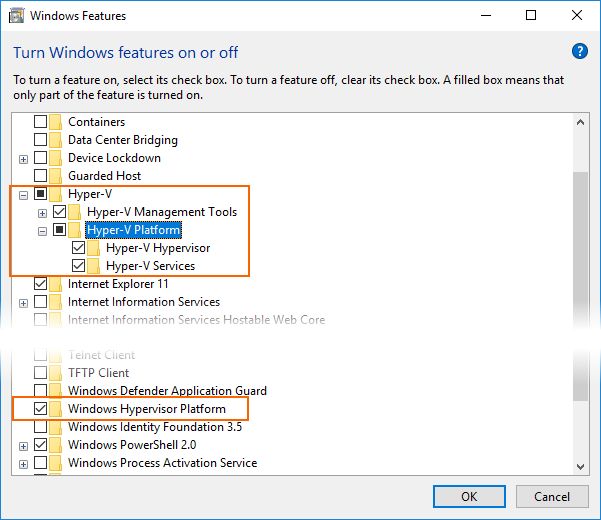
https://docs.microsoft.com/en-us/xamarin/android/get-started/installation/android-emulator/hardware-acceleration-images/win/03-hyper-v-settings-w158.png
According to this documentation it is possible to check which services have been stopped on Windows by executing the following command Get Service Where Object status eq quot stopped quot in PowerShell
Templates are pre-designed files or files that can be used for different purposes. They can conserve effort and time by offering a ready-made format and design for developing different type of content. Templates can be utilized for personal or expert tasks, such as resumes, invites, leaflets, newsletters, reports, presentations, and more.
Windows Cmd Check Service Running

CMD Check WiFi Speed And Check WiFi Signal Using Cmd YouTube
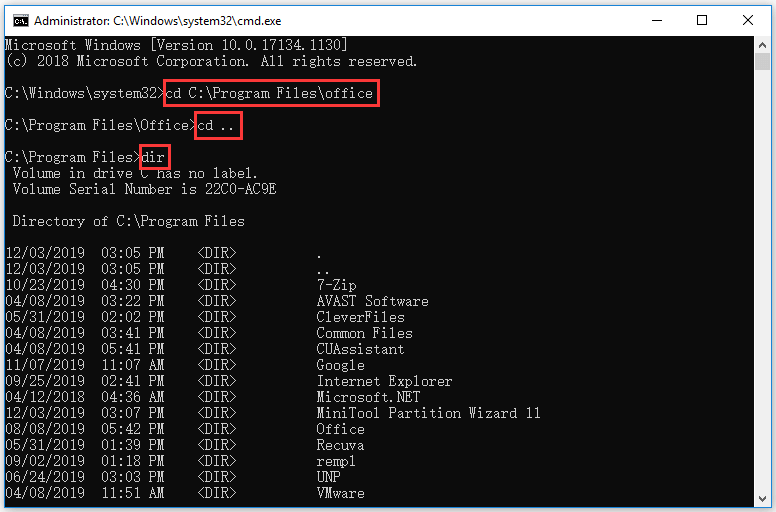
Cmd Windows 10
Full List Of Windows CMD Commands You Need To Know LearnFully

How To Check Hard Disk Serial Number And Model Number In Windows Using

How To Check Original Windows Installation Date Using CMD YouTube
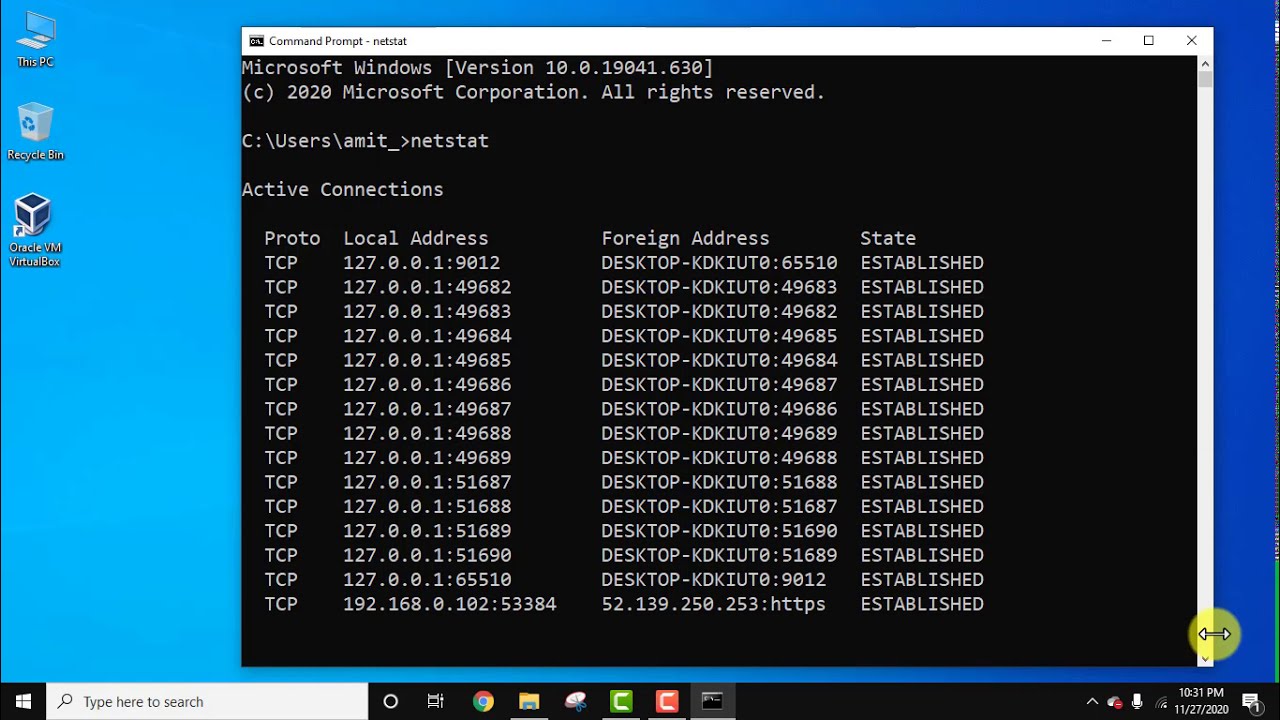
How To Check Which Service Is Running On Which Port In Windows 10 YouTube

Oct 16 2019 nbsp 0183 32 How to list services in Windows all stopped running using the command line prompt CMD or the PowerShell And how to search for a specific service in Windows

Jul 24 2010 nbsp 0183 32 To check a service s state use sc query lt SERVICE NAME gt For if blocks in batch files check the documentation The following code will check the status of the service MyServiceName and start it if it is not running the if block will be executed if
Sep 10 2008 nbsp 0183 32 Working with cmd exe tasklist If you have Powershell get process Via WMI wmic process you can query remote machines as well with node ComputerOrIP and there are a LOT more ways to customize this command link

Feb 8 2016 nbsp 0183 32 Is there any Windows command which will show the status of a single service For example I want to know whether quot IIS admin service quot is running or not If it is running the command ouput should be quot running quot I tried sc query type service state all find quot IIS Admin Service quot which displayed the output quot DISPLAY NAME IIS Admin Service quot

Jun 26 2022 nbsp 0183 32 Whether you are running Windows 10 or a Windows Server being able to view a list of all Windows services can be handy You can diagnose issues with critical system functions or stop unnecessary Microsoft services to improve performance
From the command prompt you can use this utility to start stop pause and continue services What most people don t realize is that you can also use this to display a list of services that are running on your computer Syntax net start Dec 13 2016 nbsp 0183 32 Off the top of my head you can check if a specific service is running as mentioned by bmargulies using the quot net quot command piping the result into quot find quot Something like the following would check if a service was running and if so stop it
Feb 3 2023 nbsp 0183 32 The query operation displays the following information about a service SERVICE NAME service s registry subkey name TYPE STATE as well as states which are not available WIN32 EXIT B SERVICE EXIT B CHECKPOINT and WAIT HINT