Windows 7 Disable Network Adapter Command Line Change Network Adapter Settings Without Admin Rights Windows 10 How To Enable Disable LAN Connection From CMD Command Prompt YouTube How To Disable Network Adapters On Windows 10 How To Disable Network Adapters On Windows 10 How To Enable And Disable WiFi On Kali Linux Linux Tutorials Learn 26 I know that there exists ton of results in Google for this results but I didn t make it in my Windows XP machine I want to disable LAN connection from command line netsh interface set interface Local Area Connection DISABLED One or more essential parameters not specified The syntax supplied for this command is not valid
Viewed 11k times 3 I want to enable disable WLAN connections using a batch script The problem is that I don t want to require admin privileges It is possible to change this using the GUI but I didn t find any way to do the exact thing with cmd I only found ways that enabled disabled the network adapter or similar that require admin privileges Example 1 Disable a network adapter by name PowerShell PS C Disable NetAdapter Name Ethernet 2 A version of the cmdlet that uses position PS C Disable NetAdapter Ethernet 2 A version of the cmdlet that uses position and wildcard characters PS C Disable NetAdapter E 2
How To Enable And Disable WiFi On Kali Linux Linux Tutorials Learn How To Enable Or Disable Wi Fi And Ethernet Network Adapters On Windows TP LINK TL WN751ND Driver Download For Windows Linux And Mac How To Fix Disabled Network Adapter In Windows 10 Desktop EDIMAX How To Disable And Enable Wi Fi Adapter By Command Prompt In Windows 10 How To Enable Or Disable Wi Fi And Ethernet Network Adapters On Windows How To Enable Or Disable Network Adapter Using WMIC Command YouTube How To Reset Network Adapter WiFi Ethernet Using Command Prompt Batch Enable And Disable Network Adapters In Windows 7
Windows 7 Disable Network Adapter Command Line
 Windows 7 Disable Network Adapter Command Line
https://www.windowscentral.com/sites/wpcentral.com/files/styles/xlarge/public/field/image/2018/06/disable-network-adpater-windows10-cp.jpg?itok=2ayjdwt9
In today s article we will look at how to disable or enable the network adapter network connection Open a command prompt as an administrator one way is to enter cmd in the search bar and right click on the result found select Run as administrator Disable or enable network adapter in Windows with WMIC Opens a new window 1 Comment
Templates are pre-designed documents or files that can be used for numerous functions. They can conserve time and effort by providing a ready-made format and layout for producing various sort of content. Templates can be utilized for personal or professional tasks, such as resumes, invites, leaflets, newsletters, reports, discussions, and more.
Windows 7 Disable Network Adapter Command Line

Enable Disable Ethernet Network Adapter From Command Line YouTube

How To Enable Or Disable Wi Fi And Ethernet Network Adapters On Windows
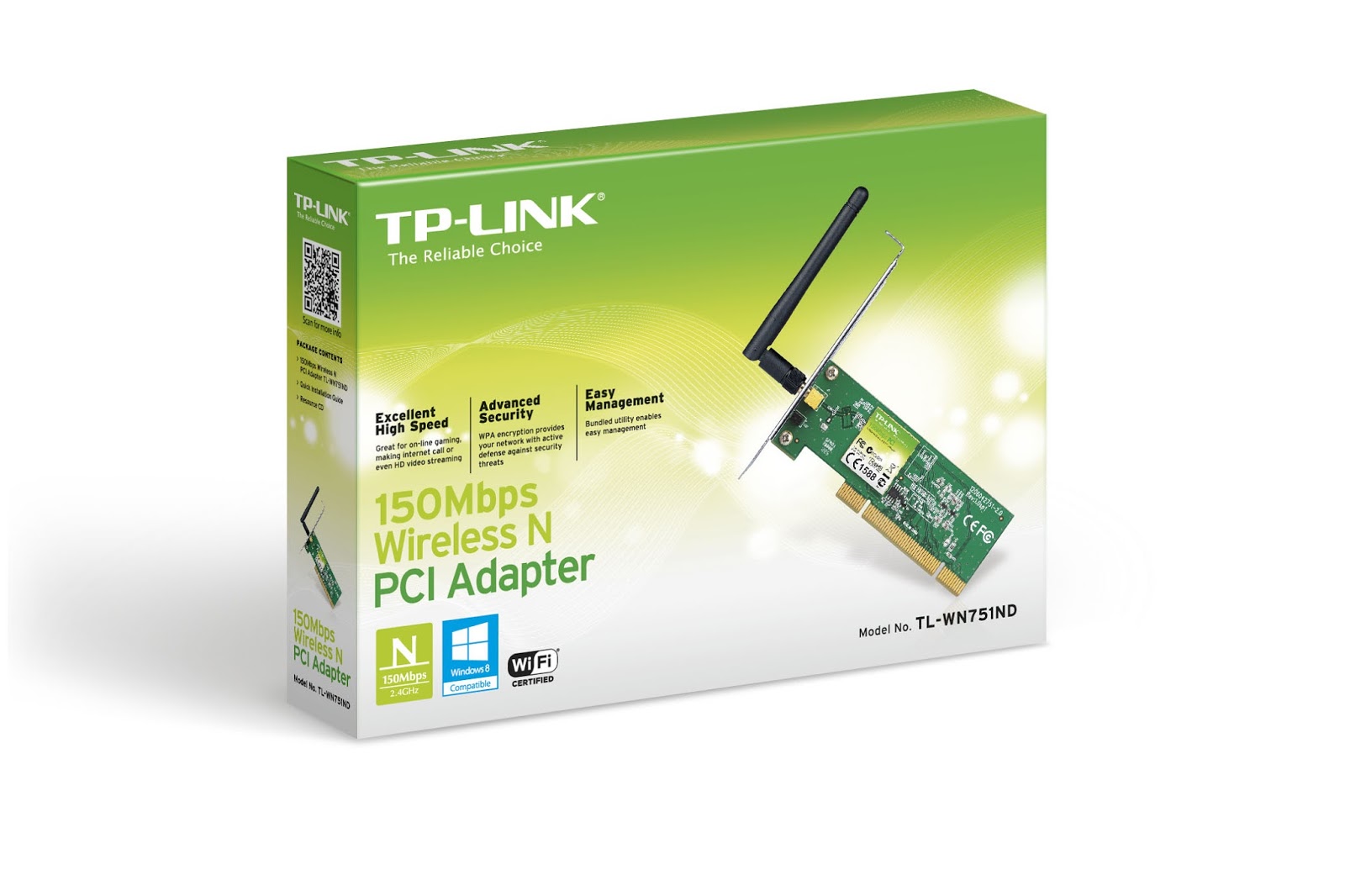
TP LINK TL WN751ND Driver Download For Windows Linux And Mac
How To Fix Disabled Network Adapter In Windows 10 Desktop EDIMAX

How To Enable Or Disable Wi Fi And Ethernet Network Adapters On Windows

How To Enable Or Disable Network Adapter Using WMIC Command YouTube

4 Answers Sorted by 12 I am going to list the manual steps necessary to quickly enable or disable a network adapter Then I will translate these steps into AutoHotkey By hand Open Network Connections from the command line explorer 7007ACC7 3202 11D1 AAD2 00805FC1270E

1 Tell us the underlying problem it may be more sensible to solve that than to mess with interface Paul Dec 18 2012 at 2 42 I use 2 x TL PA211 EOP adaptors www tp link en products details model TL PA211 to connect to my home modem router

Created on July 9 2010 Enable Disable Network interface via command line Hi guys Anybody here who could point me to a resource or a command line instruction to disable a network interface in Windows 7 Your help would be highly appreciated Thanks in advance Em This thread is locked

Contents Option One Enable or Disable Network Adapter in Network Connections Option Two Enable or Disable Network Adapter in Device Manager Option Three Enable or Disable Network Adapter using Netsh Command Option Four Enable or Disable Network Adapter using WMIC Command Option Five Enable or Disable Network Adapter in PowerShell OPTION ONE

In Windows 7 you can use wmic path win32 networkadapter where NetConnectionID Local Area Connection call disable wmic path win32 networkadapter where NetConnectionID Local Area Connection call enable Even in more details Start elevated Command Prompt Get NIC list and index number wmic nic get name index
27 I did ipconfig today and found about 10 network interfaces most of them disconnected How can I diagnose this Where can I remove them Edit The extra network appear like this Tunnel adapter Local Area Connection 16 Tunnel adapter Local Area Connection 17 Tunnel adapter Local Area Connection 18 Share Improve this question Devcon is a command line tool that provides the ability to enable and disable various hardware devices It is billed as a command line device manager Here is a VBScript script that I wrote to enable and disable the network interface adapter by using Devcon
Apart from modifying network adapter properties from the Control Panel you can also use the Command line tool to enable disable Network Interface Card Press Windows key X click Command Prompt Admin In the elevated command prompt copy and paste the command below and press Enter This will show you all network adapter names on your PC