Windows 11 100 Cpu Usage How To Fix High RAM Memory CPU DISK Usage On Windows 11 10 YouTube Fix 100 CPU Usage In Windows 11 Easy Guide YouTube Fix 100 DISK USAGE Windows 11 Windows 10 2022 YouTube How To Fix My Laptop Computer Using 100 CPU Windows 10 Fix High CPU How To Fix High RAM Memory Usage On Windows 10 Complete Guide YouTube Windows 11 is the latest version of Microsoft s operating system designed to offer a modern and user friendly experience With a sleek interface improved performance and new features
Microsoft Microsoft Microsoft Copilot Microsoft 365 Windows 11 Surface Learn how to create installation media for installing or reinstalling Windows
How To Fix High RAM Memory Usage On Windows 10 Complete Guide YouTube How To Check CPU Usage In Windows 10 Using Task Manager YouTube 100 CPU Usage And How To Fix It YouTube How To Find CPU Usage Of Your Computer Windows 10 Tutorial YouTube Hp Laptop Cpu 100 Usage Hp Laptop Cpu 100 Usage Hp Laptop Cpu 100 Usage How To Fix High CPU Usage In Windows Windows 11 AMD CPU 100 Newconn
Windows 11 100 Cpu Usage
 Windows 11 100 Cpu Usage
https://i.ytimg.com/vi/NhMci2zjkII/maxresdefault.jpg
The upgrade to Windows 11 is free from Microsoft However the Windows 11 upgrade download is large in size Internet providers might charge fees for large downloads that occur over
Templates are pre-designed documents or files that can be used for numerous purposes. They can save effort and time by providing a ready-made format and design for producing various type of material. Templates can be used for individual or professional projects, such as resumes, invites, leaflets, newsletters, reports, discussions, and more.
Windows 11 100 Cpu Usage
How To Fix 100 Disk High CPU High Memory Usage YouTube

How To Check CPU Usage In Windows 10 Using Task Manager YouTube
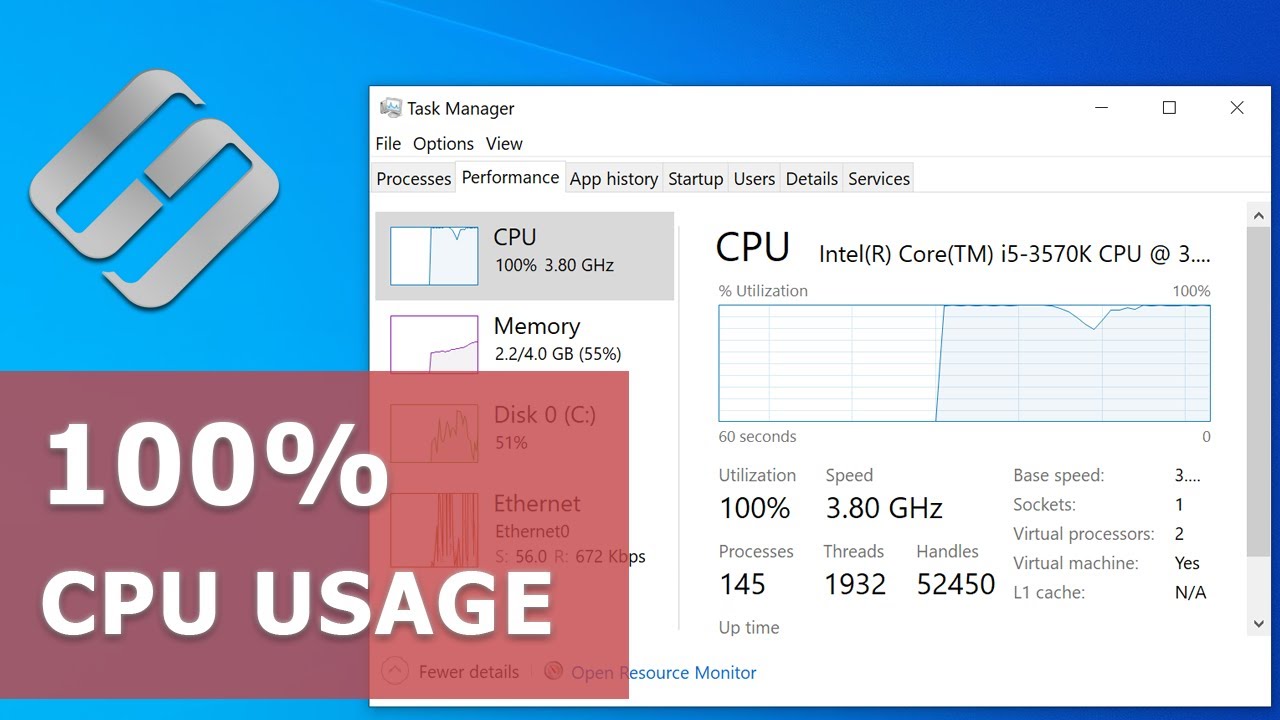
100 CPU Usage And How To Fix It YouTube

How To Find CPU Usage Of Your Computer Windows 10 Tutorial YouTube

Hp Laptop Cpu 100 Usage
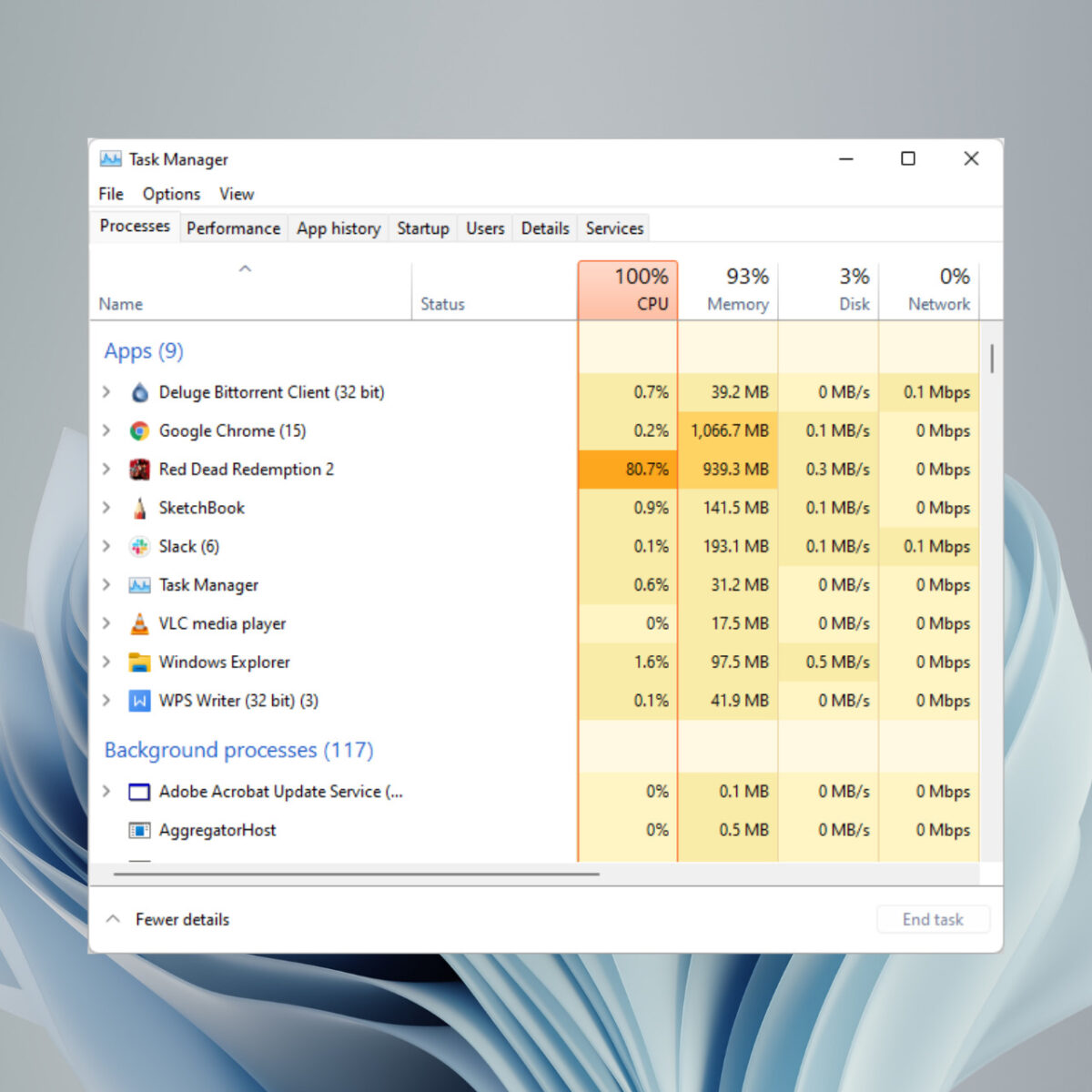
Hp Laptop Cpu 100 Usage

If you re warned by Windows Update that you don t have enough space on your device to install updates see Free up space for Windows updates If you experience internet connection issues
Find help and how to articles for Windows operating systems Get support for Windows and learn about installation updates privacy security and more

Feb 4 2025 nbsp 0183 32 Learn how to install Windows 11 including the recommended option of using the Windows Update page in Settings

Windows Windows

Learn how to get ready for the Windows 11 upgrade from making sure your device can run Windows 11 to backing up your files and installing Windows 11
[desc-11] [desc-12]
[desc-13]