Windows 10 Show All Installed Programs How To Get List Of Installed Programs In Windows 10 TheITBros 2023 How To View Installed Programs In Windows 10 Via Powershell Freemium World A Tweak To Turn Off Automatically Installing Suggested Apps In Windows 10 How To Create A List Of Installed Programs With PowerShell On Windows 10 Mondy Forl1977 How To Get List Of Installed Programs In Windows 10 TheITBros Fix problems using Windows Update is a recovery tool that can help resolve issues related to updates Using this tool will reinstall the current version of Windows on your device
May 29 2024 nbsp 0183 32 Previously I used to download OS on Volume Licensing Service Center Microsoft now this feature is no longer available please guide me to download OS Windows Enter your email address and click Connect If prompted enter your password again then select OK gt Finish to start using your email account in classic Outlook for Windows Remove an
How To Get List Of Installed Programs In Windows 10 TheITBros How To Relocate Installed Programs Games And Apps On Windows 10 Open Programs Not Showing On Taskbar Windows 10 Deadlinda New Top All Apps Windows 10 House Plan App Using Powershell To Install Software Lanaengineering Is There A Way To List All Programs Installed On My Computer Ask Leo Top 7 Effective Ways To Uninstall Programs Apps On Windows 11 Reset Gimp To Default Settings 3 Ways To Check What Version Of Windows 10 Installed You Have
Windows 10 Show All Installed Programs
 Windows 10 Show All Installed Programs
https://theitbros.com/wp-content/uploads/2020/06/word-image-28.png
Jun 15 2024 nbsp 0183 32 This update makes quality improvements to the servicing stack which is the component that installs Windows updates Servicing stack updates SSU ensure that you
Templates are pre-designed files or files that can be used for various functions. They can save time and effort by providing a ready-made format and design for developing various sort of content. Templates can be used for personal or expert projects, such as resumes, invitations, leaflets, newsletters, reports, presentations, and more.
Windows 10 Show All Installed Programs

Az Elrendez s V laszt si Lehet s g Targonca How To Fix Ram Usable Windows 10 Mag n T vlati
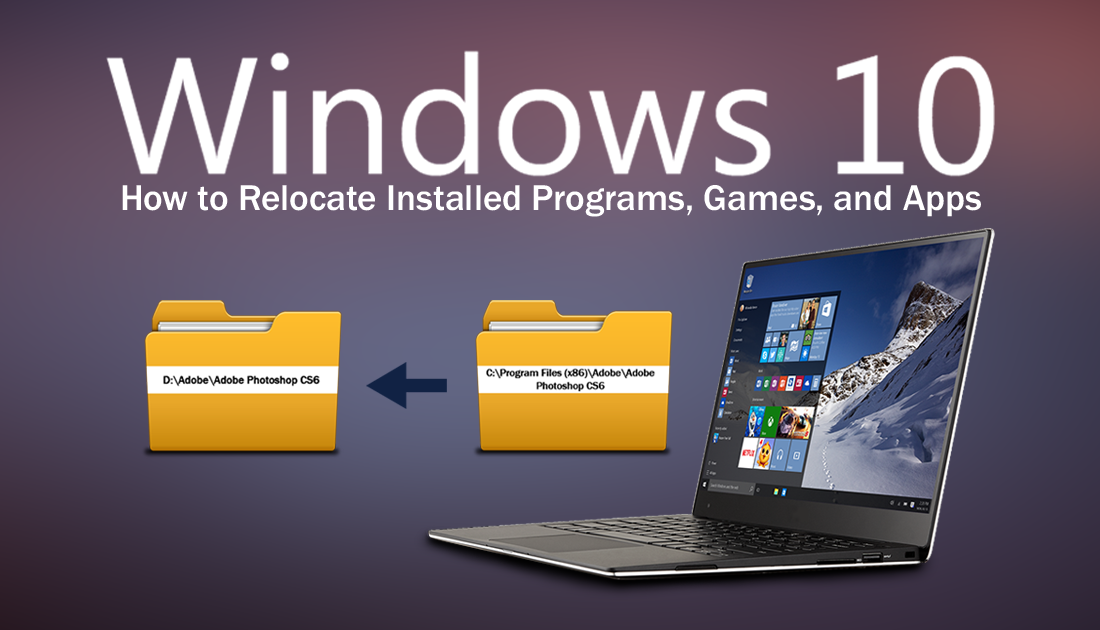
How To Relocate Installed Programs Games And Apps On Windows 10

Open Programs Not Showing On Taskbar Windows 10 Deadlinda
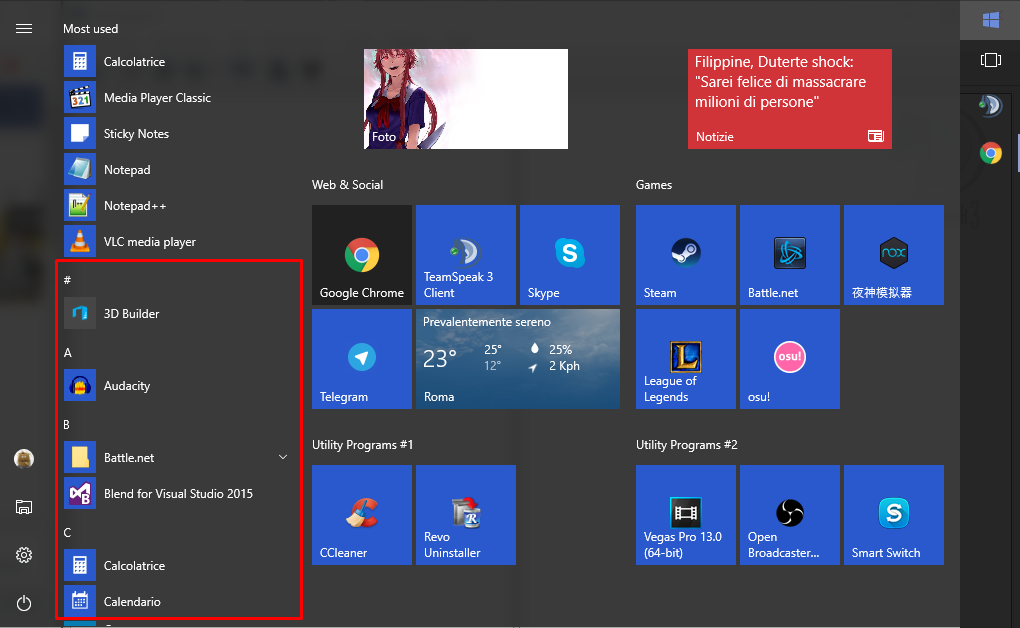
New Top All Apps Windows 10 House Plan App
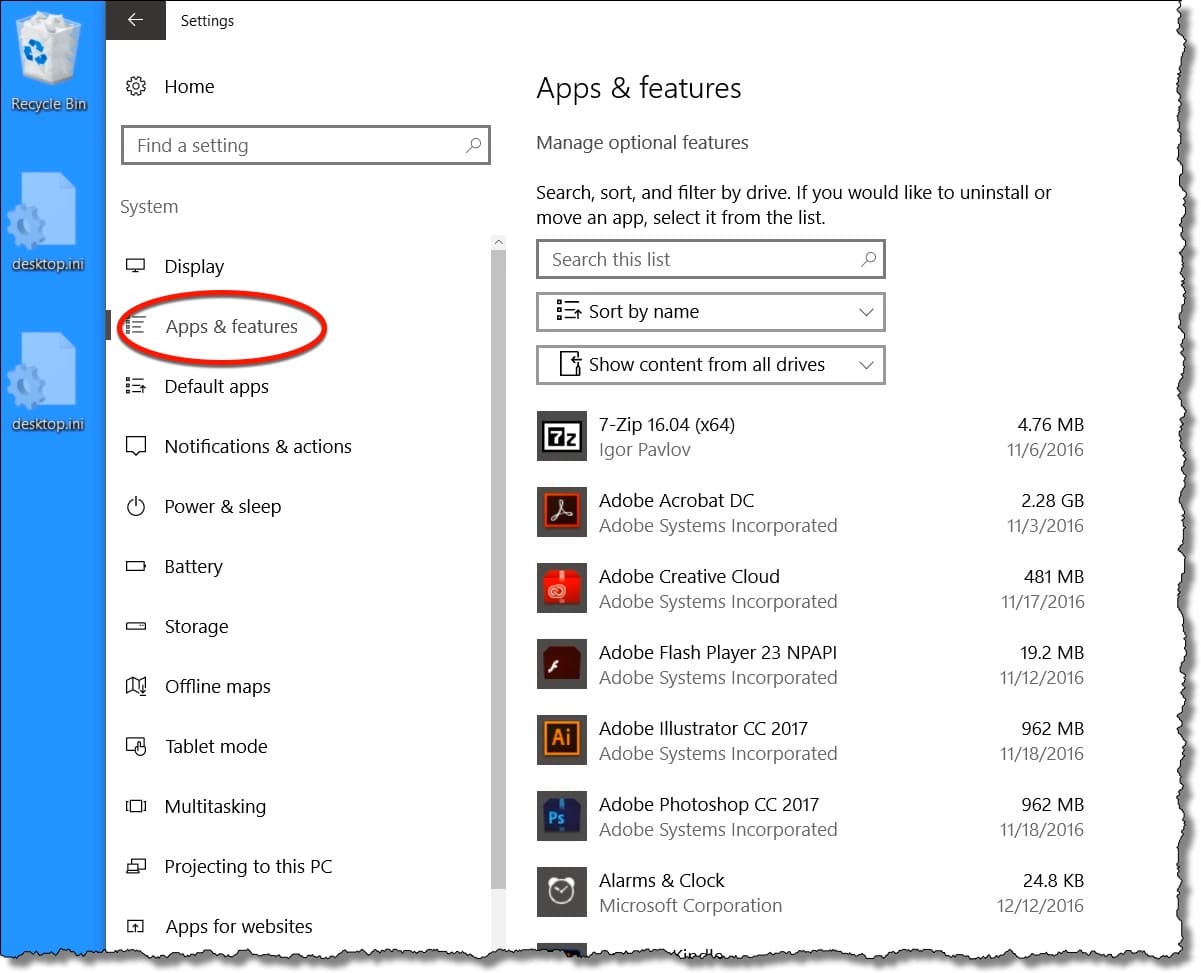
Is There A Way To List All Programs Installed On My Computer Ask Leo
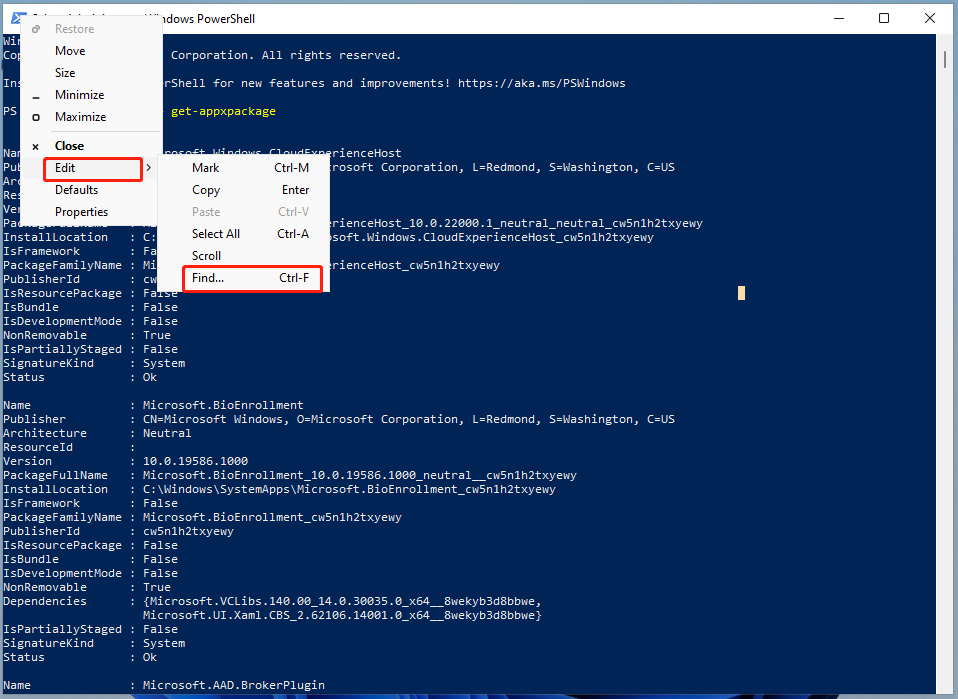
Top 7 Effective Ways To Uninstall Programs Apps On Windows 11

You can use this page to download a disc image ISO file that can be used to install or reinstall Windows 10 The image can also be used to create installation media using a USB flash drive

Feb 4 2025 nbsp 0183 32 Learn how to install Windows 11 including the recommended option of using the Windows Update page in Settings

Installation media such as a USB flash drive can be used to install a new copy of Windows perform a clean installation of Windows or reinstall Windows To create installation media go
Ready to try Windows 11 Windows 11 is a new updated operating system that makes the everyday easier and helps keep your PC running securely and efficiently Check if your PC is

This download is a multi edition ISO which uses your product key to unlock the correct edition Learn more about using Windows 11 on Arm installation media
[desc-11] [desc-12]
[desc-13]