Windows 10 Remove Store Apps For All Users Windows Store Needs To Be Online 5 Ways To Fix This Error Windows 10 How To Remove Uninstall Microsoft Store Apps Best Way To You Can Now Install New Microsoft Store On Windows 10 Www vrogue co Uninstall Windows 10 Apps For All Users Using PowerShell Best Microsoft Store Apps For Windows 10 Best Free Microsoft Store Web Jun 3 2021 nbsp 0183 32 1 Launch the Start menu Click the Start button located at the bottom left You can also press the Win keyboard key 2 Locate and right click the app you wish to
Web Remove specified apps for the current logged on user Remove specified apps from the system for all users Can be used for imaging and OS deployment as well as individual Web Oct 15 2015 nbsp 0183 32 The most straightforward way is via the Group Policy Turn off the Store application which is available as a Computer and User configuration You can find the
Best Microsoft Store Apps For Windows 10 Best Free Microsoft Store The Best Microsoft Store Apps For Windows 10 Best Windows 10 Apps For Your New PC Windows Central How To Install The Google Play Store On Any Android Device Microsoft Reveals The Essential Windows 10 Apps Windows 10 Pro Users Can Now Install Store Apps Without A Microsoft Account UWP Windows 10 Store App Receives A Minor Update Best Free Microsoft Apps On Android In 2020 How To Delete User Accounts In Windows 10 5 Steps with Pictures
Windows 10 Remove Store Apps For All Users
 Windows 10 Remove Store Apps For All Users
https://cdn.windowsreport.com/wp-content/uploads/2017/10/Windows-Store-in-Windows-10.png
Web Apr 21 2017 nbsp 0183 32 PART 1 Remove a specific built in app in Windows 10 PART 2 Remove all built in apps in Windows 10 PART 3 Reinstall restore all or a specific built in app in
Templates are pre-designed files or files that can be utilized for various functions. They can conserve effort and time by providing a ready-made format and design for producing different type of material. Templates can be used for individual or professional projects, such as resumes, invites, leaflets, newsletters, reports, discussions, and more.
Windows 10 Remove Store Apps For All Users

Uninstall Windows 10 Apps For All Users Using PowerShell Tips tricks
The Best Microsoft Store Apps For Windows 10
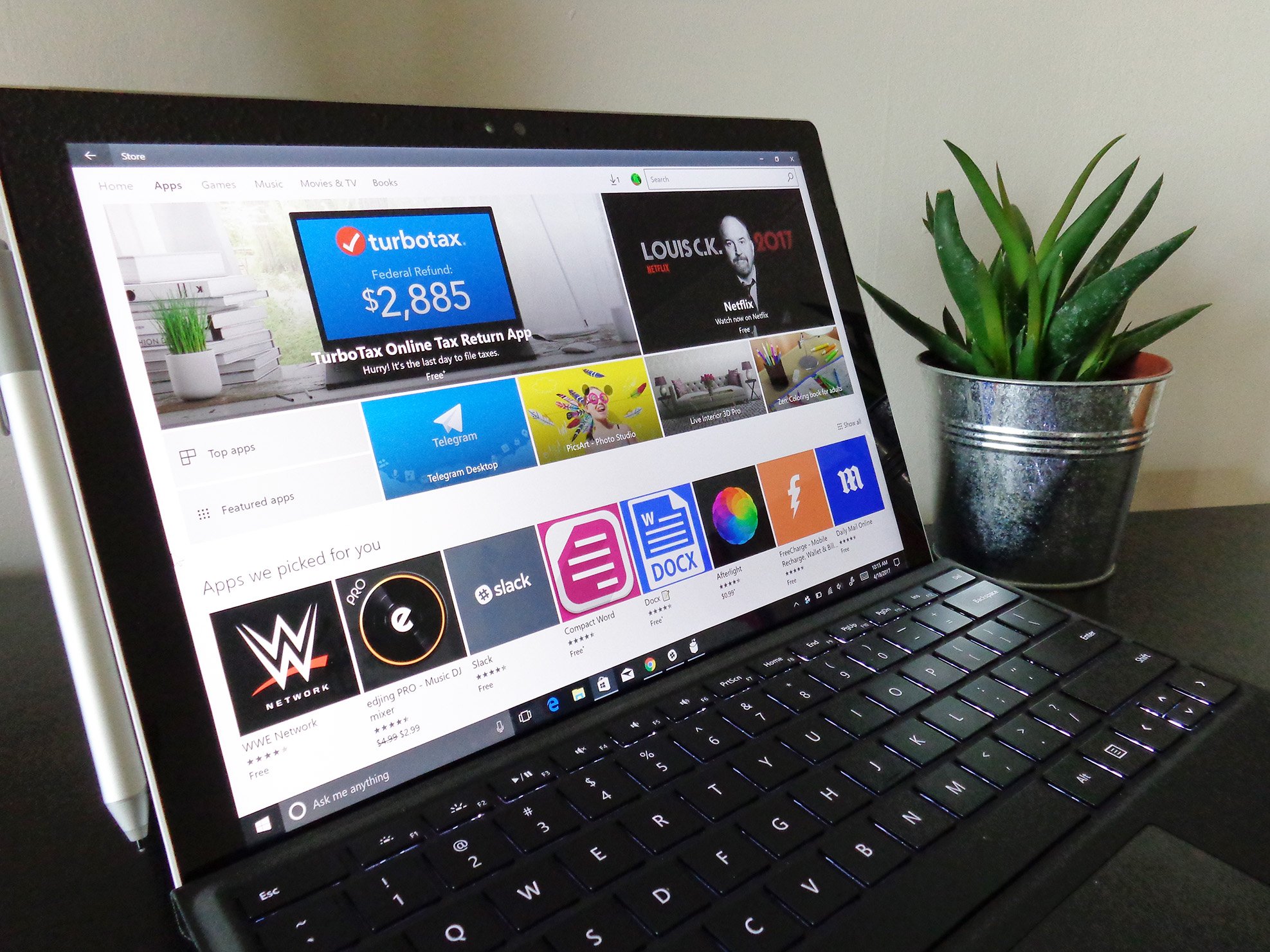
Best Windows 10 Apps For Your New PC Windows Central
How To Install The Google Play Store On Any Android Device
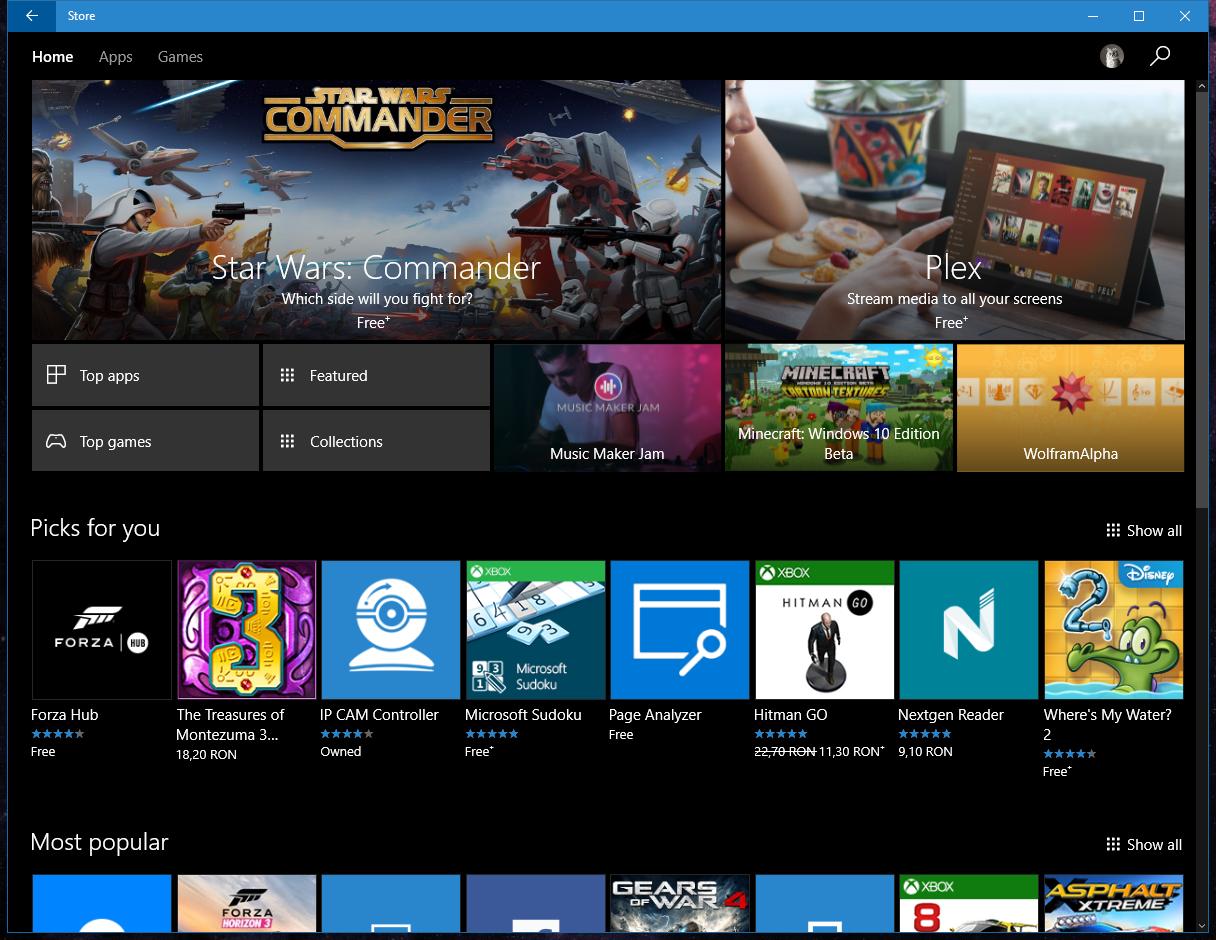
Windows 10 Pro Users Can Now Install Store Apps Without A Microsoft Account

UWP Windows 10 Store App Receives A Minor Update

Web Feb 5 2020 nbsp 0183 32 I do want to note that MS is trying to push drivers thru the MS store A couple of vendors have complied If I remember correctly Realtek is one of them Also
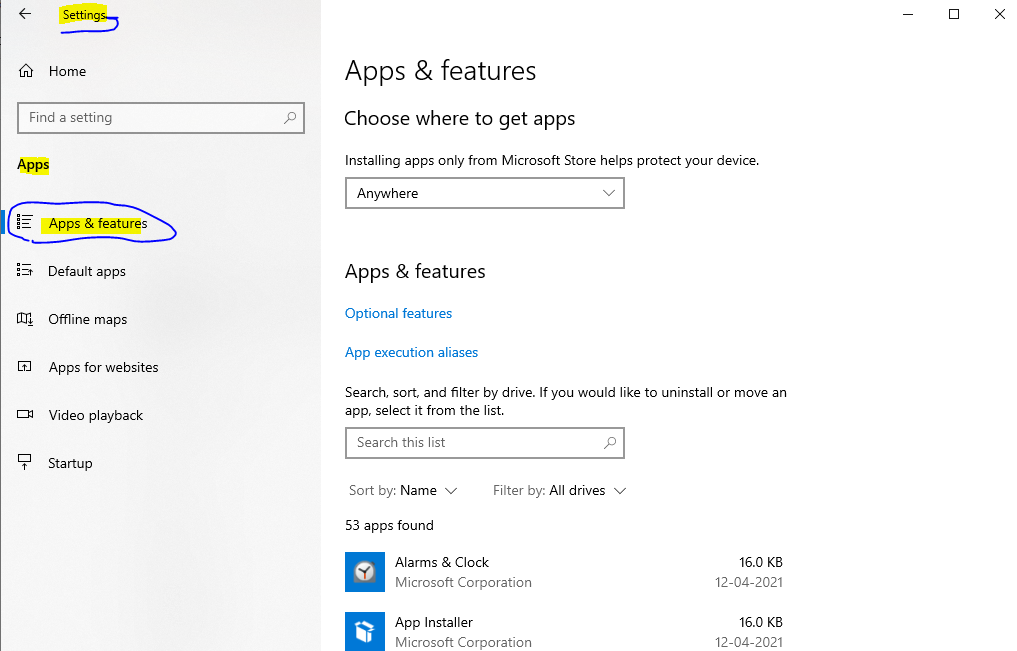
Web Oct 20 2021 nbsp 0183 32 1 Remove the apps from the ISO file This solution works on Windows 11 10 machines where you are going to install it fresh We will

Web Mar 10 2020 nbsp 0183 32 1 I ve deleted preinstalled apps for existing users through Get AppxPackage AllUsers Remove AppxPackage 2 I ve attempted unsuccessfully to

Web Oct 4 2023 nbsp 0183 32 With PowerShell you can remove built in UWP apps from all your laptop s or desktop s user accounts You can quickly uninstall one or all the preinstalled apps for all the user accounts on your device through

Web Jun 23 2021 nbsp 0183 32 To remove the Microsoft Store App for all users with PowerShell you can use the following cmdlet Get AppxPackage Name quot Microsoft todos quot AllUsers Remove AppxPackage AllUsers Prevent
Web Uninstall from Control Panel In search on the taskbar enter Control Panel and select it from the results Select Programs gt Programs and Features Press and hold or right Web Nov 2 2023 nbsp 0183 32 Just right click an app on the Start menu either in the All Apps list or the app s tilke and then select the quot Uninstall quot option On a touch screen long press the
Web Sep 21 2023 nbsp 0183 32 To remove Microsoft Store app from all user accounts on PC NOT RECOMMENDED Get appxpackage allusers Microsoft WindowsStore Remove