Windows 10 Remove Service Command Line How To Delete Any Windows Service Via Command Line Zimbra Add And Remove Disable Service Command Line Notes Habibzain CCNP JNCIS EN ESPA OL NOTAS CCIE WRITTEN QoS Installing WebSphere Application Server Advanced Options And Sample How To Start With Amazon Web Service Command Line First Lesson Web Jul 26 2019 nbsp 0183 32 1 Open Services With Help of Windows Search Box Hit Start type services into the search dialog box and then click the Services to get a list of services 2 Find the Service and Move to Properties In the Services window scroll down and find the service you re after
Web Jul 13 2022 nbsp 0183 32 To delete a service in Windows use the following command line syntax from admin Command Prompt sc delete service name Where service name refers to the short name of the service instead of its display name To find the short name open Services MMC and double click a service Web Dec 22 2022 nbsp 0183 32 To stop a running service using Services use these steps Open Start Search for Services and click the top result to open the console Double click the service that you intend to stop
How To Start With Amazon Web Service Command Line First Lesson Unity Manual Unity Accelerator How To Remove Login Password In Windows Techno Blender Stop Start Restart Windows Service Command Line How To What Version Of Redhat Linux Am I Running Picocaqwe How To Remove Mysql From Windows Service With Command Prompt YouTube How To Install Aws Cli Fasrimmo How To Delete User Account In Windows 10 Using Command Prompt Tutorial Automation Workshop Command Line Overview And Details
Windows 10 Remove Service Command Line
 Windows 10 Remove Service Command Line
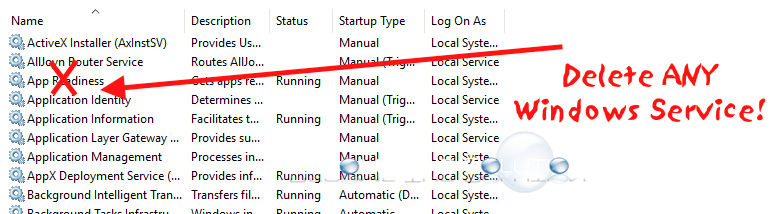
https://becomethesolution.com/images/easyblog_articles/1131/windows-delete-any-windows-service.png
Web I don t want to remove a Windows service but instead just disable it services msc type the name of the service hit right click menu key hit key to select stop hit enter KevinDriedger I have suggesting a way to shorten the
Pre-crafted templates offer a time-saving solution for creating a varied series of documents and files. These pre-designed formats and designs can be made use of for numerous personal and expert projects, consisting of resumes, invitations, flyers, newsletters, reports, discussions, and more, enhancing the content development process.
Windows 10 Remove Service Command Line

Master Mirrors Ipfs Go ipfs GitCode
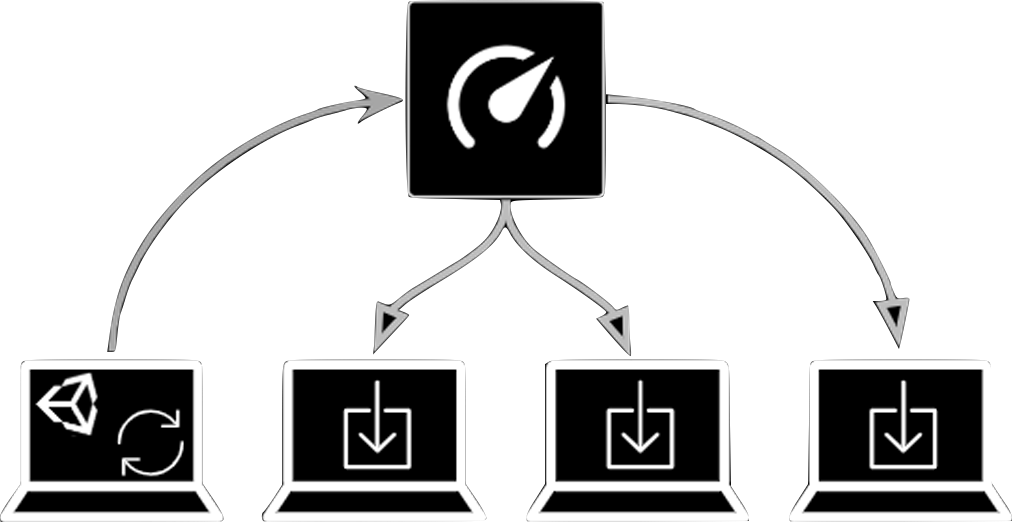
Unity Manual Unity Accelerator

How To Remove Login Password In Windows Techno Blender
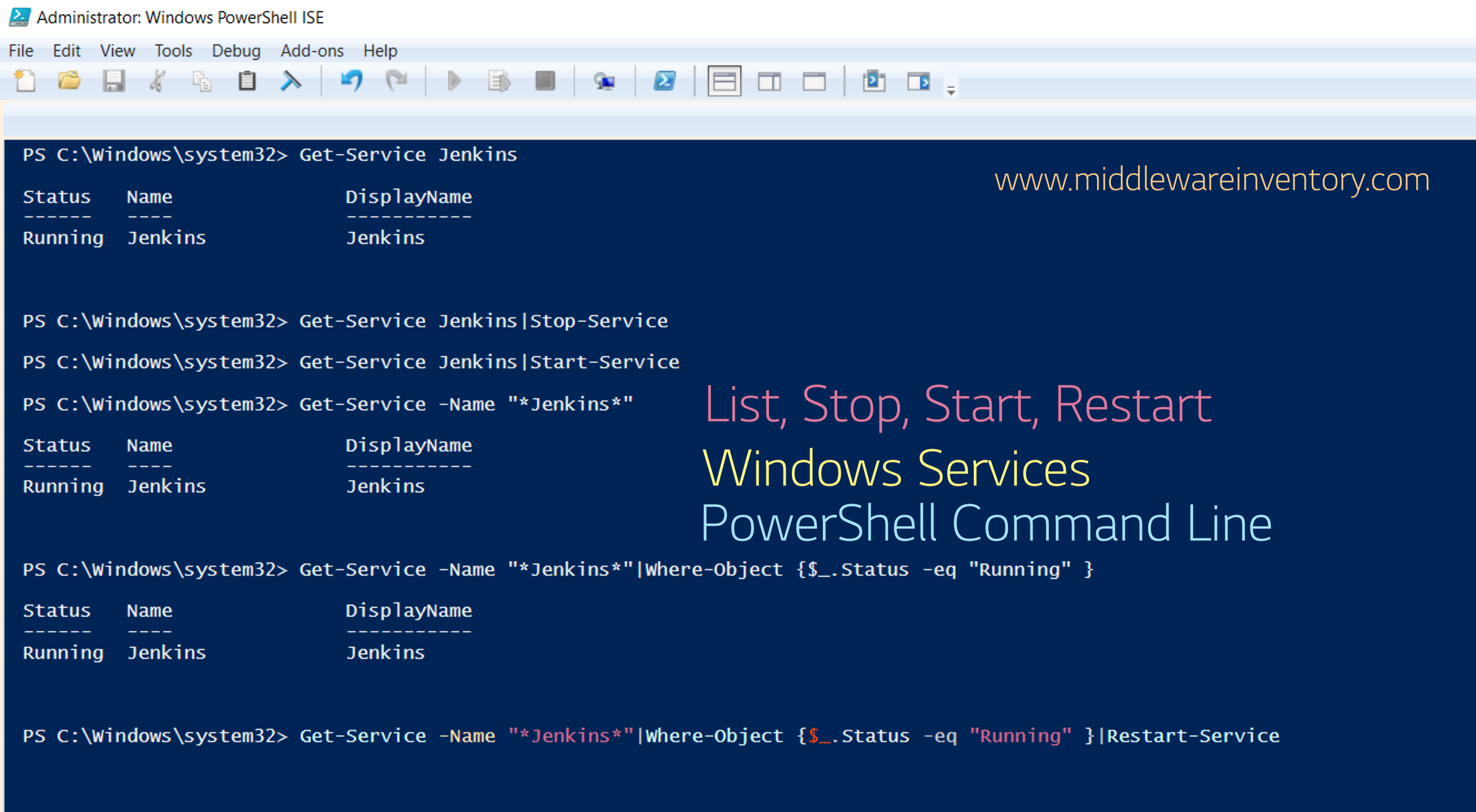
Stop Start Restart Windows Service Command Line How To
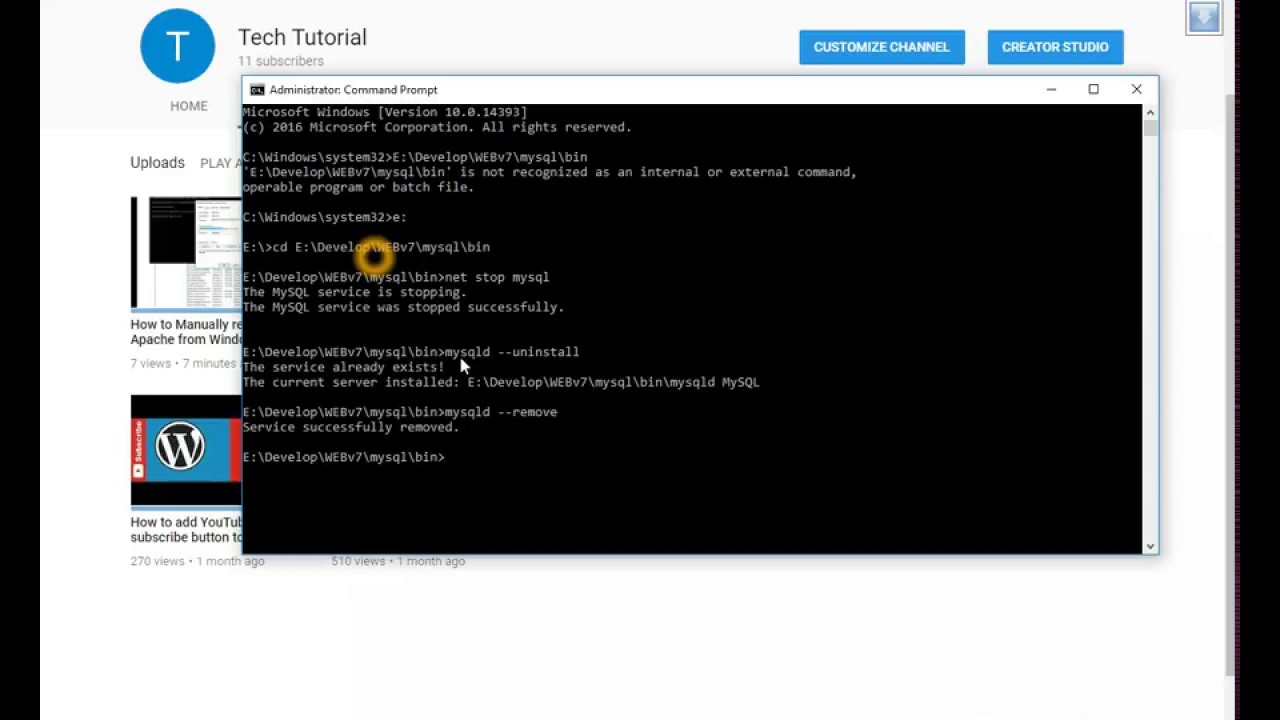
How To Remove Mysql From Windows Service With Command Prompt YouTube

How To Install Aws Cli Fasrimmo

Web Sep 16 2008 nbsp 0183 32 Remove Windows Service via Registry Its very easy to remove a service from registry if you know the right path Here is how I did that Run Regedit or Regedt32 Go to the registry entry quot HKEY LOCAL MACHINE SYSTEM CurrentControlSet Services quot Look for the service that you want delete and delete it

Web May 21 2023 nbsp 0183 32 Right click either shortcut and select quot Run as Administrator quot or click the quot Run as Administrator quot option at the right side of the start menu To delete the service use the sc command with the following syntax in Command Prompt or

Web Jun 7 2022 nbsp 0183 32 In the Command Prompt window type the below commands and hit Enter sc delete lt service name gt Note In the above command name replace service name with the service you identified

Web Sep 12 2023 nbsp 0183 32 How to Delete a Windows Service from the Command Line Step 1 Find the Service Name Open Windows Services find the service name right click and select properties Copy the service name Step 2 Run the sc delete command Open the command line as administrator Next run the below command Replace servicename

Web May 31 2017 nbsp 0183 32 9 To stop a service use net stop lt service name gt To start a service use net start lt service name gt Both these need running from a elevated prompt To disable a service use sc config quot Name of Service quot start disabled This also needs running from a elevated prompt Finally a list of services and their states is in the registry at
Web Nov 7 2020 nbsp 0183 32 To Delete a Service using Command Prompt 1 Press the Win R keys to open Run type services msc into Run and click tap on OK to open Services 2 Right click or press and hold on the service ex quot My Example Service quot you want to delete and click tap on Properties see screenshot below Web May 7 2023 nbsp 0183 32 Before we can delete a service we must first stop it if it s running To do this we will use the sc stop command Enter the following command in the Command Prompt replacing lt SERVICE NAME gt with the name of the service you want to stop sc stop lt SERVICE NAME gt For example if you want to stop a service named SampleService
Web Nov 16 2021 nbsp 0183 32 Right click the service you want to delete and choose Properties Copy the service name and close the window Open Command Prompt as an administrator Press Start and type Command