Windows 10 Lock Screen Wallpaper Resolution Windows 10 Lock Screen Background Download Free Stunning High How To Enable Windows 10 Lock Screen Wallpapers County Clare Ireland 2560x1440 Windows 10 Lock Screen 1440P Resolution HD 4k Wallpapers 1440x2560 Resolution Windows 10 Spotlight Lock Screen Underground Windows 10 Lock Screen Wallpaper 87 Images Click on Personalization Click on Lock screen Click the Cortana lock screen settings option Under the Lock screen section turn on the Use Cortana even when my device is locked toggle switch
Windows 10 Designing and setting a custom Lock Screen Background the Group Policy to manage this is Force a specific default lock screen image On devices using other aspect ratios such as 4 3 1024 768 or 16 10 1280 800 height scales correctly and width is cropped to a size equal to the aspect ratio Browse to the following location C Windows Web You will spot three folders here Wallpaper for the default wallpapers 4K some high resolution Windows 10 wallpapers and Screen the lock screen wallpapers You can use the images from here Or use the tiny software to do the job automatically
Windows 10 Lock Screen Wallpaper 87 Images Cool Windows 10 Lock Screen How To Save Microsoft s Lock Screen Wallpapers In Windows 10 Version 1709 Download Windows 10 Spotlight Lock Screen Images Wallpapers Download W10 B10041 Lock Screen Image Location Solved Hd Wallpaper Windows 10 Lock Screen Wallpapers Wallpaper Cave Windows 10 Lock Screen Wallpaper 87 Images Set The Windows 10 Lock Screen Photo As Your Desktop Wallpaper Windows 10 Lock Screen Wallpaper 87 Images
Windows 10 Lock Screen Wallpaper Resolution
 Windows 10 Lock Screen Wallpaper Resolution
https://wallpapertag.com/wallpaper/full/4/2/b/127115-download-free-windows-10-lock-screen-background-1920x1200-download.jpg
Press Start and then click the cog above the power button to open the Settings app Click Personalization Press Lock screen in the sidebar Then in the main pane look for the drop down
Pre-crafted templates offer a time-saving service for creating a diverse range of files and files. These pre-designed formats and layouts can be utilized for numerous individual and expert tasks, consisting of resumes, invites, flyers, newsletters, reports, presentations, and more, streamlining the content development process.
Windows 10 Lock Screen Wallpaper Resolution
How To Find The Wallpapers And Lock Screen Images In Windows 10
Cool Windows 10 Lock Screen
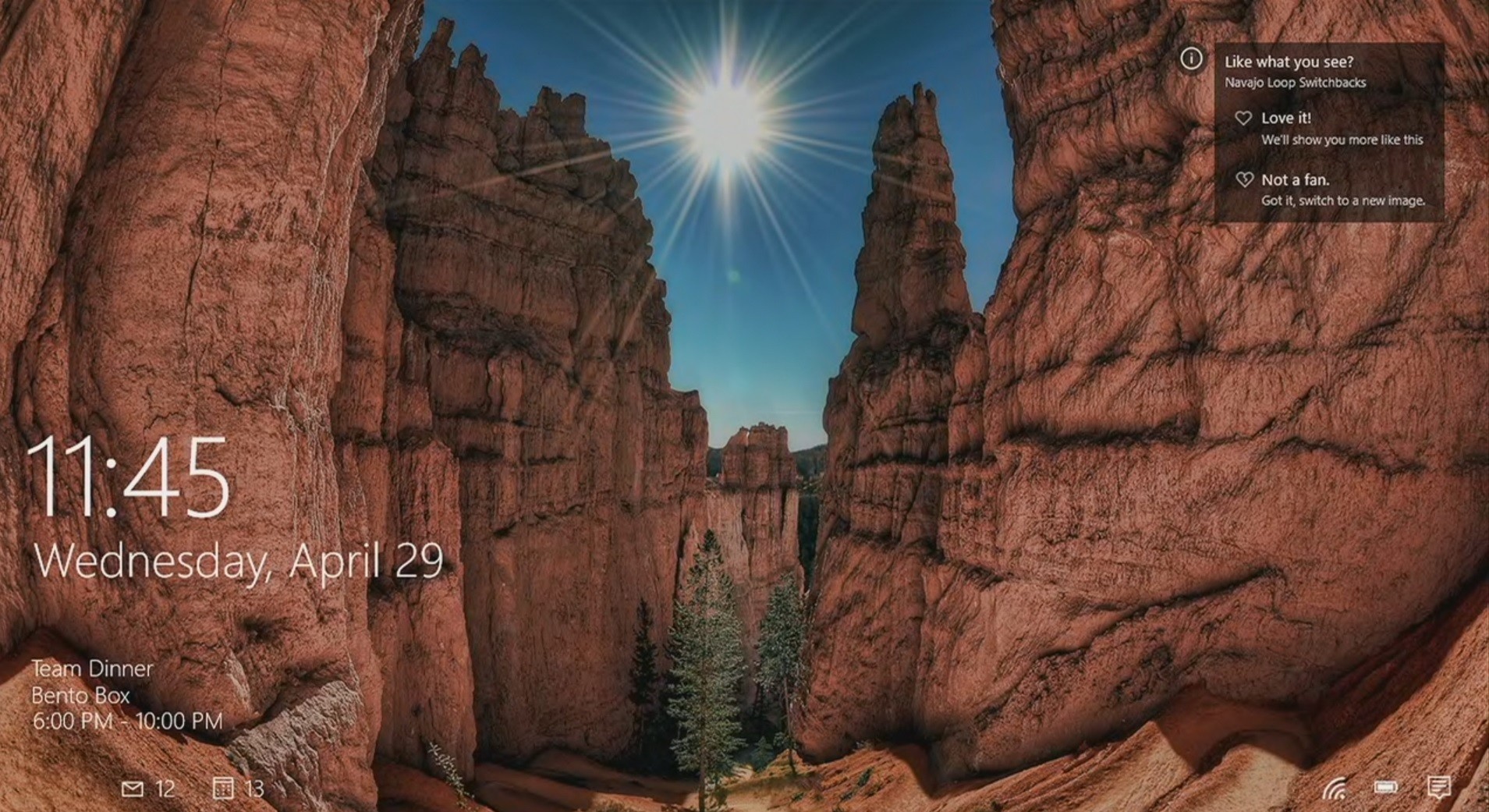
How To Save Microsoft s Lock Screen Wallpapers In Windows 10 Version 1709

Download Windows 10 Spotlight Lock Screen Images Wallpapers
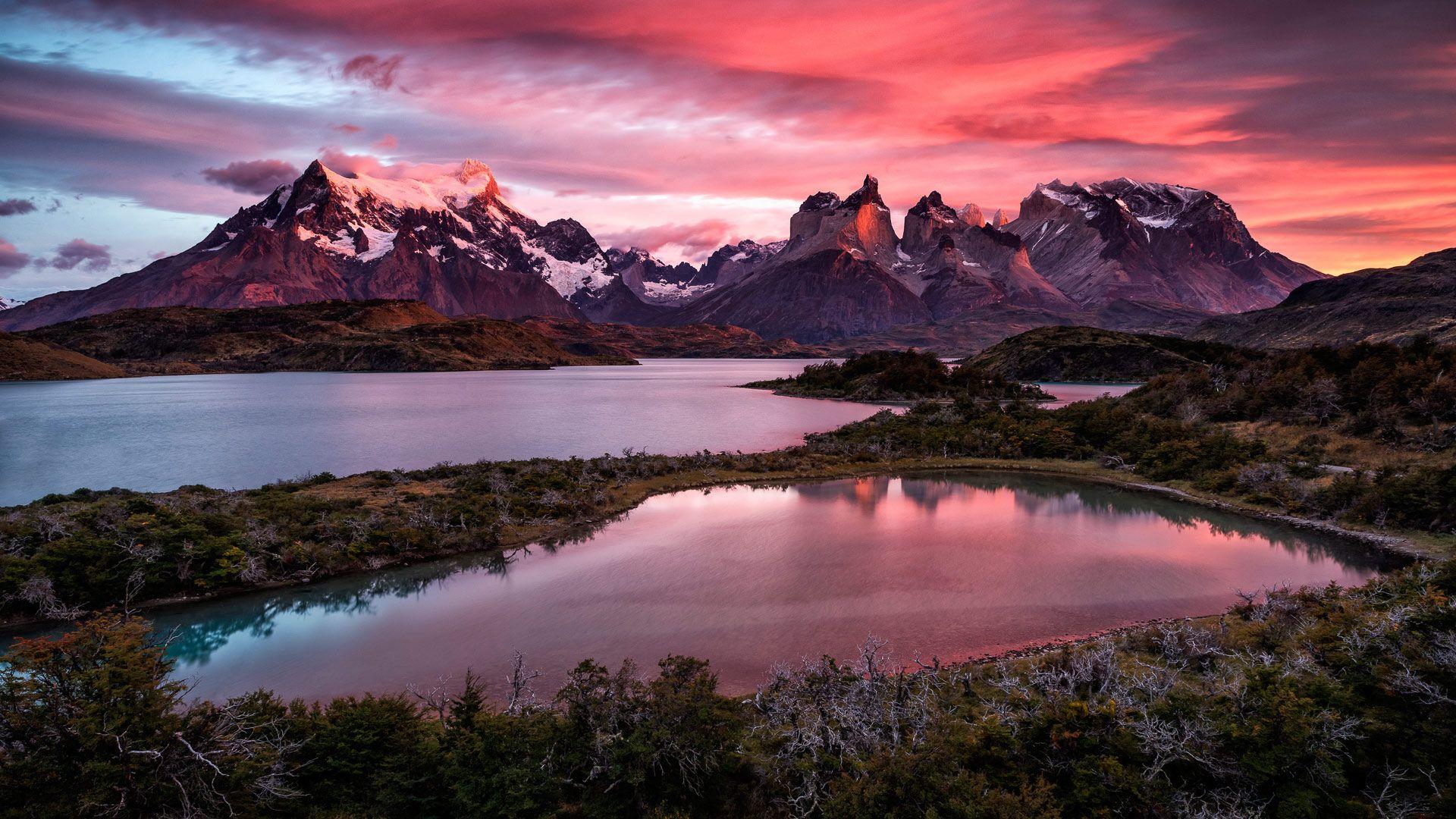
Windows 10 Lock Screen Wallpapers Wallpaper Cave
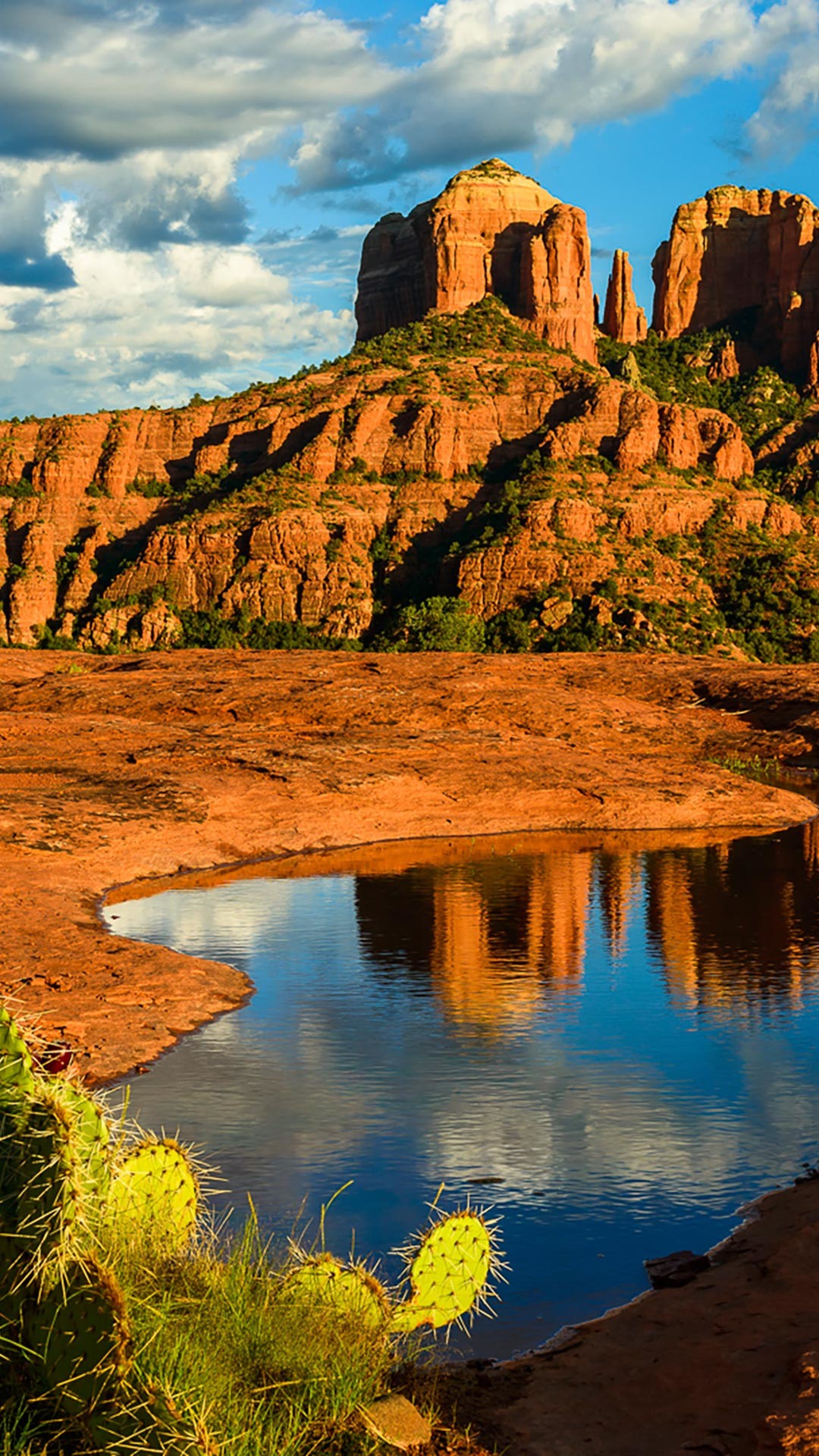
Windows 10 Lock Screen Wallpaper 87 Images
I run my Windows 11 desktop with a 3440x1440p ultrawide monitor The result is a horrendous stretched mess as the automatically cycled wallpapers shown on my lock screen is badly distorted and pixelated I cant seem to find any settings to would set the resolution of my lock screen to the monitor s native resolution

Go to the new folder example cd C Users TechSpot Desktop lockscreen images Once at the new lock screen images folder enter the following command ren jpg All of the files in the folder

Press Windows logo key L to lock your device The Windows spotlight image should appear on the lock screen If you don t see the Windows spotlight image when you re signing in select Start Settings Personalization Lock screen Check that the toggle for Show lock screen background picture on the sign in screen is turned on

Experience Configure Windows Spotlight On Lock Screen Specifically controls the use of the dynamic Windows Spotlight image on the lock screen and can be enabled or disabled Windows 10 Enterprise and Education version 1607 and later Turn off the Windows Spotlight on Action Center Experience Allow Windows Spotlight On Action Center
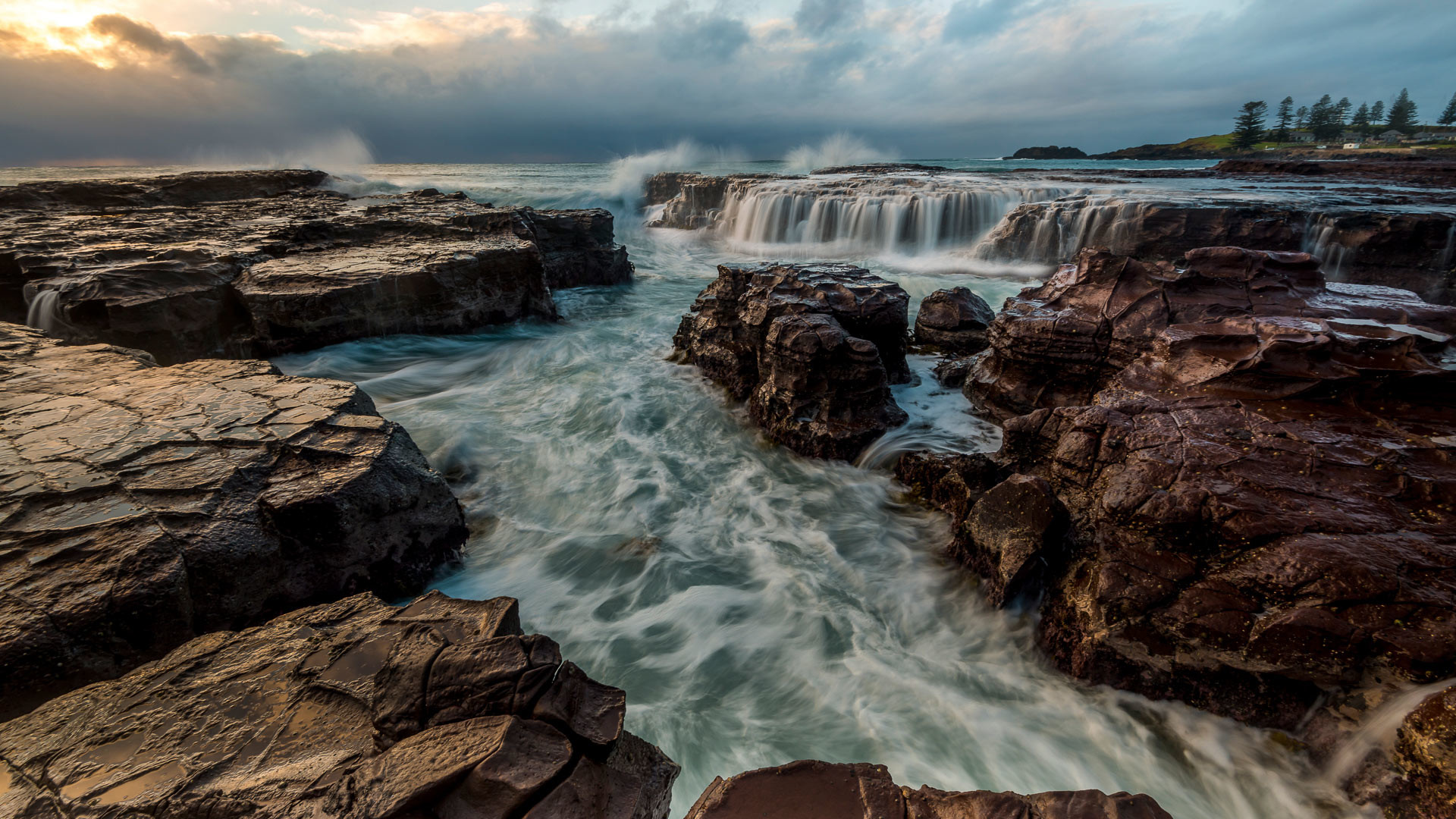
To access the settings for your lock screen in Windows 10 navigate to Settings Personalization Lock screen The first thing you can change is the lock screen image Open the Background drop
If you re using Windows 10 you ve probably noticed that the lock screen usually displays a really nice background image that is automatically chosen from Bing and automatically sized for your desktop screen If you have a high resolution monitor the feature works especially well On a 4K or WQHD 2560 1440 monitor the high resolution In Windows 10 open the Settings app A fast way to do it is to click or tap on the Settings button from the bottom left area of the Start Menu Then in the Settings app go to Personalization The Personalization section from the Settings app On the left side column click or tap on the Lock screen
Figure F Position the crop box over the section of the photo that you want to use Now click the Ellipse button choose Set As and select Set As Lock Screen as shown in Figure G The Set As