Windows 10 Lock Screen Language Change Microsoft Login Wallpapers Lock Screen Language Flashcards YouTube How To Change Welcome Screen Language In Windows 10 Dil Se Pagal Fix Lock Screen Language Difference Issue In Windows 10 YouTube How To Change Lock Screen Language Apple Community Press Windows I to open the Settings window and then click Time Language Select Region language on the left and then click Add a language on the right The Add a Language window shows languages that are available to be installed on your PC The languages are listed in alphabetical order according to the default Windows language
Press Windows logo key L to lock your device The Windows spotlight image should appear on the lock screen If you don t see the Windows spotlight image when you re signing in select Start Settings Personalization Lock screen Check that the toggle for Show lock screen background picture on the sign in screen is turned on To access the settings for your lock screen in Windows 10 navigate to Settings Personalization Lock screen The first thing you can change is the lock screen image Open the Background drop
How To Change Lock Screen Language Apple Community Get Your Modern Lock Screen For Windows 10 Cool Windows 10 Lock Screen Way Cutiepyepye Wallpaper 39902532 Fanpop How To Save Microsoft s Lock Screen Wallpapers In Windows 10 Version 1709 Disable Ads Store Messages On Windows 10 Lock Screen Can t Change Language On Windows 10 Lock Screen Microsoft Community Change Lock Screen Display Off Timeout In Windows 10 Tutorials How To Change Windows 10 Lock Screen Language Fix Lock Screen Find Windows Spotlight Lock Screen Images In Windows 10
Windows 10 Lock Screen Language Change
 Windows 10 Lock Screen Language Change
https://i.pinimg.com/originals/38/77/eb/3877eb5b68abbc0765cf17bd721fb470.jpg
Change Display Language in Settings 1 If you haven t already you will need to install the language pack of the added language you want to set as your display language see screenshots below 2 Open Settings and click tap on the Time Language icon 3 Click tap on Language on the left side and select a Windows display language you want in
Pre-crafted templates use a time-saving service for developing a varied variety of documents and files. These pre-designed formats and layouts can be used for different personal and expert projects, consisting of resumes, invites, flyers, newsletters, reports, presentations, and more, streamlining the content production procedure.
Windows 10 Lock Screen Language Change
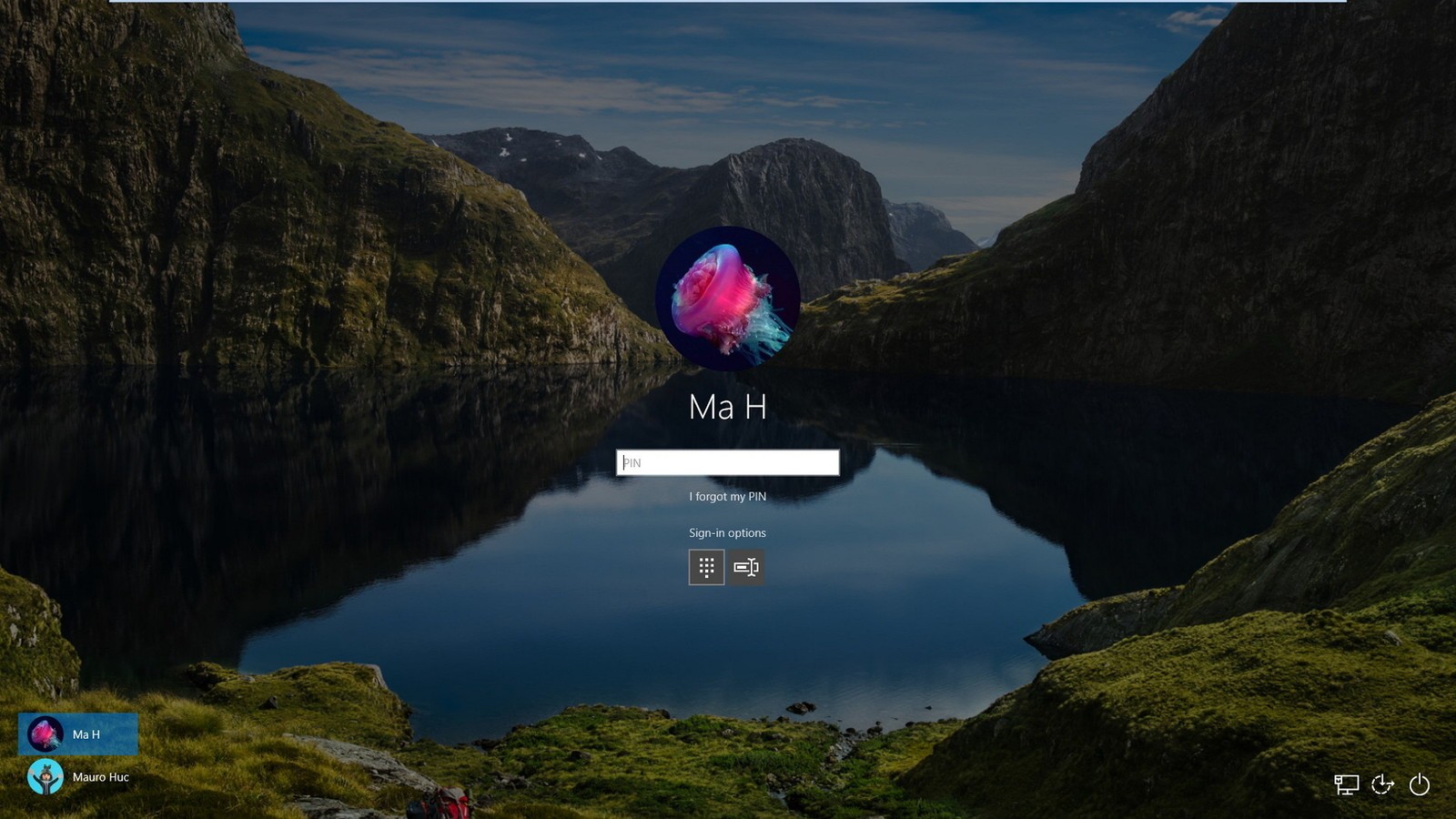
Mechaniker Ich Brauche hnlich Windows 10 Lock Screen Regenfall
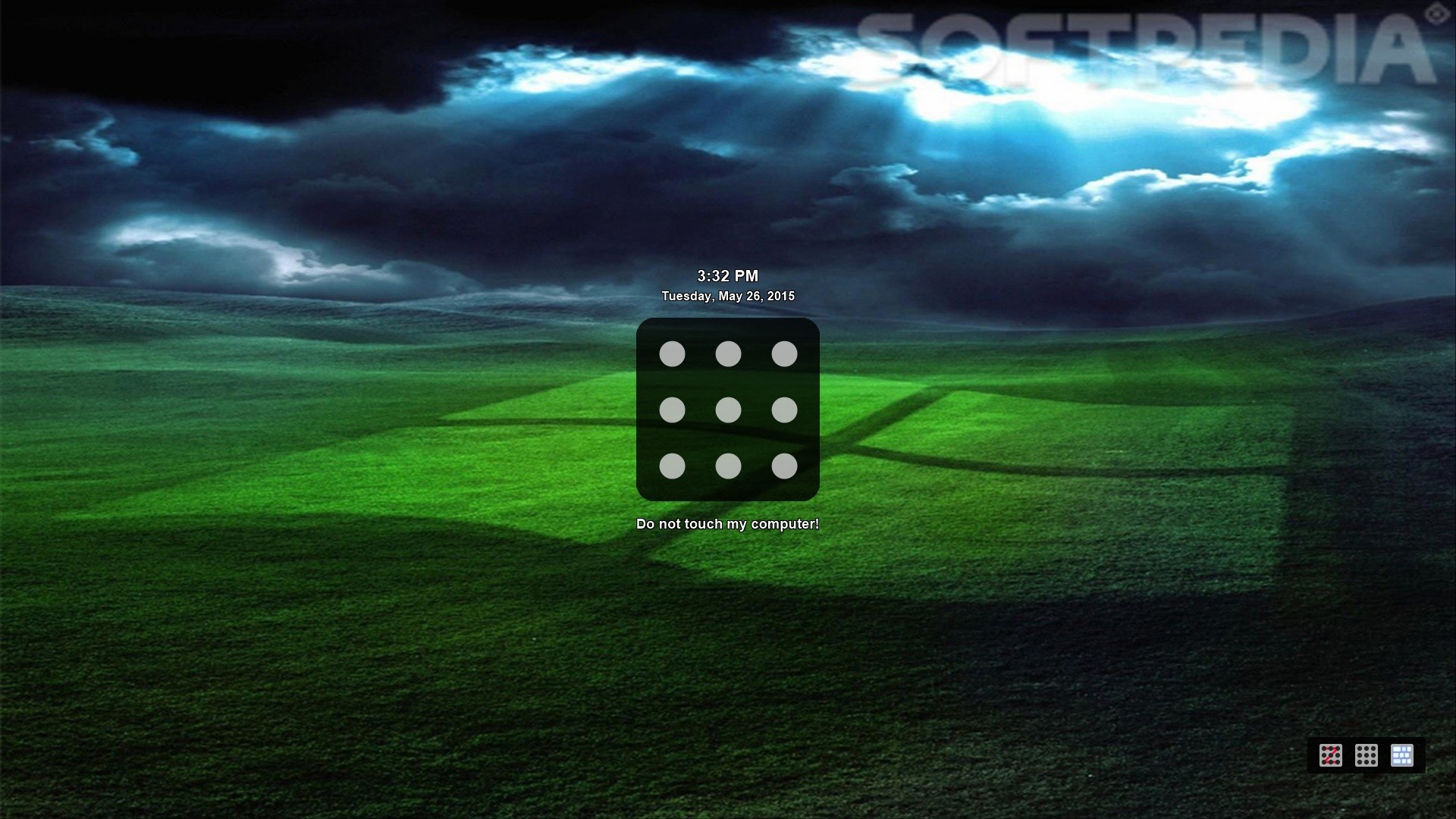
Get Your Modern Lock Screen For Windows 10

Cool Windows 10 Lock Screen Way Cutiepyepye Wallpaper 39902532 Fanpop
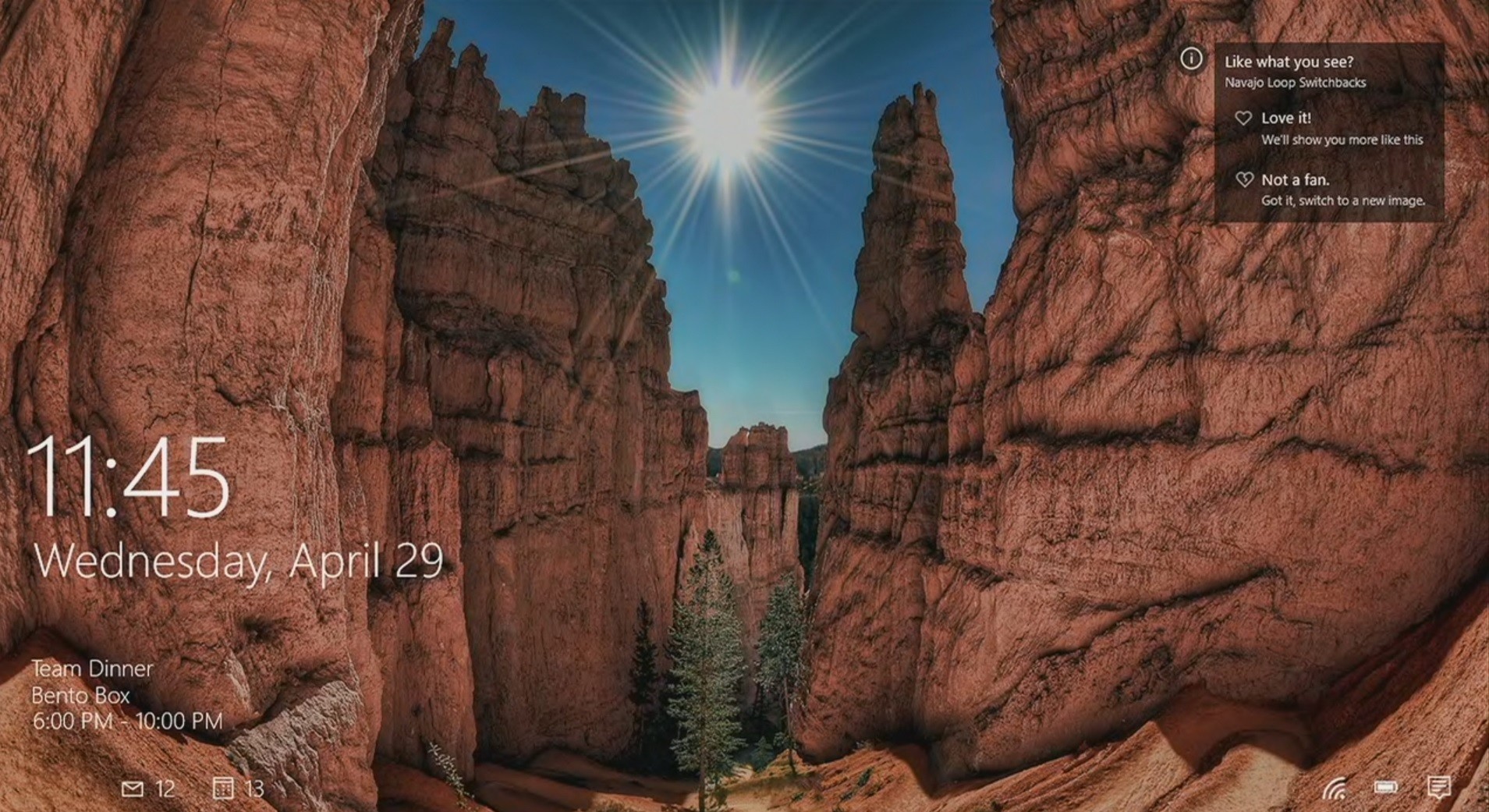
How To Save Microsoft s Lock Screen Wallpapers In Windows 10 Version 1709
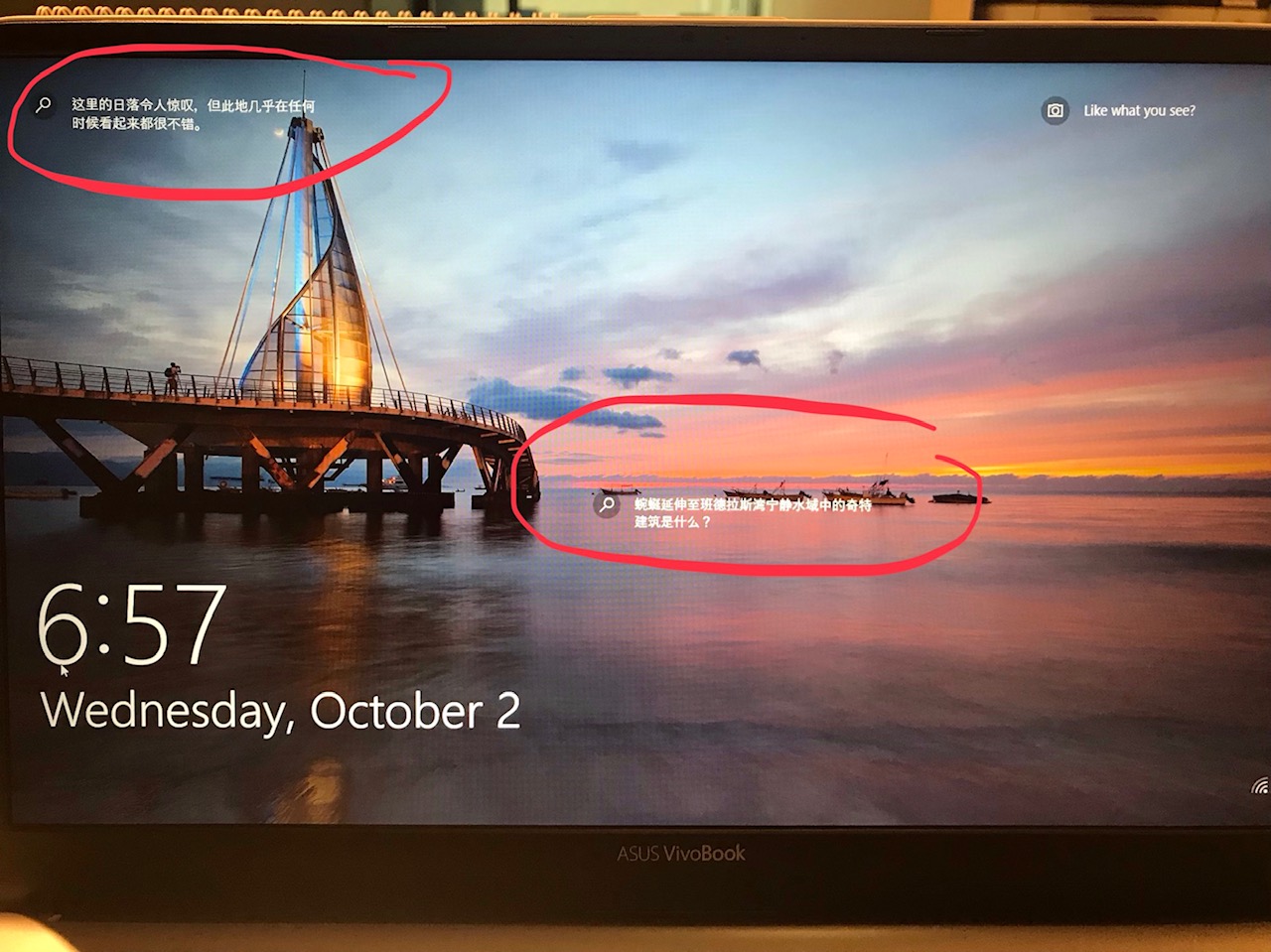
Can t Change Language On Windows 10 Lock Screen Microsoft Community

Change Lock Screen Display Off Timeout In Windows 10 Tutorials

Go to Control Panel Clock Language and Region and click on Language preferences Then go to Advanced settings located on the left In Override for Windows display language choose the one you want to be overriding the default display language let s assume it s French Click Save Don t log off and restart your machine just yet

2 I know it s possible to set the default language on the Windows lock screen through the Language settings However after the first login it s possible to switch from English to a second language lock the screen and have the lock screen language in a different language

The display language you select changes the default language used by Windows features such as Settings and File Explorer Select Start Settings Time language Language region Choose a language from the Windows display language menu or next to Preferred languages select Add a language to install the one you want if it isn t listed

If you receive an Only one language pack allowed or Your Windows license supports only one display language message you have a single language edition of Windows 10 Here s how to check your Windows 10 language edition Select the Start button select Settings About and then scroll down to the Windows specification section
How to Change Windows 10 Lock Screen Language
To change the system default language close your apps and use these steps Open Settings Click on Time Language Click on Language Under the Preferred languages section click the You can also click on keyboard input language Layout Right bottom Corner of the lock screen to change the keyboard input language Layout Hope this information helps you
To change the language on the lock screen to the one you have when logged in go to Control Panel search for region then click on Region go to the Administrative tab click the Copy settings button In the new window it should show Finnish as the display language for the Welcome Screen