Windows 10 Last Shutdown Time Last Shutdown C mo Apagar Su PC Con Windows 10 Usando El S mbolo Del Sistema Punto De Acceso De Informaci n Last Shut Down Time Of Your Windows Pc Last Shutdown How To Find Out Last Shutdown Time In Windows 10 YouTube Command Prompt On Windows 11 or 10 the Event Log system tracks everything that happens including when and why the computer restarts or shuts down correctly or incorrectly due to a
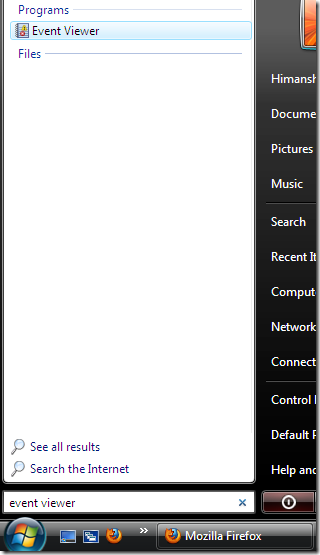
1 Using Event Logs to Extract Startup and Shutdown Times 2 Checking With Command Prompt or PowerShell 3 Using TurnedOnTimesView Frequently Asked Questions 1 Using Event Logs to Extract Startup and Shutdown Times Windows built in Event Viewer is a wonderful tool that saves all kinds of occurrences that are happening on the computer Seeing the last shutdown time using Command Prompt Wondering how to check the shutdown time using Windows Command Prompt Let s show you how in the next paragraphs 2 View Shutdown and Restart Log Using Command Prompt If the first method is not convenient for you you can use Windows Command Prompt to check the system log by following
How To Find Out Last Shutdown Time In Windows 10 YouTube Quickly Find Your Computer s Last Shutdown Date And Time In Windows How To Find Out Windows Downtime Uptime And Last Shutdown Time How To Find Out Windows Can I Force Shutdown On Windows 11 How To Shut Down Windows 10 PC Using Command Prompt Ask Caty How To Check The Last Computer Shutdown Time date How To See If Last Boot Of Windows 10 Was From Fast Startup Normal Shutdown Or Hibernation How To Find Out Last Shutdown And Restart Time In Windows 7 YouTube
Windows 10 Last Shutdown Time
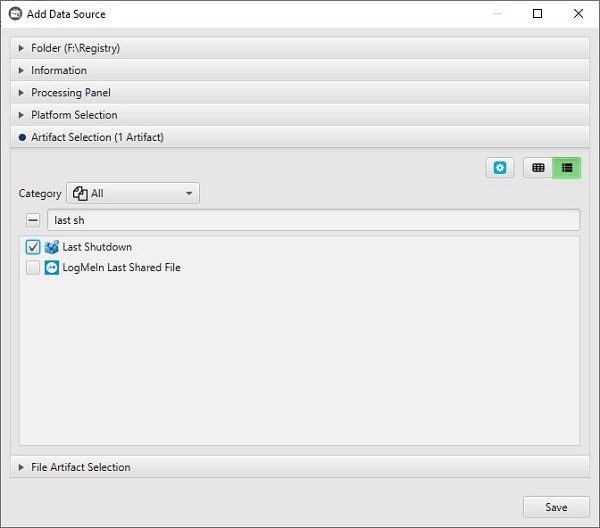 Windows 10 Last Shutdown Time
https://forensafe.com/img/blog/lastshutdown_1.jpg
0 00 2 18 How to Find last Shutdown and up time in Windows 10 UFO ACADEMY 506 subscribers Subscribe 106 views 1 year ago For whatever reason you may need to know how long your
Pre-crafted templates offer a time-saving service for creating a varied series of files and files. These pre-designed formats and layouts can be used for numerous personal and expert projects, consisting of resumes, invites, flyers, newsletters, reports, discussions, and more, streamlining the content development process.
Windows 10 Last Shutdown Time

How To Find Out Last Shutdown Time And Date In Windows
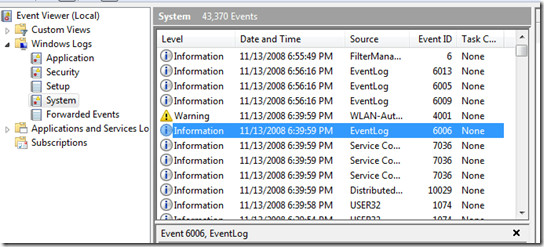
Quickly Find Your Computer s Last Shutdown Date And Time In Windows

How To Find Out Windows Downtime Uptime And Last Shutdown Time How To Find Out Windows

How To Shut Down Windows 10 PC Using Command Prompt Ask Caty
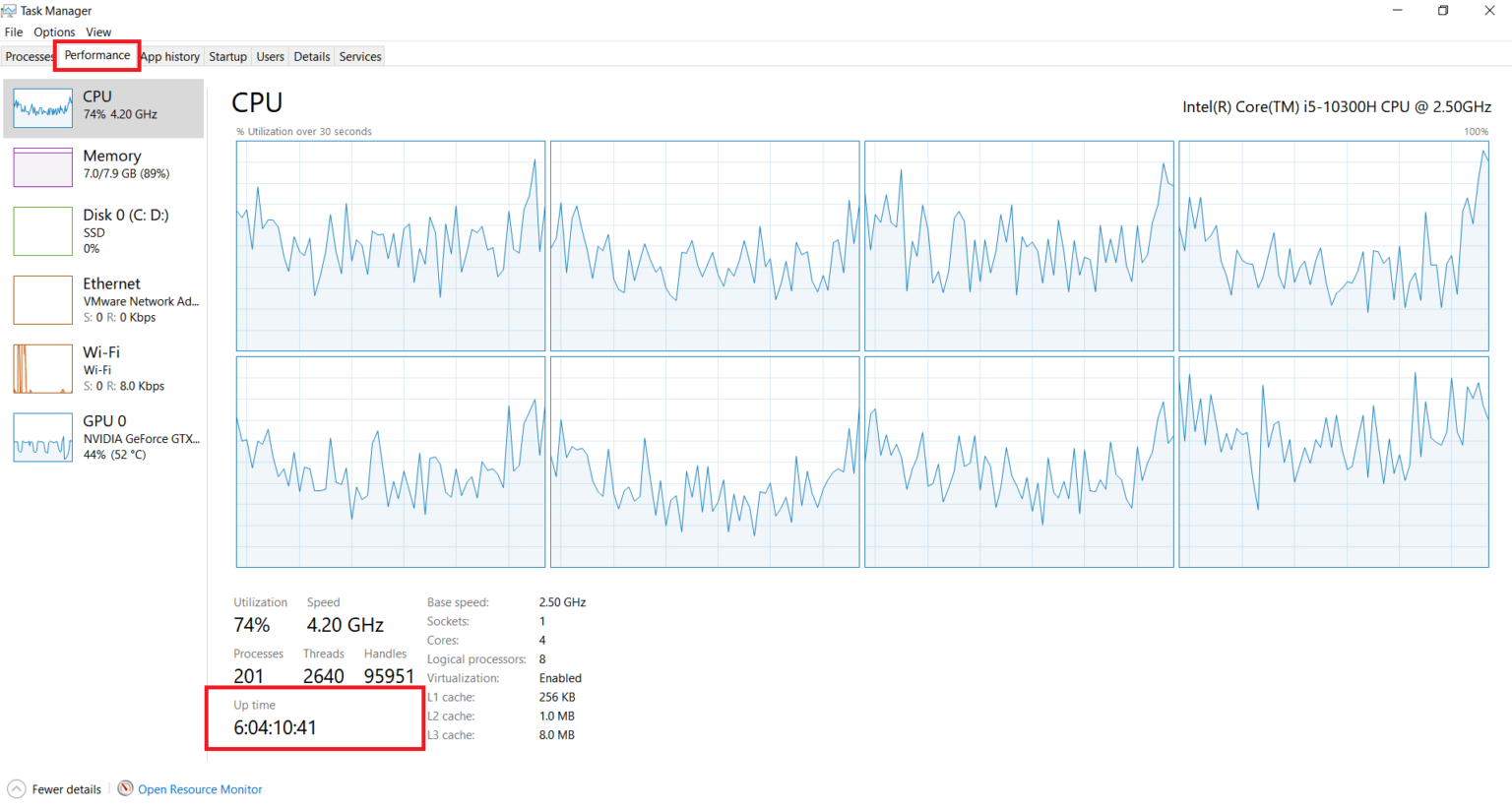
How To Check The Last Computer Shutdown Time date
The easiest way to determine the last shutdown date and time is to check the event logs When you shut down a computer Event ID 1074 is written to the event log which denotes a clean shutdown The following instructions apply all versions of Windows including Windows 10 Determine the Last Shutdown or Restart Date Time in Windows

With one simple command you can easily check the last shutdown time on Windows 10 Click the Start menu and type com into the Search bar
5 668 14 49 70 Add a comment 16 Answers Sorted by 211 systeminfo command is almost right what you need On English Windows 7 you can also do systeminfo find i Boot Time Or with the help of WMIC wmic os get lastbootuptime The main difference between Windows 7 and Windows XP that in Windows 7 Microsoft can show only last boot up time
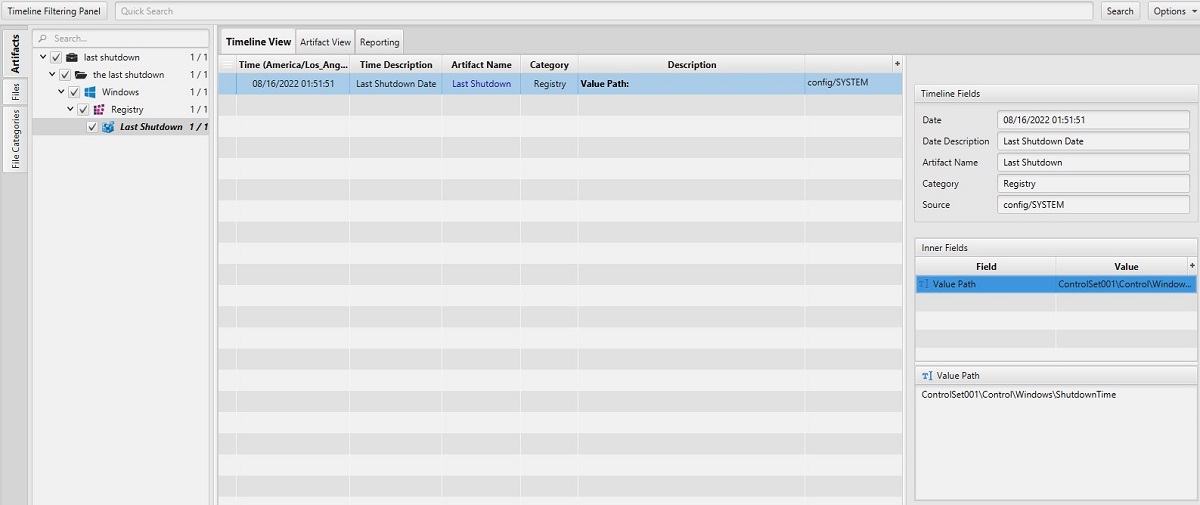
21 Share 3 9K views 2 years ago windows10 windowstips technetguide technetguide How to Find out Last Shutdown time in Windows 10 In this video you will learn how to find out last shutdown

How to know the last Shutdown time or all shutdown logoff timings of Windows 10 PC easily using event viewer
Expand the Windows Logs section from the left pane and select System Choose Filter current log from the left pane Now type the event ID that you wish to check under Includes Excludes Event IDs Since we want to check the startup and shutdown logs we will enter the IDs 6005 and 6006 Click OK to proceed 2 2 View the last computer shutdown date with the command in CMD Open the CMD command line window then enter the command below for a quick check systeminfo find i Boot Time 2 3 Check the last computer shutdown time with the PowerShell command It s also very simple open Windows PowerShell with Admin rights by Press combination
The schedule is defined by Microsoft s Modern Lifecycle Policy which is documented on the Microsoft Lifecycle page Windows 10 will reach end of support on October 14 2025 The current version