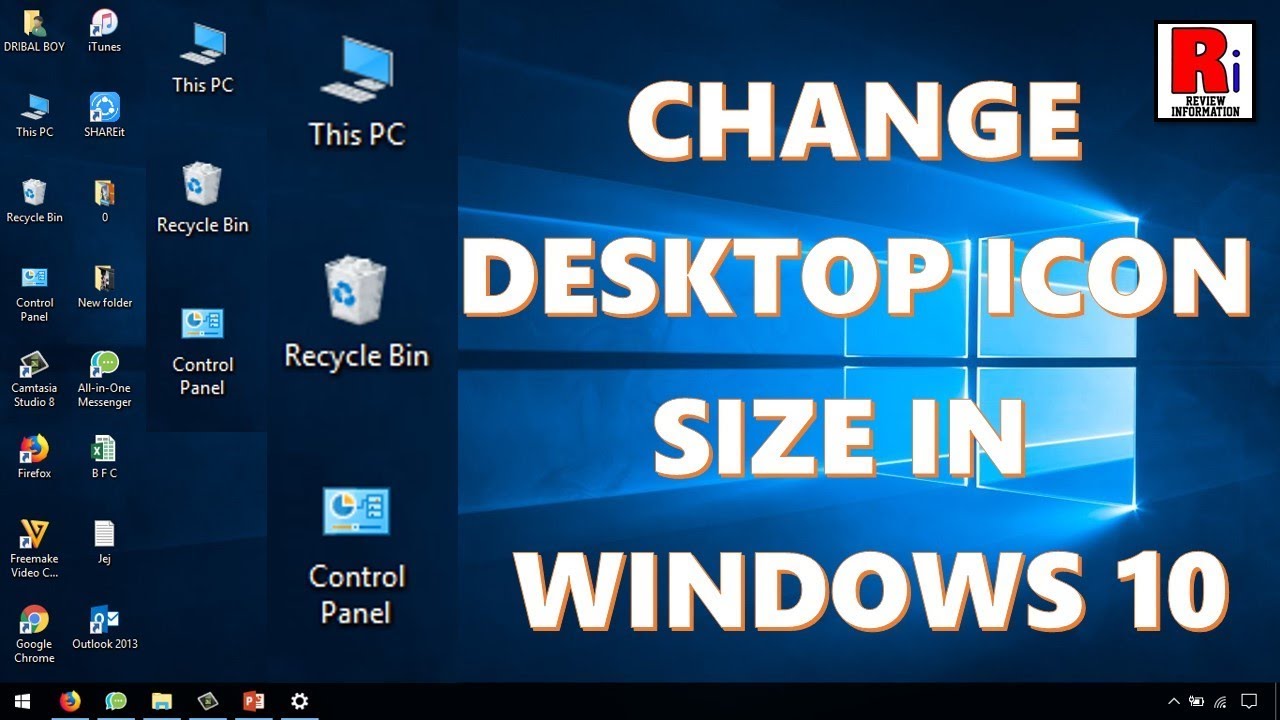
Windows 10 Icon Size Windows 10 Desktop Icon Size Change Size Of Desktop Icons In Windows How To Change Icon Size Windows 10 Tutorial YouTube How To Make Windows 10 Desktop Icons Biggersmaller Windows Tricks Www How To Change Icon Of Desktop Icons In Windows 10 Windows 10 Vrogue Change Desktop Icon Size Windows 10 How Do I The Font Of Too Big Or Web Mar 28 2022 nbsp 0183 32 How to Change the Desktop Icon Size on Windows 10 Just want to adjust the size of Windows 10 icons on your desktop That s an easy fix On the desktop you can right click any empty space and choose View to select Small icons Medium icons or Large icons If you don t like one of those presets hold the Ctrl key and scroll your mouse
Web Jan 18 2022 nbsp 0183 32 Learn how to change the size of the icons on your computer screen and reduce the time you spend looking for applications files and more In this step by step guide we ll learn How to resize desktop icons in Windows 10 How to resize File Explorer icons in Windows 10 How to resize taskbar icons in Windows 10 Benefits of desktop Web 1 Power on your Windows 10 computer and use your mouse to right click anywhere on your desktop 2 In the pop up menu click on the quot View quot tab and three options will appear large medium
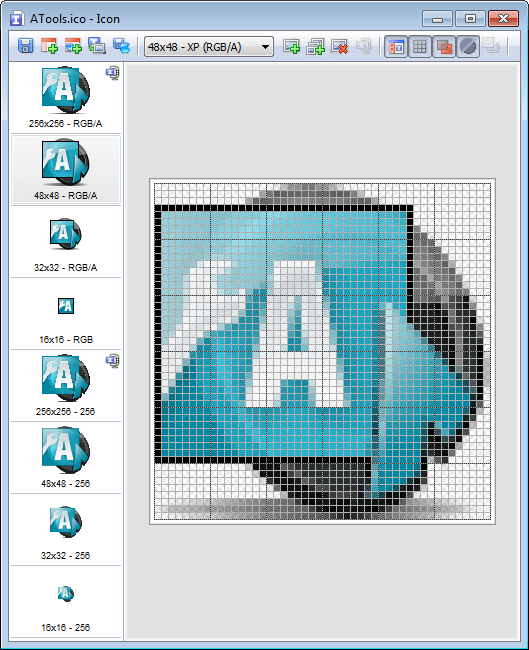
Change Desktop Icon Size Windows 10 How Do I The Font Of Too Big Or Windows 10 Icon Size Pixels At Vectorified Collection Of Windows Windows Icon Sizes Simple Guide To Windows Icons ICO Icon Size Desktop Windows 10 At Vectorified Collection Of Icon How To Change Icon Sizes In Windows 10 Candid Technology Vrogue How To Change Icon Size Windows 10 Make Icon Bigger Or Smaller Inrikocd Blog How To Change Icon Picture For Program Windows 10 Isohooli Icon Size In Windows 10 369720 Free Icons Library
Windows 10 Icon Size
 Windows 10 Icon Size
https://i.ytimg.com/vi/IiOp-OWwX3A/maxresdefault.jpg
Web Oct 14 2019 nbsp 0183 32 1 Right click on any empty space on the desktop and click Display settings from the drop down menu 2 Under Scale and layout click the drop down menu to change the size of text apps and other items You can select from 100 125 150 or 175
Templates are pre-designed files or files that can be utilized for different purposes. They can conserve effort and time by supplying a ready-made format and layout for developing different type of material. Templates can be used for individual or professional projects, such as resumes, invitations, leaflets, newsletters, reports, presentations, and more.
Windows 10 Icon Size
Windows 10 Icon Size Pixels At Vectorified Collection Of Windows

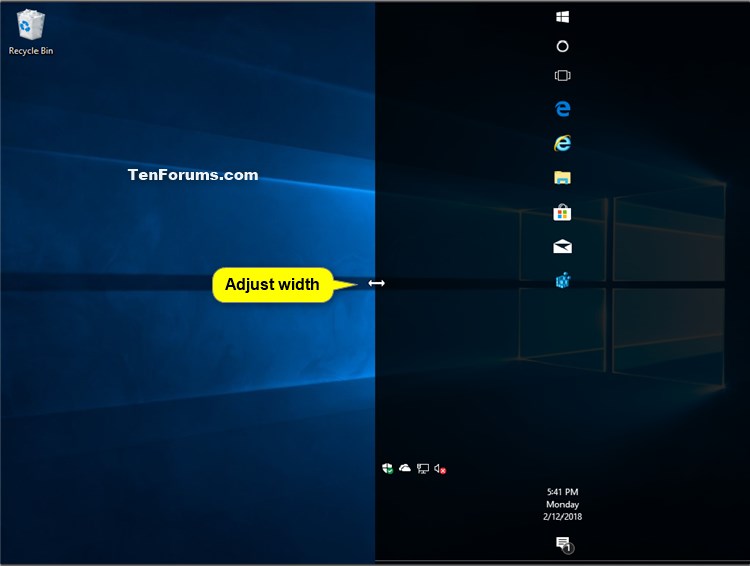
Windows 10 Icon Size Pixels At Vectorified Collection Of Windows
Windows Icon Sizes Simple Guide To Windows Icons ICO
Icon Size Desktop Windows 10 At Vectorified Collection Of Icon
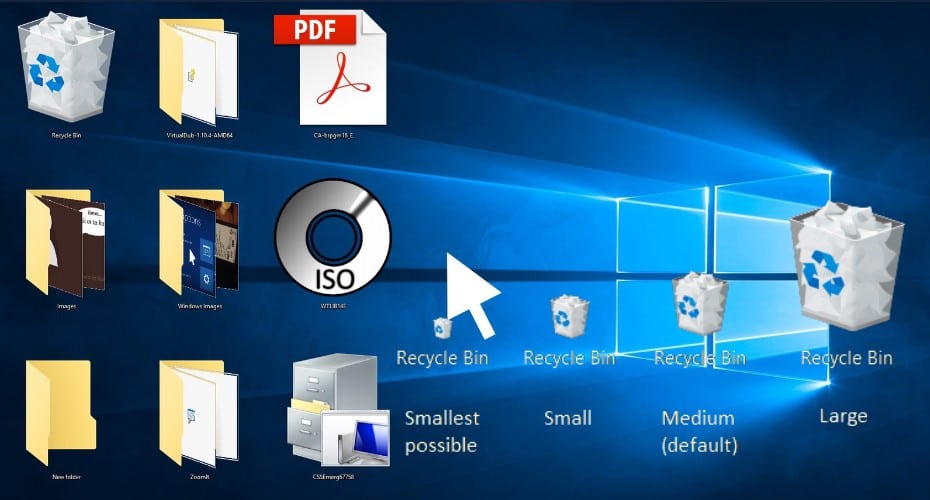
How To Change Icon Size Windows 10 Make Icon Bigger Or Smaller
Inrikocd Blog
Web Aug 13 2021 nbsp 0183 32 Learn how to adjust the size of desktop taskbar and File Explorer icons in Windows 10 using simple steps and options Choose from three sizes for desktop icons two sizes for taskbar icons and four sizes for File Explorer icons
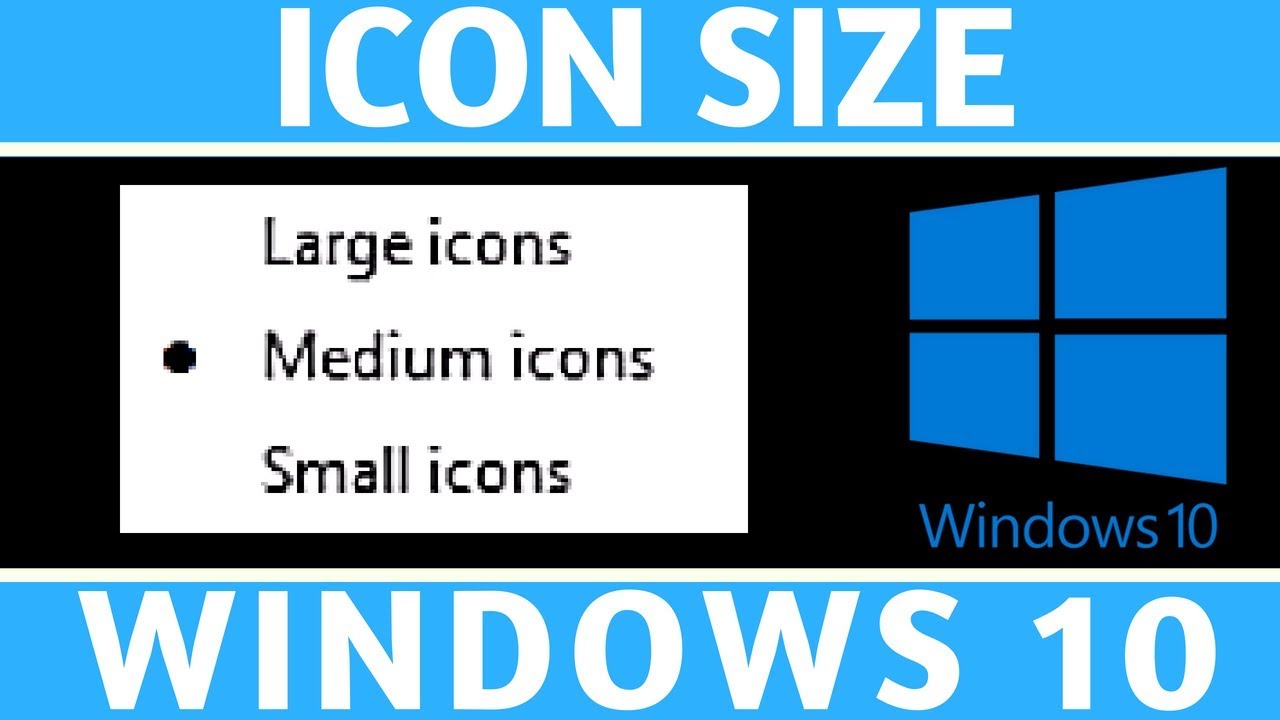
Web Right click or press and hold the desktop point to View and then select Large icons Medium icons or Small icons Tip You can also use the scroll wheel on your mouse to resize desktop icons On the desktop press and hold Ctrl while you scroll the wheel to make icons larger or smaller

Web To resize desktop icons right click or press and hold the desktop point to View then select Large icons Medium icons or Small icons

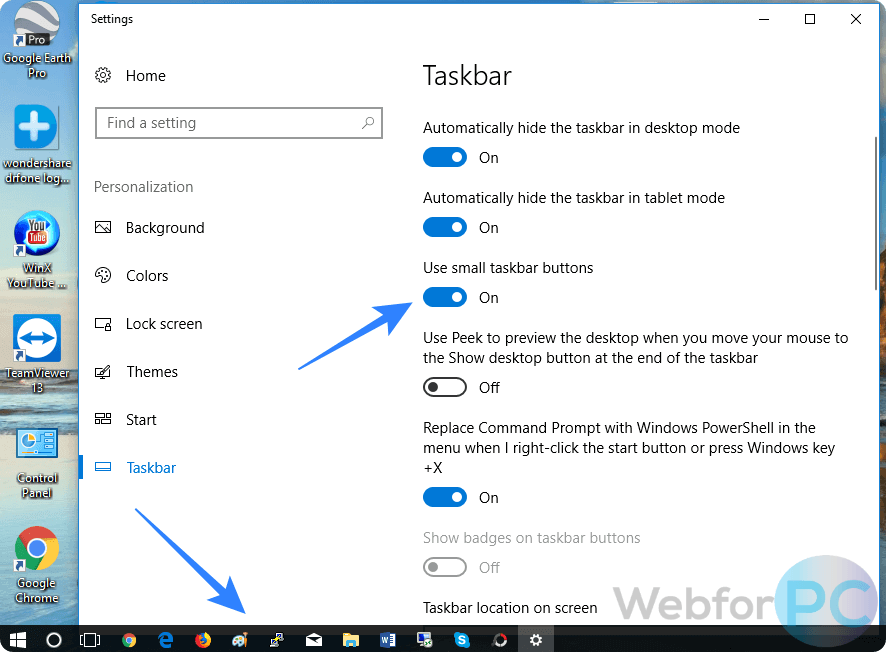
Web Apr 25 2022 nbsp 0183 32 Learn how to customize the icon size on the desktop the taskbar and File Explorer in Windows 10 Choose from large medium or small icons or adjust the size of text apps and other items in the settings menu
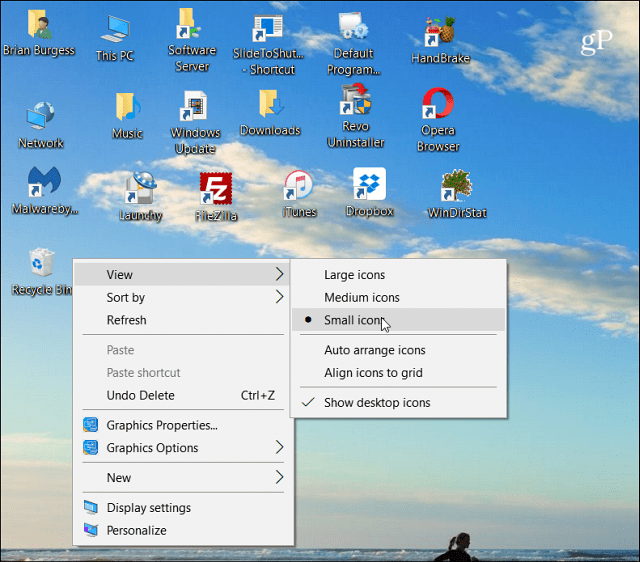
Web Apr 8 2021 nbsp 0183 32 Change desktop icon sizes Right click on the desktop gt go to View gt choose an icon size Change file icon sizes Go to Start gt File Explorer gt View gt Layout Select an icon size This article explains how to change the size of icons on the desktop and File Explorer in Windows 10
[desc-11] [desc-12]
[desc-13]