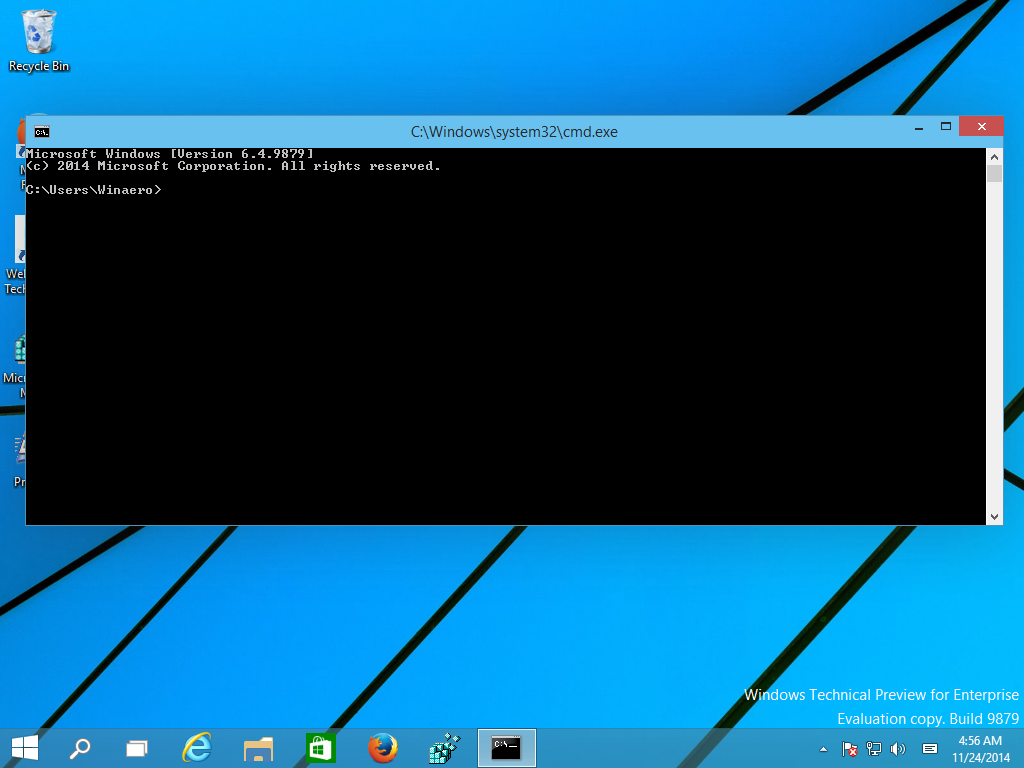
Windows 10 File Explorer Open Command Prompt Here Open Command Prompt Fullscreen In Windows 10 10 Ways To Open The Command Prompt In Windows 10 En BuradaBiliyorum Com How To Get Help With File Explorer In Windows 10 Computers Open Relative Command Prompt Or Explorer Windows Quickly GHacks Tech News How To Open A File Explorer Window From CMD Win 10 MiniTool WEB Mar 9 2020 nbsp 0183 32 Open File Explorer and navigate to the folder you need to open the Command Prompt Click inside the location bar and type cmd without the quote marks Tap the enter key and a Command Prompt window will open in that location
WEB Apr 7 2022 nbsp 0183 32 Windows 10 lets you launch Command Prompt in a folder through the File Explorer s address bar Type quot cmd quot in the address bar and then hit Enter You can actually launch any application that is on your system path this way if you want though most of them won t be very useful WEB Oct 10 2021 nbsp 0183 32 If you re fond of the old Command Prompt cmd exe you can add the traditional Open Command window here option back in the context menu for file system folders and drives using a Registry edit
How To Open A File Explorer Window From CMD Win 10 MiniTool How To Open The Command Prompt In Windows 10 Two Ways To Make Windows 10 File Explorer Open Specific Folders Premenliv Krajiny Penelope How To Make A File Explorer Folder Open Command Prompt Here Windows 10 D0wnloadtim 10 Ways To Open File Explorer In Windows 10 Who Knew There Was So Open Relative Command Prompt Or Explorer Windows Quickly GHacks Tech News Windows Explorer Open Directory In Command Prompt Preserving Dir PATH 10 Ways To Open File Explorer In Windows 10 Who Knew There Was So
Windows 10 File Explorer Open Command Prompt Here
 Windows 10 File Explorer Open Command Prompt Here
https://winaero.com/blog/wp-content/uploads/2014/11/cmd-opened-windows-10.png
WEB Dec 20 2017 nbsp 0183 32 Add the quot open command windows here quot prompt back to the Windows 10 Context Menu for easy access to the command window on your system
Pre-crafted templates provide a time-saving service for developing a diverse series of documents and files. These pre-designed formats and layouts can be made use of for numerous individual and professional projects, including resumes, invitations, leaflets, newsletters, reports, presentations, and more, streamlining the material creation process.
Windows 10 File Explorer Open Command Prompt Here

Add Open Command Prompt Here As Administrator Option In Context Menu
How To Open The Command Prompt In Windows 10

Two Ways To Make Windows 10 File Explorer Open Specific Folders
Premenliv Krajiny Penelope How To Make A File Explorer Folder Open
10 Ways To Open File Explorer In Windows 10 Who Knew There Was So

Open Relative Command Prompt Or Explorer Windows Quickly GHacks Tech News
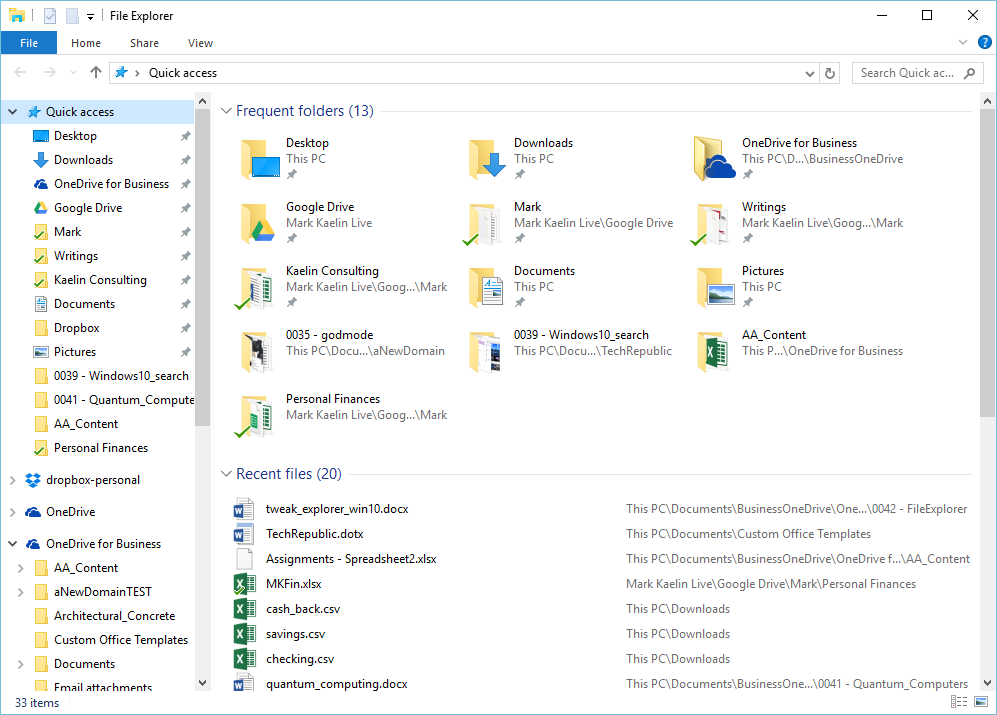
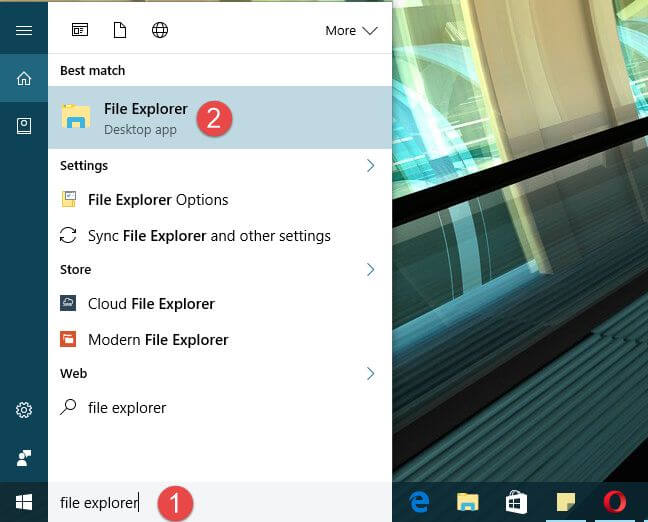
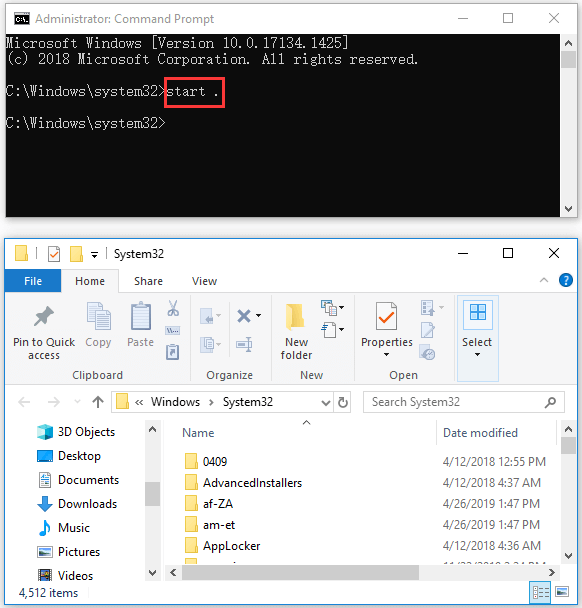
WEB Oct 29 2023 nbsp 0183 32 While there are quicker ways to open File Explorer such as using a keyboard shortcut you can use Command Prompt to open the file manager in the current directory or any other directory in Windows 10 Here s how

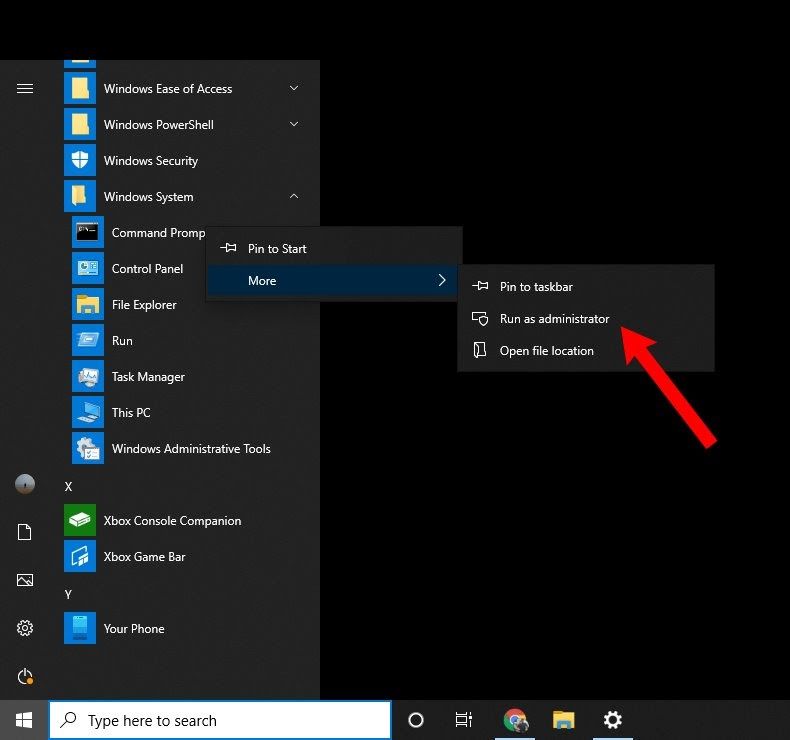
WEB Aug 12 2023 nbsp 0183 32 There are multiple ways to open the Command Prompt such as using the Windows X Power Users menu or searching for it in the Start menu Users can also open the Command Prompt from Task Manager File Explorer the Run box or by creating a shortcut on the desktop

WEB Nov 29 2017 nbsp 0183 32 In this guide we show you the steps to bring back the option to launch Command Prompt on a specific folder path to the right click context menu on Windows 10

WEB Dec 16 2021 nbsp 0183 32 Starting with Windows 10 build 14986 the Open command window here context menu item has been removed by default and replaced with the Open PowerShell window here context menu item This tutorial will show you how to add or remove a Open command window here context menu for all users in Windows 10
WEB Aug 31 2022 nbsp 0183 32 Select the Open command window here option from the context menu Using CMD command in File Explorer to open Command Prompt Window You can open a command prompt in any of your desired folder by using the file explorer location bar Go to your desired folder and click on the location bar of Windows Explorer
WEB May 26 2021 nbsp 0183 32 1 While you have a folder or drive open in File Explorer Win E type cmd into the address bar and press Enter to open the command prompt in whatever folder or drive you have open OR 2 Open File Explorer Win E navigate to the C Windows System32 folder and click tap on the cmd exe file WEB Nov 26 2023 nbsp 0183 32 If you use the Command Prompt to manage files you can add the quot Open command window here quot back to the folder context menu in File Explorer We ll show you how
WEB Apr 9 2024 nbsp 0183 32 Miss being able to open CMD in a folder from the context menu We show you how to return the quot open command window here quot entry to your File Explorer