Windows 10 Disable Edge Update How To Disable Enter Network Credentials On Network Connections In How To Remove Desktop Search Bar In Windows 10 Disable Desktop Edge How To Disable Windows Automatic Updates On Windows 11 Permanently Or Microsoft Edge Update Tooaffiliates Blog Hier finden Sie Hilfe und Gewusst wie Artikel zu Windows Betriebssystemen Erhalten Sie Support f 252 r Windows und erfahren Sie mehr 252 ber Installation Updates Datenschutz Sicherheit und mehr
Windows 11 Windows Windows 11 Windows 11 Microsoft Windows 11 Reset steps You can reset your PC when you are signed in to Windows or from the Windows Recovery Environment Windows RE Important During the resetting process it s possible that your screen might go black for a long period of time occasionally upwards of 15 minutes and that your device might attempt to restart itself
Tooaffiliates Blog Disable Microsoft Edge Update Windows 10 Vseshow Update Microsoft Edge On Windows 10 Vsemachines Windows 11 Windows 10 Remontka pro Microsoft Edge Update 2024 Download Nixie Kimberly How To Disable Edge Charms Bar Swipe On Windows 10 How To Disable Edge In Windows 10 Practiceple How To Disable Edge In Windows 10 Lohaus Remove Edge From Windows 11
Windows 10 Disable Edge Update
 Windows 10 Disable Edge Update
https://i.ytimg.com/vi/cBN6WaWyN4s/maxresdefault.jpg
Windows 11 Windows 11 Microsoft Windows Windows 11 Windows 11
Templates are pre-designed documents or files that can be used for different purposes. They can save effort and time by offering a ready-made format and layout for developing various type of material. Templates can be utilized for individual or professional tasks, such as resumes, invites, flyers, newsletters, reports, discussions, and more.
Windows 10 Disable Edge Update
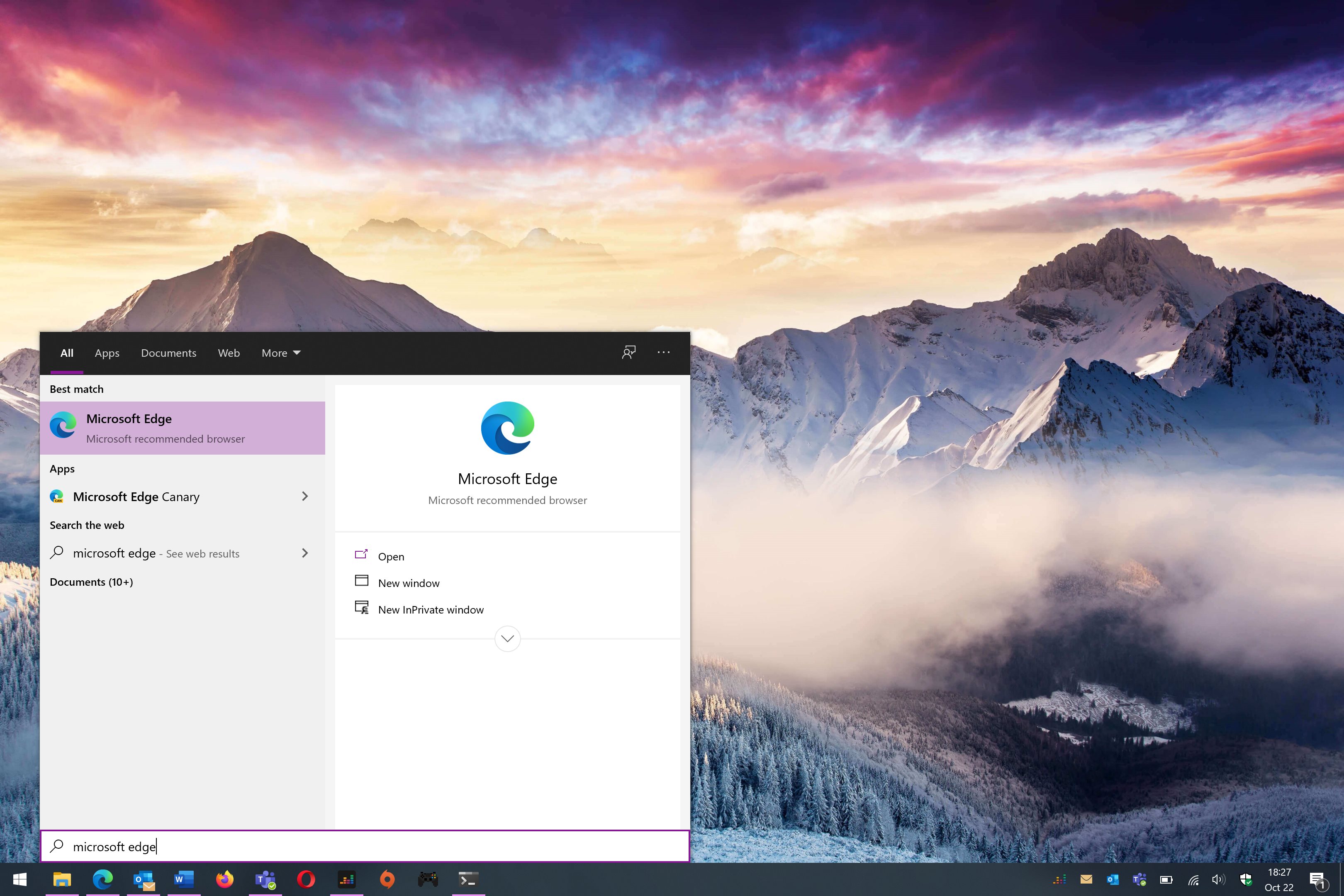
Ms Edge Windows 10 Pleeditor

Disable Microsoft Edge Update Windows 10 Vseshow
Update Microsoft Edge On Windows 10 Vsemachines

Windows 11 Windows 10 Remontka pro

How To Disable Edge Charms Bar Swipe On Windows 10
How To Disable Edge In Windows 10 Practiceple

Welcome to Windows 11 Learn about new features upgrade FAQs device lifecycles and support options

If you re warned by Windows Update that you don t have enough space on your device to install updates see Free up space for Windows updates If you experience internet connection issues while updating your device see Fix Wi Fi connection issues in Windows If you re having trouble installing updates see Troubleshoot problems updating Windows

Find help and how to articles for Windows operating systems Get support for Windows and learn about installation updates privacy security and more

When it comes to optimizing your Windows device one of the key optimization areas is the startup process The applications that run automatically when your device boots up can impact both the speed of your startup and the overall performance of your system By customizing which applications launch on startup you can streamline your routine ensuring that only the tools

Jun 15 2024 nbsp 0183 32 Windows 11 version 24H2 update history Applies To Updates for Windows 11 version 24H2 Windows 11 is a service which means it gets better through periodic feature updates We take a phased and measured approach to rolling out every feature update
[desc-11] [desc-12]
[desc-13]