Windows 10 Default Wallpaper Size Windows Default Wallpapers On WallpaperDog Tip Find Windows 10 Default Wallpapers On Your Computer Windows 10 Default Wallpapers Wallpaper Cave Free Download Default Wallpaper In Difference Size For IPad Widescreen Windows Default Background Quick Links Option One Replace the Compressed Image with a Full Quality Image Option Two Turn Off Compression in the Windows Registry Download Our One Click Registry Hack By default Windows 10 compresses JPEG pictures you use as your background reducing it to around 85 of the original quality If you re bothered by the compression
The default Windows 10 wallpaper which is the one with the light beams and the Windows logo can be found inside the C Windows Web 4K Wallpaper Windows folder You can also head to Settings Personalization Background and use the Browse button to find the wallpaper image on your system You can download more free desktop backgrounds by visiting the Windows Themes section in the Microsoft Store
Windows Default Background Windows 10 Default Wallpapers Wallpaper Cave Windows 10 Default Wallpapers Wallpaper Cave Windows Vista Default Wallpapers On WallpaperDog Home Screen Wallpaper Windows 10 76 Images Windows 10 Wallpaper Default Supportive Guru T ng H p Wallpaper Windows 10 Default H nh N n M c nh Default Windows Desktop Background Windows 10 Default Wallpapers Posted By Samantha Peltier
Windows 10 Default Wallpaper Size
 Windows 10 Default Wallpaper Size
https://wallpaper.dog/large/10932813.jpg
Essentially all you have to do is to click or tap on the Choose a fit drop down list and select the option you prefer Fill Fit Stretch Tile Center Span Choosing how the wallpapers fit the screen 4 How to change the desktop wallpaper in Windows 10 by setting a new Theme
Templates are pre-designed documents or files that can be utilized for various purposes. They can save effort and time by supplying a ready-made format and layout for creating various kinds of material. Templates can be utilized for individual or expert projects, such as resumes, invites, flyers, newsletters, reports, presentations, and more.
Windows 10 Default Wallpaper Size

Windows 11 Default Wallpapers Wallpaper Cave

Windows 10 Default Wallpapers Wallpaper Cave
Windows 10 Default Wallpapers Wallpaper Cave

Windows Vista Default Wallpapers On WallpaperDog
Windows 10 Wallpaper Default Supportive Guru
T ng H p Wallpaper Windows 10 Default H nh N n M c nh
How To Set Wallpaper to Fit By Default I have a Lenovo ThinkPad Yoga 11e which has a non standard screen size 1366x768 I have a variety of wallpaper images that update once a day Every time a new image is set as the background it defaults to Tile which throws off the image Where in the Registry can I find the setting to default to

Windows 10 s default desktop wallpapers are stored in C Windows Web This folder usually contains subfolders named after different wallpaper themes such as Flowers or Windows or resolutions 4K If you ve lost track of this folder in Windows Settings here s how to get it back
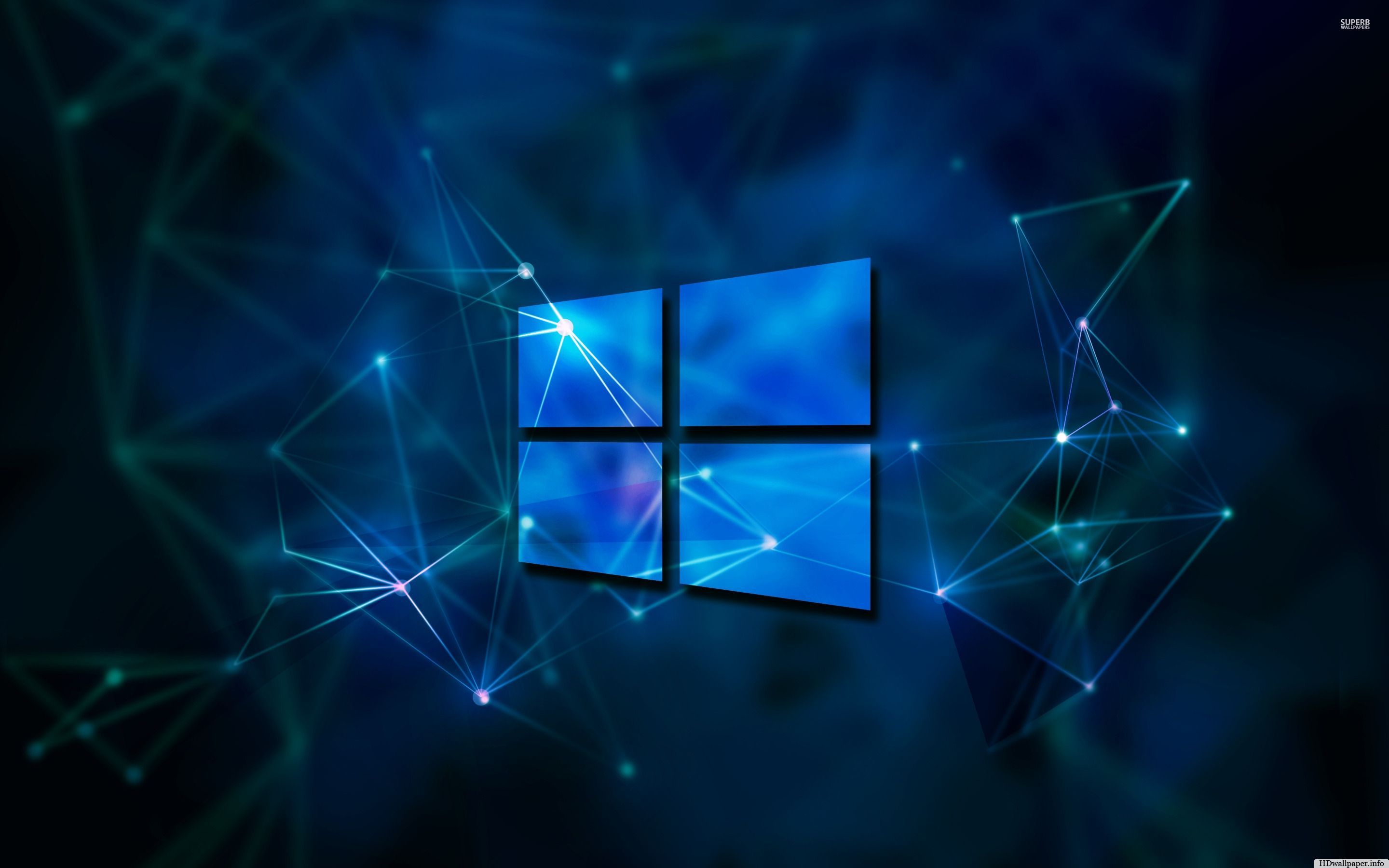
The default wallpaper was created by a team led by graphic designer Bradley G Munkowitz It is included at many different resolutions as low as 1024x768 and as high as 3840x2160 A version of this wallpaper was included in Windows 10 S a feature limited edition of Windows 10 designed primarily for low end devices in the education market

Set custom wallpaper in Windows 10 during OSD with ConfigMgr MSEndpointMgr Looking at the options we have available today the scripted approach still makes the most sense as it can be customized to the max and essentially only your imagination sets the limit and not intrusively lock the desktop wallpaper for the user

Option One Change Desktop Background to Picture using Set as background in Internet Explorer Option Two Change Desktop Background to Picture using Set as Desktop Background in Firefox Option Three Change Desktop Background to Picture using Set as desktop background in File Explorer
C Windows Web There you will find 3 subfolders which contain all the default desktop backgrounds available in Windows 10 The 4K folder contains different sizes of the default wallpaper known as the Windows Hero image These images are used with different screen orientations on supported devices Step 1 Go to System Preferences Advertisement Step 2 Choose Displays and then click the Display tab Step 3 Locate your current screen resolution highlighted in the list Advertisement references
How to find and use the Lenovo Wallpaper Identify Your Device To be sure this content applies to the device you need information on please enter your serial number or select your product or How to find and select the Lenovo Wallpaper Operating Systems Windows 10 Windows 11 Solution Use the following steps to change the desktop background