Windows 10 Default App Registry Keys How To Export A Registry Key In Windows How Do I Remove The Default App To Open Files Windows 10 Musliultra Tips Default App Windows 10 Techfeedthai How To Change Default App To Open Files On Pc Kurtweek 10 Windows 10 Default App Remover The upgrade to Windows 11 is free from Microsoft However the Windows 11 upgrade download is large in size Internet providers might charge fees for large downloads that occur over
Create installation media for Windows Applies To Installation media such as a USB flash drive can be used to install a new copy of Windows perform a clean installation of Windows or Getting ready for the Windows 11 upgrade Applies To Windows 11 is a new Windows experience bringing you closer to what you love With intuitive navigation and easy organization Windows
10 Windows 10 Default App Remover How To Change Default App For File Type Windows 10 Forums Firefox Now Bypasses Windows 11 s Messy Default Browser Settings Changing Windows 10 Browser So It Isn t Edge PeteNetLive 10 Windows 10 Default App Remover 10 Windows 10 Default App How To Change The Default App Install Location In Windows 10 Winbuzzer Directly Open Registry Key In Windows 10 And Other Windows Versions How To Set Default App For Text Files Mac Engworker How To Check Registry On Computer Flatdisk24
Windows 10 Default App Registry Keys
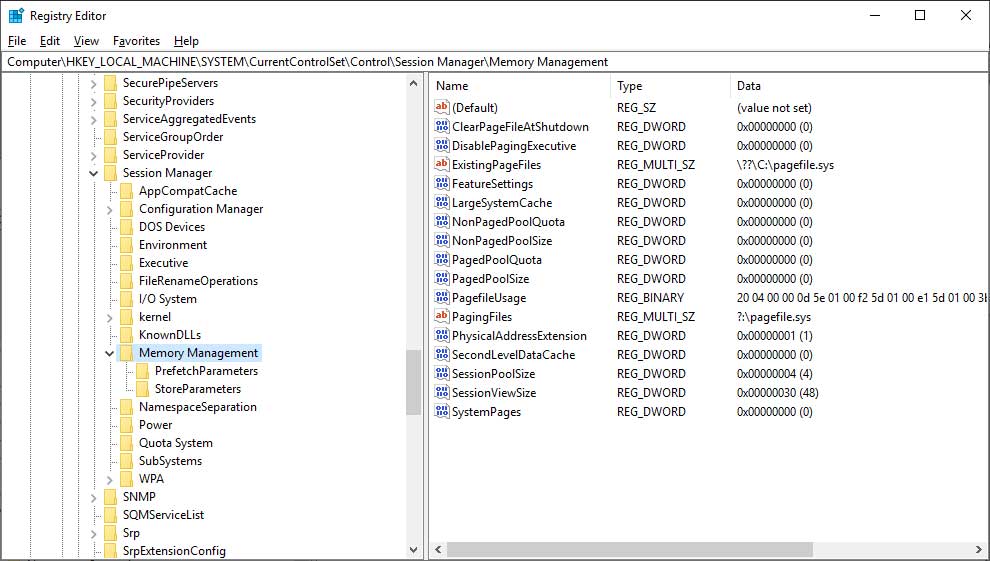 Windows 10 Default App Registry Keys
https://www.bleepstatic.com/images/news/tutorials/windows/r/registry/export-key/regedit.jpg
Meet Windows 11 and learn the basics how to sign in the desktop components File Explorer and browse the web with Microsoft Edge
Templates are pre-designed documents or files that can be utilized for different purposes. They can conserve time and effort by offering a ready-made format and layout for producing various sort of material. Templates can be used for individual or expert jobs, such as resumes, invites, flyers, newsletters, reports, presentations, and more.
Windows 10 Default App Registry Keys

How To Change Default App Settings For Windows10 Mashtips

How To Change Default App For File Type Windows 10 Forums

Firefox Now Bypasses Windows 11 s Messy Default Browser Settings

Changing Windows 10 Browser So It Isn t Edge PeteNetLive
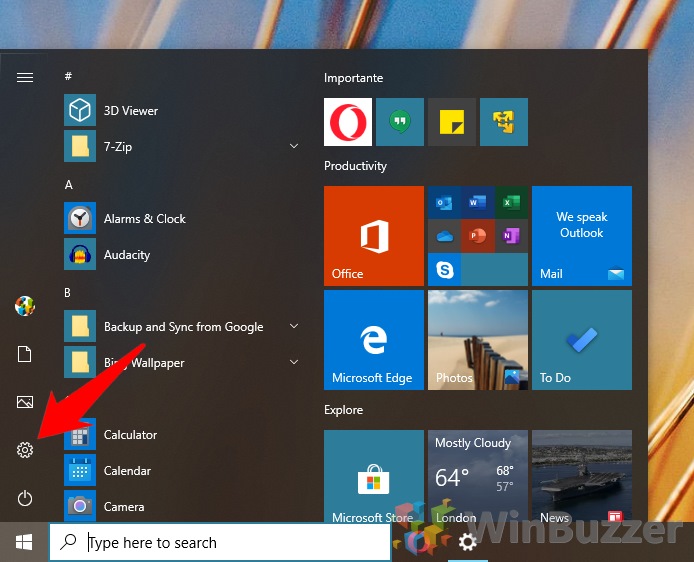
How To Change The Default App Install Location In Windows 10 Winbuzzer
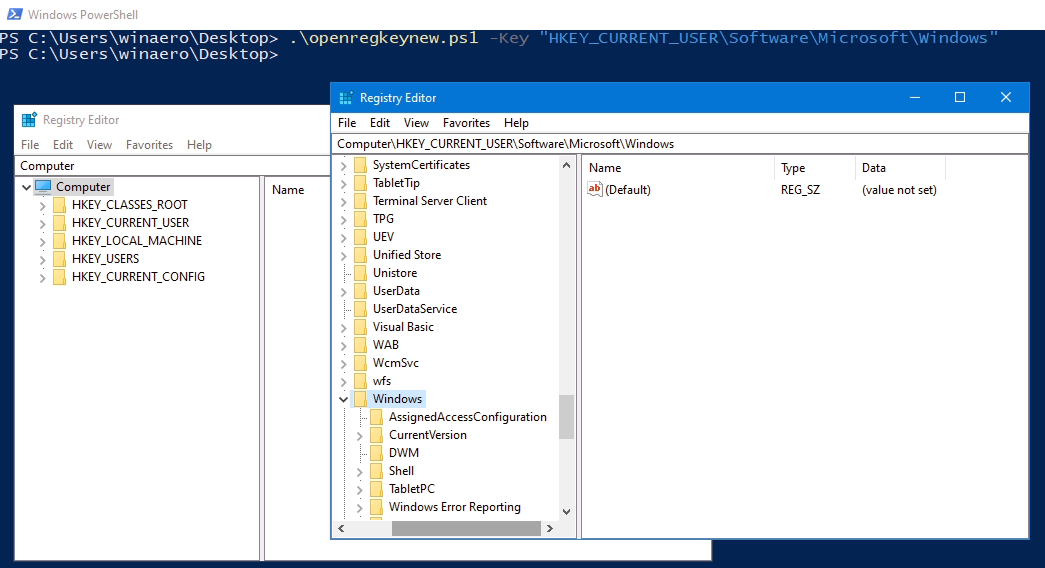
Directly Open Registry Key In Windows 10 And Other Windows Versions
Windows Windows 11 Windows 10 Windows 11 Windows Windows 11 Windows 11 Windows 11

Welcome to Windows 11 Learn about new features upgrade FAQs device lifecycles and support options
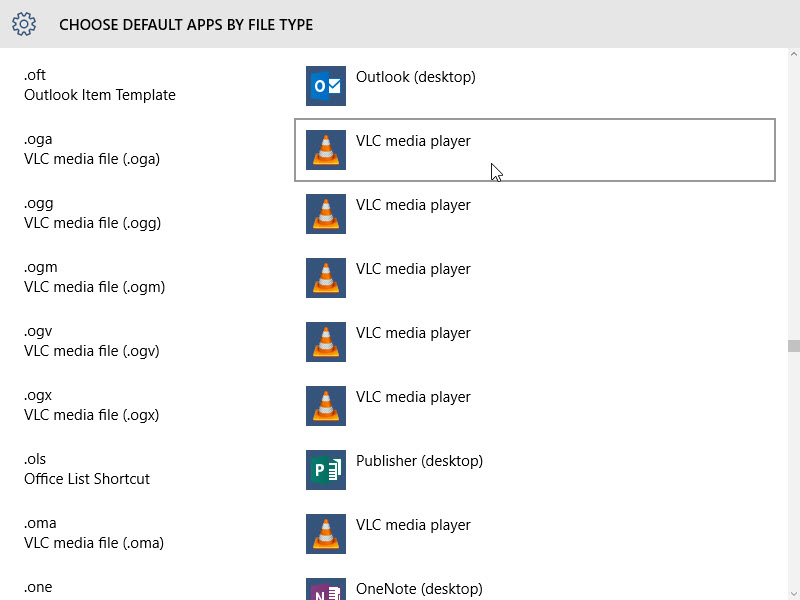
Find help and how to articles for Windows operating systems Get support for Windows and learn about installation updates privacy security and more
Feb 4 2025 nbsp 0183 32 Learn how to install Windows 11 including the recommended option of using the Windows Update page in Settings

Getting ready for the Windows 11 upgrade Applies To Windows 11 is a new Windows experience bringing you closer to what you love With intuitive navigation and easy organization Windows
[desc-11] [desc-12]
[desc-13]