Windows 10 Date Widget Hatsune Miku Clock Gadget Windows 10 Lasopasp Win10 Widgets Lets You Keep Tabs On Your Hard Drive CPU And More From Calendar Widget For Desktop Windows 11 2024 Calendar 2024 Ireland Top 10 Desktop Widgets In Windows 10 Society Mutter Win10 Widgets Windows 10 MSReview Web Sep 26 2023 nbsp 0183 32 1 Digital Clock 4 The Digital Clock 4 widget is one of the best clock widgets that you can use on your Windows 10 11 PC It only presents the time in a digital format by default When you have successfully downloaded and activated the widget for the very first time it will appear in the upper left hand corner of the display
Web Aug 19 2022 nbsp 0183 32 The clock widget can stay on top of other apps making it easier to keep track of your schedule Its addition also enhances the appearance of your Windows desktop as a whole In this article we will cover five clock widgets that you can use on your Windows 10 or 11 desktop 1 Sense Desktop Web May 23 2021 nbsp 0183 32 4 62K subscribers Subscribe Subscribed 5 4K Share 497K views 2 years ago A tutorial on how to add a clock widget on your Windows 10 desktop Rainmeter https www rainmeter Elegant
Win10 Widgets Windows 10 MSReview Windows 11 Microsoft Go Windows 11 Top 8 Widgets For Windows 11 Desktop 2022 Cleodesktop Mod Desktop Nature Clock Weather Widget For XWidget In Desktop Weather Clock Widget APK For Android Download Digital Clock Widget Amazon co uk Appstore For Android How To Add Clock Widget In Windows 10 How To Customize Windows Mobile Add A Clock Desktop Widget In Windows 10 Ask Dave Taylor Windows 10 11 RU Atsit
Windows 10 Date Widget
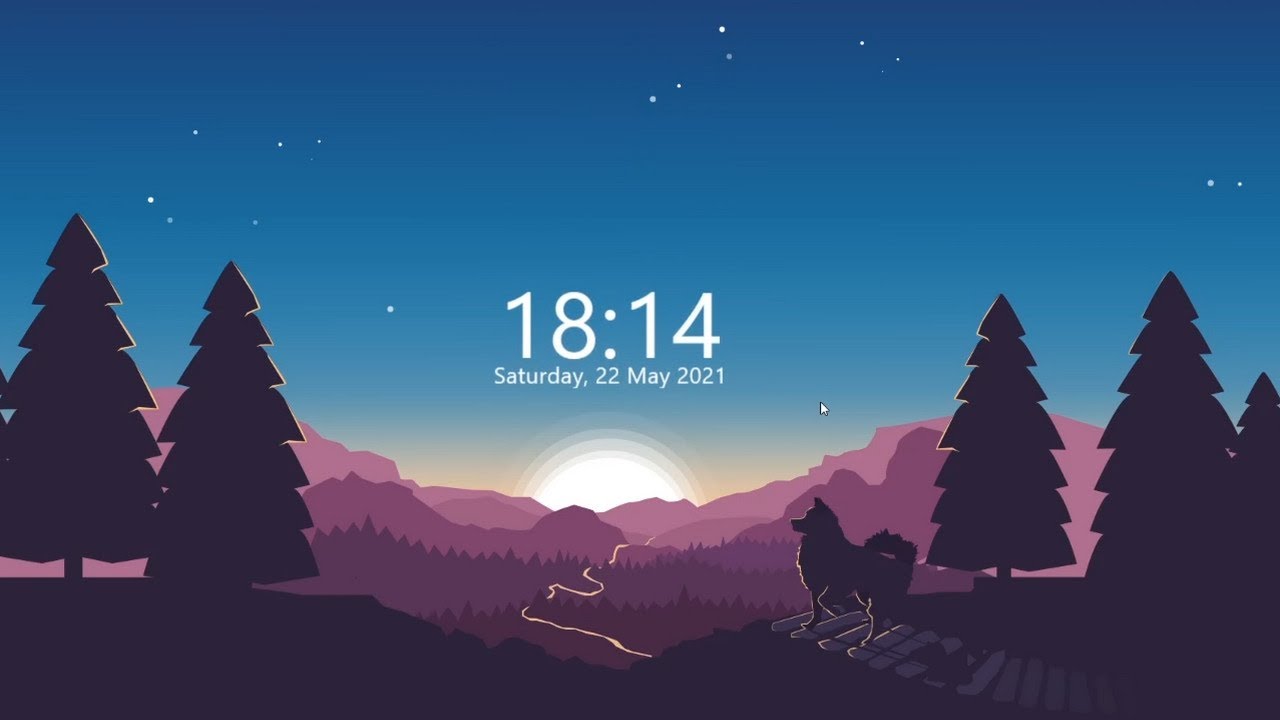 Windows 10 Date Widget
https://i.ytimg.com/vi/3yj96UrQsKI/maxresdefault.jpg
Web Jun 5 2023 nbsp 0183 32 Desktop Widget Tools Custom Calendar and Clock La Vita Apps Productivity 78 Free Get Personalize and decorate your desktop with a variety of customizable widgets CALENDAR Add a cute and aesthetic calendar to always keep track of important dates NOTES Write reminders lists and conveniently display them in front of you at all
Pre-crafted templates use a time-saving option for creating a diverse series of documents and files. These pre-designed formats and designs can be made use of for various individual and expert jobs, including resumes, invites, leaflets, newsletters, reports, presentations, and more, simplifying the material development process.
Windows 10 Date Widget
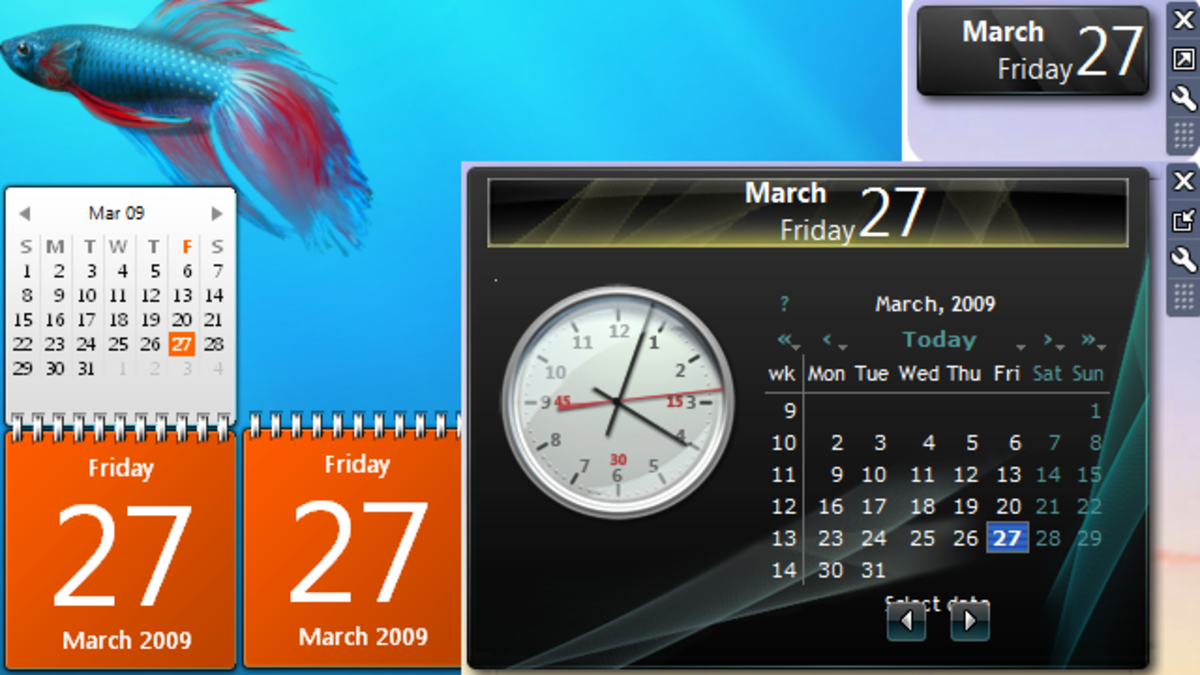
Windows 7 Desktop Gadgets Clock Sticky Notes And More HubPages
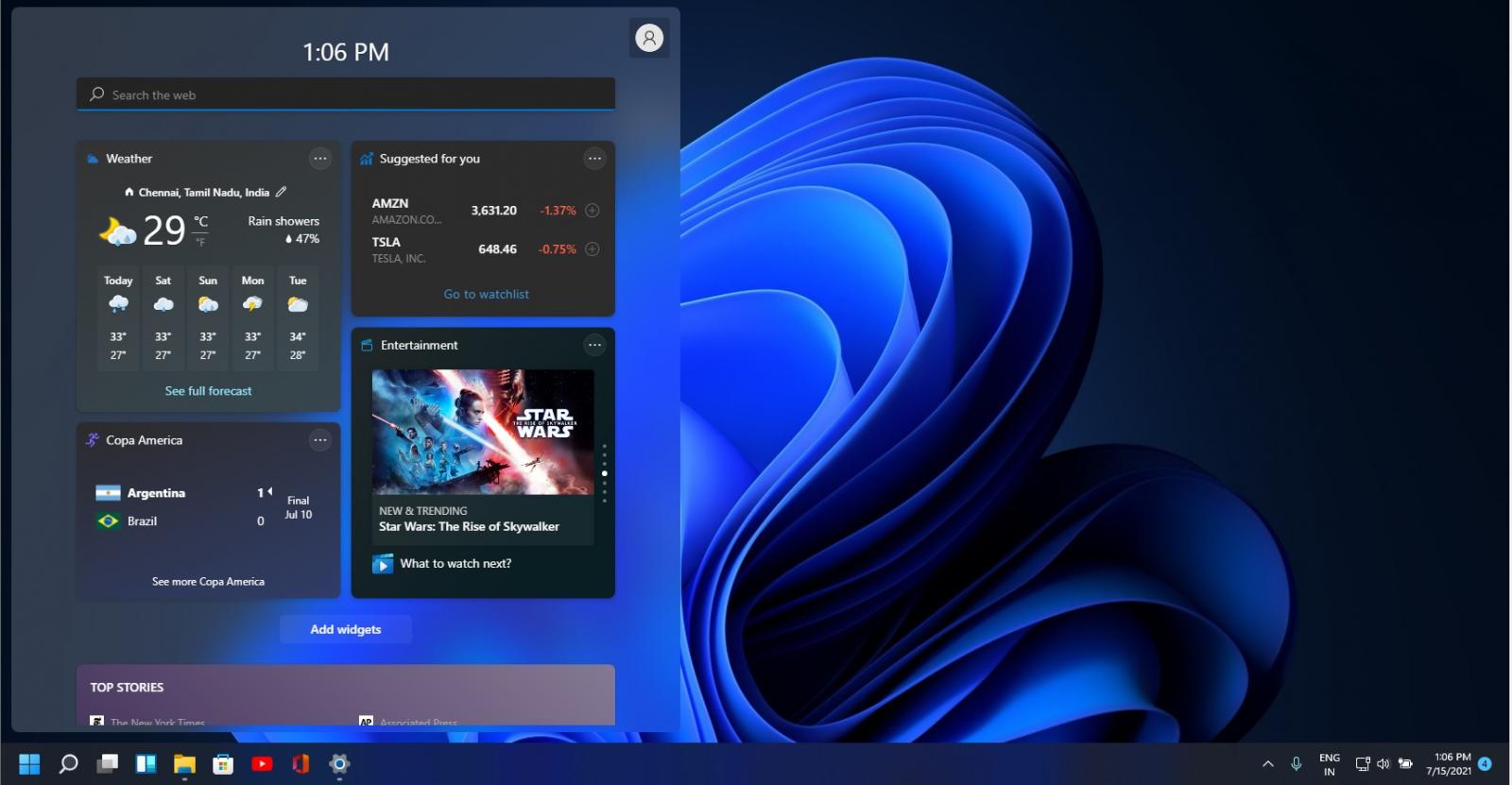
Windows 11 Microsoft Go Windows 11

Top 8 Widgets For Windows 11 Desktop 2022

Cleodesktop Mod Desktop Nature Clock Weather Widget For XWidget In

Digital Clock Widget Amazon co uk Appstore For Android

How To Add Clock Widget In Windows 10 How To Customize Windows Mobile

Web Open the widgets board from the left corner of your taskbar where you see the live weather icon Widgets help you stay on top of what s important to you by bringing together personalized content from your favorite apps and services so you can have the latest info at a glance throughout your day

Web Apr 20 2016 nbsp 0183 32 How to get date display gadget in Windows 10 I understand that Microsoft no longer supports Gadgets I am running Windows 10 64 bit professional and would like to know if there is a way or program available such as from CNET or TUCOWS or other source that would constantly display the current date on my desktop like it did with the

Web Jan 8 2024 nbsp 0183 32 MetroClock is an app with a minimalistic design which displays the time day of the week and date The app comes with 10 backgrounds that you choose from Also it has an alarm feature in case you need to set one

Web Jan 17 2024 nbsp 0183 32 Try ClocX 3 DS Clock DS clock is another good choice for a free clock widget for Windows It automatically fetches the date and time from your system and shows it in the widget From milliseconds to hours you can choose the time intervals Also the DS clock can display the date and time of your preferred zones

Web Widget Launcher formerly Widgets HD is the next generation of Gadgets for Windows 10 This redesigned Widget Launcher is now better than ever before Now extensions are supported So you can download additional skins and widgets right here in the Microsoft Store With these endless customization options Widget Launcher allows you to
Web Oct 9 2023 nbsp 0183 32 1 Open the App Store on Mac or Microsoft Store on Windows 2 Search quot miniCalendar amp Widget quot on Mac or quot Widgets HD quot on Windows 3 Click GET followed by Install 4 Launch Widgets HD or MiniCalendar amp Widget 5 Click Allow Mac only 6 Click and drag the calendar Widget to where you want to it on your desktop Web Mar 16 2020 nbsp 0183 32 It includes clocks weather forecasts and other useful tools Some features like a stock feed and a translation widget require in app purchases to activate Sense Desktop costs US 0 99 and has more than 20 skins for the integrated clock and weather forecast widgets
Web Feb 14 2021 nbsp 0183 32 It s easy to do Right click on the clock in the system tray Select Adjust date time In the Date amp time window scroll down and select Add clocks for different time zones When the Date and Time window opens select the Additional Clocks tab Put a check mark in the Show this clock box