Windows 10 Clear Tpm Command Line How To Clear TPM In Windows 11 YouTube Dell Xps 8920 Trusted Platform Module Driver Animationfecol Enable Tpm Command Line Tpm Msc Command Brazilrea How To Enable TPM 2 0 For Windows 11 Windows 10 Trusted Platform Module Driver Codecinema Web Jul 16 2018 nbsp 0183 32 Clear the TPM to fix reduced functionality or Not ready TPM status If you open TPM msc and see that the TPM status is something other than Ready you can try using TPM msc to clear the TPM and fix the status However be sure to review the precautions in the next section
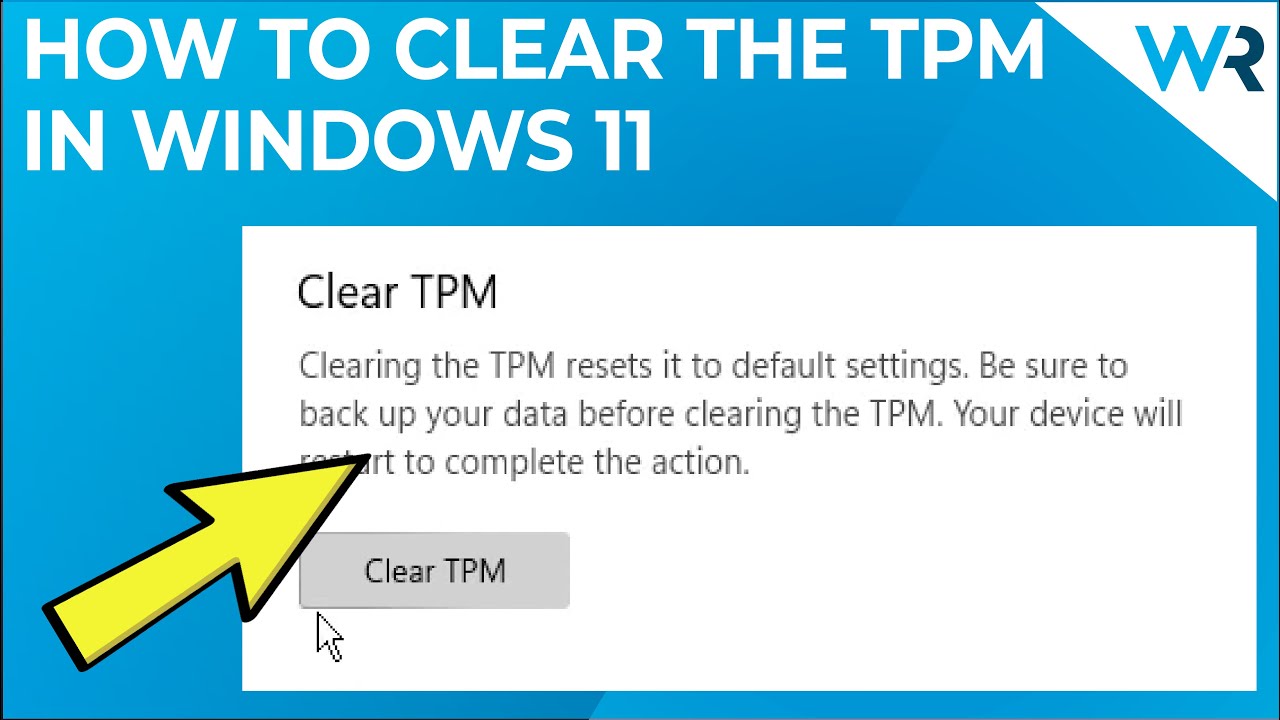
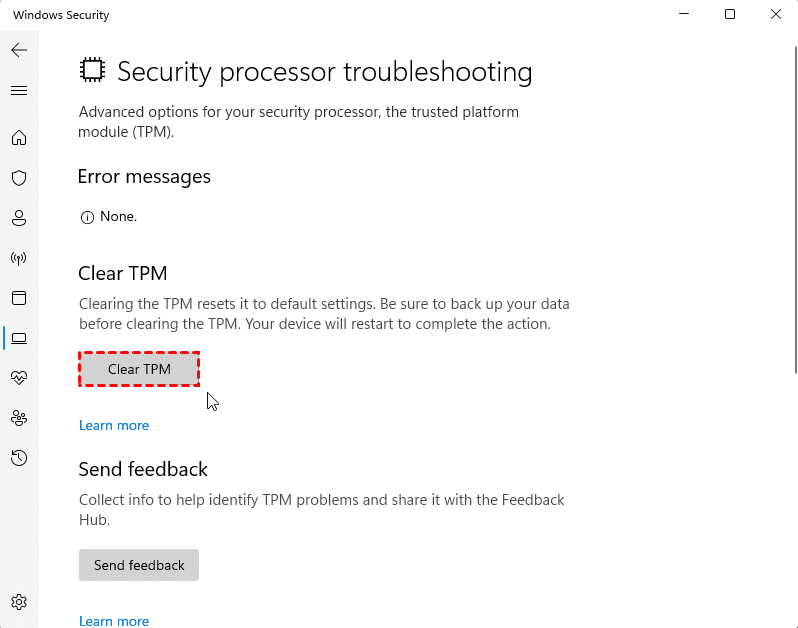
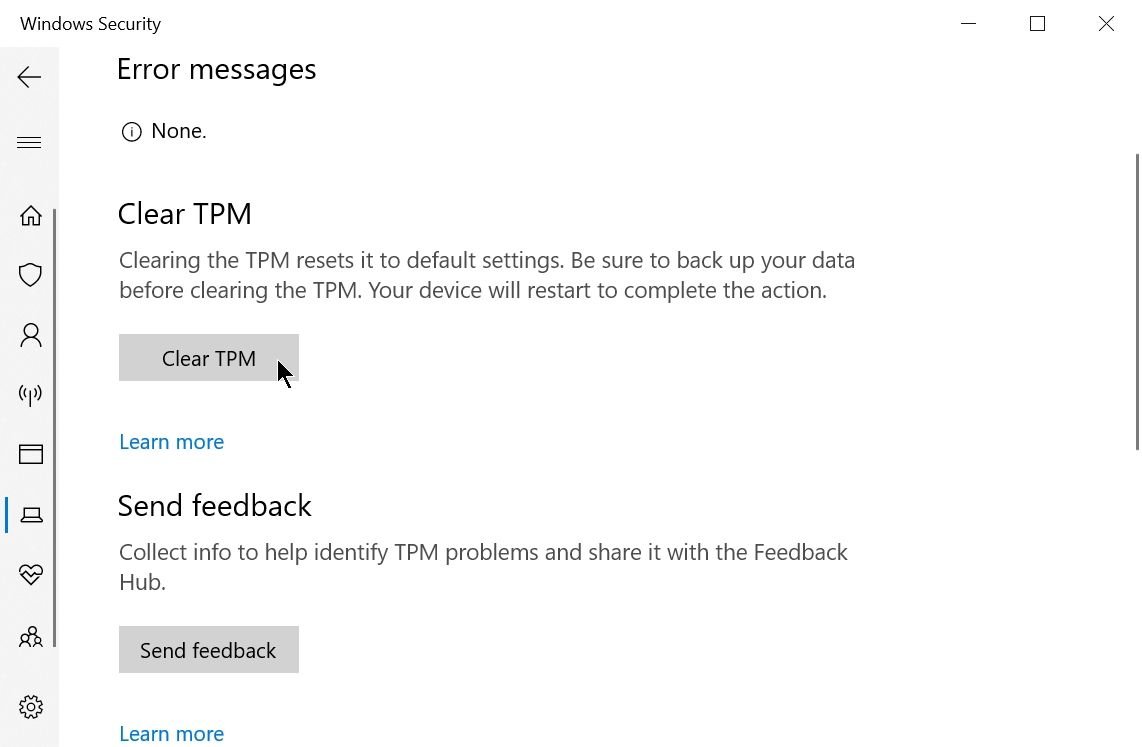
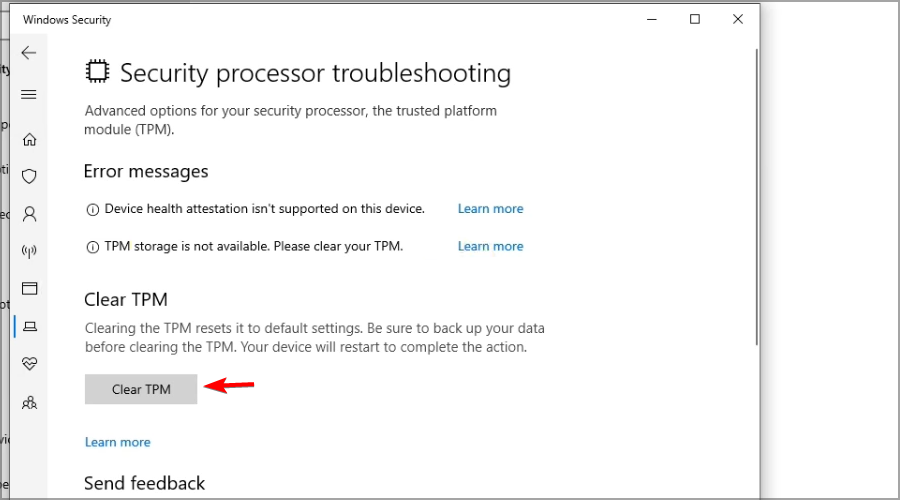
Web Aug 28 2021 nbsp 0183 32 To clear the TPM via the Windows Defender Security Center app To do follow these steps follow the steps below gt Click on the Start button gt Settings gt Update amp Security gt Windows Security and gt Device security gt Under Security processor select Security processor details gt Select Security processor troubleshooting and then under Web Nov 17 2023 nbsp 0183 32 Select Clear TPM You ll be prompted to restart the computer During the restart you might be prompted by the UEFI to press a button to confirm that you wish to clear the TPM After the device restarts your TPM will be automatically prepared for use by Windows Turn on or turn off the TPM
Windows 10 Trusted Platform Module Driver Codecinema How To Clear Command Prompt Screen On Windows 11 CLS How To Fix TPM Not Detected In Windows 11 10 What Is TPM 2 0 In Windows 11 And How To Enable It Ubuntu 16 04 Fails To Start On HP Workstation With TPM Error 7 Ask Trusted Platform Module Windows 10 Error Windows 10 Youthkop Where Is Tpm In Device Manager TPM Not Showing In BIOS How To Enable It How To Check And Activate Tpm 2 0 To Get Windows 11 Sff Geek Vrogue
Windows 10 Clear Tpm Command Line
 Windows 10 Clear Tpm Command Line
https://i.ytimg.com/vi/iQODOBbZUas/maxresdefault.jpg
Web Jul 3 2022 nbsp 0183 32 438 1 8 17 Who set the BIOS password Does that person organization know the password John Jul 2 2022 at 21 29 Just boot from a standard windows 10 USB stick and perform a clean install You can create the installation media using Microsoft s media creation tool found at microsoft en us software download windows10 Silbee
Pre-crafted templates provide a time-saving option for producing a varied range of files and files. These pre-designed formats and layouts can be made use of for numerous individual and professional jobs, consisting of resumes, invitations, leaflets, newsletters, reports, presentations, and more, simplifying the content production process.
Windows 10 Clear Tpm Command Line

Windows 11 How To Enable TPM 2 0 On Your Windows 11 PC 4pmTech
How To Clear Command Prompt Screen On Windows 11 CLS
How To Fix TPM Not Detected In Windows 11 10

What Is TPM 2 0 In Windows 11 And How To Enable It
Trusted Platform Module Windows 10 Error Windows 10 Youthkop
Where Is Tpm In Device Manager

Web Oct 18 2023 nbsp 0183 32 Press Windows R keys to open the run command box 2 In the run command box type tpm msc and hit Enter or click quot OK quot to open the Trusted Platform Module Management console 3 In the TPM Management console click quot Clear TPM quot on the quot Actions quot menu

Web Jun 25 2021 nbsp 0183 32 How to clear a TPM content There are two ways of doing it You can run the following cmdlet in an elevated PowerShell session Clear TPM Or you can use the Windows Defender Security Center app to clear it Double click the shield icon from the system tray to launch Windows Defender Security Center Go to Device Security click
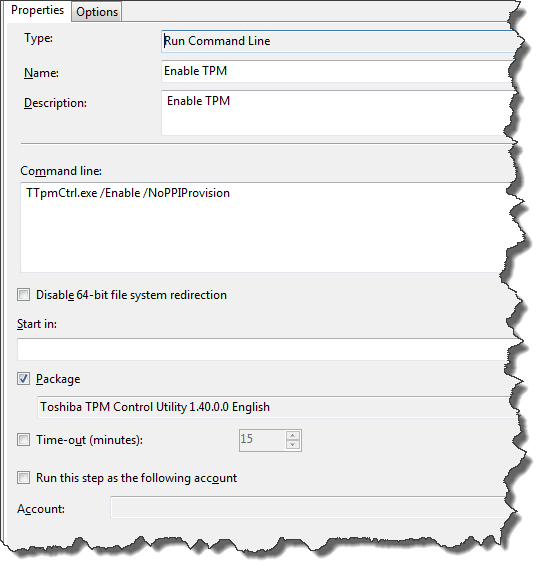
Web Jan 18 2024 nbsp 0183 32 Answered Is It Safe to Clear TPM When Resetting Windows 10 11 Answered By Ariel Follow Last Updated January 18 2024 English Many users report that they are asked to clear TPM when resetting or reinstalling Windows 10 11 Should I clear TPM during reset Is it safe to clear TPM Now let s explore the answers together with

Web Nov 17 2023 nbsp 0183 32 This article for the IT professional describes how to manage which Trusted Platform Module TPM commands are available to domain users and to local users After a computer user takes ownership of the TPM the TPM owner can limit which TPM commands can be run by creating a list of blocked TPM commands
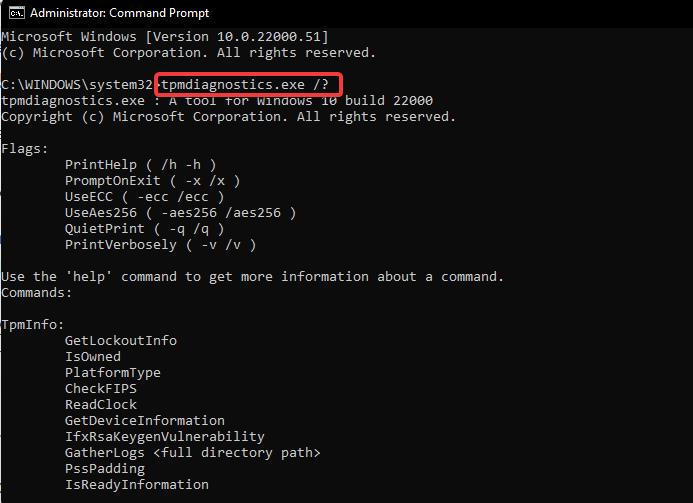
Web Jul 23 2021 nbsp 0183 32 Run the PowerShell as administrator and enter the command get tpm If you see TpmEnabled as True it means the TPM is enabled successfully on your computer The output also contains other information about TPM and they are as follows TpmPresent This value determines if the TPM chip is present on the computer
Web Jun 3 2023 nbsp 0183 32 Press Win R to open the Run application In the text box type devmgmt msc and press Enter to launch the Device Manager In the Device Manager window navigate to Security Devices and expand the menu Right click on Trusted Platform Module 2 0 and select Update driver Web The level at which the operating system manages the owner authorization Possible values are Legacy Balanced and Full lt li gt n lt li gt OwnerClearDisabled Whether TPM can be reset If this value is True the TPM cannot be reset through the operating system by using the owner authorization value
Web Oct 12 2023 nbsp 0183 32 To See if PC has a TPM and TPM Details in TPM Management snap in console 1 Press the Win R keys to open Run type tpm msc into Run and click tap on OK to open the TPM Management snap in 2 Look to see if the TPM Management console shows your PC having a TPM available or not