Windows 10 Allow Login Without Password Windows Users Will Soon Be Able To Approve Logins From Their IPhone How To Turn Off Login Password In Windows 10 How To Login To Windows 10 Without Password Better Tech Tips How To Login To Windows 10 Without Password Forgot Password Bypass How To Remove Login Password Windows 10 Remove Windows 10 Password Go to Settings Security Select Additional Security options Type in your password when prompted Go to the Advanced security page then scroll down to Additional security Click Turn
Once your account is matched with your Windows 10 installation you ll be able to sign in without a password using SMS the Microsoft Authenticator app or by using one of the methods mentioned below Available Passwordless Windows Login Methods For Existing User Accounts To enable either of these login methods go to Settings Accounts Sign in options and click the Add button under the appropriate option 1 PIN When you opt to add a PIN Windows 10 will first prompt you to enter your password then to specify and confirm your PIN PINs must be at least four digits long but they can have six eight or
How To Remove Login Password Windows 10 Remove Windows 10 Password Windows 10 Login Without Password Windows Informer How To Disable Or Delete Windows 10 Login Password Vrogue How To Save A PDF File Without A Password Simply WPS PDF Blog Cara Menonaktifkan Password Windows 11 Homecare24 How Do I Change My Password In Windows 10 Support Helpdesk How To Disable Or Remove Login Password On Windows 11 The Microsoft How To Disable The Login Password Screen In Windows 10 How To Configure Windows 10 Auto Login Without Password
Windows 10 Allow Login Without Password
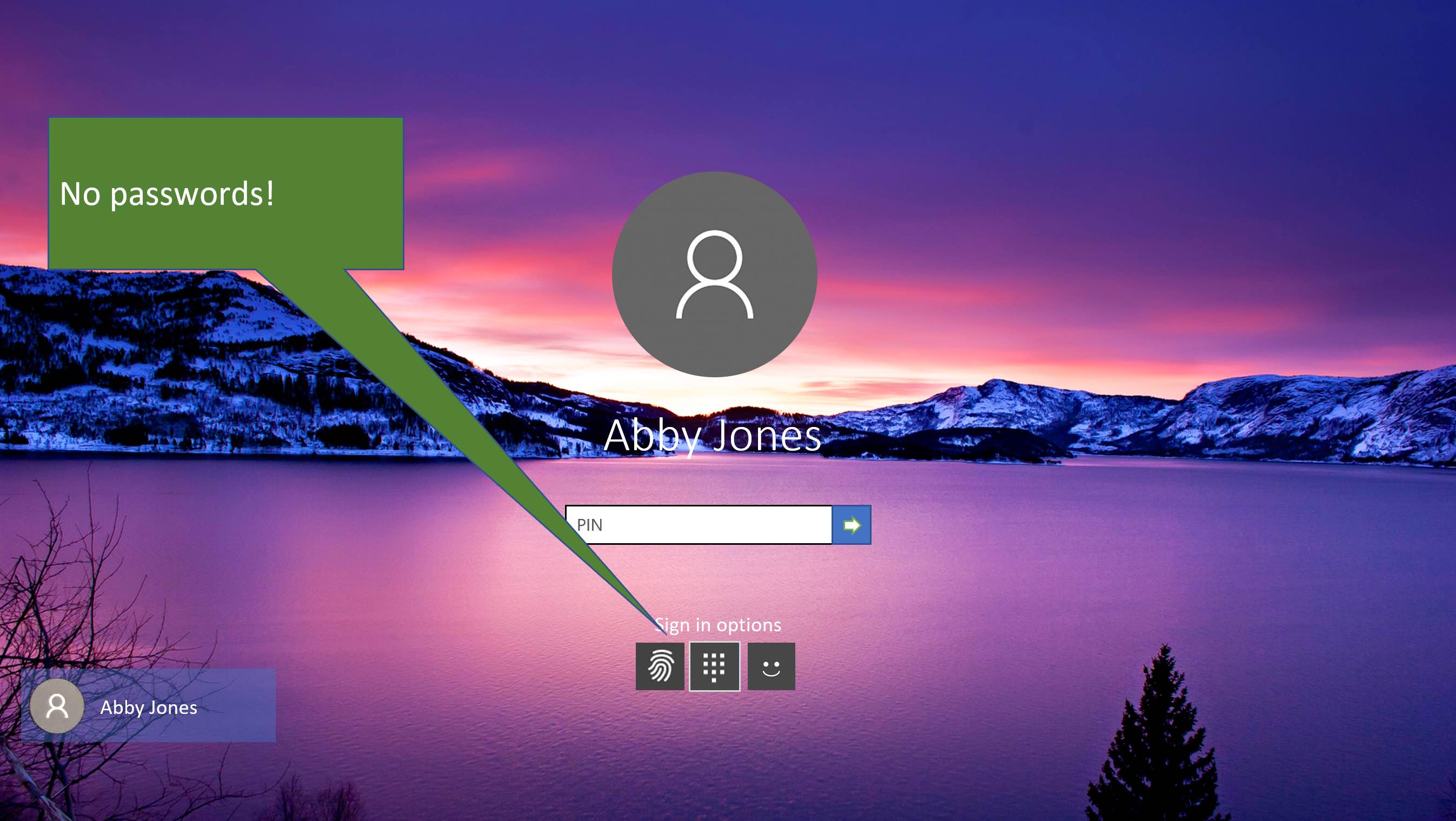 Windows 10 Allow Login Without Password
https://media.idownloadblog.com/wp-content/uploads/2018/02/Microsoft-Windows-10-S-login-screen-no-password.jpg
To change your password or PIN go to Start Settings Accounts Sign in options Select PIN Windows Hello and then select Change PIN Select Password then select Change Windows Hello Windows Hello lets you sign in to your devices apps online services and networks using your face iris fingerprint or a PIN
Templates are pre-designed files or files that can be used for various purposes. They can save effort and time by providing a ready-made format and design for producing various type of material. Templates can be used for individual or professional jobs, such as resumes, invitations, flyers, newsletters, reports, discussions, and more.
Windows 10 Allow Login Without Password

How To Remove Your Windows 10 Password Andowmac Vrogue
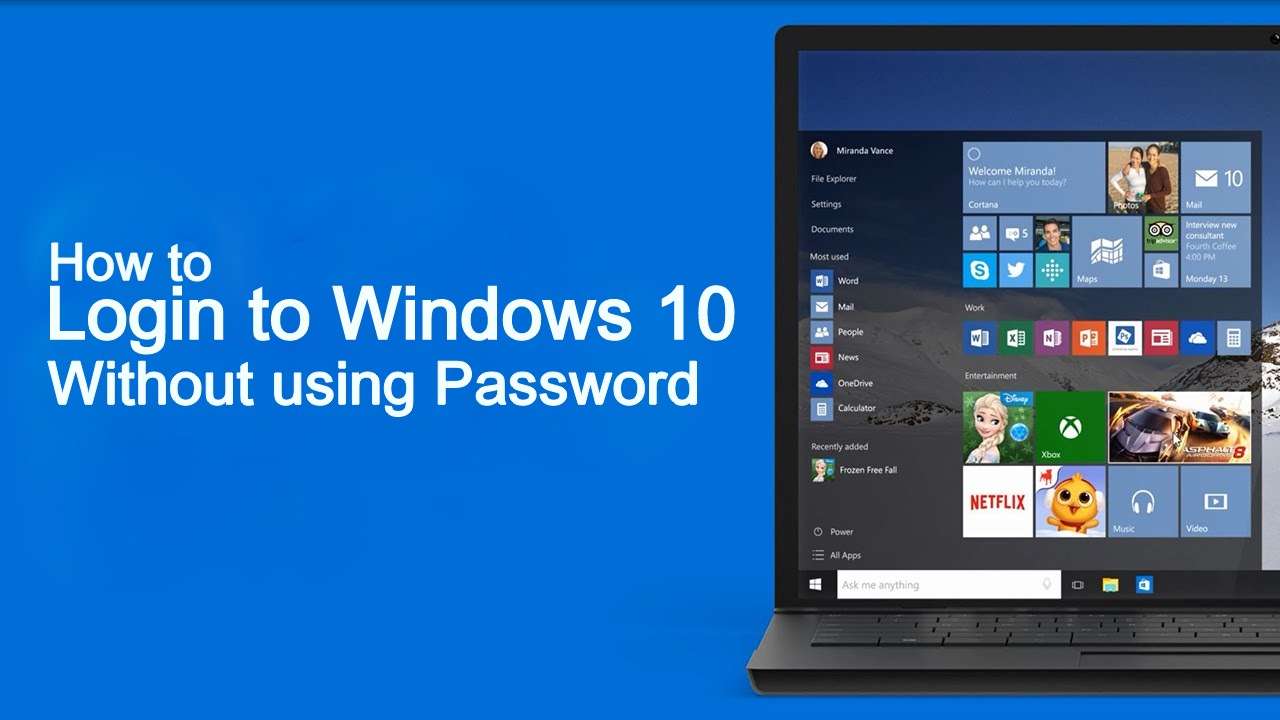
Windows 10 Login Without Password Windows Informer

How To Disable Or Delete Windows 10 Login Password Vrogue
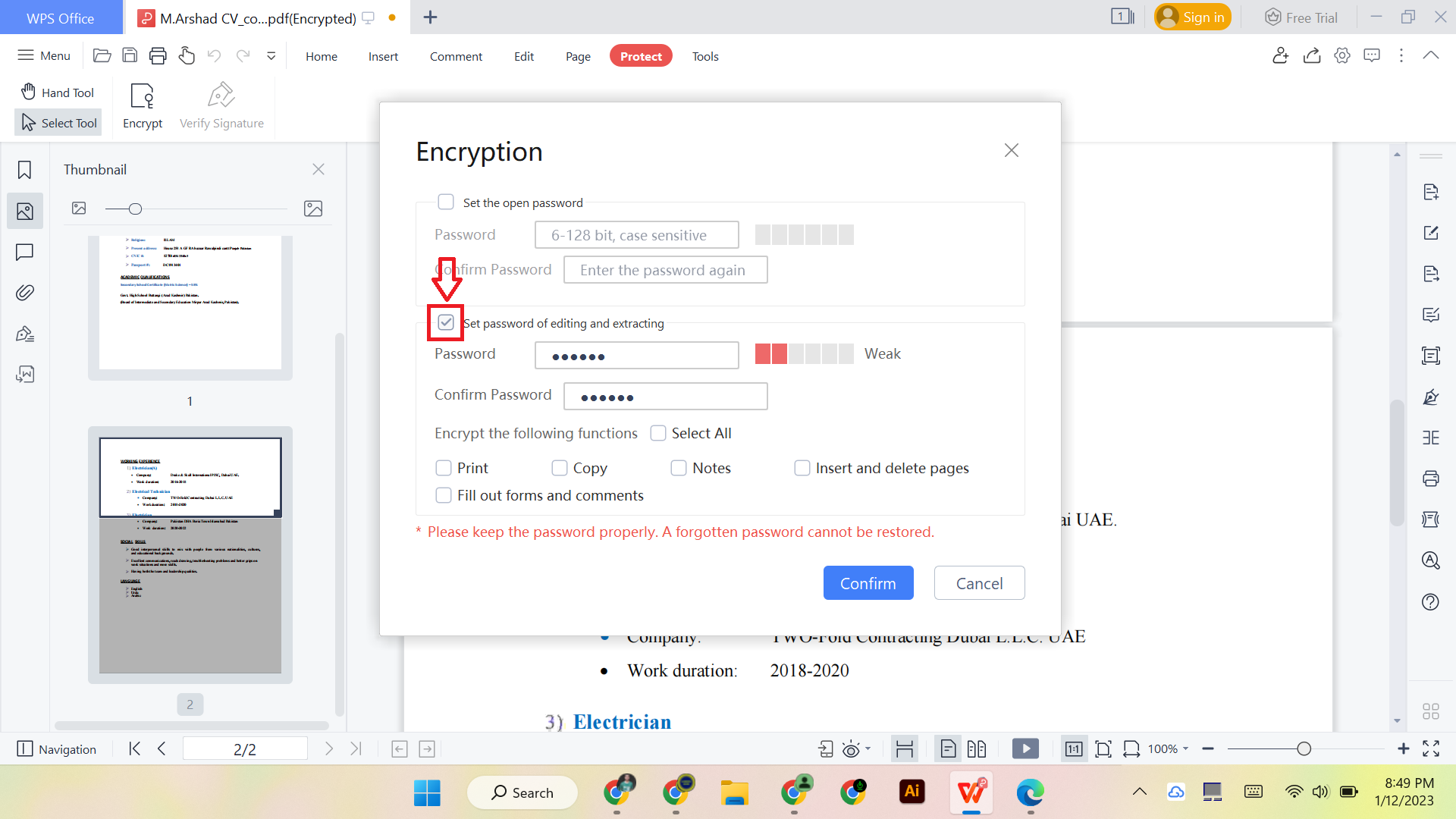
How To Save A PDF File Without A Password Simply WPS PDF Blog
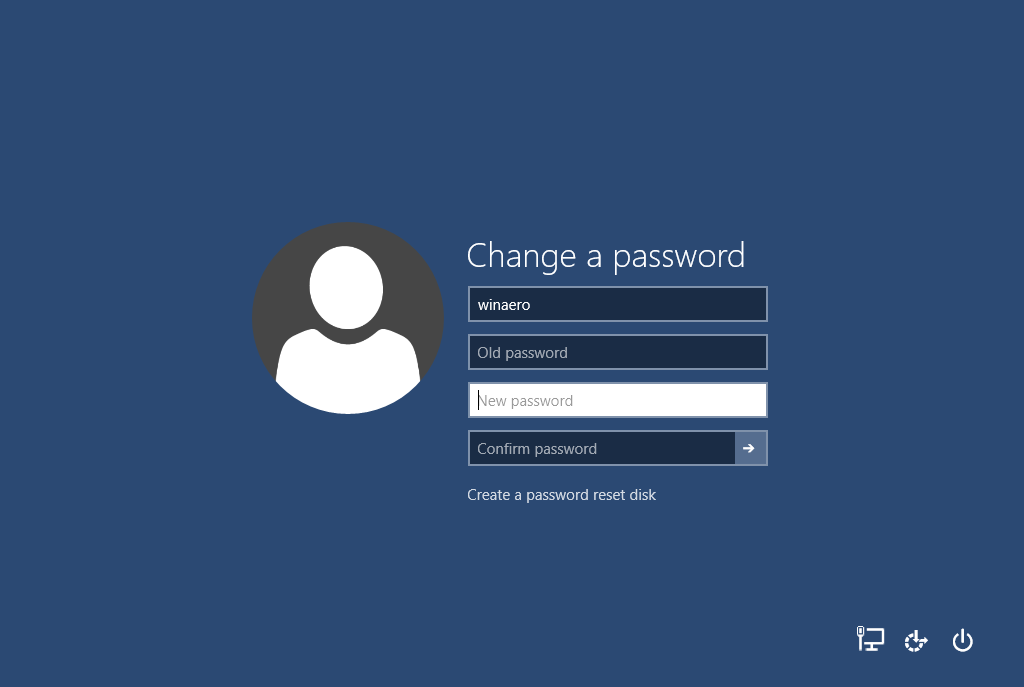
How Do I Change My Password In Windows 10 Support Helpdesk
How To Disable Or Remove Login Password On Windows 11 The Microsoft

Can I sign in to Windows without a password Windows 8 1 Note If your device is running Windows 10 you may be able to use Windows Hello to make signing in without a password even easier To learn more see the following Windows 10 sign in options and account protection Learn about Windows Hello and set it up
You can configure Windows 10 to auto login and boot straight to the desktop without entering the user password Here is how you can do it To log into a Windows 10 computer you have to enter the user password every time This helps protect your user account and files on the system from any unauthorized access

Way 1 Turn off Login Password for Local Account You can disable or remove your password if you want a Windows 10 login without password or pin This strategy of course is limited to local accounts Go to Settings Accounts Sign in options Click the Password section in the right pane then click the Change button
1 Open Settings and click tap on the Accounts icon 2 Click tap on Sign in options on the left side and turn On default or Off Require Windows Hello sign in for Microsoft accounts for what you want on the right side see screenshot below This setting will be grayed out in Remote Desktop sessions 3 You can now close Settings if you like

In Windows 10 or 11 go to Settings Accounts Sign in options If you haven t already set up a PIN that s the first task to accomplish Select the entry for Windows Hello PIN In
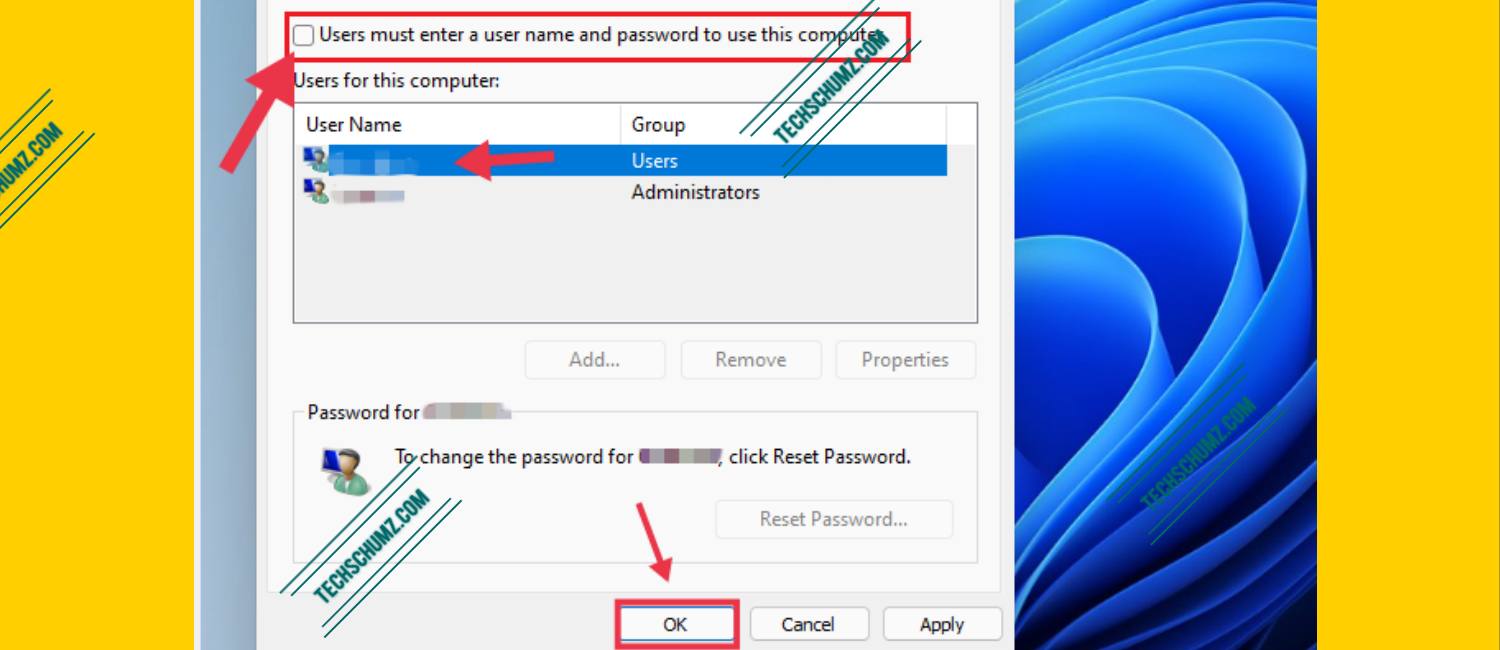
In the Windows search bar type Settings and press Enter In the Find a setting box type Sign in options and select it from the list Under Require sign in set it to Never Select Netplwiz Run Command from the menu Select your username and uncheck the box as above Confirm your identity and hit OK Now when you reboot your computer it will skip the login screen and load straight into the Windows desktop How to reset a forgotten password in Windows 10
To enable Windows Auto Login via the Netplwiz tool carry out the following 1 Open the Run dialog box Win R input netplwiz and press Enter or click OK to open the User Accounts window Accessing the User Accounts window 2