Windows 10 Advanced Startup Command Prompt Best 2 Ways To Boot To Command Prompt In Windows 10 MiniTool 5 Ways To Access Advanced Startup Options Menu In Windows 10 YouTube How To Repair Windows 10 Using Command Prompt Startup Issue Fixed Windows 10 Startup Problems Command Prompt FIXED How To Fix Windows 10 How To Access Command History In Command Prompt On Windows 10 Vrogue WEB Jul 6 2021 nbsp 0183 32 The Advanced Startup menu lets you restore Windows enter the BIOs boot off an external drive and much more
WEB Mar 29 2023 nbsp 0183 32 The Advanced Startup Options menu has diagnostic amp repair tools for Windows 11 10 amp 8 Command Prompt System Restore Startup Repair and more WEB Feb 28 2022 nbsp 0183 32 You can even enter Safe Mode with Command Prompt or networking from the Startup Settings menu Command Prompt Choosing this option will only open Command Prompt a command line tool for Windows that allows you to enter various powerful text based commands
How To Access Command History In Command Prompt On Windows 10 Vrogue How To Launch Command Prompt Windows 10 Mokasinindiana How To Start Xp From Command Prompt Documentride5 Command Prompt Windows 10 Tell Your Windows To Take Actions Digital Windows Home 32 64 Bit Install Repair Recovery Restore USB Flash Start Windows 10 In Safe Mode Command Prompt At Startup Windows 7 Help Forums How To Access Advanced Startup Options In Windows 10 8 Instead Of Listing All Of The Drivers Only A Chunk Of Them Is
Windows 10 Advanced Startup Command Prompt
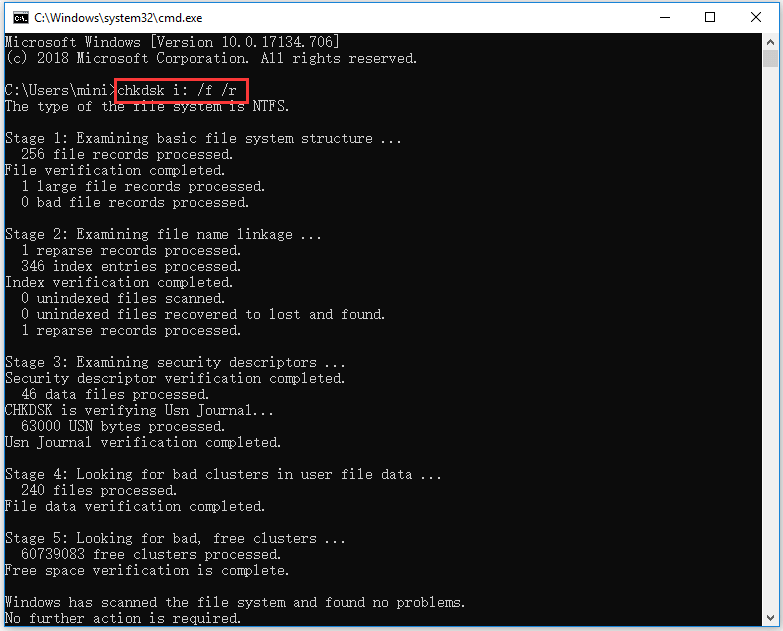 Windows 10 Advanced Startup Command Prompt
https://www.minitool.com/images/uploads/articles/2019/08/boot-to-command-prompt-windows-10/boot-to-command-prompt-windows-10-6.png
WEB Jan 19 2020 nbsp 0183 32 1 Open an elevated command prompt or command prompt at boot 2 Do step 3 enable or step 4 disable for what you want to do 3 To Enable F8 Advanced Boot Options screen in Windows 10 A Type the command below in the command prompt press Enter and go to step 5 see screenshot below bcdedit set bootmgr displaybootmenu
Pre-crafted templates provide a time-saving option for producing a varied variety of files and files. These pre-designed formats and designs can be utilized for various personal and expert projects, including resumes, invitations, leaflets, newsletters, reports, discussions, and more, enhancing the content production procedure.
Windows 10 Advanced Startup Command Prompt

How To Open Elevated Command Prompt In Windows 10 Vrogue
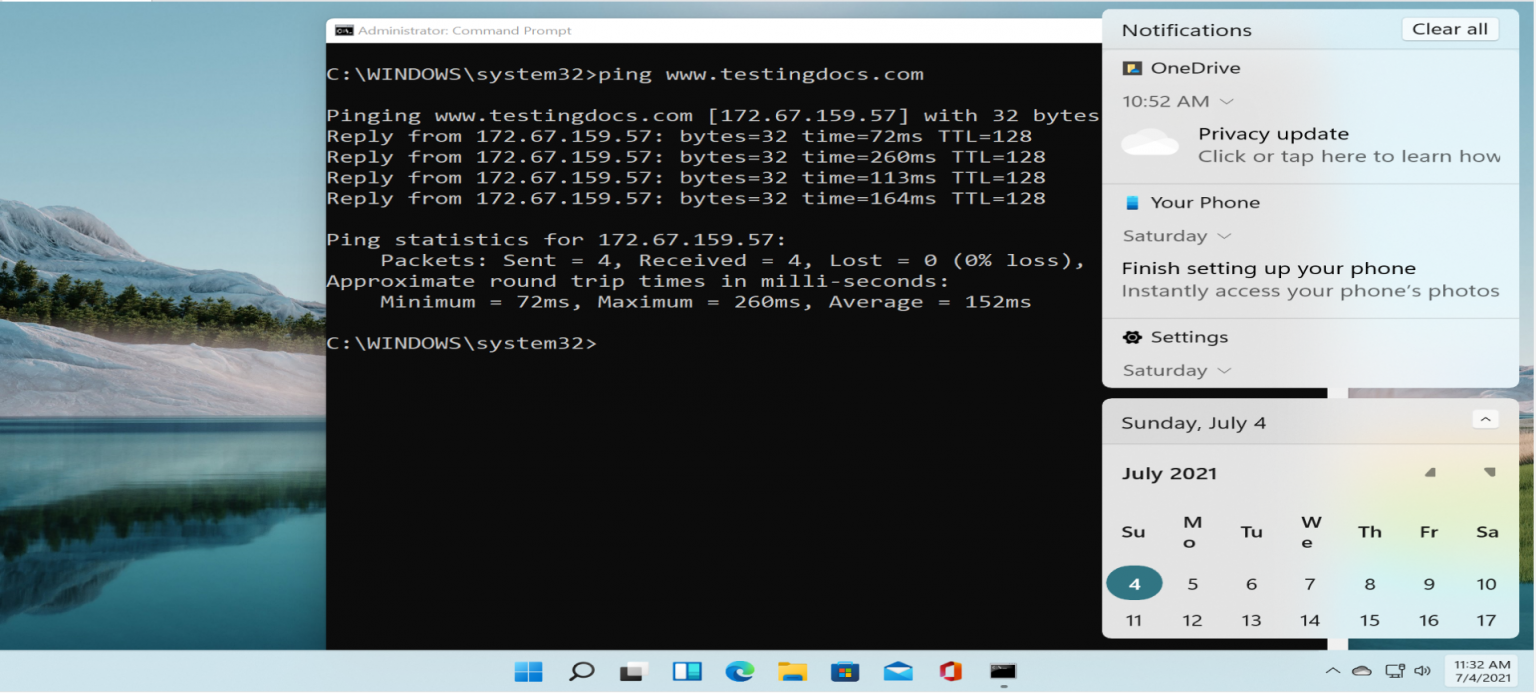
How To Launch Command Prompt Windows 10 Mokasinindiana
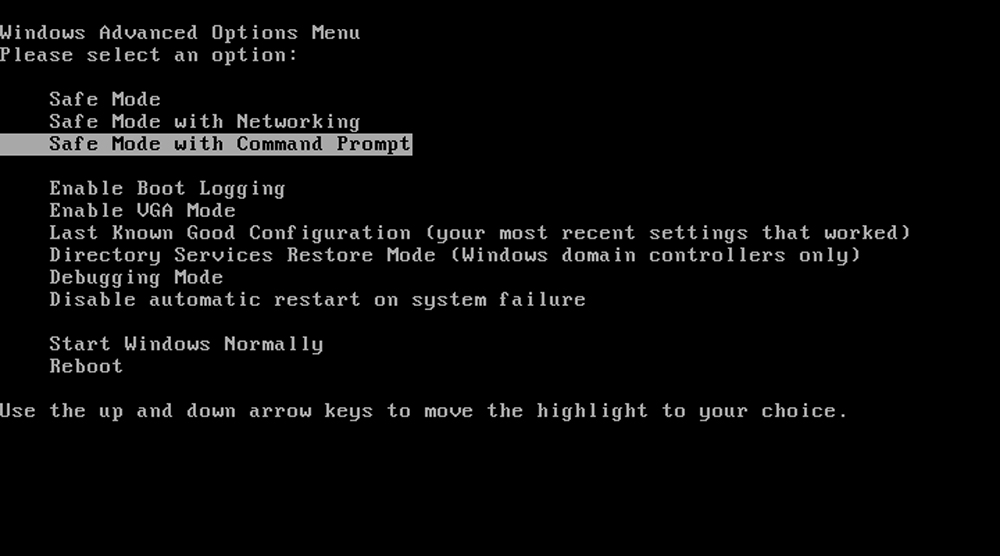
How To Start Xp From Command Prompt Documentride5

Command Prompt Windows 10 Tell Your Windows To Take Actions Digital
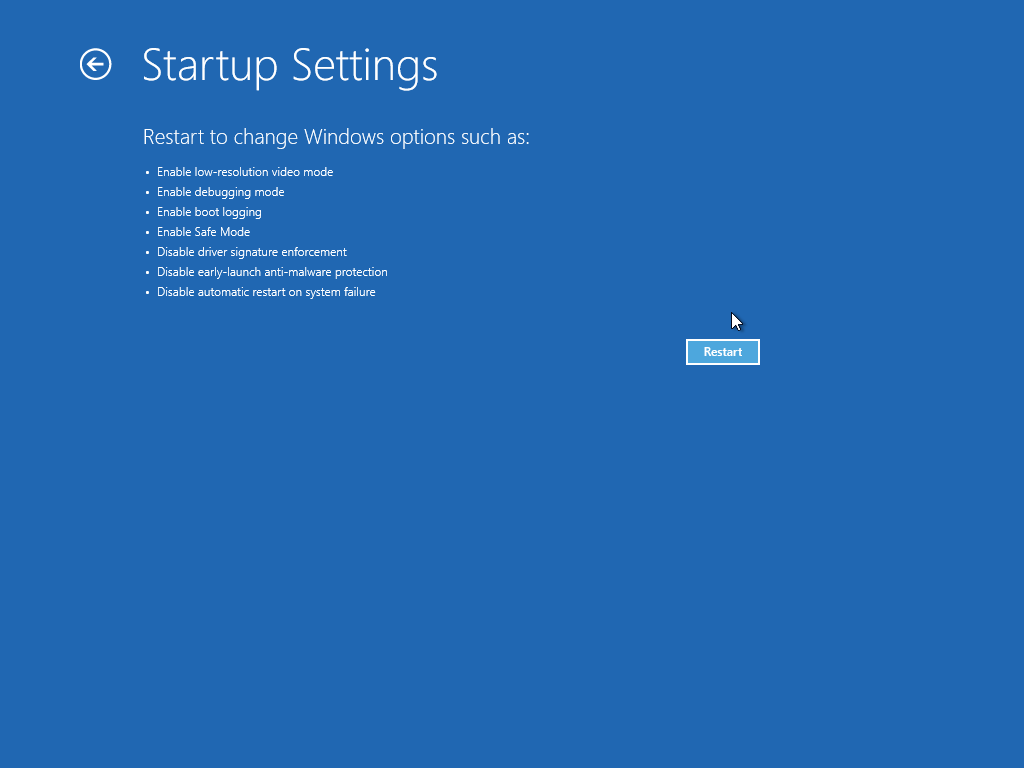
Start Windows 10 In Safe Mode

Command Prompt At Startup Windows 7 Help Forums

WEB The Advanced Boot Options screen lets you start Windows in advanced troubleshooting modes You can access the menu by turning on your computer and pressing the F8 key before Windows starts Some options such as safe mode start Windows in a limited state where only the bare essentials are started

WEB Jan 11 2023 nbsp 0183 32 To access Advanced startup WinRE on Windows 10 open Settings gt Updated amp Security gt Recovery and click on Restart From the Windows 10 desktop you can also access the recovery tools from the Quick Link menu and Command Prompt

WEB Feb 10 2024 nbsp 0183 32 Advanced startup enables you to perform these actions Start recovery aka Windows RE or WinRE troubleshooting and diagnostic tools Boot from a disk ex USB or DVD or device UEFI only Access the PC s UEFI firmware Restore Windows from a system image

WEB May 27 2024 nbsp 0183 32 Access Advanced startup WinRE from Command Prompt Click Start Search for Command Prompt right click Command Prompt and select Run as administrator In the Command Prompt type shutdown r o f t 00 and press the Enter key The computer restarts to the Choose options screen

WEB Mar 13 2023 nbsp 0183 32 How to access Advanced Startup Options the recovery repair and boot menu in Windows 11 10 and 8 Read on for System Restore Safe Mode and more
WEB Mar 16 2021 nbsp 0183 32 If you like you could set Windows to always boot to Start Settings first to either press a number to choose a boot option or press Enter to continue booting to Windows 10 This tutorial will show you how to enable or disable to always boot to advanced Startup Settings on your Windows 10 PC WEB Mar 31 2021 nbsp 0183 32 How to open Command Prompt with Advanced startup To launch the Command Prompt from the Advanced startup environment to troubleshoot Windows 10 use these steps Open Settings
WEB Jun 9 2020 nbsp 0183 32 Step 1 Open the Command Prompt Step 2 Type the following command in the command prompt and press the enter key Shutdown r o f t 120 where r Full shutdown and restart the computer o Go to the advanced boot options menu and restart the computer Must be used with r option