Windows 10 32 Bit Maximum Ram Support Asus Nuc 13 Pro Nuc13l3kv5 Barebone System Mini Pc Core I5 13th Gen Asus Nuc 13 Pro Nuc13l3hv5 Barebone System Core I5 13th Gen I5 1350p Asrock Rack 1u8s2e rome 2t Barebone System 1u Rack mountable Socket Supermicro Superserver 5019p mtr Server Barebone System 1u Rack Msi Cubi 5 12m nuc Mini Pc Barebone System Intel Core I5 1235u Wifi 6 Windows 10 ne sera plus pris en charge 224 compter du mois d octobre 2025 Apr 232 s le 14 octobre 2025 Microsoft ne fournira plus de mises 224 jour logicielles gratuites 224 partir de Windows
161 Bienvenido a Windows 11 Obt 233 n informaci 243 n sobre las nuevas funciones las preguntas frecuentes sobre la actualizaci 243 n los ciclos de vida de los dispositivos y las opciones de Se pr 233 parer 224 la mise 224 niveau vers Windows 11 S applique 224 Windows 11 est une nouvelle exp 233 rience Windows qui vous rapproche de ce que vous aimez Avec une navigation intuitive
Msi Cubi 5 12m nuc Mini Pc Barebone System Intel Core I5 1235u Wifi 6 How To Use Install BlueStacks 5 Nougat 32 Bit To 64 Bit Emulator For Windows 11 64bit On Intel Pentium Dual Core With 4GB RAM YouTube ASUS X205T How To Install Windows 10 COMPLETE GUIDE YouTube How To Download And Install WhatsApp On A Windows 10 PC Official How To Fix Roblox No Longer Supports Windows 32 bit Devices YouTube Roblox No Longer Support 32 Bit How To Fix Roblox No Longer Support 32 HP 15 DA0447TX RAM SSD Upgrade Options 15 DA0447TX Disassembly How To Check Maximum RAM Capacity Of Laptop In Windows 10 Check Maximum
Windows 10 32 Bit Maximum Ram Support
 Windows 10 32 Bit Maximum Ram Support
https://www.idcmayoristas.com/wp-content/uploads/2024/10/asus-nuc-13-pro-slim-kit-rnuc13l3kv50000ui-rnuc13l3kv50000ui-lal-2.png
Erfahren Sie wie Sie Windows 11 installieren einschlie 223 lich der empfohlenen Option die Seite Windows Update unter Einstellungen zu verwenden
Pre-crafted templates use a time-saving solution for creating a diverse range of documents and files. These pre-designed formats and designs can be utilized for numerous personal and expert tasks, including resumes, invitations, flyers, newsletters, reports, discussions, and more, enhancing the content creation process.
Windows 10 32 Bit Maximum Ram Support

Asus Nuc 14 Pro Barebone System Mini Pc Core Ultra 9 14th Gen 185h

How To Use Install BlueStacks 5 Nougat 32 Bit To 64 Bit Emulator For
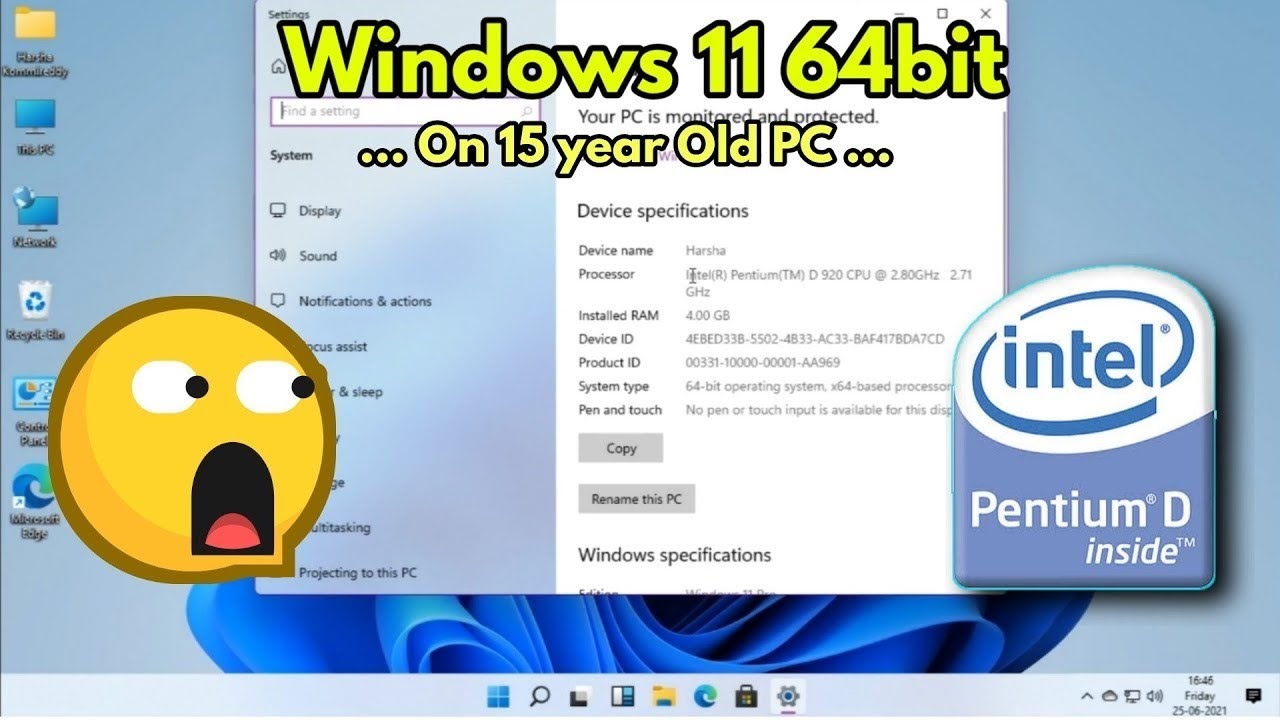
Windows 11 64bit On Intel Pentium Dual Core With 4GB RAM YouTube

ASUS X205T How To Install Windows 10 COMPLETE GUIDE YouTube
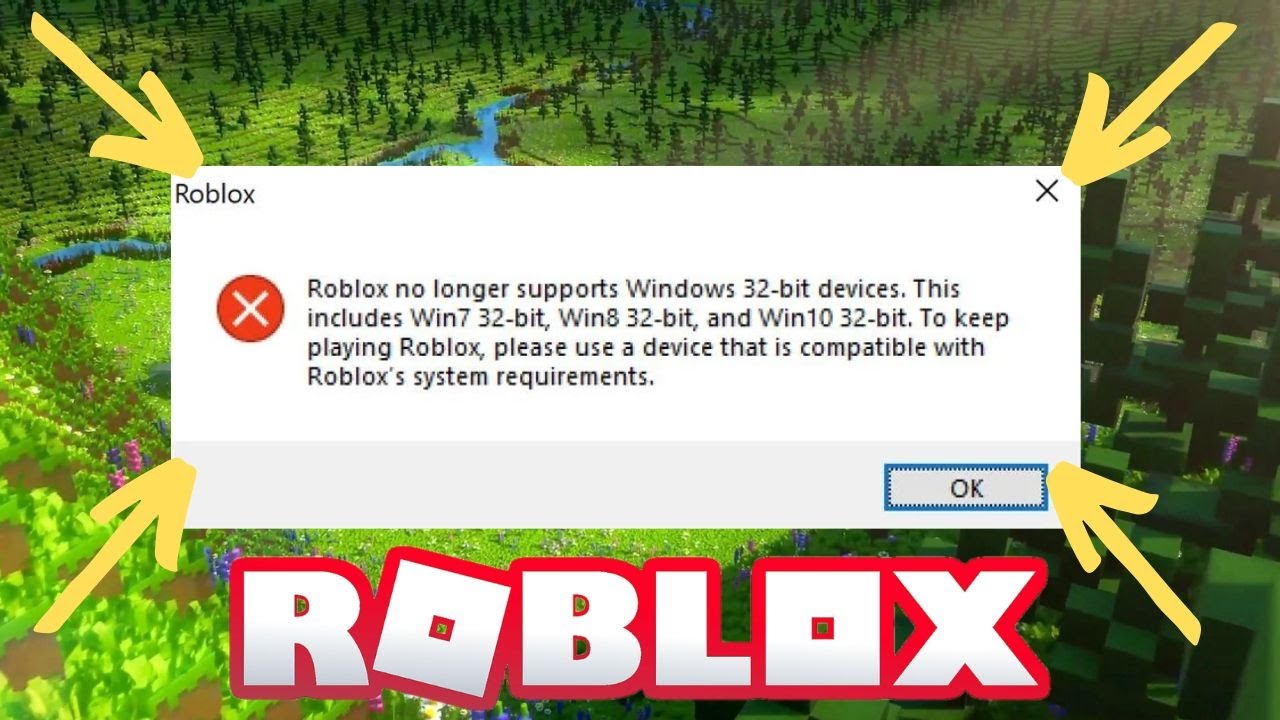
How To Fix Roblox No Longer Supports Windows 32 bit Devices YouTube

Roblox No Longer Support 32 Bit How To Fix Roblox No Longer Support 32

Windows 11 FAQ

Windows 11 Windows 11 Microsoft Windows 11

Windows 10 Windows 11 Microsoft Windows Windows 11 Windows

If you re warned by Windows Update that you don t have enough space on your device to install updates see Free up space for Windows updates If you experience internet connection issues

Feb 4 2025 nbsp 0183 32 Learn how to install Windows 11 including the recommended option of using the Windows Update page in Settings
[desc-11] [desc-12]
[desc-13]