Wifi Technology Explained Growatt Infinity 1500 Review Portable Power At Unbeatable Value What Is A Replay Attack Here s Everything You Need To Know How To Set Up Emergency Contacts On Your Samsung Galaxy Phone Blockchain Technology Explained PDF Cryptocurrency Information What Is A Console Scalper And How Do You Avoid Them Miracast Windows
Mar 18 2020 nbsp 0183 32 For months now I have had no wifi icon in the bottom right tray and it does not appear in the Network amp Internet settings list If I open Network amp Sharing Center and go to Change Adapter Settings the wi fi is present and enabled Windows Windows Update Windows Update
What Is A Console Scalper And How Do You Avoid Them How To Make An NFC Christmas Card Everything Apple Announced At The Far Out Event IPhone 14 Apple Did A Tesla Really Crash On Autopilot Blockchain Technology Explained Download Free PDF Computing How To Make A Christmas Tree In Adobe Illustrator 5G Technology Explained PDF 4 G Internet Of Things MSI Aegis RS 12 A Prebuilt Gaming PC That Saves You 500 Try These 4 IOS Apps To Build A Stronger Back And Help Reduce Pain
Wifi Technology Explained
 Wifi Technology Explained
https://static1.makeuseofimages.com/wordpress/wp-content/uploads/2022/11/Growatt-Infinity-1500-Featured-Image.jpg
4 days ago nbsp 0183 32 My laptop will usually connect to the WiFi network for about 2 minutes before the laptop disconnects It doesn t like to stay connected for a long time and I can t seem to figure out what s going on
Templates are pre-designed documents or files that can be utilized for various functions. They can conserve effort and time by providing a ready-made format and layout for developing different kinds of material. Templates can be utilized for personal or expert projects, such as resumes, invites, leaflets, newsletters, reports, presentations, and more.
Wifi Technology Explained

Secretlab Titan Evo 2022 Gaming Chair Is An Ergonomic Beauty

How To Make An NFC Christmas Card
Everything Apple Announced At The Far Out Event IPhone 14 Apple
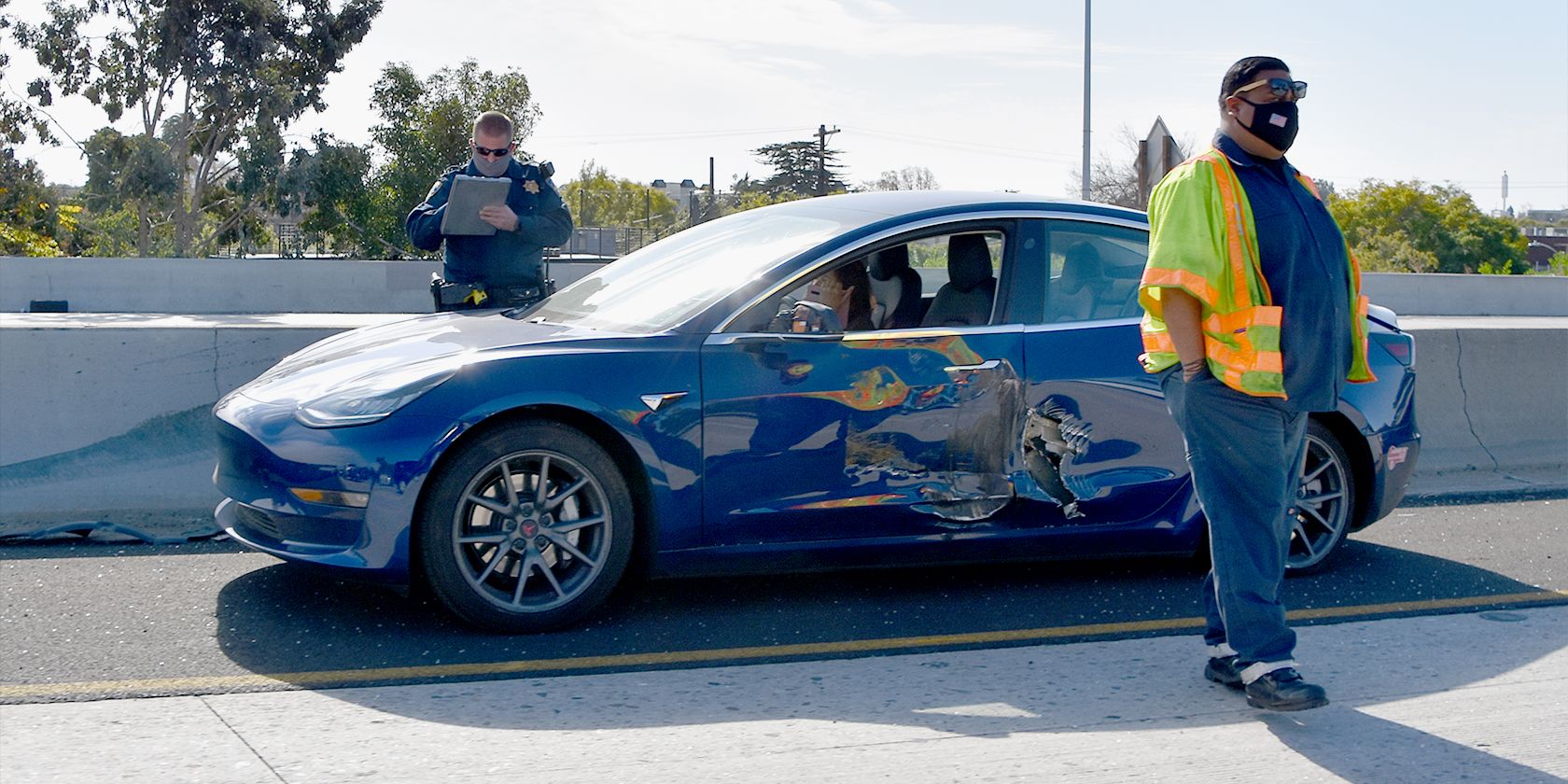
Did A Tesla Really Crash On Autopilot

How To Make A Christmas Tree In Adobe Illustrator

5G Technology Explained PDF 4 G Internet Of Things

Jan 5 2025 nbsp 0183 32 Hi I installed the new windows 11 24H2 update about a week and for whatever reason my wifi drivers have stopped working specifically the Killer R Wi Fi 6E AX1675i The wifi option itself no longer appears I have tried a number of the solutions

Jun 3 2022 nbsp 0183 32 Windows 11 clients not authenticating automatically and popping up the amp quot Action Needed amp quot dialog box The computers would not authenticate automatically but when following the dialog boxes we could get them to authenticate by manually telling the

Aug 18 2025 nbsp 0183 32 Hello I was having a issues with the Ethernet and decided to switch over to WiFi but when checking on setting I cannot find any WiFi options on windows settings I have done all possible troubleshooting options but it didn t resolved my issues im

Aug 16 2025 nbsp 0183 32 The computer was working fine and connected to the Internet and now it seems that Wifi and the choice to even choose Wifi or a network has disappeared I try to restart network services but it says There was a problem and we couldn t complete this action I ve tried two different Wifi USB s and neither one is working

Aug 13 2025 nbsp 0183 32 Hello Could you let me know your current Wi Fi adapter model and the driver version listed in Device Manager Event ID 1014 points to a DNS resolution timeout which doesn t always mean there s a Wi Fi dropout Still if the DNS lookup fails because your adapter is losing its connection the root cause is usually deeper such as power management settings a
Miracast Windows Windows Windows
Aug 18 2025 nbsp 0183 32 We have a strong internet connection in the home But my Windows 11 browser continually drops the internet connection