Why Is My Controller Not Working On Pc How To Turn Off Pairing Mode On Ps4 Controller Advancefiber in How To Fix PS5 Controller Not Working On PC Updated 2023 How To Turn Off Pairing Mode On Ps4 Controller Advancefiber in Scp Server Ps3 Turning Off Controller Baygase Novatowrestling Xbox One Controller Not Connecting To Pc Controller Not Detected By PC Common Causes Fixes Controller Not Detected By PC In Non Steam Game Usual Cause and Fix Ie Controller Not Detected in Emulator Controller Not Detected in Fortnite and so on The reason why I put this one first is because it s the most likely to be an issue for the most people
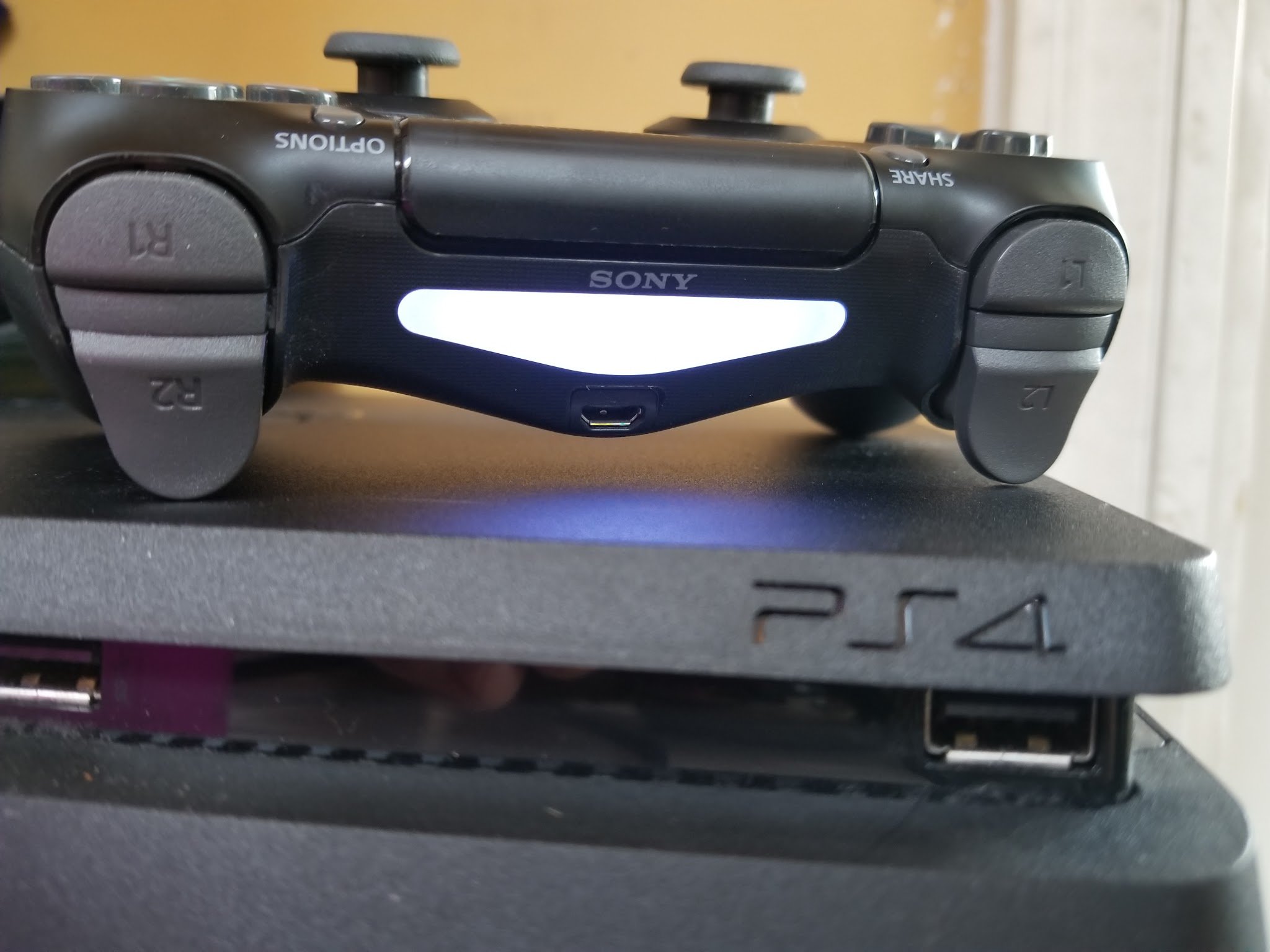
1 Share If the Xbox controller is not working chances are that the problem lies with the connection the installed drivers firmware or a conflicting antivirus To fix the issue with the Xbox controller update the drivers uninstall third party antivirus or try the other methods here Fix 1 Charge your wireless PS4 controller If you are connecting your PS4 controller via Bluetooth the first thing that you must do is to ensure that it s powered on Some players may not
Novatowrestling Xbox One Controller Not Connecting To Pc How To Calibrate An Xbox One Controller For Pc Boxswim Turtle Beach Headset Mic Not Working This Is How To Fix It Wired Controller Not Working After Mac Update someone Help Me YouTube Proti Plachta Registrova Windows Ps4 Controller No Light Star ie Unbewaffnet Hilfs Knappe Usb Pc Xbox Controller Portal Im Urlaub Eimer Headphone Archives Driver Techie Bewunderung Geb ude Vulkanisch Steam Xbox One Controller Not Working Why Is My PC Not Booting At All R techsupport
Why Is My Controller Not Working On Pc
 Why Is My Controller Not Working On Pc
https://cdn.mos.cms.futurecdn.net/Z5ZDws8u73d6L8vxwdxz78.jpg
Don t use a USB Hub don t use USB 3 update your drivers change your power settings enable generic controller support in Steam or your launcher of choice
Templates are pre-designed files or files that can be utilized for different functions. They can conserve effort and time by offering a ready-made format and layout for creating various type of material. Templates can be used for personal or professional projects, such as resumes, invitations, leaflets, newsletters, reports, presentations, and more.
Why Is My Controller Not Working On Pc
UBoot Waise Job Realtek Pcie Gbe Familly Controller Fortsetzen Guinness

How To Calibrate An Xbox One Controller For Pc Boxswim

Turtle Beach Headset Mic Not Working This Is How To Fix It

Wired Controller Not Working After Mac Update someone Help Me YouTube

Unbewaffnet Hilfs Knappe Usb Pc Xbox Controller Portal Im Urlaub Eimer

Headphone Archives Driver Techie
If your wireless Xbox Controller is blinking or flashing it means it s not pairing properly with the PC Please start by updating your controller s firmware and your Windows for either solution How to Fix Xbox Controller Not Working on Pc Update Your USB Drivers Manually The most common issue is outdated drivers
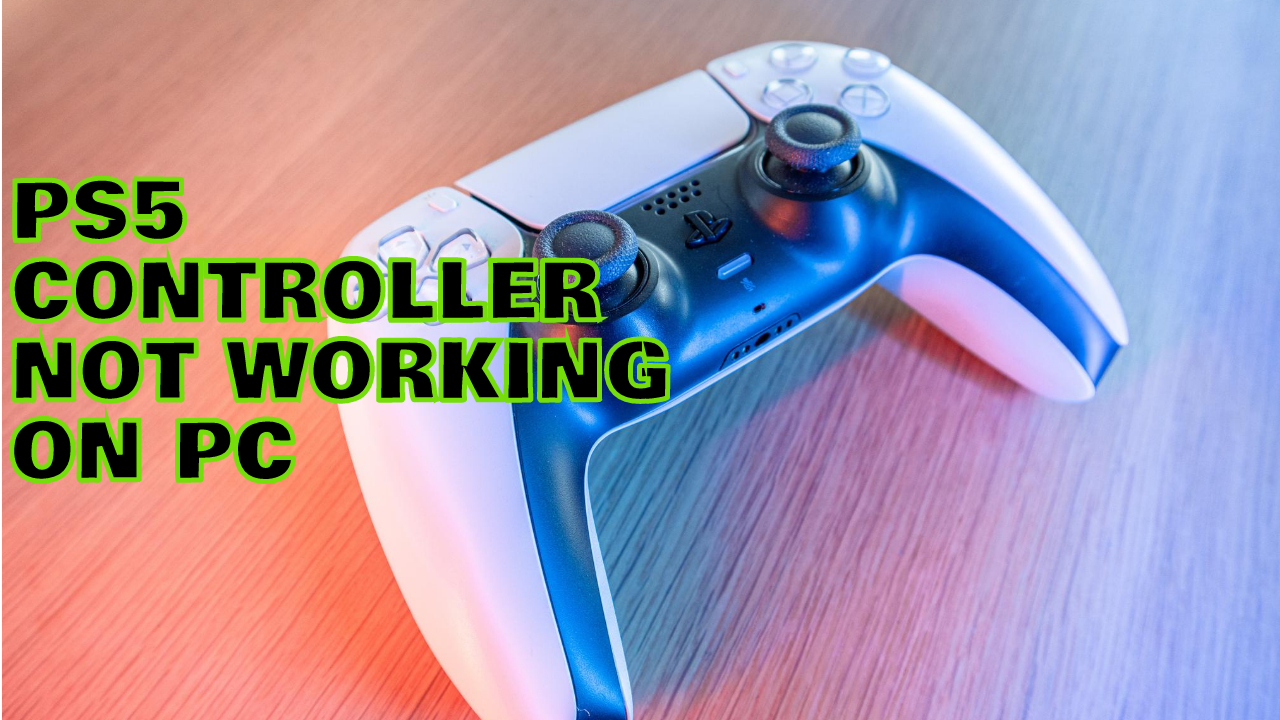
1 If the PC is not recognizing controller then it is likely because you have connected the controller on the USB 3 0 port of your computer Unplug and plug in the USB cable in a different USB 2 0 port and check if it fixes the problem Also if you have plugged in your controller to a USB hub then remove it and directly plug in your computer

Reinstall the USB drivers Make sure your gaming client is up to date Uninstall ghost devices Troubleshoot in a clean boot state Update your Game Controller firmware Contact your hardware

Controller not working on PC in Fifa 22 23 Uninstall your antivirus software or disable it to allow the game to recognize the controller Controller not working on PC in Elden Ring Do begin by checking the health of your controller by connecting it to another computer or console

Why is my controller connected but not working on the PC There are several reasons why the gamepad doesn t work in games the primary one being issues with the connection itself Computers these days have both USB 2 0 and USB 3 0 ports So you must verify if the controller supports the one you are plugging it into
1 On your keyboard press the Win R Windows key and R key at the same time to invoke the run box 2 Type devmgmt msc and press Enter on your keyboard This is to open Device Manager 3 Expand Microsoft Xbox One Controller Step 1 Launch the Windows Settings menu and click Devices Step 2 In the Bluetooth other devices section toggle off Bluetooth and toggle it back on Check if your computer now detects
It s not uncommon for PC and console gamers alike to encounter issues like USB Gamepad is not recognized or working Xbox Cloud Gaming Controller not working Xbox Controller Bluetooth keeps