Why Does My Excel Not Opening Csv Files Correctly Excel Not Opening Downloaded Files Twitter Why Does My Excel COUNTIF Function Always Return A Value Of 0 4 Opening csv File In Python Dr Matt C Howard Excel Blank When Opening File Here s Why Its Hidden Ms Excel Not Opening Microsoft Excel Khul Nahi Raha Hai Problem 198 It seems Excel 2013 doesn t read CSV files correctly Excel 2010 does Every time I open csv files all my data are displayed in the first column I know I can go to DATA Convert and then choose commas but this set up is not saved and I am fed up doing this every time I open this kind of file
Choose one of these possiblities Change the CSV file extension to when you open a TXT file with Excel it will start the text file import wizard where you can choose the delimiter In your CSV file s use a text editor to with semicolons Control Panel change your Regional and Language settings When you open a CSV file Excel should use your system s list separator to split the lines into columns If you happen to use comma as decimal separator you probably use semi colon as list separator In that case Excel won t split the lines automatically You can still use Data Text to Columns to do that Feb 14 2021 03 46 PM
Ms Excel Not Opening Microsoft Excel Khul Nahi Raha Hai Problem Opening csv File In Python Dr Matt C Howard How To Fix Microsoft Excel App Not Working Microsoft Excel Not Try Android 2 1 On Windows Hotware Dirk Paessler s Software Blog Excel Not Opening Full Screen Lasopaomaha CSV File What It Is How To Open One Excel Failed To Display Japanese Characters When Opening Csv File Saved Excel Failed To Display Japanese Characters When Opening Csv File Saved Fix Excel File Won t Open Issue In Windows 10 11 YouTube
Why Does My Excel Not Opening Csv Files Correctly
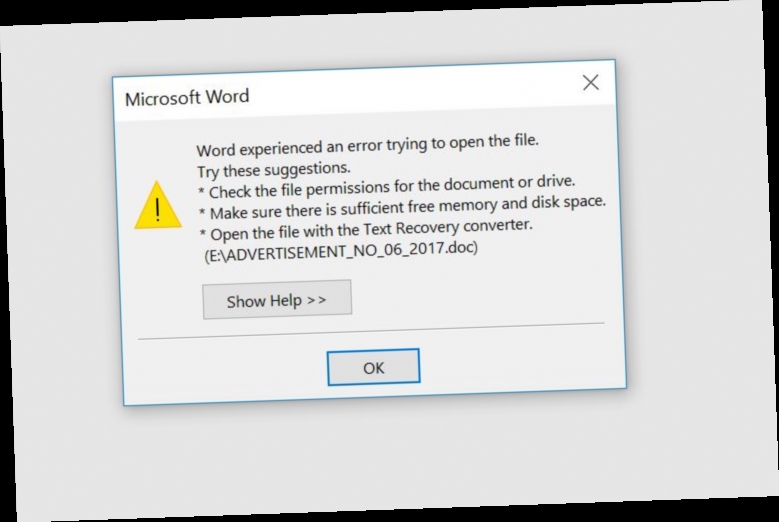 Why Does My Excel Not Opening Csv Files Correctly
https://pbs.twimg.com/media/Esm99nUXIAAQzbY.jpg
Below are some possible reasons due to which Microsoft Excel won t open on your system There is a problematic add in that is not allowing you to open Excel files If this is the case most likely you will be able to open the Excel applications but not a specific Excel file or a new Excel file
Pre-crafted templates provide a time-saving option for creating a diverse range of files and files. These pre-designed formats and designs can be made use of for different individual and professional projects, including resumes, invitations, leaflets, newsletters, reports, presentations, and more, simplifying the content production procedure.
Why Does My Excel Not Opening Csv Files Correctly
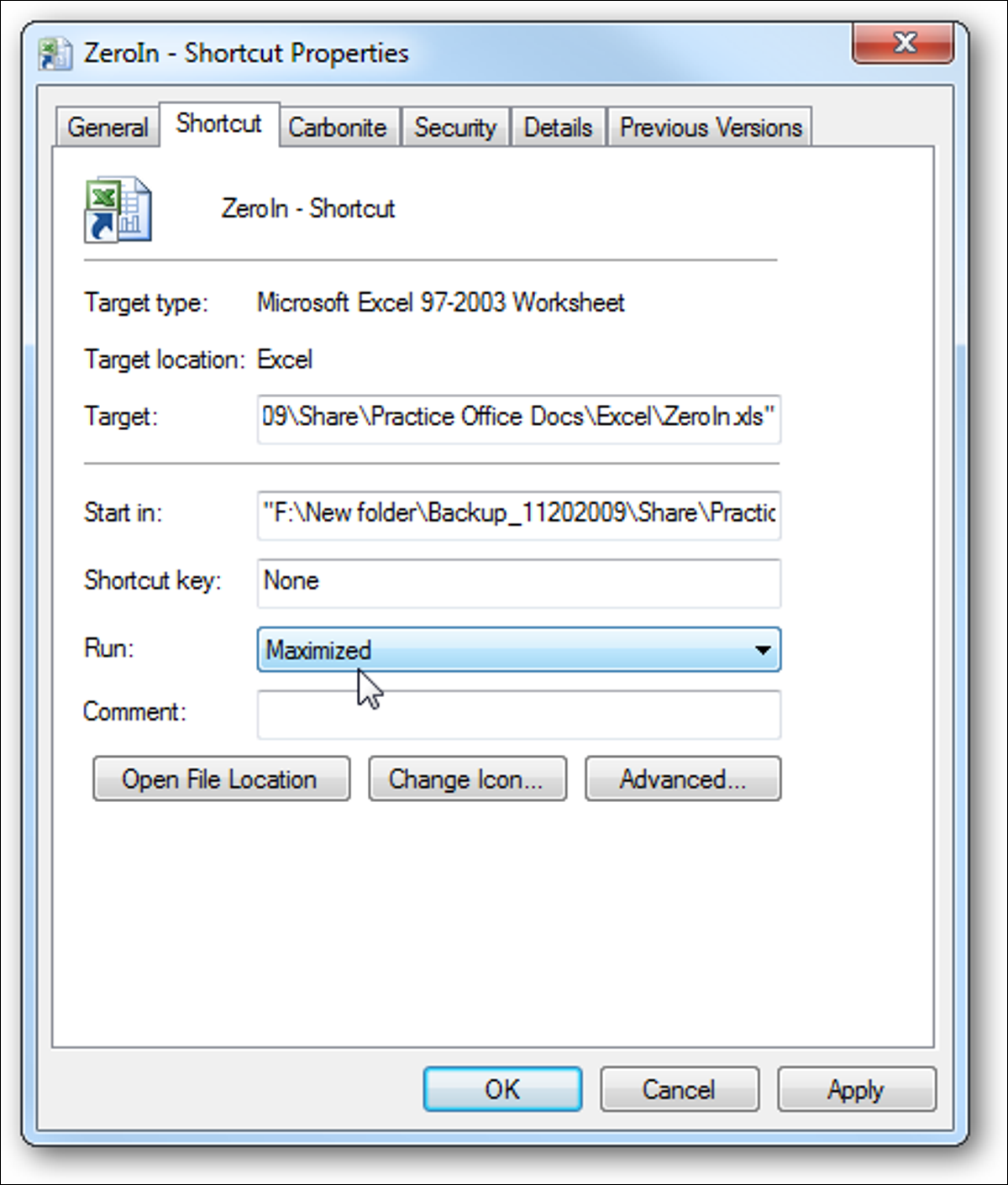
Excel Not Opening Full Screen Psadobt

Opening csv File In Python Dr Matt C Howard

How To Fix Microsoft Excel App Not Working Microsoft Excel Not

Try Android 2 1 On Windows Hotware Dirk Paessler s Software Blog

CSV File What It Is How To Open One

Excel Failed To Display Japanese Characters When Opening Csv File Saved

When you open a CSV file in Excel it will try to automatically detect the delimiter used in the file such as commas or tabs to separate the data into columns To resolve this issue you can try the following steps 1 Open Excel and go to the Data tab 2 Click on the From Text CSV button in the Get Transform Data section 3

How to Fix CSV Files Not Saving in Excel 5 1 Choosing CSV UTF 8 Format to Save CSV File in Excel 5 2 Saving Changes by Saving As Unicode File 5 3 Changing the Settings of Excel 5 4 Updating Microsoft Excel 5 5 Reinstalling Microsoft Excel

Solution 1 Change Regional Settings In the first solution we will change the regional settings from the Control Panel Mainly we will change the list separator from semicolon to comma We will be using Windows 10 to demonstrate this process However it should be similar to other versions of Windows Steps

Excel You can open a CSV file encoded with UTF 8 normally if it was saved with BOM Byte Order Mark Otherwise you can open it through either of the following ways Through PQ Power Query using the Get Data dropdown Navigate to Data tab Get Data From file Get Data from Text CSV Use the Get Data From Text option

Solutions There are several possible solutions for this case including VBA macros or a global change in the Windows settings We ll show how to quickly fix the issue without changing the default list separator on your computer so none of your applications will be affected Change delimiter in CSV file
To open a comma delimited CSV file properly use Excel s Data Import from Text feature to open the import wizard and set all columns as text If you click the file and allow Excel to open it automatically the columns might be reformatted by Excel 1 Answer You might try putting quotes around your date timestamp Excel is looking at your date timestamp and assuming its own formatting style If you put quotes around it Excel will assume it is text and keep that format that you have given it
Why is my CSV file not opening properly in Excel PC Newer versions of Excel Select the file you want to import from your file system and press Get Data Make sure that File Origin is set to Unicode UTF 8 Make sure that Delimiter is set to Comma Click Load How do I fix a CSV file in Excel Fixing CSV export in Microsoft Excel