Where Does Outlook Save Emails How To Download Emails From Outlook Web App How Far Back Does Outlook Save Emails YouTube How To Retrieve Sent Emails In Outlook How To See Scheduled Emails In Outlook Nimbus Portal Solutions Reviews Prices Ratings GetApp Canada 2023 Web Save a message as a file on your computer or in the cloud In Mail from the message list select the message you want to save so it opens in the reading pane or double click the message to open to open it in a new window From the message header select More actions gt Save as
Web Dec 14 2020 nbsp 0183 32 By default your file will be called quot backup pst quot and stored in Window s default Microsoft Outlook folder but you can change the location and the file name If you save the file with the same name as another PST file in that location the emails will be Web Oct 28 2015 nbsp 0183 32 Where Does Outlook Store Emails Most of your Outlook data is stored in what is called a PST file If you are connected to a Microsoft Exchange server your data will be stored in an OST file PST stands for Personal Storage
Nimbus Portal Solutions Reviews Prices Ratings GetApp Canada 2023 How To Backup Export And Save Outlook Emails To Another Hard Drive EaseUS Where Does Outlook For Mac Store Data Welena Where Does Outlook Save Attachments OUTLOOK SECURE TEMP FOLDER Mail Smartly Where Does Outlook Save Attachments OUTLOOK SECURE TEMP FOLDER Mail Smartly Save A Draft Email In Outlook Instructions And Video Lessons Tips To Save Emails From MS Outlook Save Office 365 Outlook Emails Backup Microsoft 365 Contacts Extract And Convert Microsoft Outlook Email Email To Html How To Save Microsoft Outlook Emails
Where Does Outlook Save Emails
 Where Does Outlook Save Emails
http://cdn.shopify.com/s/files/1/0285/1815/4285/articles/how-to-download-emails-from-outlook-web-app-998560.png?v=1676219453
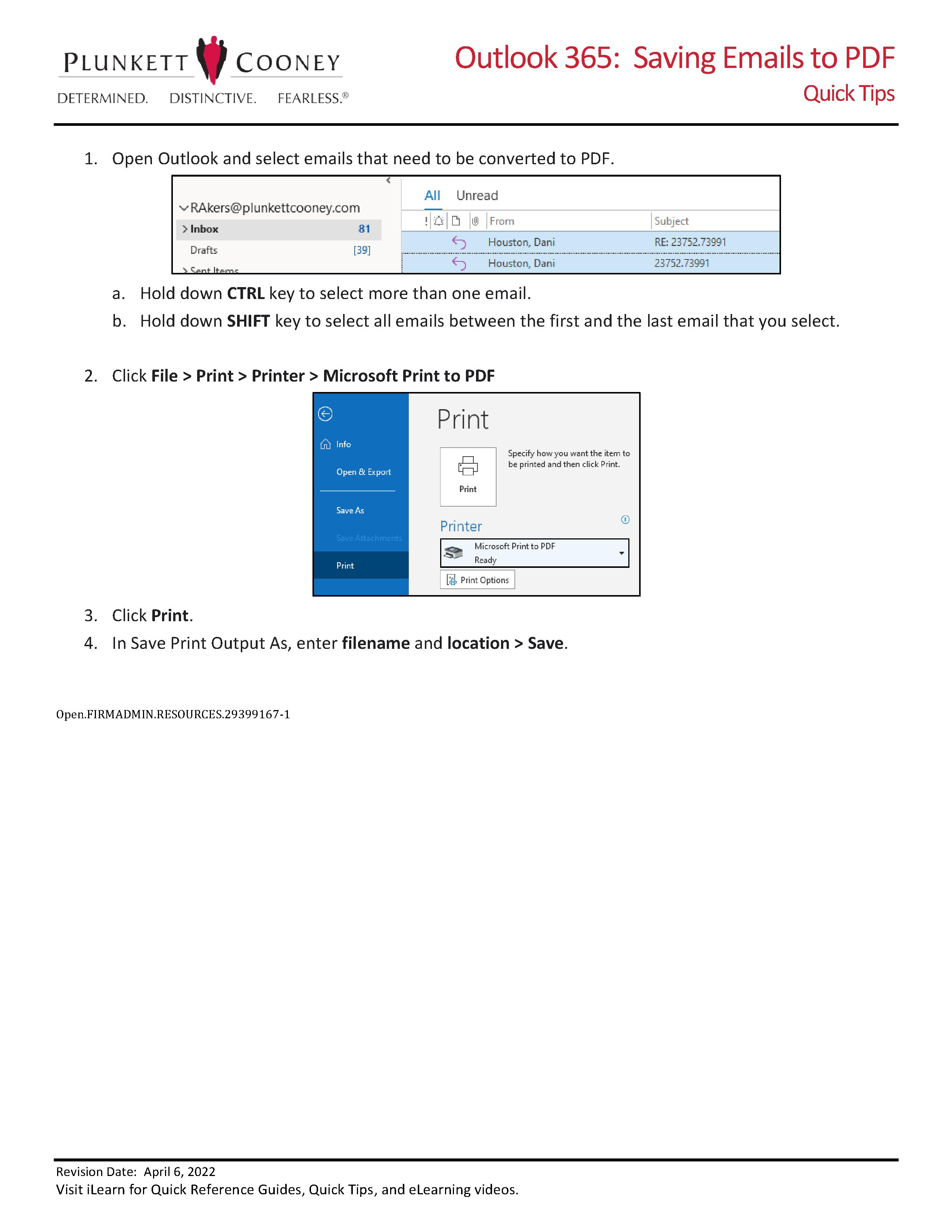
Web Jul 6 2018 nbsp 0183 32 Start by opening the message you want to save In the email window click on quot File quot menu on the Ribbon Select the quot Save As quot command In the quot Save As quot menu navigate to the location you want to save the file and then type a name for the file
Pre-crafted templates offer a time-saving service for producing a varied variety of files and files. These pre-designed formats and designs can be utilized for different personal and professional projects, consisting of resumes, invitations, flyers, newsletters, reports, discussions, and more, simplifying the content creation process.
Where Does Outlook Save Emails
HBR Managed Services

How To Backup Export And Save Outlook Emails To Another Hard Drive EaseUS

Where Does Outlook For Mac Store Data Welena

Where Does Outlook Save Attachments OUTLOOK SECURE TEMP FOLDER Mail Smartly

Save A Draft Email In Outlook Instructions And Video Lessons
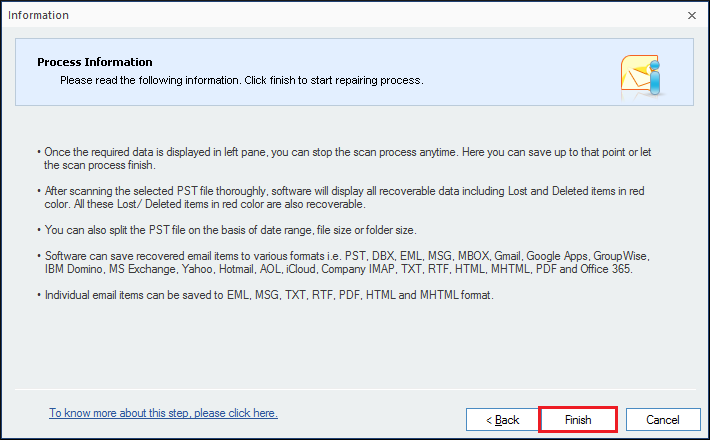
Tips To Save Emails From MS Outlook

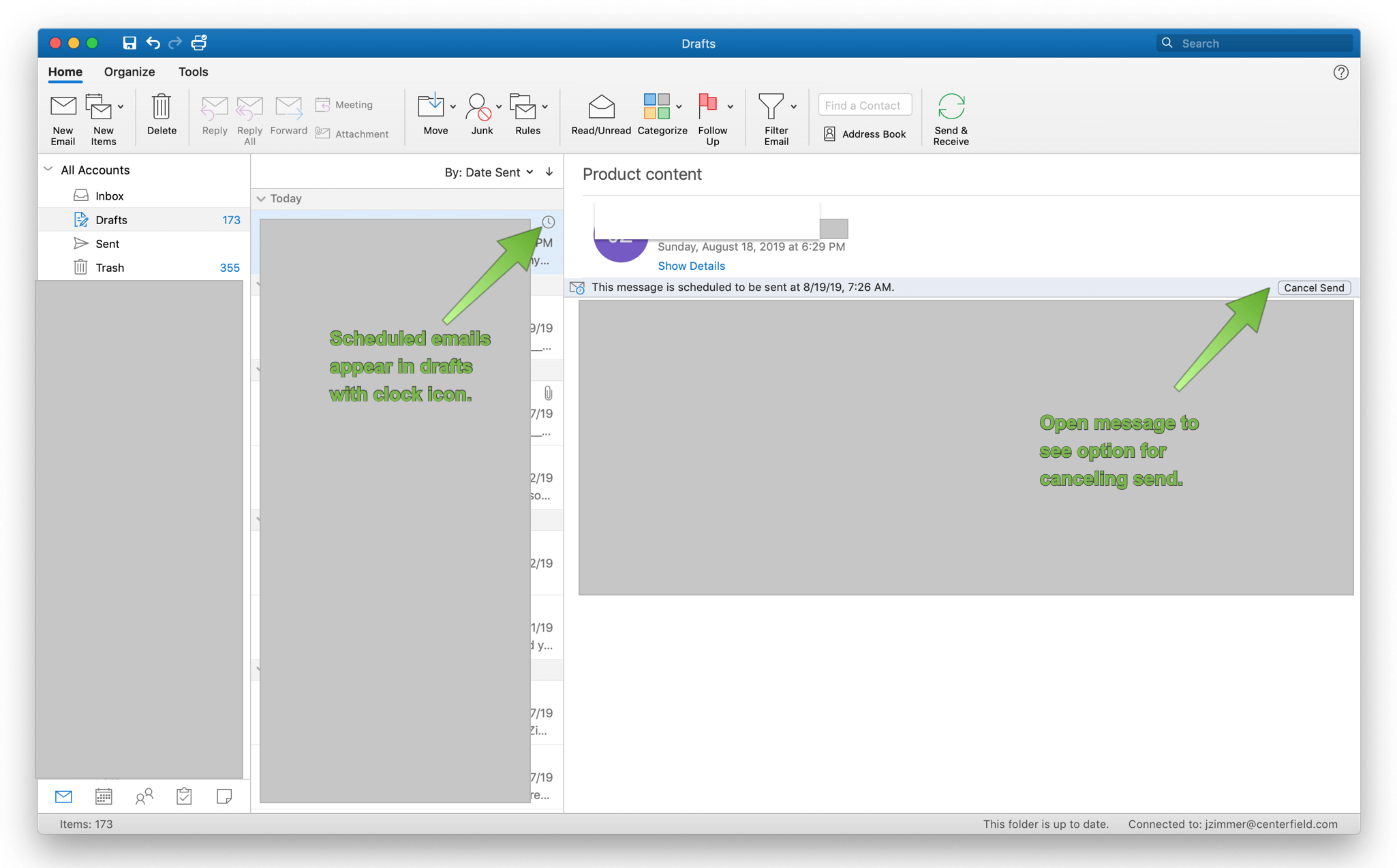
Web Aug 9 2019 nbsp 0183 32 Generally if you saved any email in Outlook Client via the file tab that email will be saved in Draft folder For your issue we would like to suggest to open Outlook web app and check whether its visible in OWA draft folder

Web Sep 11 2021 nbsp 0183 32 Microsoft Outlook stores your email messages contacts calendars and other data as pst or ost files in folders that can be difficult to find Here s how and where to look Instructions in this article apply to Outlook 2019 Outlook 2016 Outlook 2013 Outlook 2010 and Outlook for Microsoft 365 Go to the File tab

Web If you upgraded to Outlook on a computer that already had data files that were created in Microsoft Office Outlook 2007 or earlier these files are saved in a different location in a hidden folder at drive Users user AppData Local Microsoft Outlook
Web Windows 11 drive Users lt username gt Documents Outlook Files Older versions of Windows drive Documents and Settings Local Settings Application Data Microsoft Outlook Tip If your Outlook Data File pst becomes large it can slow down your OneDrive sync and may show quot Processing changes quot or quot A file is in use quot

Web drive Documents and Settings username My Documents Where drive is the drive where Microsoft Windows is installed and where username is your user name You can change the location where e mail messages and attachments are saved in Outlook by adding the following registry value Outlook 2003
Web Oct 23 2017 nbsp 0183 32 1 File gt Options gt Mail gt Keep going down till you reach Save Messages section gt Check what is set as Save to this Folder 2 If it is Draft only try finding your mail on the basis of different criteria in Draft folder like on the basis of date or sender or subject You may need to sort your mail 3 Web Compatible for many people or not Easy to search or not Some options work for a single message only Others can be used to save many messages in the one file We ve left the most obvious one until last on our list Sucks totally blows Finding a message later Outlook Save As Save to PDF Save to Word Copy and Paste
Web Oct 4 2022 nbsp 0183 32 Reviewed by Christine Baker What to Know For PST Go to Account Settings gt Account Settings gt Data Data Files gt Open Folder or File Location and copy the pst to your drive You can export emails to a PST OLM or CSV file or back them up to Gmail or an external hard drive