What Is Windows Virtual Machine What Is Windows Virtual Machine Robots Microsoft Plans To Add Native Support For Virtual Machines In Windows How To Install A Virtual Machine On Windows 10 Using Hyper V Now Even How To Create A Linux Virtual Machine On Windows 10 Using Hyper V F3News How To Set Up A Windows Virtual Machine In Linux Medical Technology Launch VMWare Workstation Player then click Create New Virtual Machine The first thing you need to do is select the Windows 11 ISO that you downloaded earlier for the installer image Select the Installer Disc Image File option then click Browse to locate your ISO Once you ve done that click Next
To create a new virtual machine in Fall Creators Update Open Hyper V Quick Create from the start menu Select an operating system or choose your own by using a local installation source If you want to use your own image to create the virtual machine select Local Installation Source Select Change Installation Source Windows Virtual PC is the latest Microsoft virtualization technology It lets you run many productivity applications in a virtual Windows environment with a single click directly from a Windows 7 based computer Supported host operating systems Windows 7 Home Basic Windows 7 Home Premium Windows 7 Enterprise Windows 7 Professional
How To Set Up A Windows Virtual Machine In Linux Medical Technology How To Install A Virtual Machine On Windows 10 Using Hyper V Now Even How To Create A Windows 10 Virtual Machine With VMware Player And Project 1 Preparing A Virtual Windows Machine 10 Points Azure Virtual Desktop For The Enterprise Azure Architecture Center 2022 Crear Una M quina Virtual Con Hyper V En Windows 10 Creators Update Virtualization Create Windows XP VM On Windows 10 Super User BASIC What To Know About Azure Virtual Machines How To Configure And Access A Windows Virtual Machine On A VSTAC Watch1
What Is Windows Virtual Machine
 What Is Windows Virtual Machine
https://robots.net/wp-content/uploads/2023/09/what-is-windows-virtual-machine-1693709643.jpg
VirtualBox is an open source Virtual Machine program from Oracle It allows users to virtually install many operating systems on virtual drives including Windows BSD Linux Solaris and more Since VirtualBox runs on Windows Linux and Mac the process for setting up a virtual machine is pretty much the same in each operating system
Templates are pre-designed files or files that can be utilized for different purposes. They can save time and effort by supplying a ready-made format and layout for producing various sort of material. Templates can be utilized for personal or professional jobs, such as resumes, invitations, flyers, newsletters, reports, discussions, and more.
What Is Windows Virtual Machine
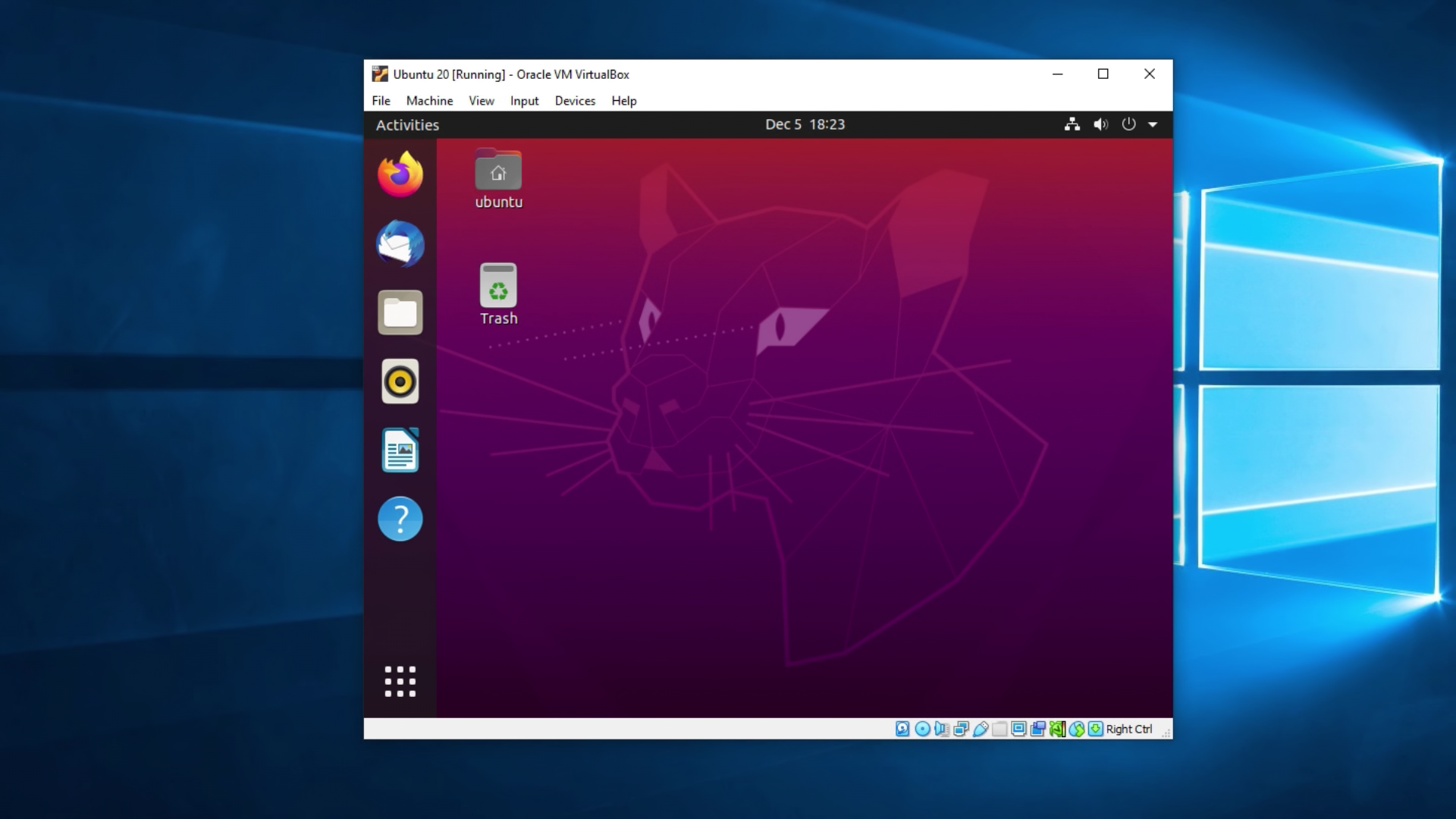
VirtualBox How To Install Ubuntu As Virtual Machine On Windows 10

How To Install A Virtual Machine On Windows 10 Using Hyper V Now Even

How To Create A Windows 10 Virtual Machine With VMware Player And
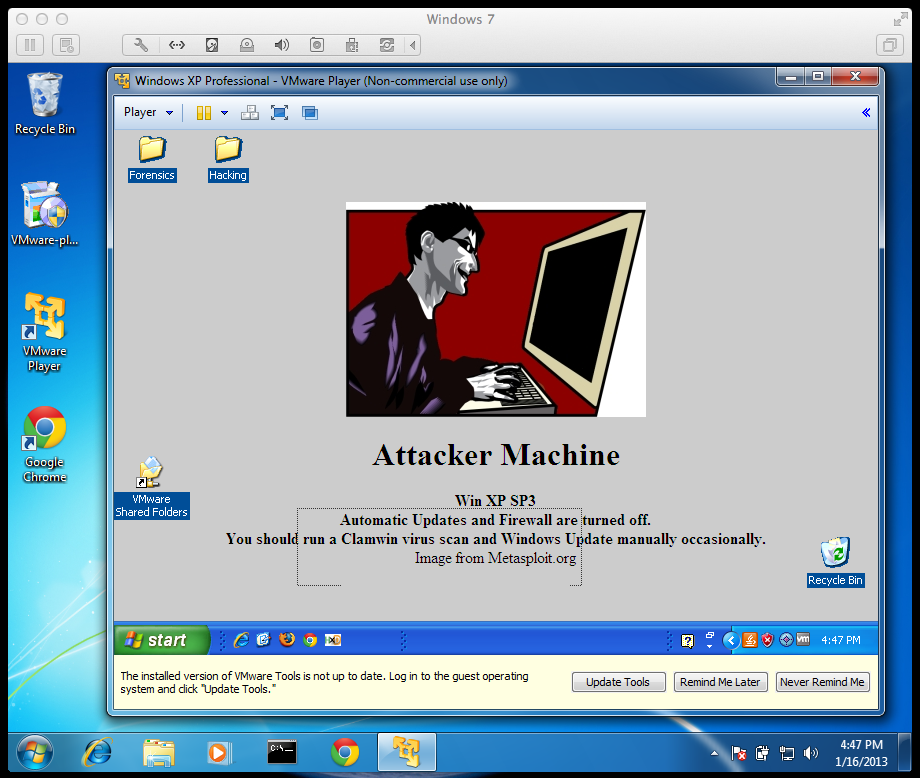
Project 1 Preparing A Virtual Windows Machine 10 Points

Crear Una M quina Virtual Con Hyper V En Windows 10 Creators Update

Virtualization Create Windows XP VM On Windows 10 Super User

Download a Windows virtual machine Windows app development Microsoft Developer Get a Windows 11 development environment Start building Windows applications quickly by using a virtual machine with the latest versions of Windows the developer tools SDKs and samples ready to go Download a virtual machine
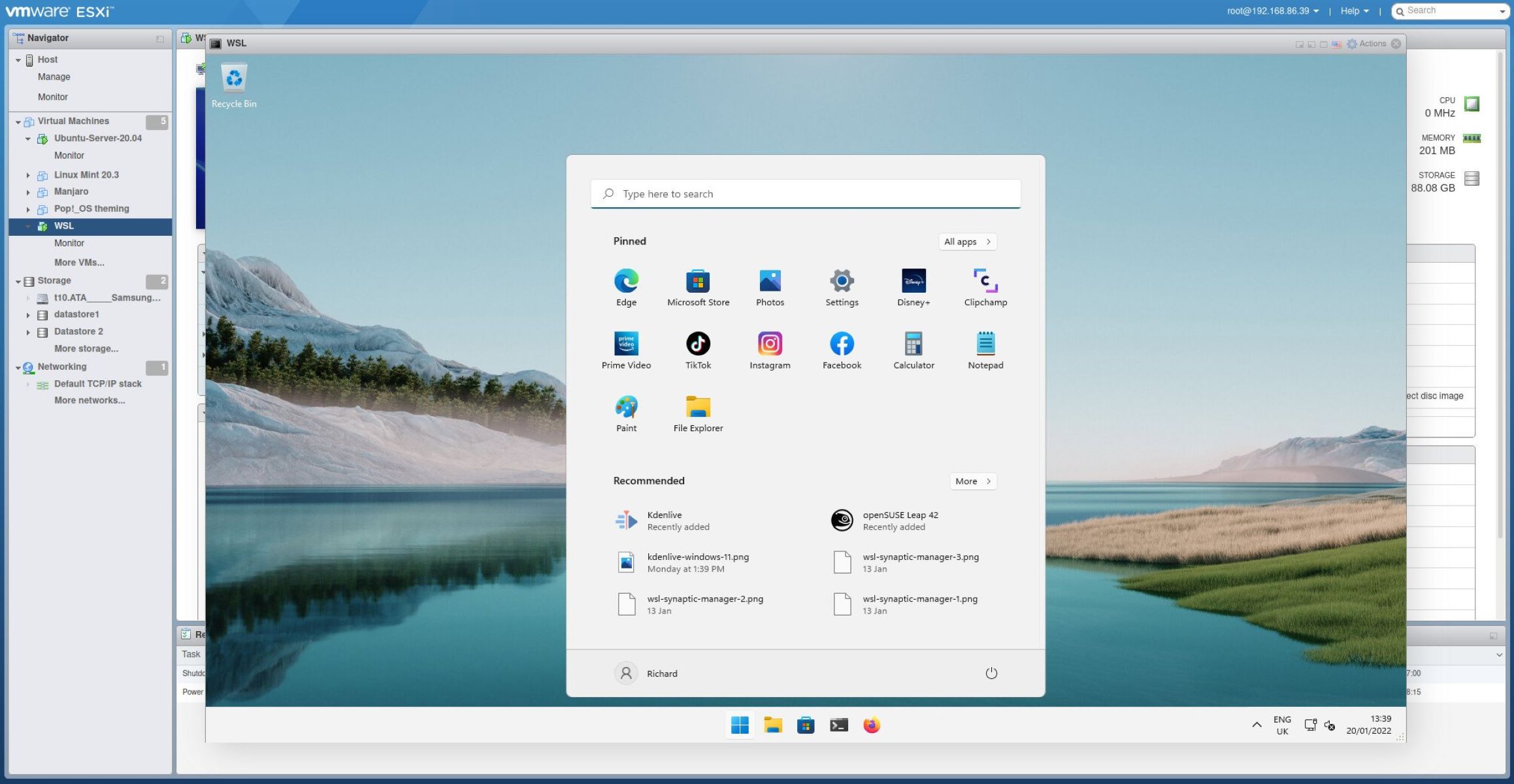
A virtual machine is a computer file typically called an image that behaves like an actual computer It can run in a window as a separate computing environment often to run a different operating system or even to function as the user s entire computer experience as is common on many people s work computers

Article 04 26 2022 4 contributors Feedback Learn how to create a virtual machine and install an operating system in your new virtual machine You will need an iso file for the operating system that you would like to run If needed grab an evaluation copy of Windows 10 from the TechNet Evaluation Center

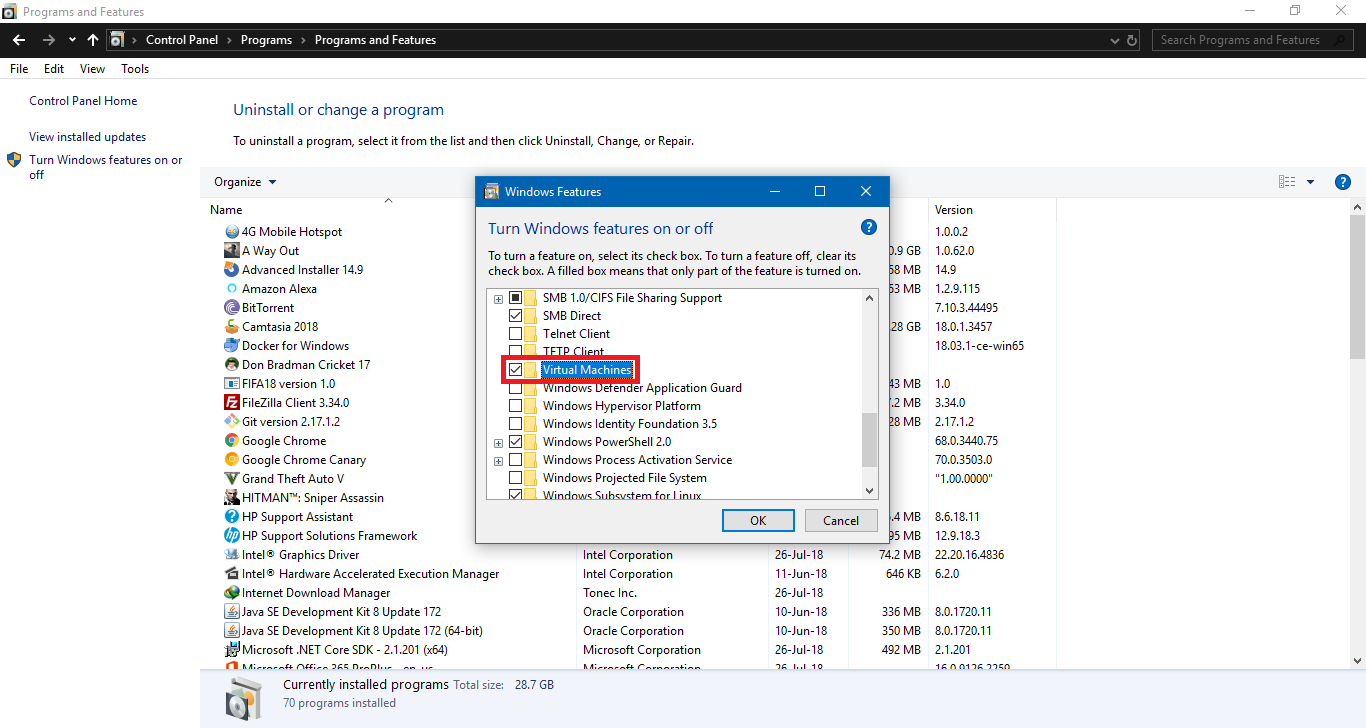
Hyper V lets you run multiple operating systems as virtual machines on Windows Hyper V specifically provides hardware virtualization That means each virtual machine runs on virtual hardware Hyper V lets you create virtual hard drives virtual switches and a number of other virtual devices all of which can be added to virtual machines

Double click the downloaded file and follow the steps to install it After installation open the program and click the Create a New Virtual Machine button From the New Virtual Machine Wizard
2 In Hyper V Manager make sure your PC s name is selected in the center pane and then in the Actions pane on the right click New Virtual Machine 3 In the New Virtual Machine wizard use A virtual machine VM is an operating system OS or application environment installed on software that imitates dedicated hardware The end user s experience when using a VM is equivalent to that of using dedicated hardware How do VMs work
Windows Virtual Machine technology is built on top of virtualization software such as Hyper V VirtualBox or VMware These virtualization platforms provide the necessary tools and capabilities to manage and run virtual machines Windows Virtual Machines offer the same functionality and capabilities as a physical Windows computer