What Is Docker Desktop Docker Tutorial For Beginners Install Docker Desktop On Mac YouTube Docker Desktop On Windows 11 Windows Docker Container Location 293725 Windows Docker Docker Docker software JapaneseClass jp Docker Web Jun 15 2021 nbsp 0183 32 Docker will use your Dockerfile to construct the image You ll see output in your terminal as Docker runs each of your instructions The t in the command tags your image with a given name my website v1 This makes it easier to refer to in the future Tags have two components separated by a colon
Web Mar 29 2022 nbsp 0183 32 By installing and using Docker Desktop you ll enjoy the following features Simple and easy to install environment to build ship and run your containers Easy way to create and manage using volumes Local and remote management of Docker images Better collaboration by sharing repeatable and Web Docker is an open source platform that enables developers to build deploy run update and manage containers standardized executable components that combine application source code with the operating system OS libraries and dependencies required to run that code in any environment
Docker Docker Desktop For Linux Docker Desktop Version Barcodemain Docker Desktop App Zombiestashok Docker Desktop 4 18 Docker Scout Updates Container File Explorer GA Docker Install On Centos 7 ServerNoobs Why Does It Tell Me This Docker Is Not Running Docker Desktop Download Docker Desktop 3 3 0 For Windows Filehippo Docker Desktop 4 19 Compose V2 Moby Project Update And New Language
What Is Docker Desktop
 What Is Docker Desktop
https://i.ytimg.com/vi/mbSsh40_8WM/maxresdefault.jpg
Web Simplify the development of your multi container applications from Docker CLI to Amazon EKS and Serverless Seamlessly bring container applications from your local machine and run them in Azure Container Instances Easily distribute and share Docker images with the JFrog Artifactory image repository and integrate all of your development tools
Templates are pre-designed files or files that can be utilized for numerous functions. They can save time and effort by providing a ready-made format and design for producing different kinds of material. Templates can be used for personal or expert jobs, such as resumes, invitations, leaflets, newsletters, reports, presentations, and more.
What Is Docker Desktop

Get Started With Docker For Remote Development With Containers

Docker Desktop For Linux

Docker Desktop Version Barcodemain

Docker Desktop App Zombiestashok
Docker Install On Centos 7 ServerNoobs

Why Does It Tell Me This Docker Is Not Running Docker Desktop

Web May 4 2020 nbsp 0183 32 Docker is a tool for running your applications inside containers Containers package all the dependencies and code your app needs to run into a single file which will run the same way on any machine What Is Docker Docker is similar in concept to Virtual Machines except it s much more lightweight
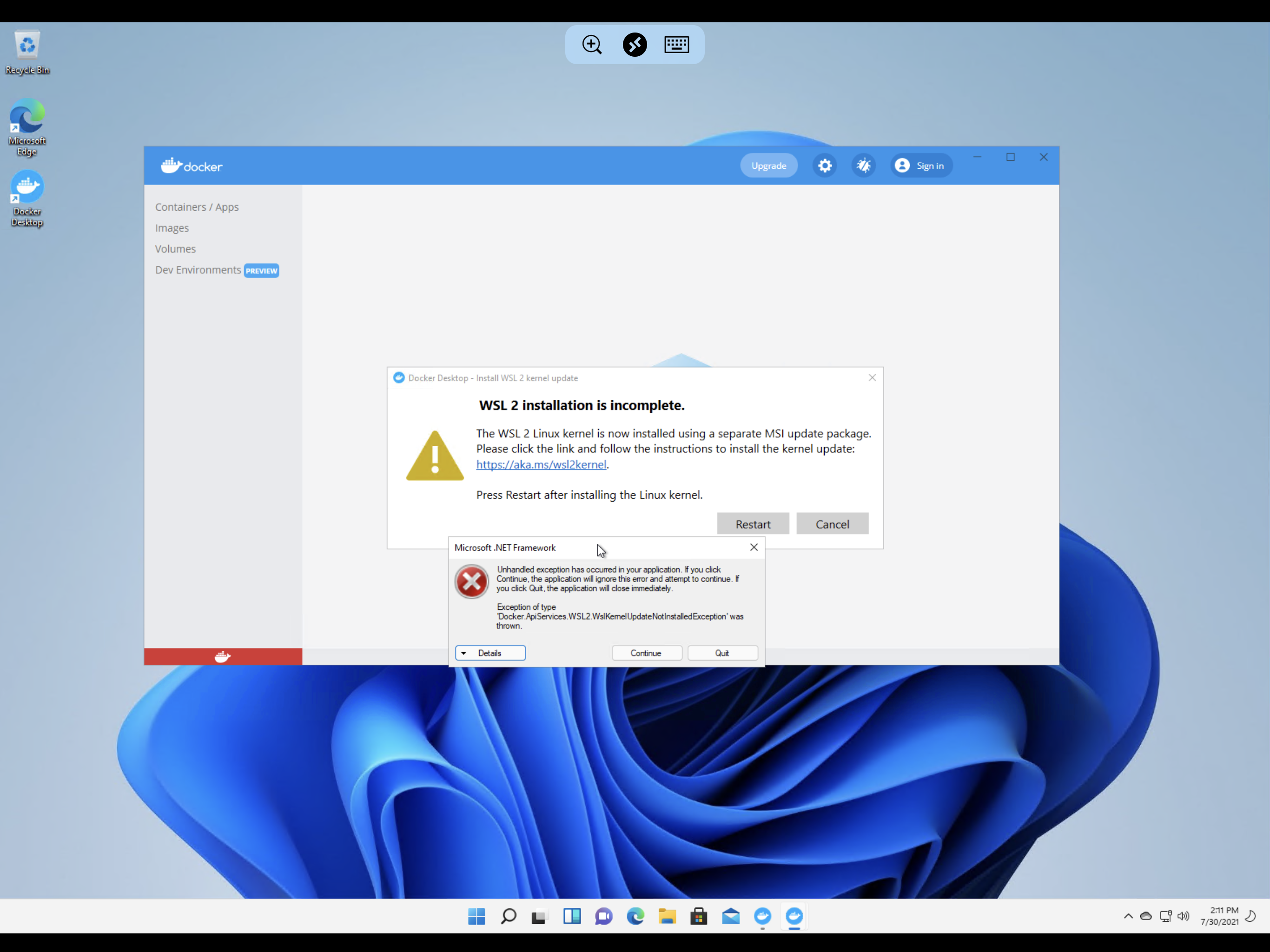
Web Nov 14 2019 nbsp 0183 32 The goal of Docker desktop is to deliver an easy to use development environment for building shipping and running dockerized apps This is a way to allow Environment Parity from the Twelve Factor App guideline and decrease the resource gap between the development and production environment
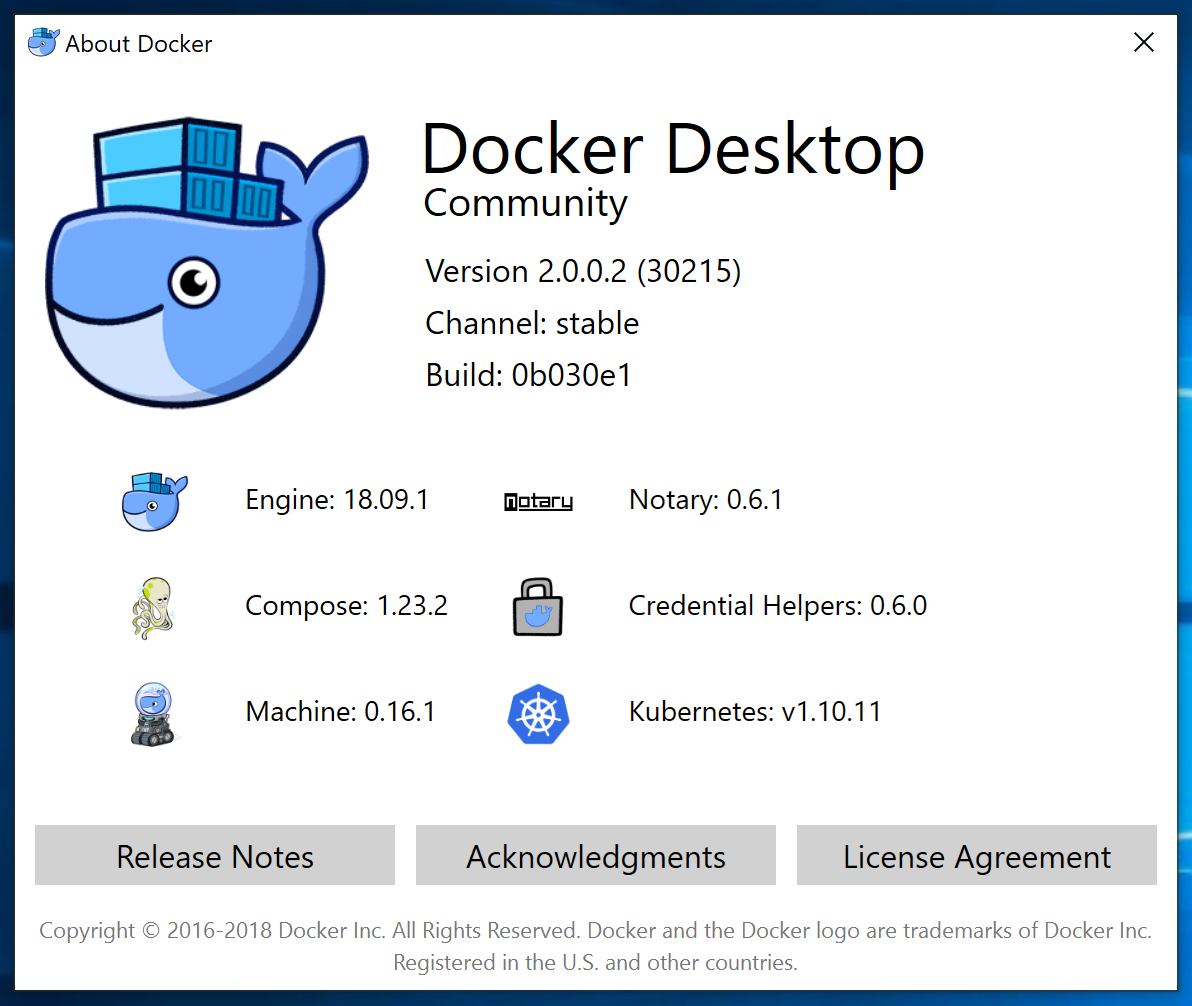
Web What s Docker Desktop The fastest way to containerize applications Docker Desktop is secure out of the box containerization software offering developers and teams a robust hybrid toolkit to build share and run applications anywhere Why developers love Docker

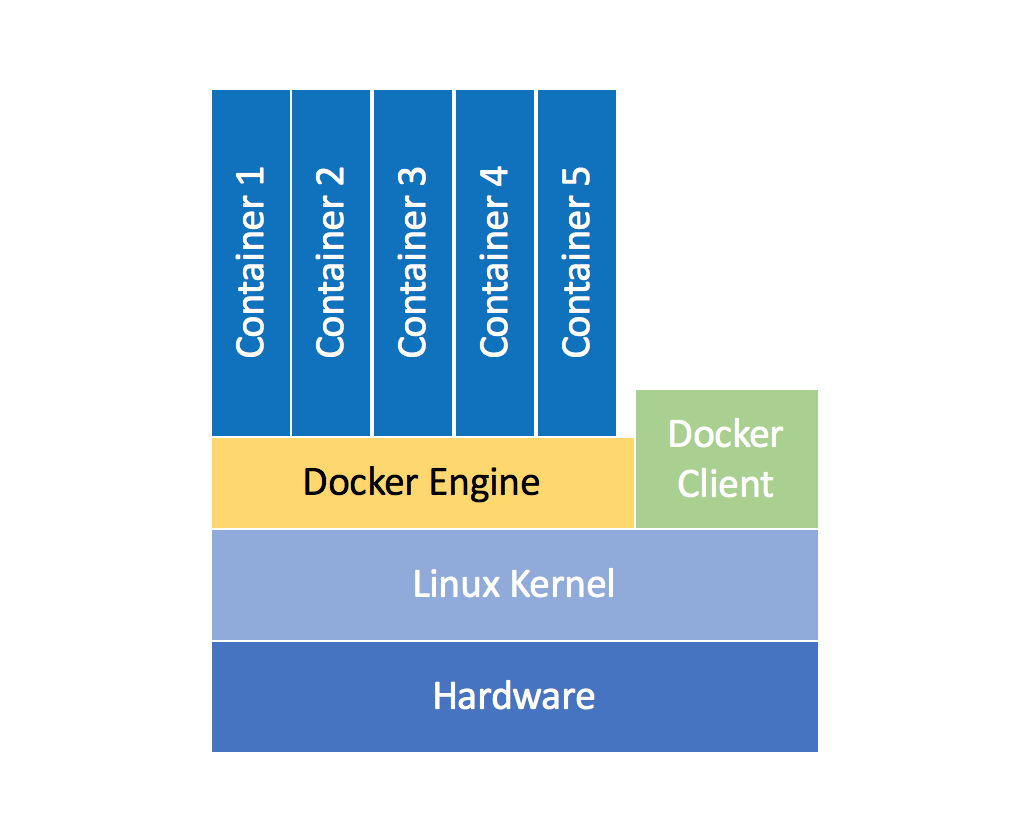
Web Docker Desktop is an easy to install application for your Mac Windows or Linux environment that enables you to build and share containerized applications and microservices Docker Desktop includes the Docker daemon dockerd the Docker client docker Docker Compose Docker Content Trust Kubernetes and Credential Helper
Web Sep 16 2021 nbsp 0183 32 Docker Desktop formerly known as Docker for Windows and Docker for Mac is an application that allows you to start creating and running containers on Windows and Mac within minutes It is a simple way of installing and setting up the entire Docker development environment
[desc-11] [desc-12]
[desc-13]