What Is Div Class Form Group CSS Class And ID Selectors TheSassWay CSS Tutorial For Beginners In Hindi What Is DIV Tag In HTML And CSS The Importance Of Dividing Your Code What Is Mark Down What Is The Difference Between Div Id And Div Class Euresisjournal Html Div Kauzoukun jp Form Group The lt b form group gt component is the easiest way to add some structure to forms Its purpose is to pair form controls with a legend or label and to provide help text and
Create horizontal forms with the grid by adding the row class to form groups and using the col classes to specify the width of your labels and controls Be sure to add col form label to Create horizontal forms with the grid by adding the row class to form groups and using the col classes to specify the width of your labels and controls Be sure to add col form label to
Html Div Kauzoukun jp What Is Div Tag In HTML How To Use Div Tag HTML Course 3 YouTube InsertHTML What Is Div In HTML What Is Div In HTML A to Z Guide For Beginners What Is Div Class dialog widget Dialog lightbox widget Dialog type What Is A Div In HTML HTML Div Tag Explanation HTML Div Tag Usage Attributes Examples What Is Div Element In Html Deals Online Save 66 Jlcatj gob mx What Is The Difference Between Div Id And Div Class Pediaa Com
What Is Div Class Form Group
 What Is Div Class Form Group
https://sasspics.thesassway.com/what_is_div_class_in_css.png
Bootstrap CSS class form group with source code and live preview You can copy our examples and paste them into your project
Pre-crafted templates use a time-saving option for producing a diverse variety of documents and files. These pre-designed formats and designs can be made use of for different individual and expert projects, including resumes, invitations, flyers, newsletters, reports, presentations, and more, enhancing the content creation procedure.
What Is Div Class Form Group

What Is Div 293 Optimised Accounting Werribee VIC

What Is Div Tag In HTML How To Use Div Tag HTML Course 3 YouTube
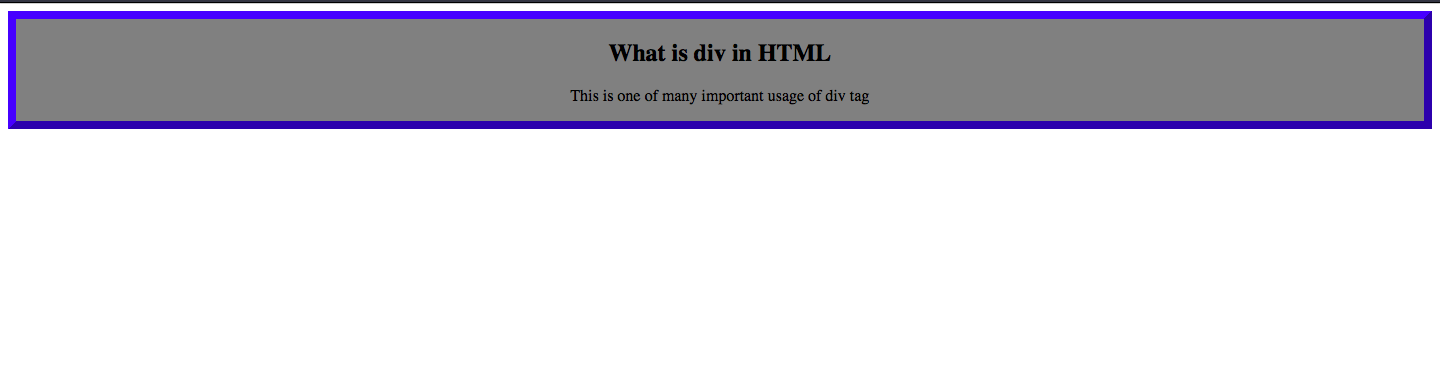
InsertHTML What Is Div In HTML
What Is Div In HTML A to Z Guide For Beginners

What Is A Div In HTML HTML Div Tag Explanation
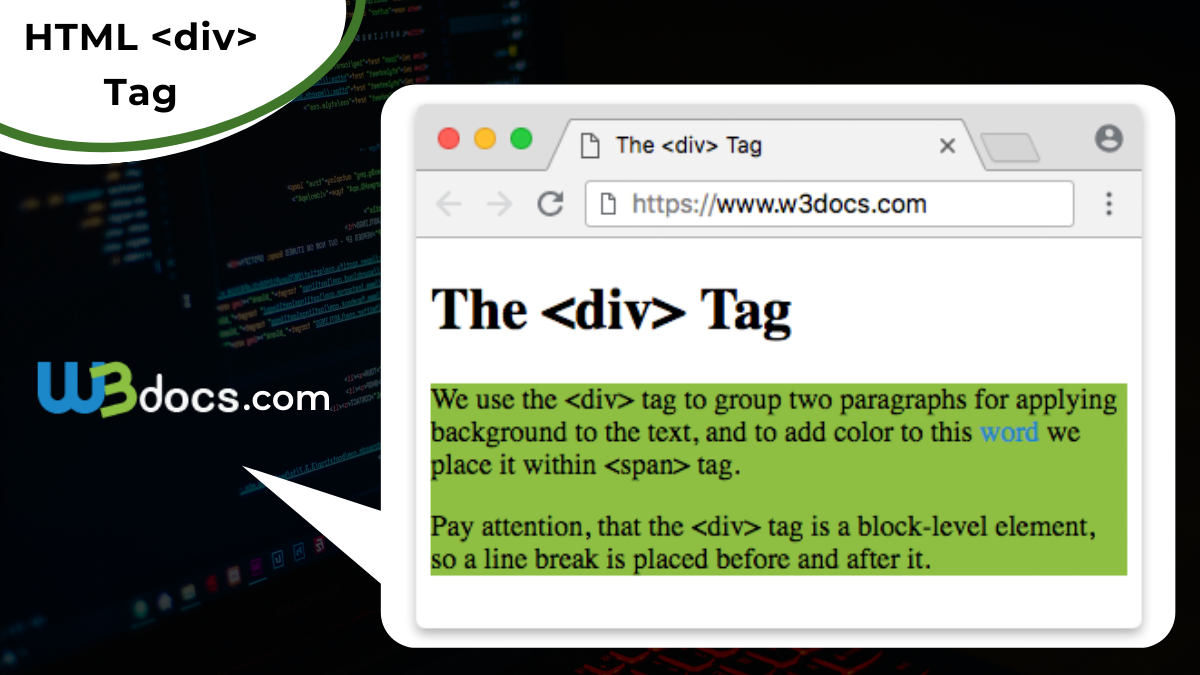
HTML Div Tag Usage Attributes Examples

Bootstrap provides three types of form layouts Vertical form this is default Horizontal form Inline form Standard rules for all three form layouts Wrap labels and form controls in lt div
Apr 25 2016 nbsp 0183 32 One noticeable difference form group will maximize the width of the control input group will only use the required width For example a row

Bootstrap provides two types of form layouts Stacked full width form Inline form Bootstrap 4 Stacked Form The following example creates a stacked form with two input fields one

Not only do form elements display differently in different browsers but most browsers limit the visual changes you can make to form controls In this video we ll start using Bootstrap s form
Easily extend form controls by adding text buttons or button groups on either side of textual inputs custom selects and custom file inputs
To use Bootstrap you must structure your form a certain way and apply CSS classes to your form elements There are 3 important rules Every field should be wrapped in a lt div gt with The input group class is a container to enhance an input by adding an icon text or a button in front or behind the input field as a quot help text quot Use input group prepend to add the help text in
Standard rules for all three form layouts Wrap labels and form controls in lt div class quot form group quot gt needed for optimum spacing Add class form control to all textual lt input gt