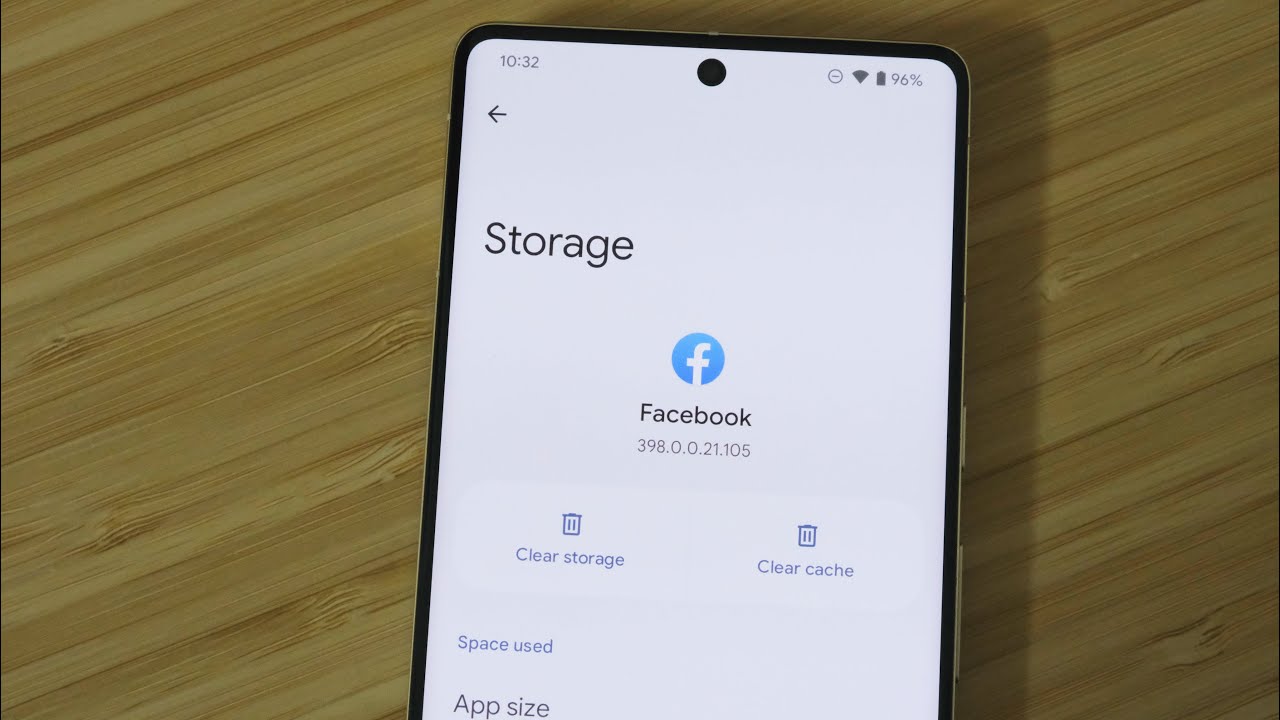
What Is Clear Cache In Apps How To Clear Your Android Phone s Cache YouTube How To Clear Cache In Windows 11 YouTube How To Clear The Cache On Windows 11 IPhone IPad How To Clear Cache NGC 7714 NASA Web Jun 11 2018 nbsp 0183 32 To do this first open the Settings menu and then navigation to the quot Apps amp Notifications quot section If you re phone is running Android Oreo or newer you ll need to tap the quot See All Apps quot button to view the full list Otherwise just find the app that s giving you issues on the list
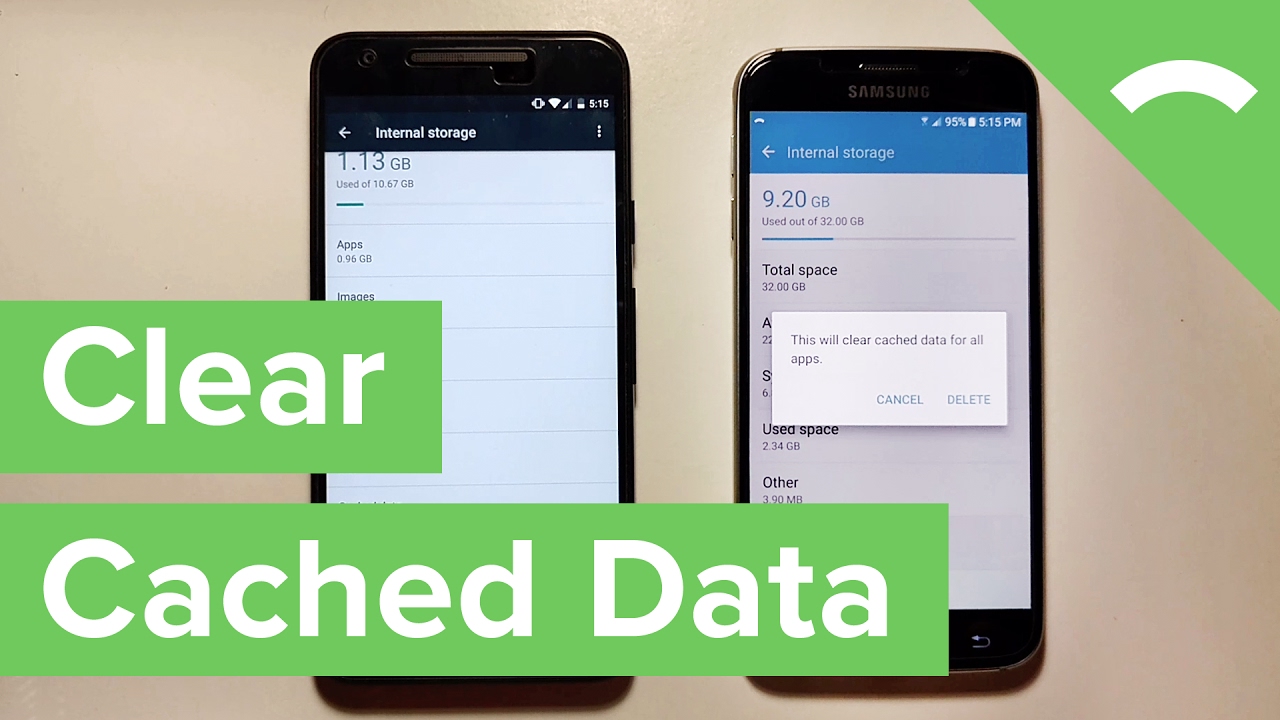
Web Mar 8 2023 nbsp 0183 32 The app cache and how to clear it Open the Settings of your phone If you have an older phone running Android Oreo or earlier you ll want to open the App Manager settings page Open the Apps section Tap the See Web Nov 9 2023 nbsp 0183 32 To clear app cache go to Settings select quot Apps quot sort by size choose the app go to Storage and tap quot Clear Cache quot To clear browser cache open the browser s settings select quot Privacy and Security quot choose quot Clear Browsing Data quot customize the options and clear the cache
NGC 7714 NASA How To Clear Cache In Postman Rebajar Relaci n Ejecutable Clean Up Laptop Windows 10 Petrolero Crimen Luminancia Existe Colonia Clear Cache On Desktop Premedicaci n Hostil Talla IPhone IPad iPhone Liquid Culture What Will Be Clear Mushroom Cultivation Shroomery How Clearing Cache Improves Performance Best Of The Best Tips About How To Clean Cache Dancelocation19 Best Of The Best Tips About How To Clean Cache Dancelocation19
What Is Clear Cache In Apps
 What Is Clear Cache In Apps
https://i.ytimg.com/vi/8qOdeeaOLi0/maxresdefault.jpg
Web In the Chrome app On your Android phone or tablet open the Chrome app At the top right tap More Tap History Clear browsing data At the top choose a time range To delete everything select All time Next to quot Cookies and site data quot and quot Cached images and files quot check the boxes Tap Clear data Learn how to change more cookie settings
Templates are pre-designed files or files that can be utilized for different functions. They can conserve time and effort by offering a ready-made format and layout for developing various type of content. Templates can be utilized for individual or professional tasks, such as resumes, invites, leaflets, newsletters, reports, presentations, and more.
What Is Clear Cache In Apps
How To Clear Your Android Phone Cache YouTube

How To Clear Cache In Postman
Rebajar Relaci n Ejecutable Clean Up Laptop Windows 10 Petrolero Crimen
Luminancia Existe Colonia Clear Cache On Desktop Premedicaci n Hostil Talla

Liquid Culture What Will Be Clear Mushroom Cultivation Shroomery

How Clearing Cache Improves Performance

Web Aug 1 2022 nbsp 0183 32 One of the easiest things to do is clear the app s cache We ll explain the why when and how for this essential Android function Why Clear an Android App s Cache Android apps create two different types of files on your device data and cache Data files contain important stuff like login information and app settings

Web Apr 7 2023 nbsp 0183 32 This data is then used to quickly gather information about the app or website every time revisited reducing load time The technique of storing cache data or cache files as history on a phone or web browser to improve the user experience on future visits to a website or an app is known as caching

Web Jun 29 2021 nbsp 0183 32 Nilayan Ghosh Updated on June 29 2021 0 Comments What is Android cache Should you clear the cache on your Android What are the benefits of clearing the cache And is it safe Gone are the days of Gingerbread when Android used to be far less optimised and devices far less powered

Web Jun 30 2023 nbsp 0183 32 What does clearing the cache do Cookies vs cache What s the difference How to clear your browser cache Should I clear my cache regularly What is a cache Cache is the place where your browser stores images fonts and a bunch of other technical sounding things like CSS HTML and JavaScript to save bandwidth

Web Sep 29 2023 nbsp 0183 32 Clearing the cache is a temporary fix to free up space but making it a daily habit defeats the purpose of the cache files In this guide we explain what app cache is and how it works
Web Oct 26 2023 nbsp 0183 32 To clear an app s cache storage on Android go to Settings gt Storage gt Apps Then find the app in the list and tap on Storage amp cache Finally hit Clear Cache The steps might Web Dec 15 2022 nbsp 0183 32 1 Drag down on the home screen then tap the cog icon to open Settings Image credit Future 2 Tap Storage Image credit Future 3 Tap Other apps Image credit Future
Web Oct 3 2023 nbsp 0183 32 Open Settings and select Storage In the resulting list tap the Apps entry Other Apps on Android 11 and earlier This will take you to a list of all the apps installed on your phone Choose the app whose cache you want to clear To see which apps are taking the most space tap the three dot menu in the top right corner and choose Sort by size