What Is Binance Google Verification Code Google Authenticator Binance How To Activate How To Add Binance To Google Authenticator Binance Tutorial 2021 YouTube What Is Google Verification Code Meine Blog How To Connect Binance To Google Authenticator easy YouTube How To Fix Binance Not Sending Verification Code Investiki Step 3 Add Binance to Google Authenticator On your iPhone or Android device open the Google Authenticator app and either tap on Begin Setup iPhone or Begin Android A prompt will appear at the bottom of the screen asking you to either Scan Barcode or Enter a Provided Key so tap on your preferred method to proceed
Now that you have already installed Google Authenticator it is time to prepare your Binance account Note if you intend to use a QR code you will need 2 separate devices 1 for Google Authenticator and another 1 for the Binance account If you only have 1 device you may later choose the alphanumeric or setup key Every 30 seconds the application will generate a new code to ensure that hackers do not compromise the verification code Reasons to use Google Auth on Binance Google Authenticator changes the Code continuously every 30 seconds to increase the account s security Google Authenticator is a reputable stable easy to use and quick install
How To Fix Binance Not Sending Verification Code Investiki How To Add Binance To Google Authenticator 2022 YouTube How To Fix Binance Not Sending Verification Code Investiki Binance Special Edition Smartphone Google Becoming A Bank MoneyGram What Is Binance Smart Chain BSC Get Google Verification Code Without Your Phone Number Next How To Enable Google Authenticator On Binance App Binance Support Google Authentication Binance Telegraph Google Verification Code For Binance
What Is Binance Google Verification Code
 What Is Binance Google Verification Code
https://i.ytimg.com/vi/snccjpPb7IA/maxresdefault.jpg
Click Copy and paste the 16 digit key Then press to continue Step 4 Open the Google Authenticator App and press Enter setup key Enter your Binance account details and the 16 digit setup key Click Add and the screen will show a 6 digit code Step 5 Verify your setup requirements with 2FA devices on Binance App including
Templates are pre-designed documents or files that can be used for different functions. They can conserve time and effort by offering a ready-made format and layout for producing different type of material. Templates can be utilized for individual or expert jobs, such as resumes, invitations, flyers, newsletters, reports, discussions, and more.
What Is Binance Google Verification Code

Como Usar O Google Authenticator Na BINANCE YouTube

How To Add Binance To Google Authenticator 2022 YouTube

How To Fix Binance Not Sending Verification Code Investiki

Binance Special Edition Smartphone Google Becoming A Bank MoneyGram
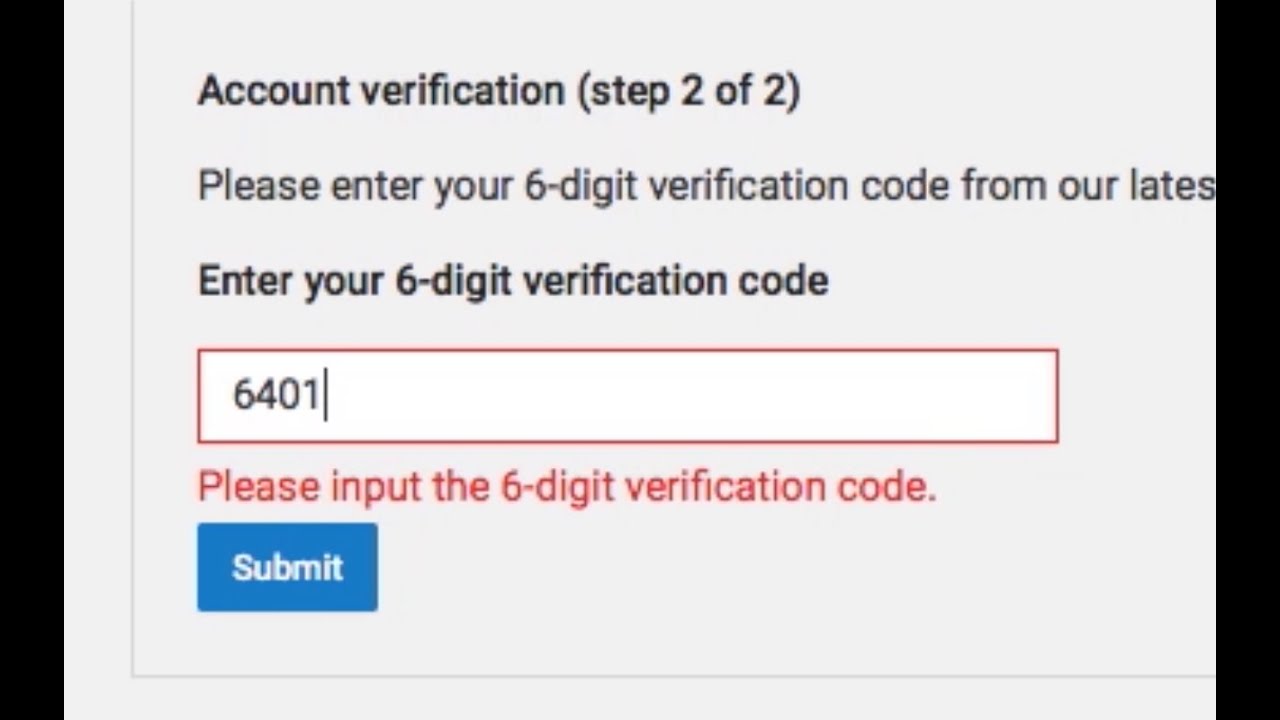
Get Google Verification Code Without Your Phone Number Next
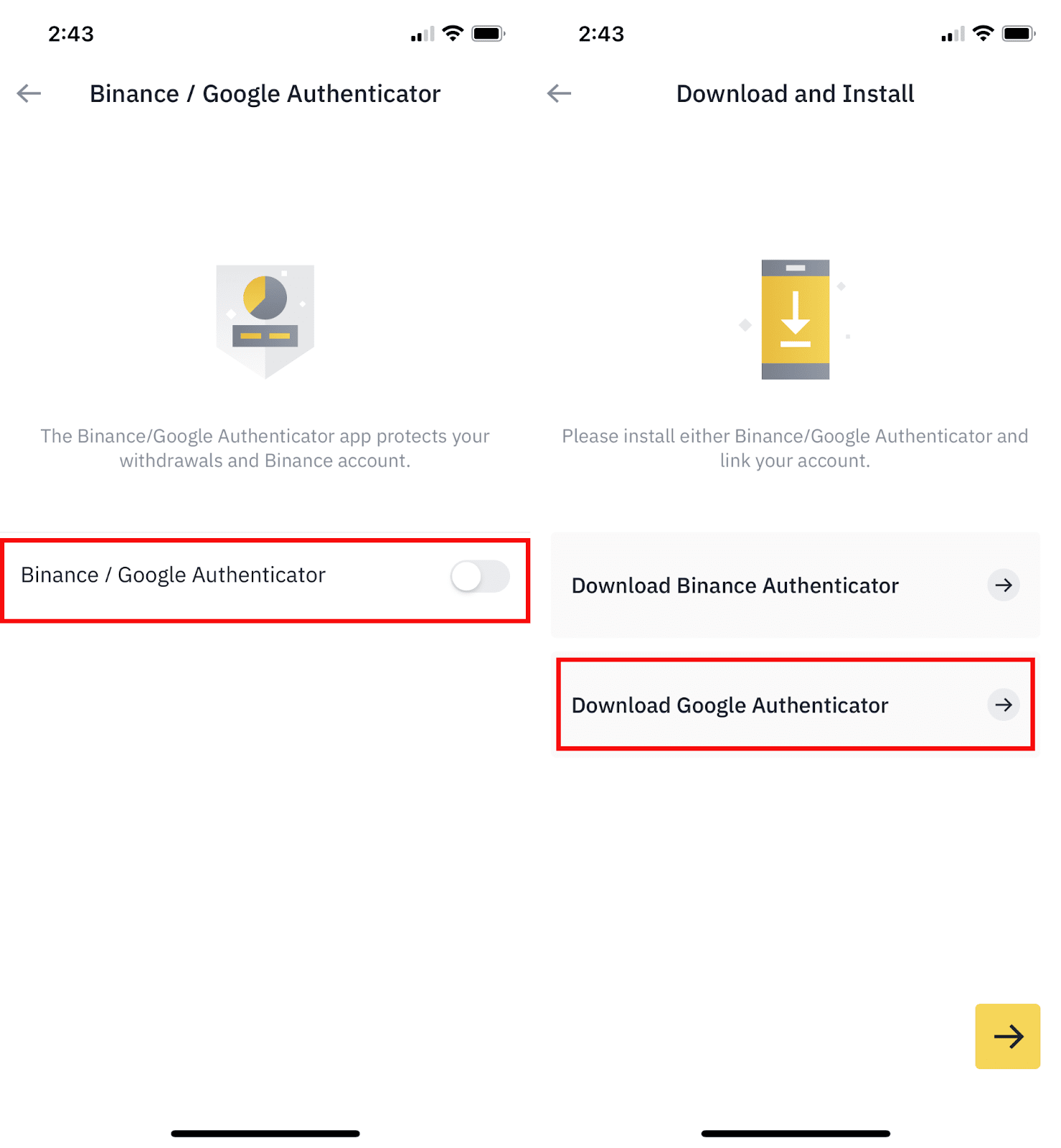
How To Enable Google Authenticator On Binance App Binance Support

1 Click Security in the drop down menu in the top right of your screen 2 Click on the two factor authentication method you would like to reset SMS or Google Authenticator You can also use most 2FA apps that provide 6 digit codes while still selecting Google Authenticator as your 2FA option

If you receive a 2FA code error message after entering the code from your Google Authenticator you may Synchronize the time on your phone with the device from which you re attempting to log in Use the incognito mode on your browser to log in Clear your browser cache and cookies and try logging in again Log in to your Binance account

Select Google Authenticator On your mobile device open the Google Authenticator app and locate your Binance account Note that each account in the app is represented by a unique code Enter the six digit verification code that is currently displayed in your Google Authenticator app into the Binance website

Next check the box to confirm your age and agreement to Binance US policies Then click the Create Account button 3 You ll receive an email requesting your confirmation to complete the registration process with a verification code Open the email and copy the verification code

If you are disabling Google Authenticator enter your password then enter the current Authenticator code for Binance US in your Google Authenticator app Then tap Next If you are disabling SMS 2FA enter your password then enter your phone number and tap Send SMS Enter the Authentication code sent to your mobile phone via SMS
With Google Authenticator you can enhance the protection of your account by requiring a unique verification code in addition to your regular login credentials Once you have set up Google Authenticator on your mobile device it generates a new verification code every few seconds This code is used together with your Binance login credentials A Google verification code provides added security for your Google accounts A Google verification code is a short numeric code that is sent directly to you usually via phone or email to verify
If your code is still incorrect sync your Android device On your Android device open the Google Authenticator app In the top right select More Time correction for codes Sync now On the next screen the app confirms the time is synced To sign in you can use your verification codes The sync only affects the internal time of your Google