What Is A Menu Bar Explain A Simple Introduction To Mac Menu Bar Menu Closing On Hover Was How To Draw Menu item To The Left From Menu Simple Bar Menu Template MyCreativeShop Menu On Behance How To Declutter Your Mac s Menu Bar Using Hidden Bar The meaning of MENU BAR is a narrow section across the screen in a computer program and that shows the names of available operations
Alternatively called the file menu a menu is a list of commands or choices offered to the user through the menu bar Menus are used in GUI graphical user interface operating systems to allow the user access to program features 2 Answers Tabs are considered to be related to each other where as Navigation Bar are not Tabs are generally used to segregate data are somehow related Like A profile can be displayed in Tabs where it can be divided in Personal Professional Education tabs It is mainly used to show data about the same hierarchy but different in nature and
How To Declutter Your Mac s Menu Bar Using Hidden Bar Problem Menu Bar Extras With SwiftUI Uncover Excelvisibility Add A Menu Toolbar To Microsoft Edge Win Big Sports Menu On Behance Macos Menu Bar Cheapest Factory Save 58 Jlcatj gob mx How To Add A Menu Bar To Your Website Stylish Curves Windows 7 Menus Design Basics Win32 Apps Microsoft Learn Responsive Navigation Menu Bar Using Simple HTML And CSS YouTube Mobile Menu Bar Mobile Menu Design App For Shopify Mobile Menu Pro
What Is A Menu Bar Explain
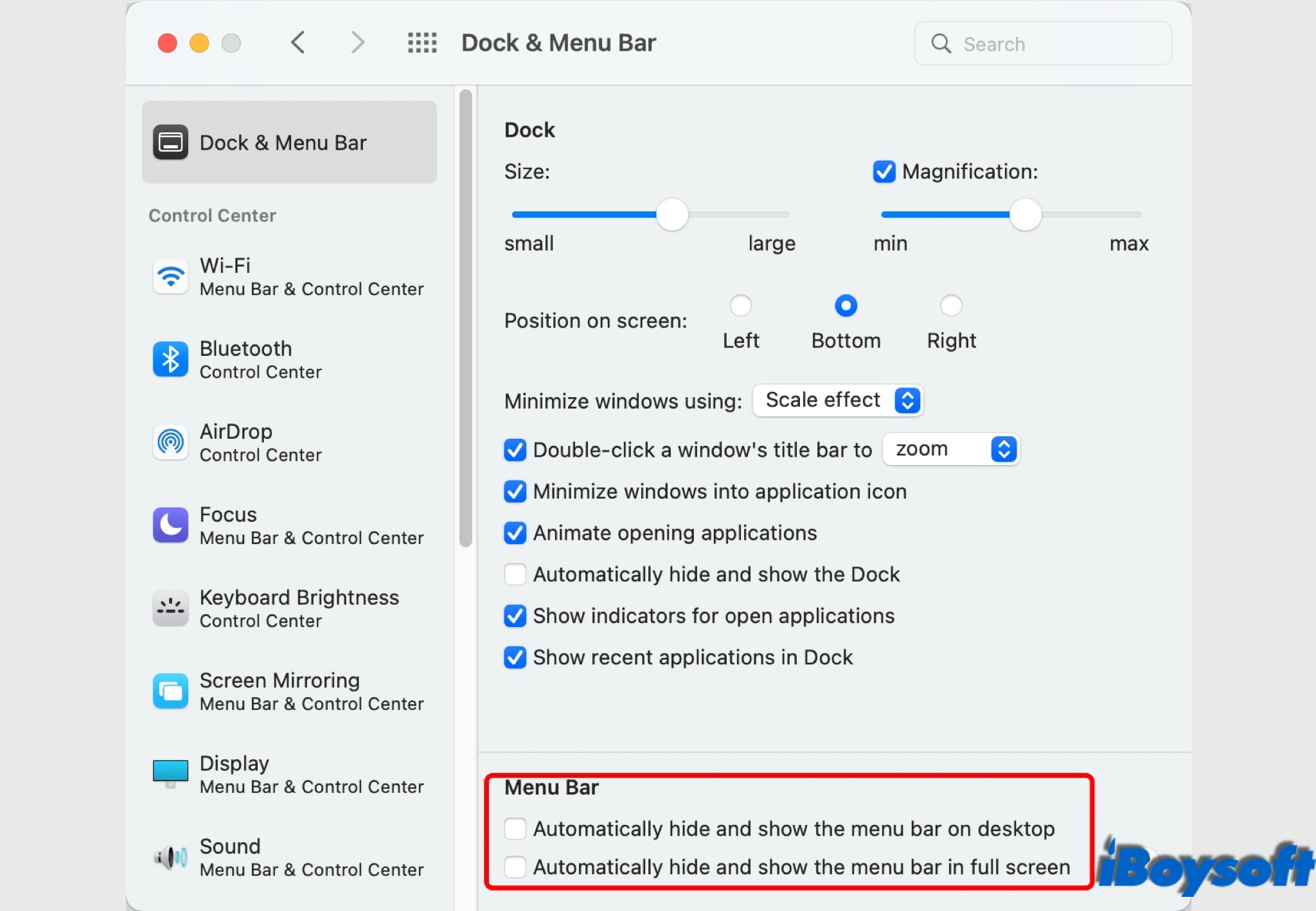 What Is A Menu Bar Explain
https://iboysoft.com/images/en-wiki/mac-menu-bar/disable-automatically-hide-show-menu-bar.jpg
Noun C uk us Add to word list IT a row of menus along the top of a computer screen from which you can choose the one you want
Templates are pre-designed files or files that can be utilized for numerous purposes. They can conserve time and effort by providing a ready-made format and design for producing different sort of content. Templates can be utilized for individual or professional jobs, such as resumes, invites, leaflets, newsletters, reports, discussions, and more.
What Is A Menu Bar Explain

WxPython Tutorial 11 Creating A Menu Bar YouTube

Problem Menu Bar Extras With SwiftUI Uncover Excelvisibility
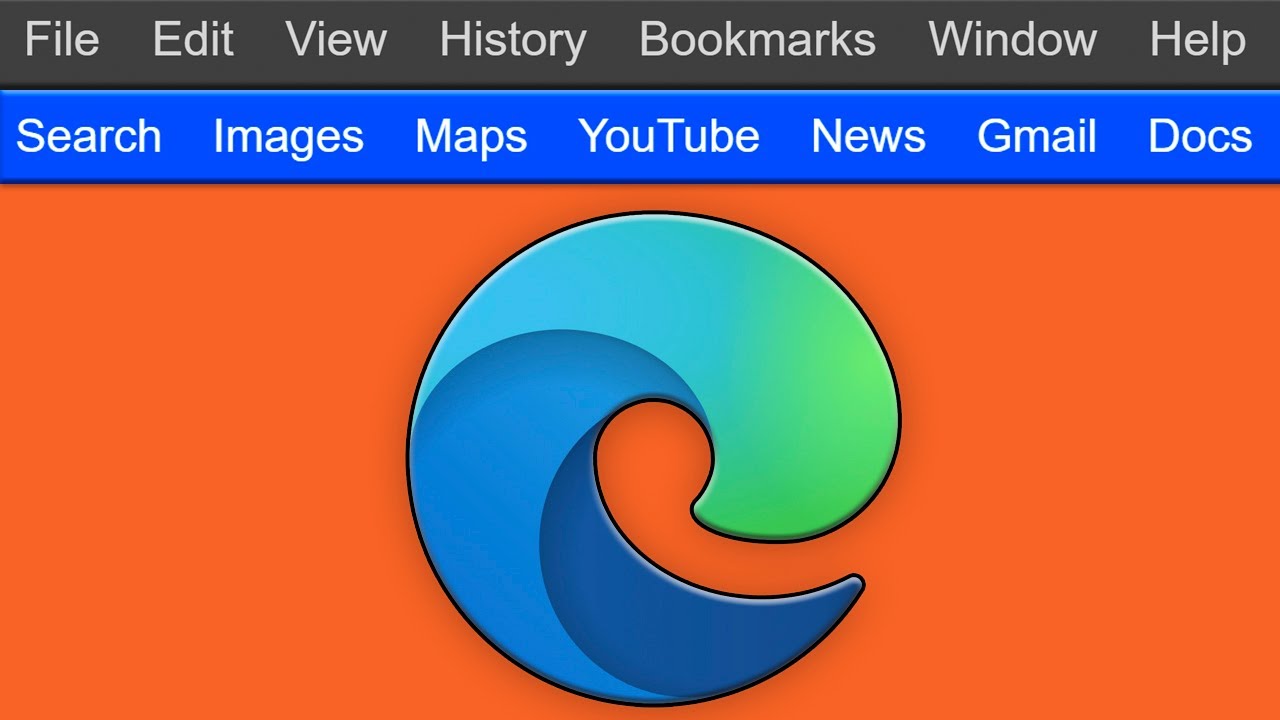
Add A Menu Toolbar To Microsoft Edge Win Big Sports

Menu On Behance

How To Add A Menu Bar To Your Website Stylish Curves
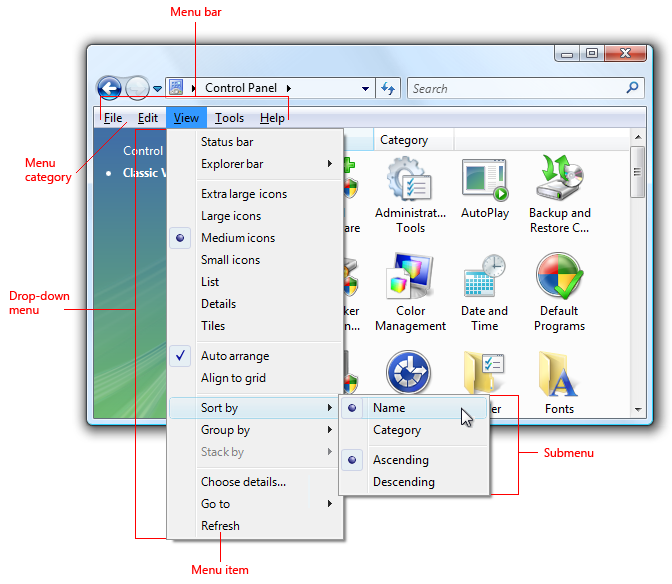
Windows 7 Menus Design Basics Win32 Apps Microsoft Learn

Menu bar A menu bar is a graphical control element which contains drop down menus The menu bar s purpose is to supply a common housing for window or application specific menus which provide access to such functions as opening files interacting with an application or displaying help documentation or manuals
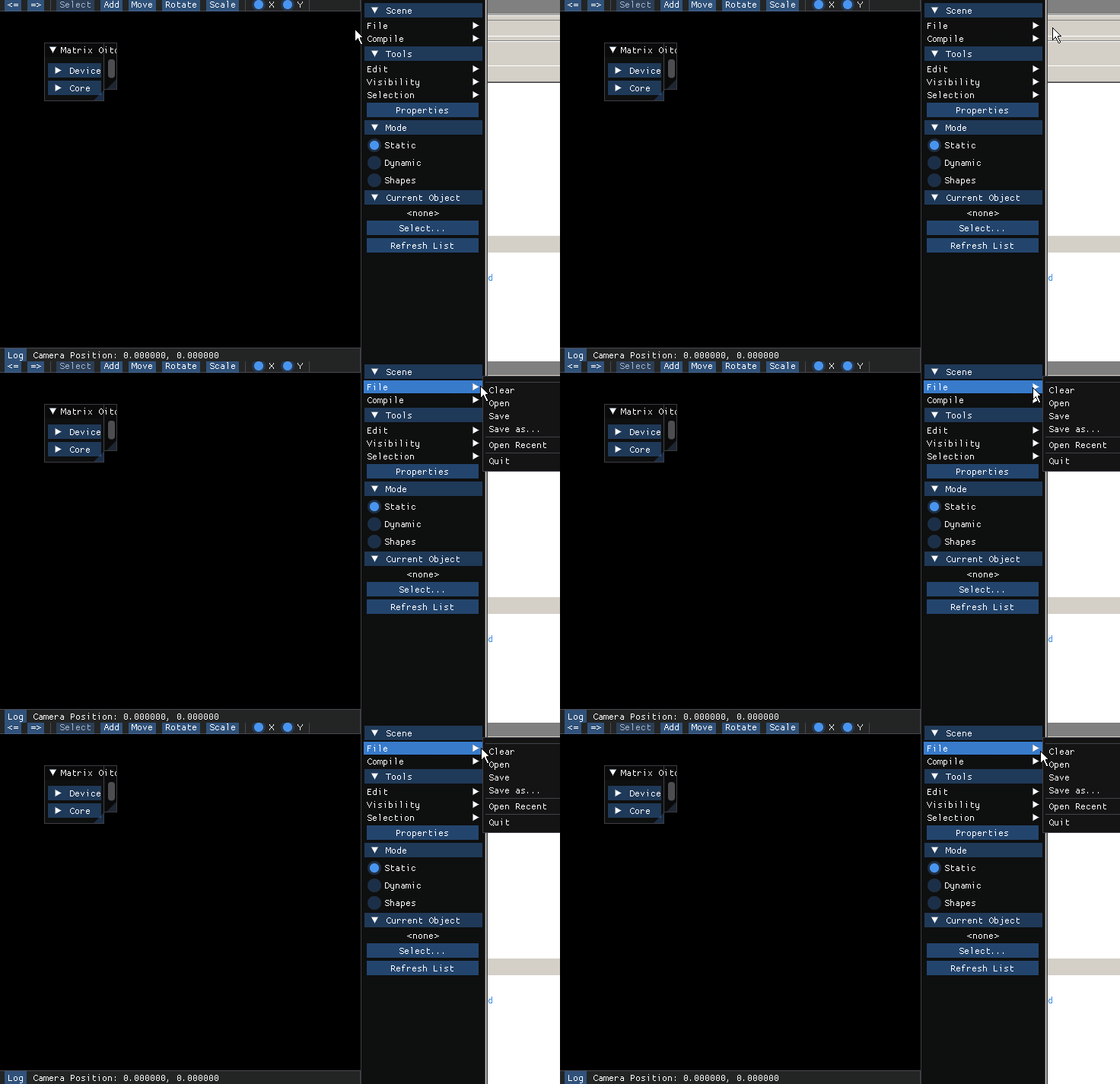
A menu bar is a row or strip of menu items titles that when clicked display dropdown menus of other items or commands A menu bar is an integral graphical user interface GUI component for a variety of software applications In Windows a menu bar is located at the top of an application window

Menu Bar A menu bar is a user interface element that contains selectable commands and options for a specific program In Windows menu bars are typically located at the top of open windows In OS X the menu bar is always fixed at the top of the screen and changes depending on what program is currently active

A menu bar is typically placed at the top of a website ensuring consistent access to essential sections or pages regardless of the user s current location within the site This allows users to easily switch between different sections and maintains a cohesive user experience regardless of the page they are currently viewing

A menu is a set of options presented to the user of a computer application to help them find information or execute a function Menus are common in GUIs provided in OSes such as Windows and macOS They re also used in speech recognition and on internet websites and web pages Menu explained
Start menu Those four little squares in the bottom left of the screen are the Windows button Click it and you ll get access to some of your favorite programs and the ability to browse a full A menu bar is a graphical user interface element used in many computer applications situated on the top of the window just below the title bar It provides users with access to commonly used functions within an application and can be used to navigate through menus of commands or list options
System Preferences Apple s operating system s menu bar is truly old school it s been around for as long as there have been Macintoshes The menu bar is extensible though some users may not realize just how much so we ll show you the many ways you can add functionality to it