What Does Remove Preview Mean On Facebook What Does Remove Follower On Twitter Mean YouTube What Does Featured Mean On Facebook What Does DTW Mean On Facebook TechCult What Does Bump Mean On Facebook ITGeared Qu Significa BWT En Facebook Mejora Tus Habilidades Sociales En La How to remove preview when posting links in status I want to post a link in my status but I don t want to show the preview Also if possible I want to change the name of where the link is going I have an idea to rickroll people but fb keeps showing the preview and the name of the youtube page 1 3 comments DudeWithAPonyTail 9 yr ago
Better Facebook Firefox Opera Safari Chrome Greasemonkey Better Facebook is an add on which does more than just remove the annoying lightbox In fact some might argue that it does far too much Better Facebook adds themes tabs allows you to mark items in your news feed as read mute notifications from follow up comments remove recent activity displayed in your profile and much much Select the Facebook tab and enter the desired link URL in the post description The link metadata preview will be generated and be displayed in the post preview on the right hand side of the screen You can find the cross icon at the top right corner of the post preview Click the cross icon and the link metadata preview will be removed
Qu Significa BWT En Facebook Mejora Tus Habilidades Sociales En La Preview Meaning YouTube What Does Google Instant Preview Mean For Your Website What Does Take A Break Mean On Facebook What Does Bump Mean On Facebook Explained Nvidia Could Be Up To Something Odd With Next gen Blackwell GPUs And Two Factor Authentication For Facebook Guideover What Does Facebook App Manager Do What To Know What Does ISO Mean On Facebook Social Buddy
What Does Remove Preview Mean On Facebook
 What Does Remove Preview Mean On Facebook
https://i.ytimg.com/vi/-_wZJgP3K-M/maxresdefault.jpg
A Wide Variety of Rich Content Now if a user posts a URL into a comment field and publishes a preview of the URL s content will appear in line The author can then click Remove preview if
Templates are pre-designed files or files that can be used for various purposes. They can conserve time and effort by providing a ready-made format and layout for developing various sort of material. Templates can be utilized for personal or professional projects, such as resumes, invites, leaflets, newsletters, reports, presentations, and more.
What Does Remove Preview Mean On Facebook

The Emojons Are All Different Colors And Sizes But They Have Hearts On

Preview Meaning YouTube
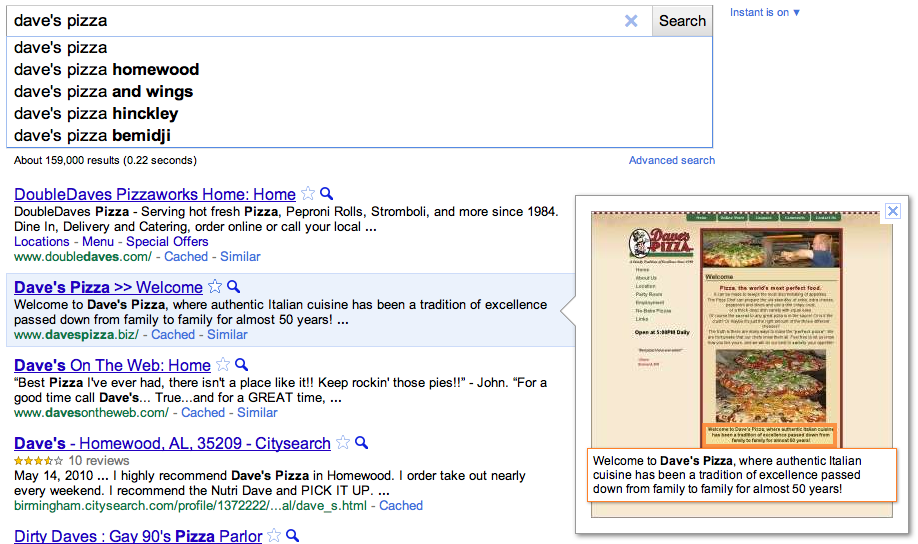
What Does Google Instant Preview Mean For Your Website
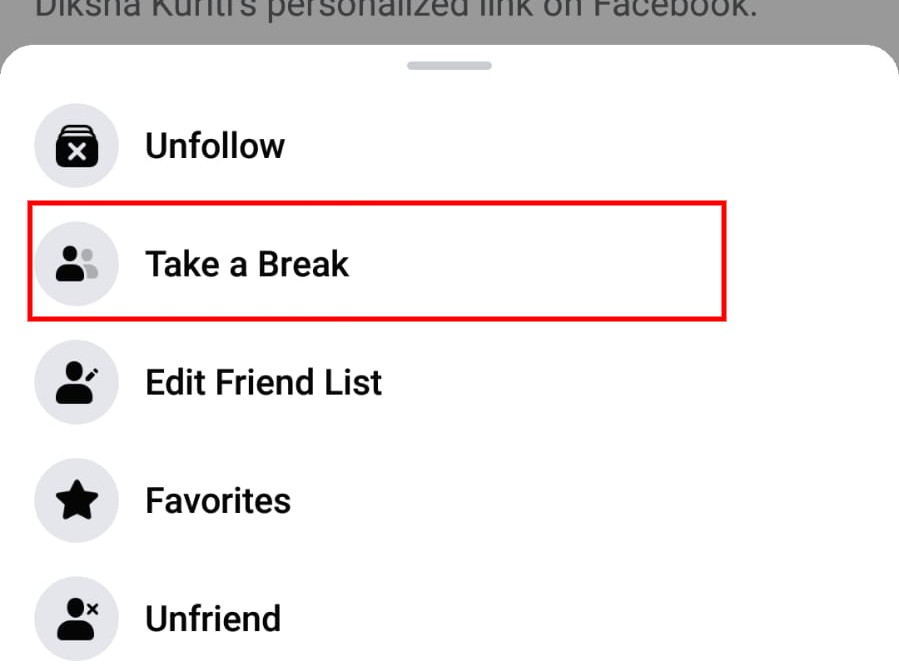
What Does Take A Break Mean On Facebook
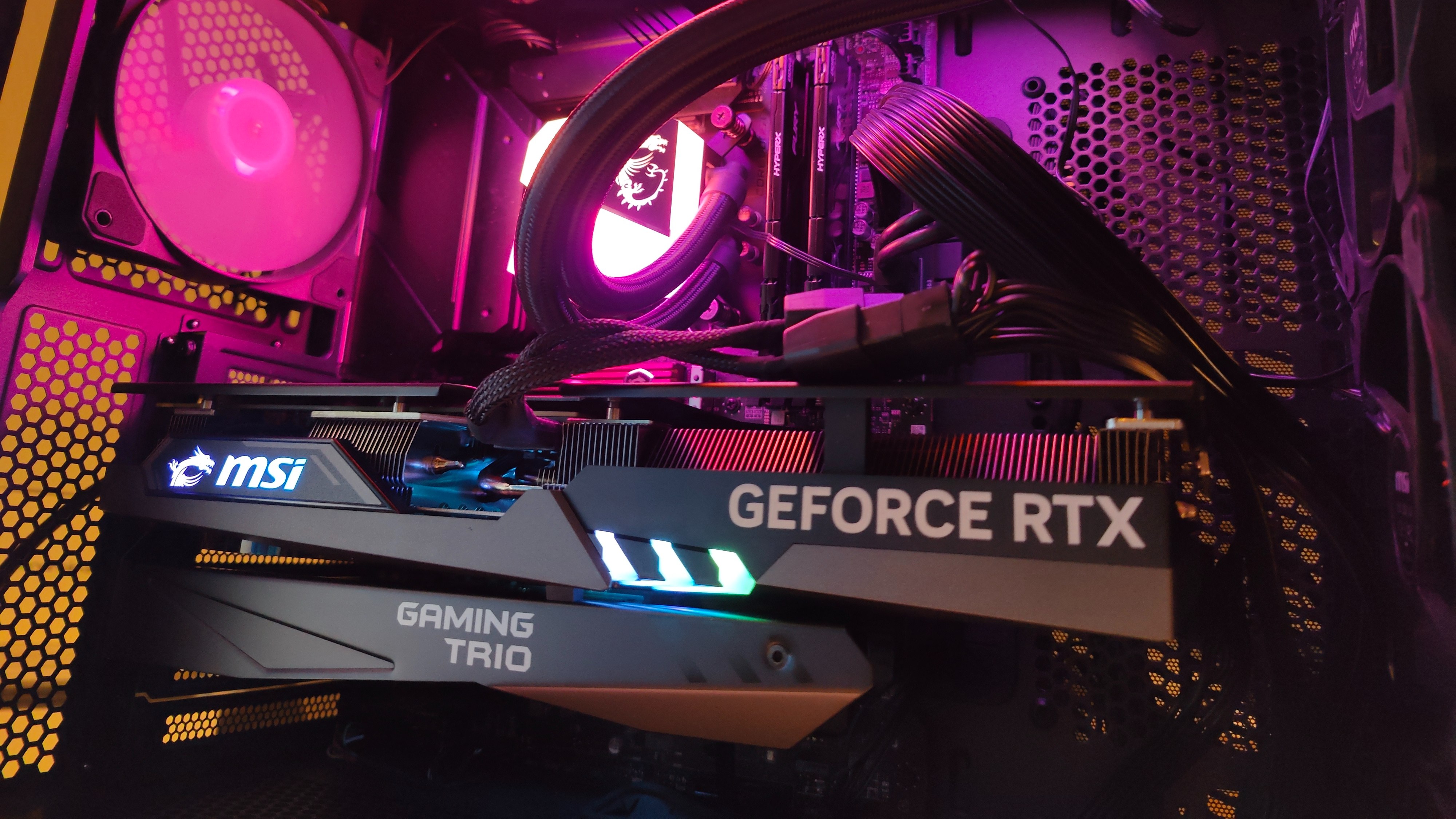
Nvidia Could Be Up To Something Odd With Next gen Blackwell GPUs And

Two Factor Authentication For Facebook Guideover

Tap Settings Privacy then tap Settings Scroll down and tap Followers and Public Content Next to Off Facebook Previews select On or Off Learn more about controlling who can see what you share Was this helpful You can enable or disable previews when your public group posts are shared off Facebook

2 Delete and Reinstall the Facebook app on the iPhone Sometimes uninstalling and reinstalling an app can solve problems like this It s worth a try if the in app solution doesn t work

After your invitation is approved by an admin or moderator you can use preview mode for 28 days If you interact with posts from a group that you ve been invited to your invitation will extend for an additional 28 days If you don t interact with group posts for 28 days preview mode will expire You can leave a group at any time

How to Remove a preview on Facebook which is required by quite a few groups when posting a link 1 Go to your browser put in www facebook2 Press the

About listings in review on Facebook Marketplace We suggest following the guidelines from the Centers for Disease Control and Prevention CDC for how to stay healthy and help prevent the spread of coronavirus COVID 19 while buying and selling Be sure to check and follow local laws and directives that may be in place during this time
Simply enter your link and Facebook will take a look at it for you If you make changes to your website or if your preview is out of date click the Scrape Again button to force Facebook to update its cached version of your link preview Facebook caches these previews for approximately 30 days to speed up their system November 7 2022 by World Wide FAQS Your public group posts can appear off Facebook if your post was shared on another app or website You can enable or disable previews when your public group posts are shared off Facebook Previews may include your username your profile image and any other content from your original post
Following are the steps you need to follow Open the Facebook app or the web version on your PC Enter the relevant login information and finish logging into the portal Navigate to Settings and Privacy and tap on Settings