What Does Paint Format Do In Google Sheets What Is RenderForm RenderForm Can You Create Graphs In Google Sheets YouTube Google Docs Paint Format Tool YouTube How To Deselect In Google Sheets SpreadCheaters How To Copy Conditional Formatting In Google Sheets YouTube Use Paint Format in Docs Fire up your browser head to Google Docs and open a document Highlight the text you want to copy the format of and then click on the Paint Format icon in the toolbar After it s enabled your cursor turns into a paint roller to show you the format was copied Highlight the text you want to apply the format to and
On your computer open a Google Docs Sheets or Slides file Select the text range of cells or object you want to copy the format of In the toolbar click Paint format Your cursor icon will change to show you re in paint format mode Select what you want to paste the formatting onto The formatting will change to be the same as the The Format paint icon located on the toolbar next to the web clipboard allows you to set one area of text to the format you want font style size type colour bold italics etc and copy that format to other areas of text Double clicking the format paint icon will lock the paint allowing you to select multiple areas of text to be changed
How To Copy Conditional Formatting In Google Sheets YouTube Google Sheets Beginners Paint Format 10 Yagisanatode How To Add Color To A Tab And Use Custom Colors In Google Sheets YouTube How To Add Data Labels In Google Sheets FileDrop Paint Format Tool In Google Sheets YouTube How To Fix The FILTER Has Mismatched Range Sizes Error In Google Sign In Sheet Template Google Docs Just Want A Script Breakdown Sheet Google Sheets Add on With Real Time Financial Data Twelve Data Google Sheets Is Making Its Spreadsheets Even Smarter But You ll
What Does Paint Format Do In Google Sheets
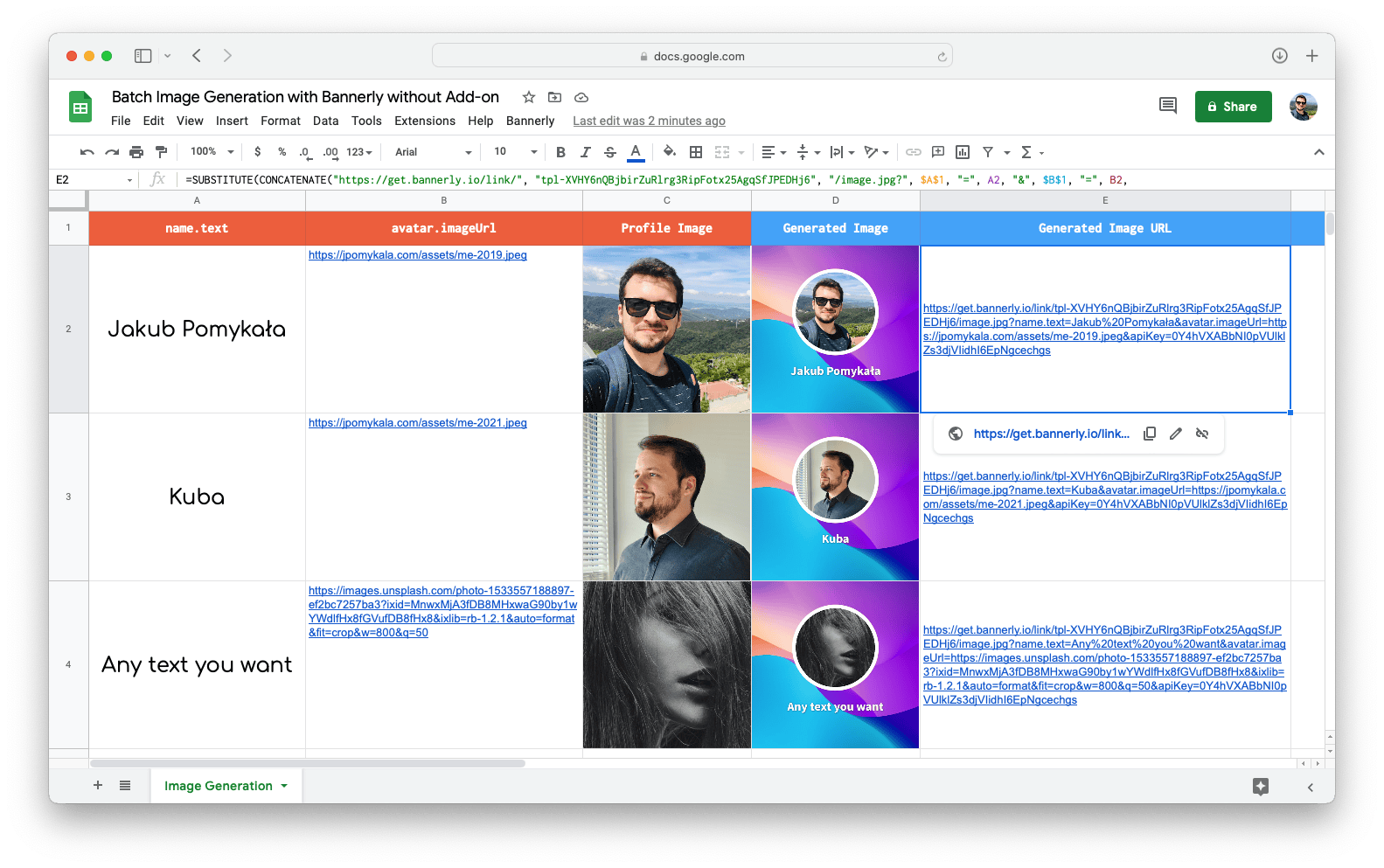 What Does Paint Format Do In Google Sheets
https://renderform.io/blog/generate-unique-images-with-google-sheets.png
SUBSCRIBE to Learn Adopt Grow https bit ly 3cAOw13Watch this video to learn how to copy format using Paint Format in Google Sheet How to use format
Pre-crafted templates provide a time-saving option for creating a varied range of documents and files. These pre-designed formats and designs can be used for numerous individual and expert projects, including resumes, invites, leaflets, newsletters, reports, discussions, and more, improving the material creation process.
What Does Paint Format Do In Google Sheets

The Step By Step Instructions How To Create A Pixel Art Mystery

Google Sheets Beginners Paint Format 10 Yagisanatode

How To Add Color To A Tab And Use Custom Colors In Google Sheets YouTube

How To Add Data Labels In Google Sheets FileDrop

How To Fix The FILTER Has Mismatched Range Sizes Error In Google

Sign In Sheet Template Google Docs Just Want A Script Breakdown Sheet
Format Painter The format painter is a command which lets you copy formatting from one cell to another It is a great tool which saves you lots of time The Format painter can be used to copy to single cells or ranges Format Painter is used by clicking on its button in the Ribbon

This help content information General Help Center experience Search Clear search

Start by selecting the cell or range of cells with the formatting you want to copy Click on the Paint Format tool Select the top left cell of the range where you want to apply the formatting Click once to apply the formatting You can then repeat this process to copy the formatting elsewhere Cookie
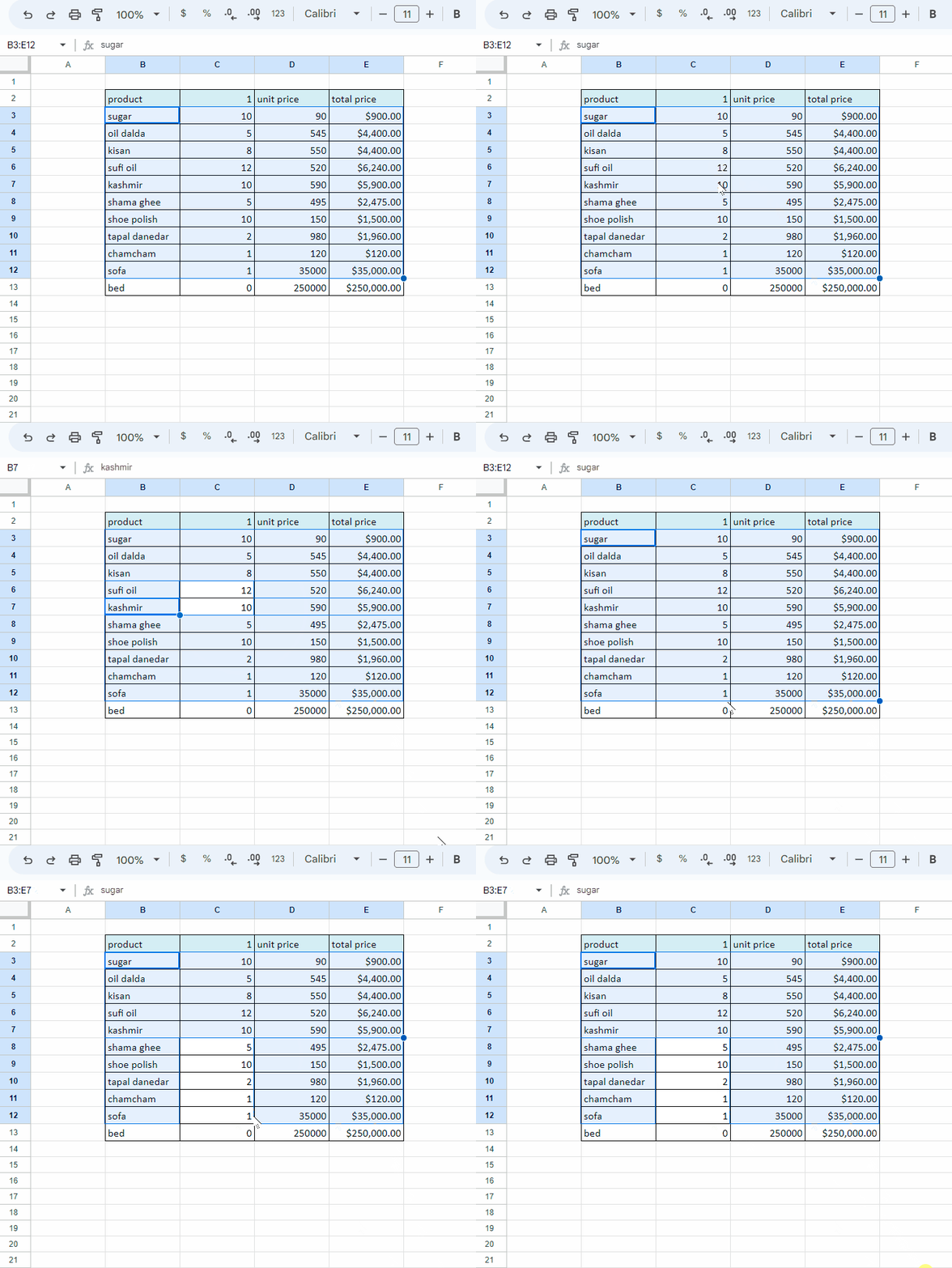
Click the paint format paintbrush icon to copy format click the first cell you want to copy that format to That cell will receive the copied format click the next cell or range of cells you want that same format copied to Use ctrl click to select multiple non adjacent cells Can select non adjacent cells only if you selected just 1 cell

Everything you need to know about using the paint format format painter tool in google sheets In this short video I cover what paint format is in google she
Format painter Format painter allows you to copy the style of your text including font size color and other formatting options and apply it somewhere else in your document Drag Drop images in Drawings If you re using the latest version of Chrome Safari or Firefox you can now drag an image from your desktop and drop it directly in Andreas demos how to use the Paint Format tool is Google Documents and Spreadsheets to quickly get your documents to look the way you want
This week in Docs we re introducing three new tools that put the fun in functional Format painter in Google documents First we ve added a format painter to help you copy formatting within Google documents The new format painter allows you to copy the style of your text including font size color and other formatting options and apply it somewhere else in your document