Watermark Affinity Photo Watermarks Affinity Photo How To IPad Pro IPadOS YouTube In 2020 Create A Signature Watermark In Affinity Photo Photo Club 247 Watermark In Affinity Photo 1 5 Mac Beta YouTube Sweet Lullaby Font Fontsera Fancy Fonts Signature Fonts New Fonts How To Create A Watermark With Affinity Photo part 1 YouTube WEB Apr 11 2019 nbsp 0183 32 Join the conversation You can post now and register later If you have an account sign in now to post with your account Note Your post will require moderator approval before it will be visible
WEB Nov 27 2023 nbsp 0183 32 Control Z otherwise known as Undo And when it comes to undoing Affinity Photo doesn t mess around giving you over 8 000 undo states Go to Edit gt Preference gt Performance gt Undo Limit to choose how many undo states you want Keep in mind the more undo states the harder Affinity Photo will have to work WEB Apr 1 2018 nbsp 0183 32 Around insert a watermark or signature into the picture can you create a macro I did the following First haveI created a watermark and saved as an EMF file because I get the better results Affinity Photo 1 10 6 Affinity Designer 2 4 Affinity Designer 1 10 6 Affinity Publisher 2 4 Affinity Publisher 1 10 6 Windows 11 Pro
How To Create A Watermark With Affinity Photo part 1 YouTube Affinity Photo Review Bezystart Affinity How To Create A Watermark With Affinity Photo part 2 YouTube Affinity Photo Aggiungere Un Watermark Fotografia Affinity Photo Watermark An Image Part 2 YouTube Make A Watermark Brush In Affinity Photo Design Bundles Watermark portrait360 7 jpg Are na How To Watermark Your Photos With Affinity Photo Affinity Photo
Watermark Affinity Photo
 Watermark Affinity Photo
https://i.pinimg.com/originals/d0/65/00/d06500dea4f71b89a30af29bf7445370.jpg
WEB Learn how to create a Watermark and what you need to look out for Have your Watermark in a Master File and use it on any size or purpose Watermarks are a important part of sharing your creations online or with customers as a preview Here are some things you need to look out for and how to have it all in a Master file that can be easily scaled to any
Templates are pre-designed documents or files that can be utilized for different purposes. They can conserve time and effort by supplying a ready-made format and layout for creating different sort of content. Templates can be utilized for personal or professional projects, such as resumes, invites, flyers, newsletters, reports, discussions, and more.
Watermark Affinity Photo
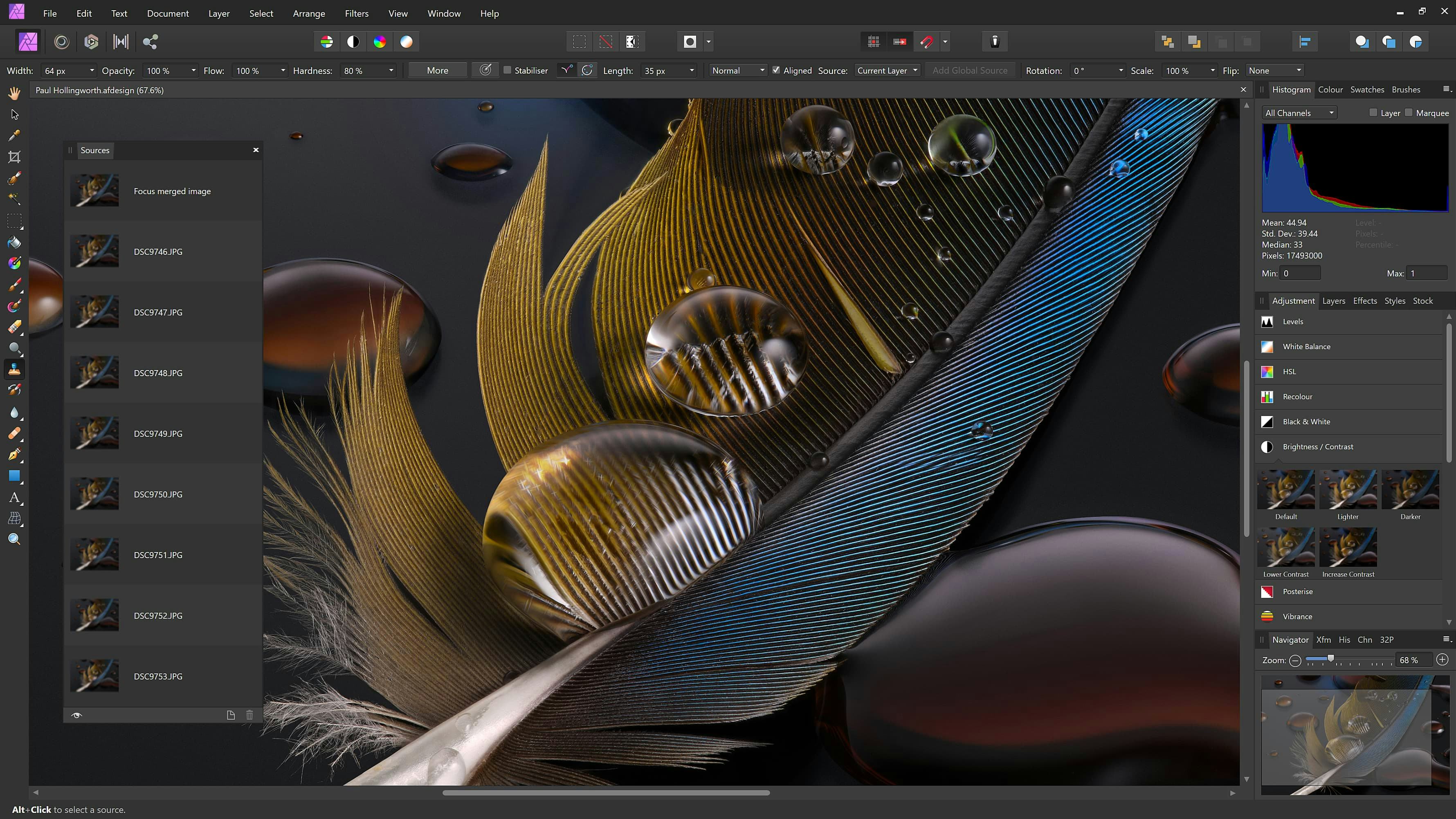
Affinity Photo Reviews Cost Features GetApp Australia 2024

Affinity Photo Review Bezystart

Affinity

How To Create A Watermark With Affinity Photo part 2 YouTube

Affinity Photo Watermark An Image Part 2 YouTube

Make A Watermark Brush In Affinity Photo Design Bundles

WEB May 26 2022 nbsp 0183 32 The UNIQUE Way to Watermark Your Photography Affinity Photo YouTube Robin Whalley 38 9K subscribers Subscribed 352 9 2K views 1 year ago Affinity Photo Tutorials This

WEB Learn to create a simple Watermark Macro to protect your Files online I will show you how to create the Overlay How to record and save the Watermark Macro

WEB Apr 6 2022 nbsp 0183 32 In this guide we will show you how to make a watermark brush in Affinity Photo You can use this brush as a semi transparent mark across your images or a signature in a corner However you choose to use this brush it will certainly make watermarking images a whole lot easier

WEB Nov 11 2020 nbsp 0183 32 Stratos Agiani in today s Affinity Photo free tutorial will show you how to replace fix an overexposed sky with amazing results DSLRs and Mirrorless cameras have amazing dynamic range But even today s cameras have a limit on what they can capture in a scene with high contrast The result often is a blown out sky that sometimes can be

WEB June 2016 by Norbert In this tutorial I will show you how to create a custom watermark image brush in Affinity Photo to sign your photos Your custom brushes are globally available in AffinityPhoto You don t have to create create a new text object or copy a logo from another photo project in your Affinity Photo documents
WEB Dec 5 2022 nbsp 0183 32 Quote Walt Designer Photo and Publisher V1 and V2 at latest retail and beta releases PC Desktop Windows 11 Pro version 23H2 64GB memory AMD Ryzen 9 5900 12 Core 3 00 GHz NVIDIA GeForce RTX 3090 Laptop Windows 11 Pro version 23H2 32GB memory Intel Core i7 10750H 2 60GHz Intel UHD Graphics Comet WEB Adding watermarks including copyright watermarks to images and photographs using Affinity Photo is possible How to Use Affinity Photo on Mac and Windows Credit Affinity Photo
WEB Apr 22 2022 nbsp 0183 32 In Affinity Photo you can create your own custom brushes including adding an image In this tutorial we will take you through the different brush types available Custom brushes can be used to watermark images add textures or decorative elements and more So let s get started as we create our own custom brushes in Affinity Photo