Vscode Turn Off Warnings Stop Warning Markers From Polluting Vscode Minimap Setting Up And Integrating Jupyter Notebook Development Environment How To Ignore Warnings In Python New Update Achievetampabay Nh ng o n Code T y Bi n Cho VSCode C c p B i Evondev Evondev Blog VSCode TechMemo WEB microsoft vscode Public Notifications Fork 27 8k Star 159k VS Code Ignore hide Warnings in Problems Tab 59038 Closed Domvel opened this issue on Sep 20 2018 183 3 comments Domvel commented on Sep
WEB Aug 20 2023 nbsp 0183 32 What do the red lines mean The red wavy underline is a feature of VS Code s IntelliSense It s a way to show that there might be an error warning or WEB Apr 10 2024 nbsp 0183 32 Disabling Pylint warnings in Visual Studio Code Disable Pylint warnings on a single line Disable all Pylint warnings in a File Disable specific Pylint warnings
VSCode TechMemo How To Remove Error Warning Underline In VSCode Add An Option To Turn Off Html Tooltips Issue 90048 Microsoft Issues Microsoft vscode livepreview GitHub Visual Studio Code VSCode Debugger Conditional Breakpoints Stack VsCode Sorting Lines Of Text NetSuite Experiences Option To Turn Off JSON Comment Warnings Issue 47418 Microsoft VSCode Tips Tricks For Flutter Projects Codereis How To Quickly Collapse Code Blocks In VSCode LinuxPip
Vscode Turn Off Warnings
 Vscode Turn Off Warnings
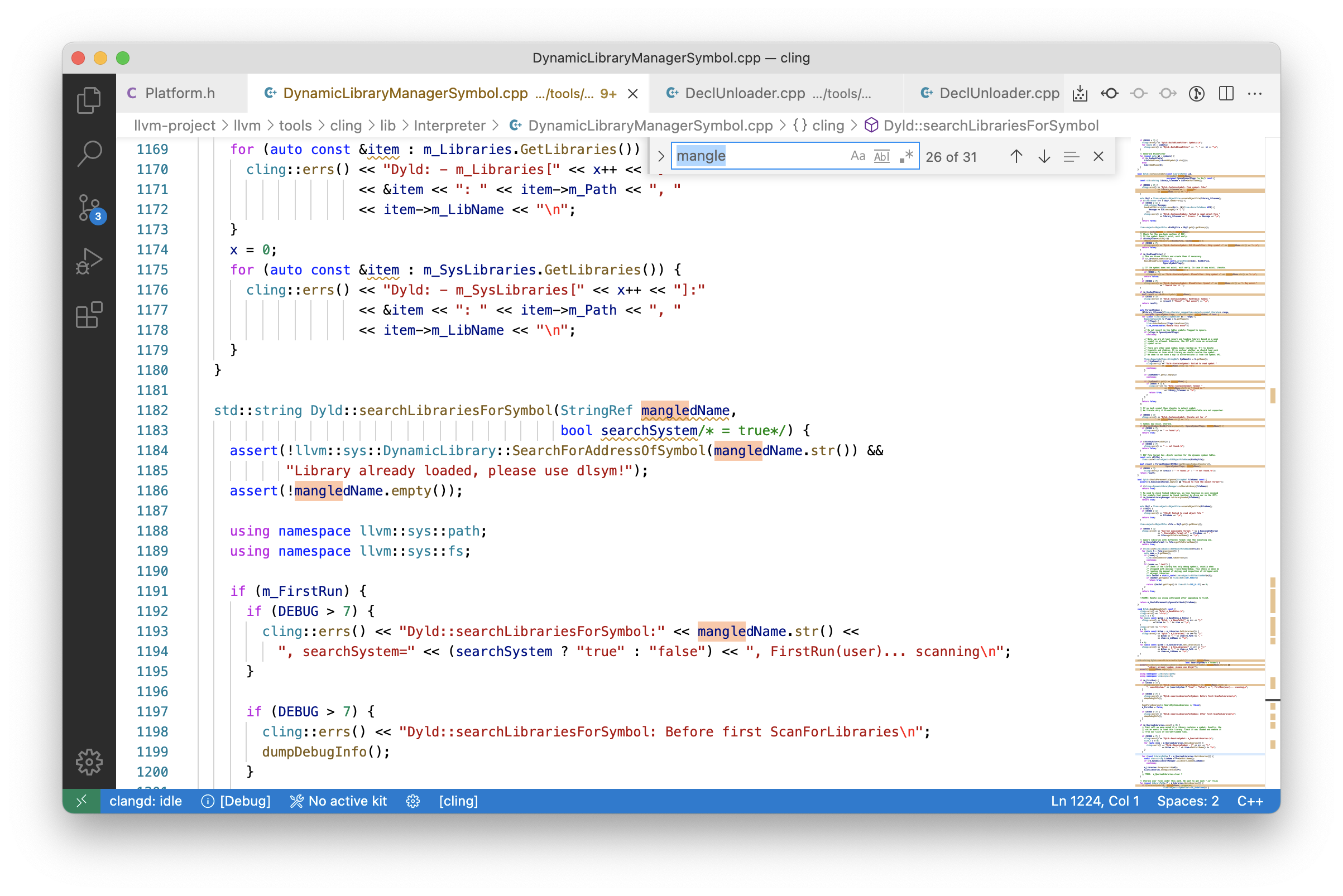
https://weliveindetail.github.io/blog/res/vscode-hide-warning-markers-off.png
WEB Jan 11 2019 nbsp 0183 32 There s three ways to do that Option 1 Use the search function Hit F1 in Visual Studio Code to make the search bar appear Write gt PowerShell Select PS then
Pre-crafted templates offer a time-saving service for producing a varied range of documents and files. These pre-designed formats and layouts can be made use of for various individual and expert jobs, consisting of resumes, invites, leaflets, newsletters, reports, discussions, and more, enhancing the material production process.
Vscode Turn Off Warnings
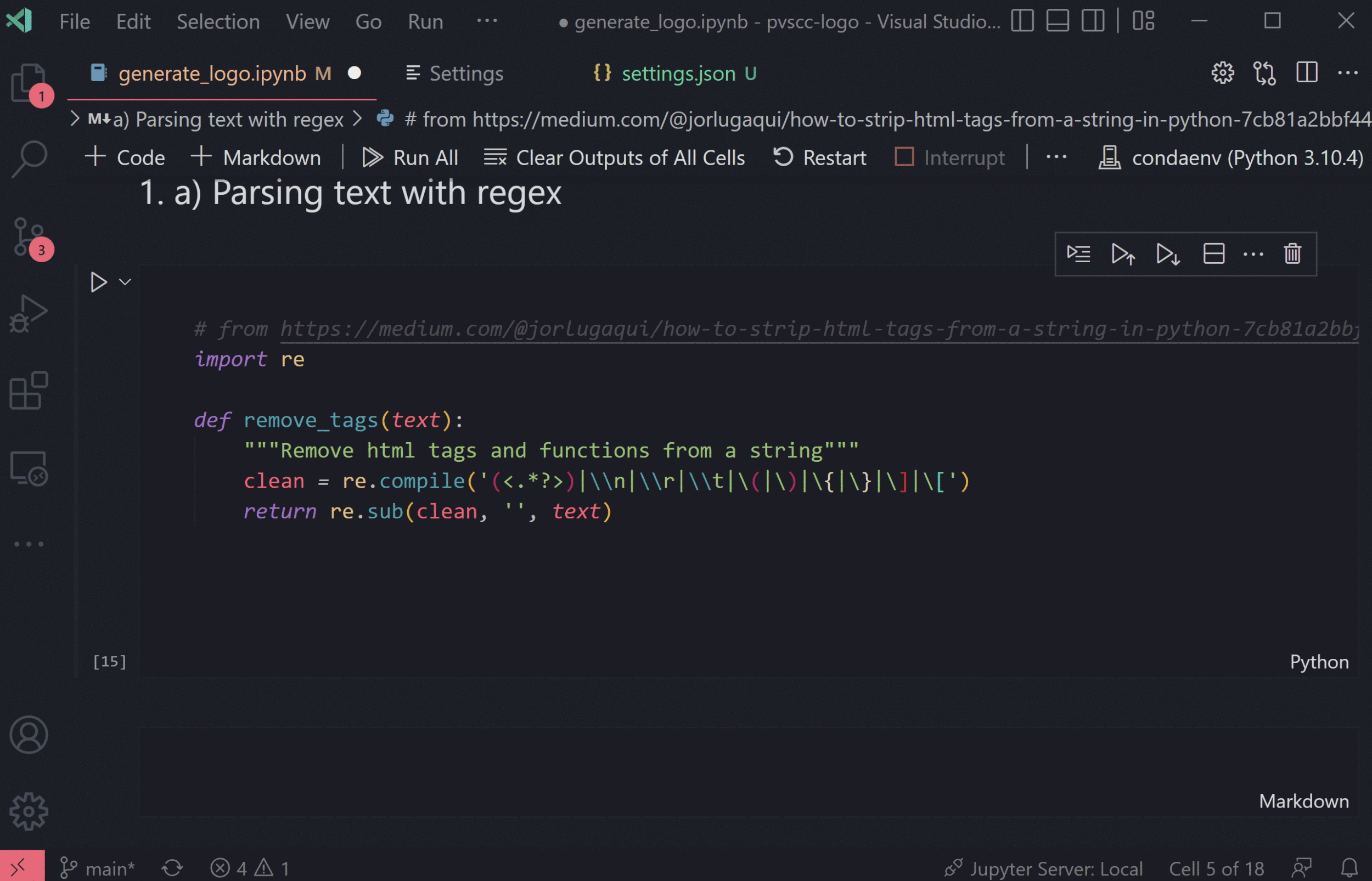
B Jupyter Python In Visual Studio Code September 2022 Release
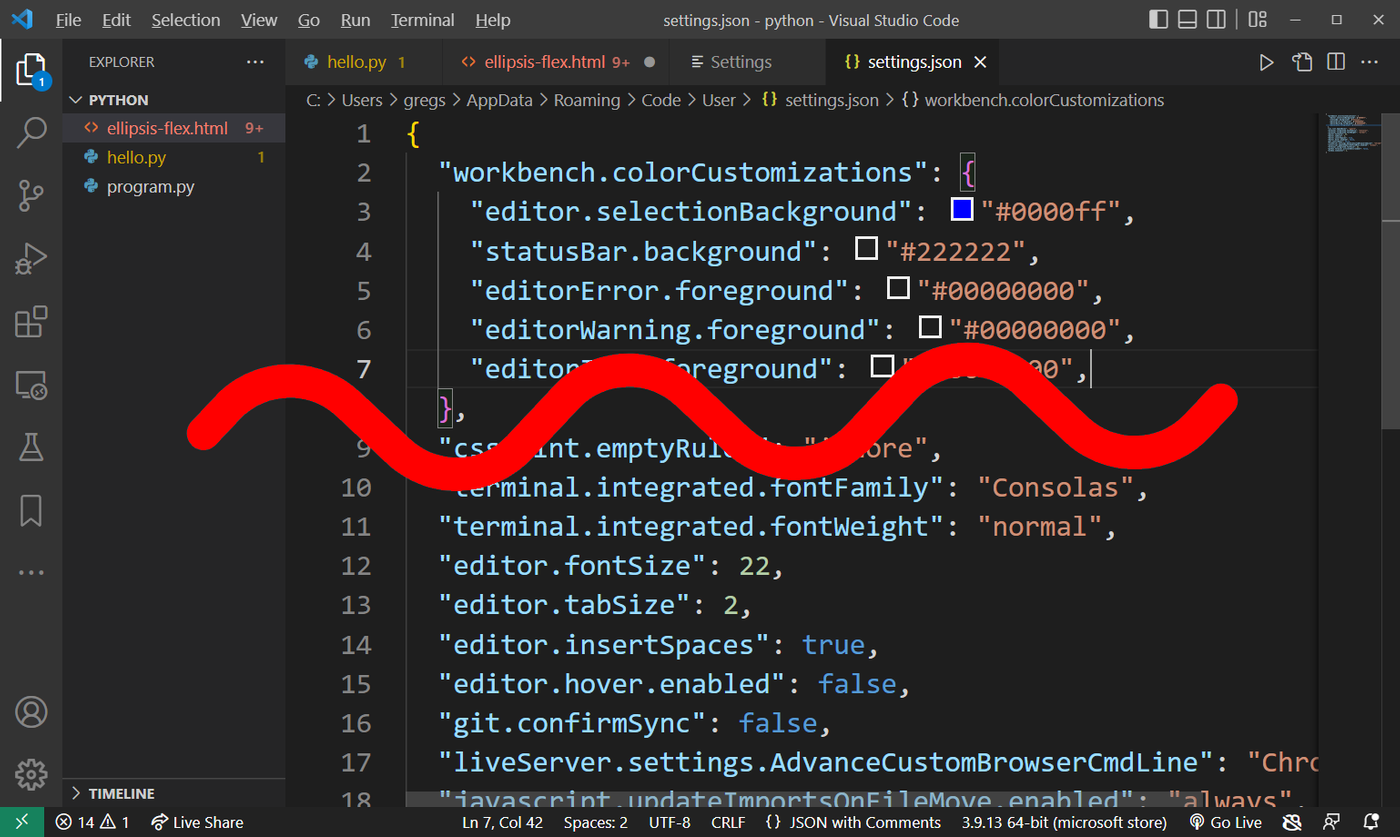
How To Remove Error Warning Underline In VSCode

Add An Option To Turn Off Html Tooltips Issue 90048 Microsoft
Issues Microsoft vscode livepreview GitHub

VsCode Sorting Lines Of Text NetSuite Experiences
Option To Turn Off JSON Comment Warnings Issue 47418 Microsoft
WEB Sep 9 2020 nbsp 0183 32 If you want to keep the errors but disable only the warnings you can also configure pylint directly from VsCode Go to the menu File

WEB Run linting Linting will automatically run when a Python file is opened or saved Errors and warnings are shown in the Problems panel M Windows Linux Ctrl Shift M for open files and are also highlighted in

WEB Dec 19 2018 nbsp 0183 32 Is there any way I can disable that errors warnings The output looks like warnings as there is a yellow triangle at the beginning with text like Python unresolved
WEB Apr 6 2024 nbsp 0183 32 linting errors warnings informational warnings As you write code VS Code runs validation and informs you when an error occurs or a warning pops up You can

WEB In VSCode turning off errors and warnings underneath keywords isn t straightforward at least at the time of writing this tutorial So to quot disable quot underlines in VSCode it s best to just change their color to an invisible
WEB Oct 9 2017 nbsp 0183 32 If you want to hide a particular warning code across your entire project open the overall properties through the Project Properties menu command and when the WEB Turn off all warnings The red yellow squiggles to be specific Need to disable all warnings but they still show with all lining disabled Working with a pretty clean set up
WEB Dec 14 2023 at 13 59 Add a comment 1 Answer Sorted by 0 Figured it out By using the Apex PMD VSCode extension default ruleset and changing some rule priorities I can